
AI Create style
Niedliches Kawaii AI Image Generator
Erstelle niedliche Kawaii-KI-Bilder aus Texteingaben für Sticker, Figurenideen, fröhliche Social Posts, Schreibwaren und verspielte Produktmotive. Ein klares Hauptmotiv, Pastellfarben, runde Formen und ein einfacher Hintergrund sorgen für bessere Lesbarkeit.
Use case
Originelle Maskottchen und Figuren für Profile und Kreativprojekte.
Use case
Entwürfe für Sticker, Grußkarten, Schreibwaren und Social-Kampagnen.
Use case
Verspielte Produktszenen für Spielzeug, Lebensmittel, Accessoires und Geschenkverpackungen.

Visual direction preview
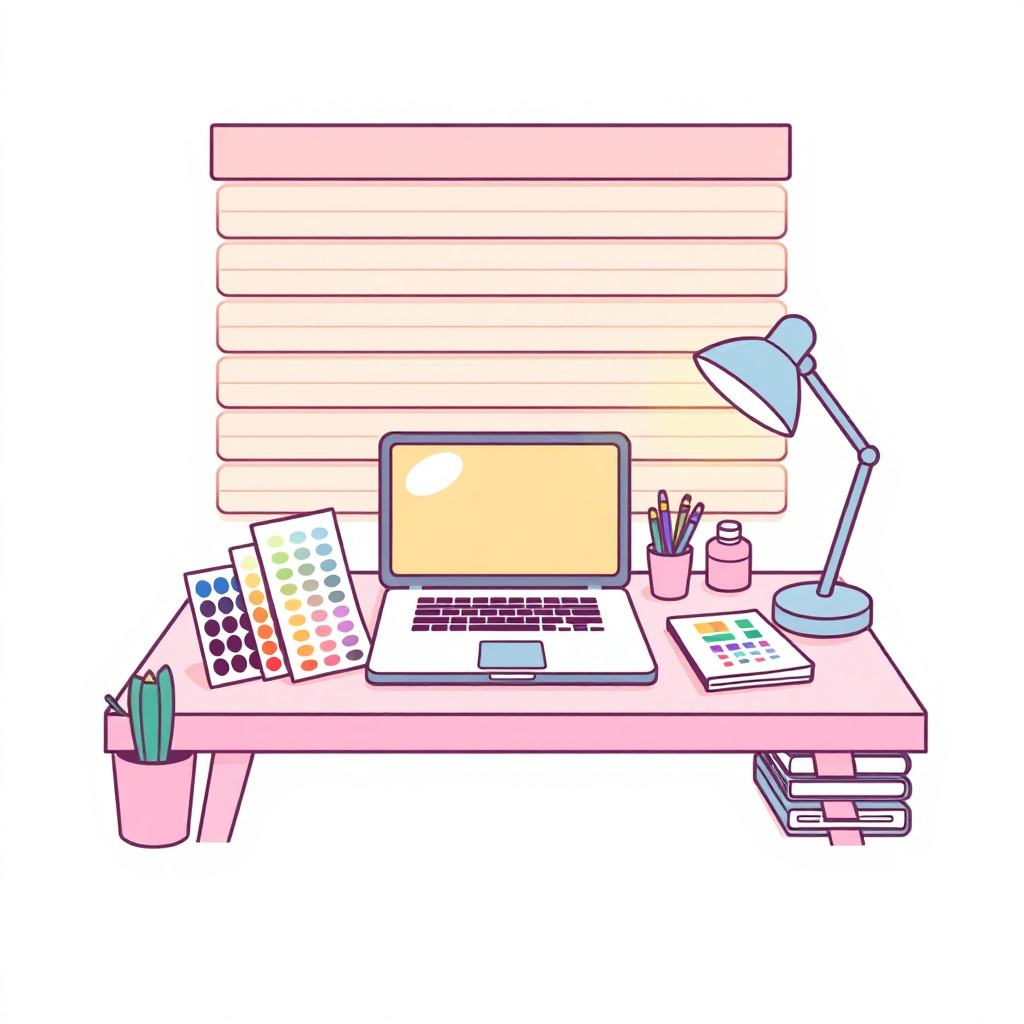
Use the style thumbnail as the creative target
The preview gives users a concrete reference for color, texture, edge detail, and mood before they open the generator. Pair it with the prompt starters below to keep the page useful instead of only decorative.
Generated examples
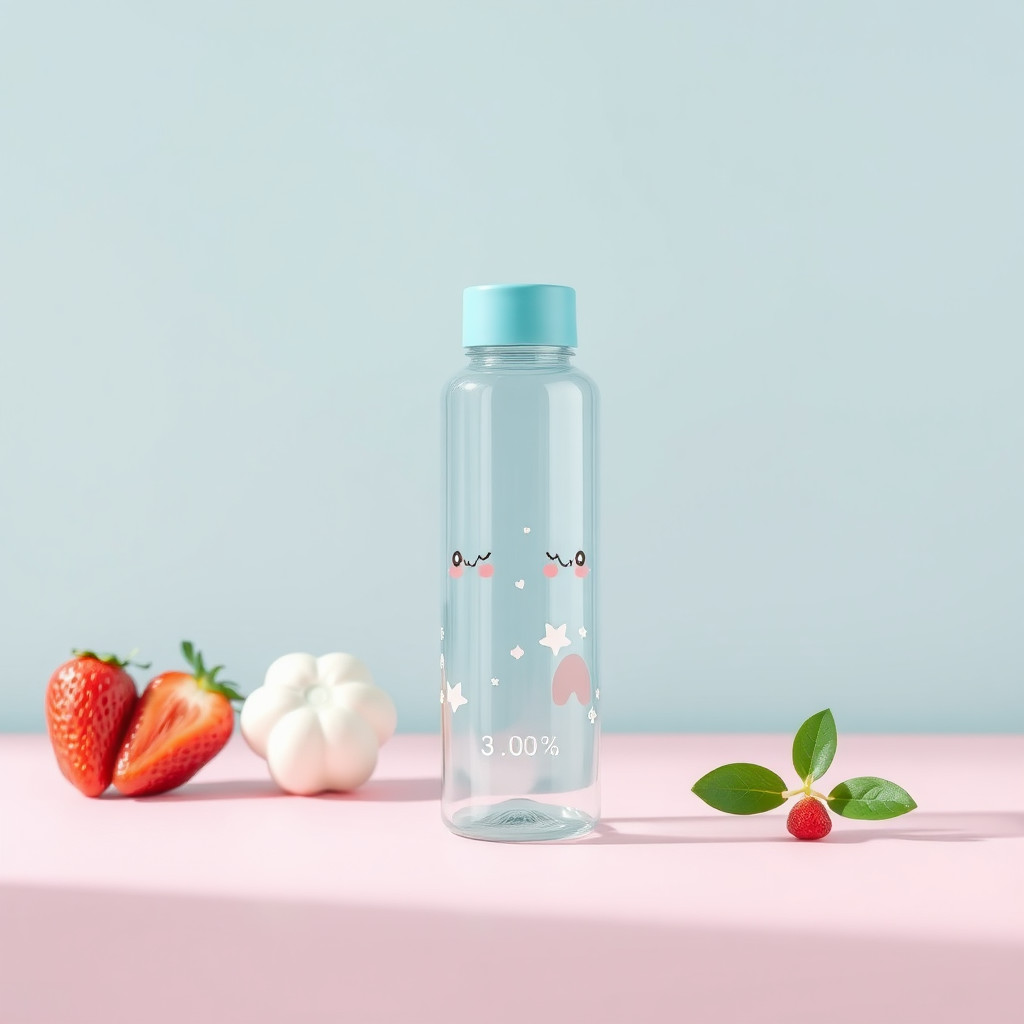
See the niedliches kawaii style in real outputs
These examples were generated through the Magic Eraser AI Create API with the niedliches kawaii style selected.
Prompt workflow
How to get a stronger niedliches kawaii result
Beschreibe zuerst das Motiv, dann Ausdruck, Pose, Pastellfarben, runde Formen und Hintergrund.
Erzeuge mehrere Varianten und vergleiche Gesicht, Silhouette, Farbbalance und Lesbarkeit im Kleinformat.
Wähle das beste Ergebnis, schneide es zu und entferne störende Hintergrunddetails.
Prompt starters
- “Niedliches Kawaii-Roter-Panda-Maskottchen winkend, runde Formen, Pastellrosa und Mint, klarer Hintergrund”
- “Niedlicher Kawaii-Erdbeerkuchen auf kleinem Cafétisch, fröhliches Gesicht, weiches Licht”
- “Kawaii-Schreibwarenset mit lächelnden Wolken und Sternen, Pastellfarben, saubere Produktanordnung”
Style tips
- Nutze ein Hauptmotiv und eine einfache Szene.
- Beschreibe eigene Figuren statt geschützter Charaktere oder Marken.
- Füge exakten Text und Logos erst nach der Generierung hinzu.
Output planning checklist
- Decide the final placement before prompting: square post, vertical story, product insert, poster, thumbnail, or wide banner.
- Keep one primary subject and one visual mood so the niedliches kawaii style has a clear job.
- Describe the background as simple, detailed, bright, dark, studio, outdoor, or textured instead of leaving it open-ended.
- Generate variations first, then edit the selected image for crop, cleanup, and export size.
When to choose this style
Choose niedliches kawaii when the image needs a clear creative direction before production: an ad concept, a social visual, a character idea, a packaging mood, or a fast design draft. Choose another style if the final asset must look like a camera photo, preserve exact product color, or include precise typography.
For commercial work, treat the generated image as a starting point. Review details, remove distracting artifacts, add exact text separately, and export the final size from the editor.
FAQ
Can I edit the generated image?
Yes. Generate the image, then continue with cleanup, crop, background, and export tools in Magic Eraser.
Should I include exact text?
Use AI Create for the visual direction. Add exact text later with editable design tools for cleaner spelling and layout.
Is this style selected automatically?
The CTA opens AI Create with the niedliches kawaii style parameter, and the app falls back safely if the option changes.