
Remove a Watermark in Adobe Photoshop — or Skip Straight to 1-Click
تعلم كيفية Remove a Watermark in Adobe Photoshop — or Skip Straight to 1-Click باستخدام Magic Eraser. دليل بسيط خطوة بخطوة مع أداة ذكاء اصطناعي مجانية. يعمل على الويب وiOS وAndroid.
Last updated
جرب الآن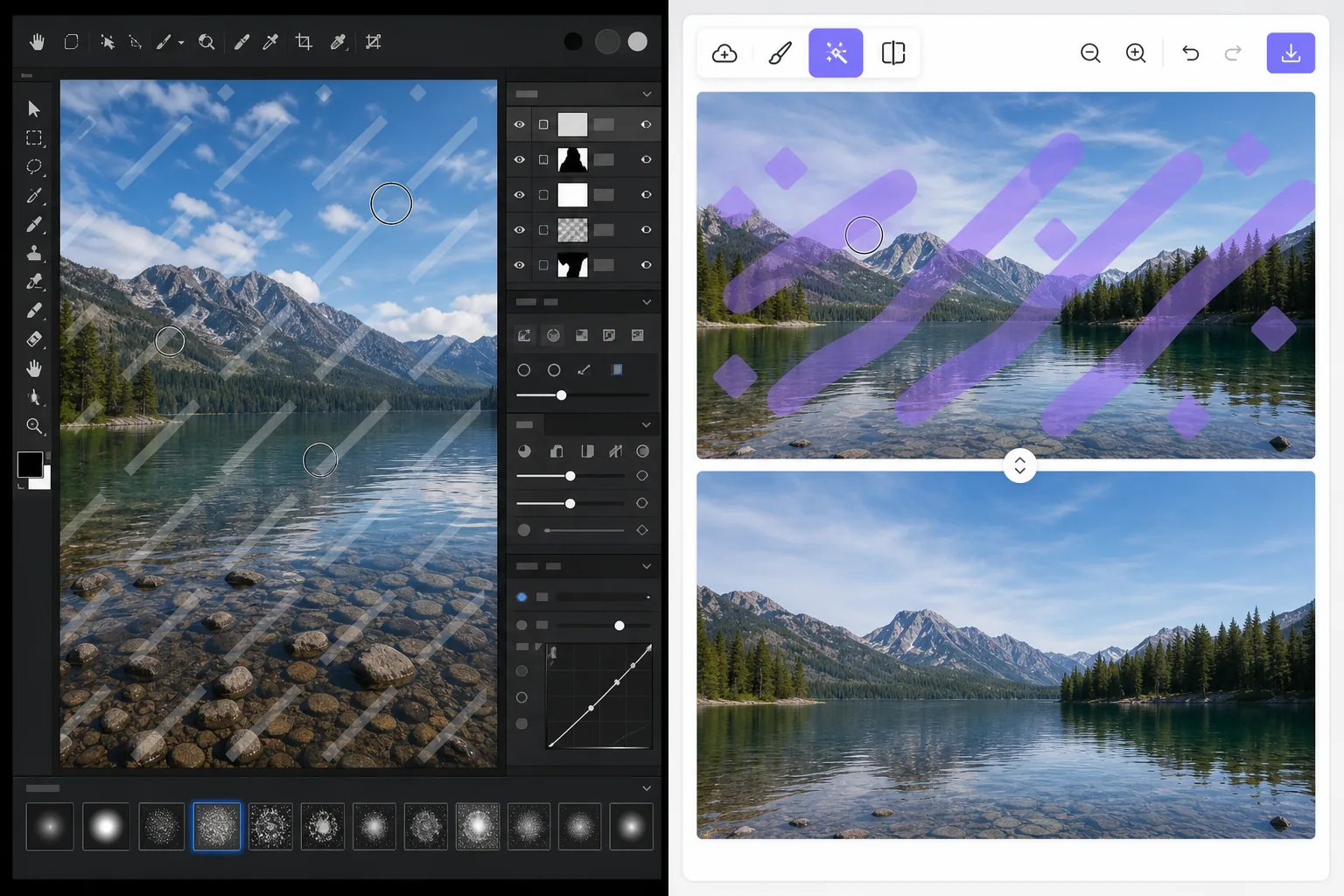
Two ways to remove a watermark — Magic Eraser
Searching for how to remove a watermark in Adobe Photoshop usually lands you on a clone-and-heal tutorial. That method is real and it works: Photoshop is a professional-grade editor with precise Clone Stamp, Healing Brush, and Content-Aware Fill tools that give you pixel-level control. The catch is time and skill. You select the watermark, sample clean pixels, brush carefully, and often repeat across complex backgrounds. For a single quick fix that is a lot of steps. Magic Eraser takes the same goal and compresses it to one click. You brush over the watermark and AI inpainting reconstructs a plausible fill for the area. Honest caveat: it does not recover the literal pixels hidden underneath — no tool can — it generates a believable replacement. For most photos that result is clean enough to use immediately, with no install, no subscription, and no learning curve.
Before you start
التعليمات خطوة بخطوة
Start with ارفع الصورة. The result preview above and tips below use this guide's existing content; no separate before-and-after proof is assumed.
- 1
ارفع الصورة
افتح Magic Eraser على الويب أو iOS أو Android. اسحب وأفلت صورتك بتنسيق JPEG أو PNG أو HEIC أو WebP. لا حاجة لحساب.
- 2
اختر الأداة والمنطقة
اختر الأداة المناسبة وحدد المنطقة المراد معالجتها. سيحلل الذكاء الاصطناعي ويطبق التغييرات تلقائيًا في ثوانٍ.
- 3
حمّل النتيجة
معاينة النتيجة وتحميل الصورة المعدلة. تصدير بصيغة PNG أو JPEG عالي الجودة.
الأنسب لـ
- Quick one-off fixes where firing up Adobe Photoshop is overkill
- People without a Photoshop subscription or editing experience
- Removing watermarks on your own photos from a phone (iOS/Android) or browser
- Batch-style cleanups where speed matters more than pixel-perfect retouching
- Anyone who finds clone/heal tutorials too fiddly or time-consuming
نصائح للحصول على أفضل النتائج
Only remove watermarks from images you own or are licensed to edit. Watermarks often mark copyrighted or paid-license work, and stripping them from images you do not have rights to can violate copyright and terms of use. When in doubt, license the image or get permission first. For best results on busy backgrounds, brush a little wider than the watermark so the AI has clean surrounding context to reconstruct from.
الأسئلة الشائعة
- هل ميزة Remove a Watermark in Adobe Photoshop — or Skip Straight to 1-Click مجانية؟
- نعم، يتيح لك Magic Eraser Remove a Watermark in Adobe Photoshop — or Skip Straight to 1-Click مجانًا ضمن الحد اليومي. قم بالترقية إلى Pro للمعالجة غير المحدودة والتصدير بدقة عالية.
- كم يستغرق Remove a Watermark in Adobe Photoshop — or Skip Straight to 1-Click؟
- بضع ثوانٍ فقط. يعالج الذكاء الاصطناعي في Magic Eraser الصور بسرعة — معظم النتائج متاحة فور الرفع.
- هل يمكنني استخدامه على الهاتف؟
- نعم، Magic Eraser يعمل على iOS وAndroid وجميع متصفحات الويب. يمكنك التبديل بين الأجهزة بحرية.
- هل تتأثر جودة الصورة؟
- لا، يحافظ Magic Eraser على جودة الصورة الأصلية. يعالج الذكاء الاصطناعي بذكاء للحفاظ على التفاصيل والوضوح.