
AI Create style
Trình tạo ảnh nghệ thuật cuộn giấy bằng AI
Tạo ảnh phong cách cuộn giấy từ câu lệnh với những dải giấy cuộn, đường viền nổi và bóng đổ thủ công. Phù hợp cho thiệp, áp phích, chữ trang trí và ý tưởng thủ công; hãy mô tả chủ thể, màu giấy, hình cuộn và bố cục.

Use case
Thiệp, thiệp mời và tranh trang trí bằng giấy cuộn.
Use case
Hoa, chữ cái và họa tiết trang trí có chiều sâu thủ công.
Use case
Ý tưởng cho bao bì, áp phích và hình ảnh mạng xã hội.

Visual direction preview
Use the style thumbnail as the creative target
The preview gives users a concrete reference for color, texture, edge detail, and mood before they open the generator. Pair it with the prompt starters below to keep the page useful instead of only decorative.
Generated examples
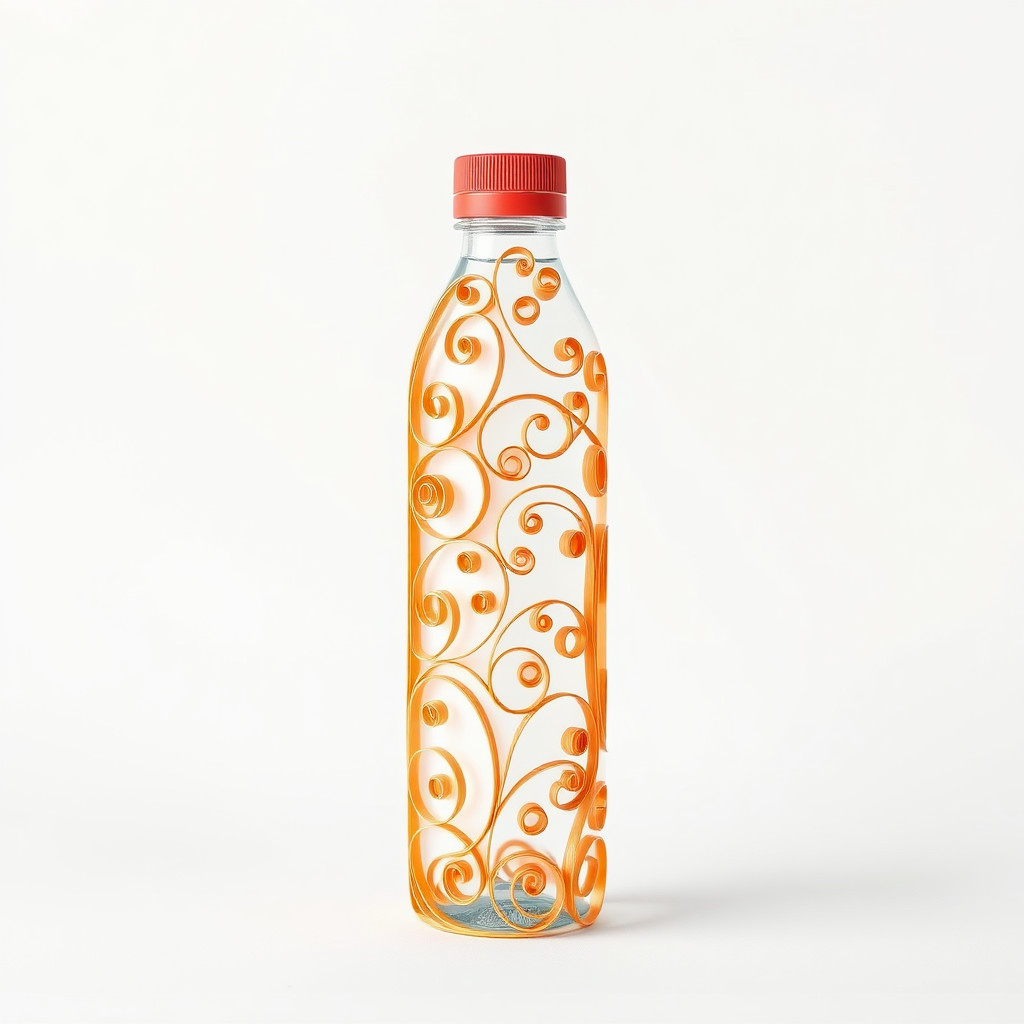
See the nghệ thuật cuộn giấy style in real outputs
These examples were generated through the Magic Eraser AI Create API with the nghệ thuật cuộn giấy style selected.
Prompt workflow
How to get a stronger nghệ thuật cuộn giấy result
Chọn một chủ thể chính và bố cục đơn giản.
Nêu màu giấy, độ rộng dải giấy, kiểu cuộn và hướng sáng.
Tạo vài phiên bản, chọn đường nét rõ nhất rồi cắt và xóa chi tiết thừa.
Prompt starters
- “Bó hoa cuộn giấy, dải giấy xanh và vàng, nền kem, bóng đổ mềm”
- “Chim công cuộn giấy màu xanh lam và lục, bố cục áp phích đối xứng”
- “Chữ cái M trang trí bằng hoa cuộn giấy, hồng và trắng, nền sạch”
Style tips
- Giới hạn bảng màu để các cuộn giấy dễ đọc.
- Dùng hình lớn thay vì quá nhiều chi tiết nhỏ.
- Thêm chữ và logo chính xác sau khi tạo.
Output planning checklist
- Decide the final placement before prompting: square post, vertical story, product insert, poster, thumbnail, or wide banner.
- Keep one primary subject and one visual mood so the nghệ thuật cuộn giấy style has a clear job.
- Describe the background as simple, detailed, bright, dark, studio, outdoor, or textured instead of leaving it open-ended.
- Generate variations first, then edit the selected image for crop, cleanup, and export size.
When to choose this style
Choose nghệ thuật cuộn giấy when the image needs a clear creative direction before production: an ad concept, a social visual, a character idea, a packaging mood, or a fast design draft. Choose another style if the final asset must look like a camera photo, preserve exact product color, or include precise typography.
For commercial work, treat the generated image as a starting point. Review details, remove distracting artifacts, add exact text separately, and export the final size from the editor.
FAQ
Can I edit the generated image?
Yes. Generate the image, then continue with cleanup, crop, background, and export tools in Magic Eraser.
Should I include exact text?
Use AI Create for the visual direction. Add exact text later with editable design tools for cleaner spelling and layout.
Is this style selected automatically?
The CTA opens AI Create with the nghệ thuật cuộn giấy style parameter, and the app falls back safely if the option changes.