
AI Filter style
ИИ-фильтр для фото в стиле techwear
Преобразуйте модные снимки и портреты в футуристические изображения techwear с многослойной одеждой, функциональными деталями и кинематографичным светом. Результат является творческой интерпретацией, поэтому проверьте лица, руки, текст и детали одежды.
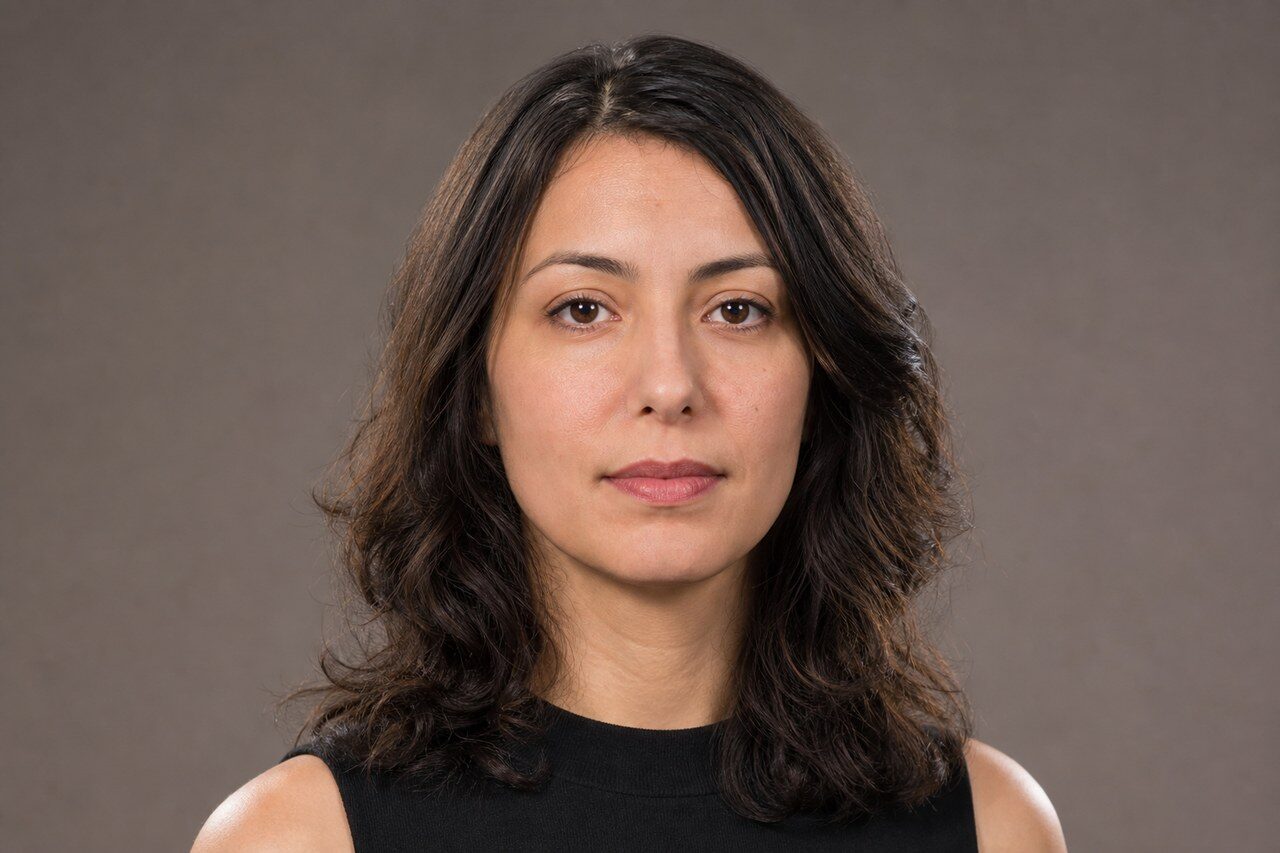
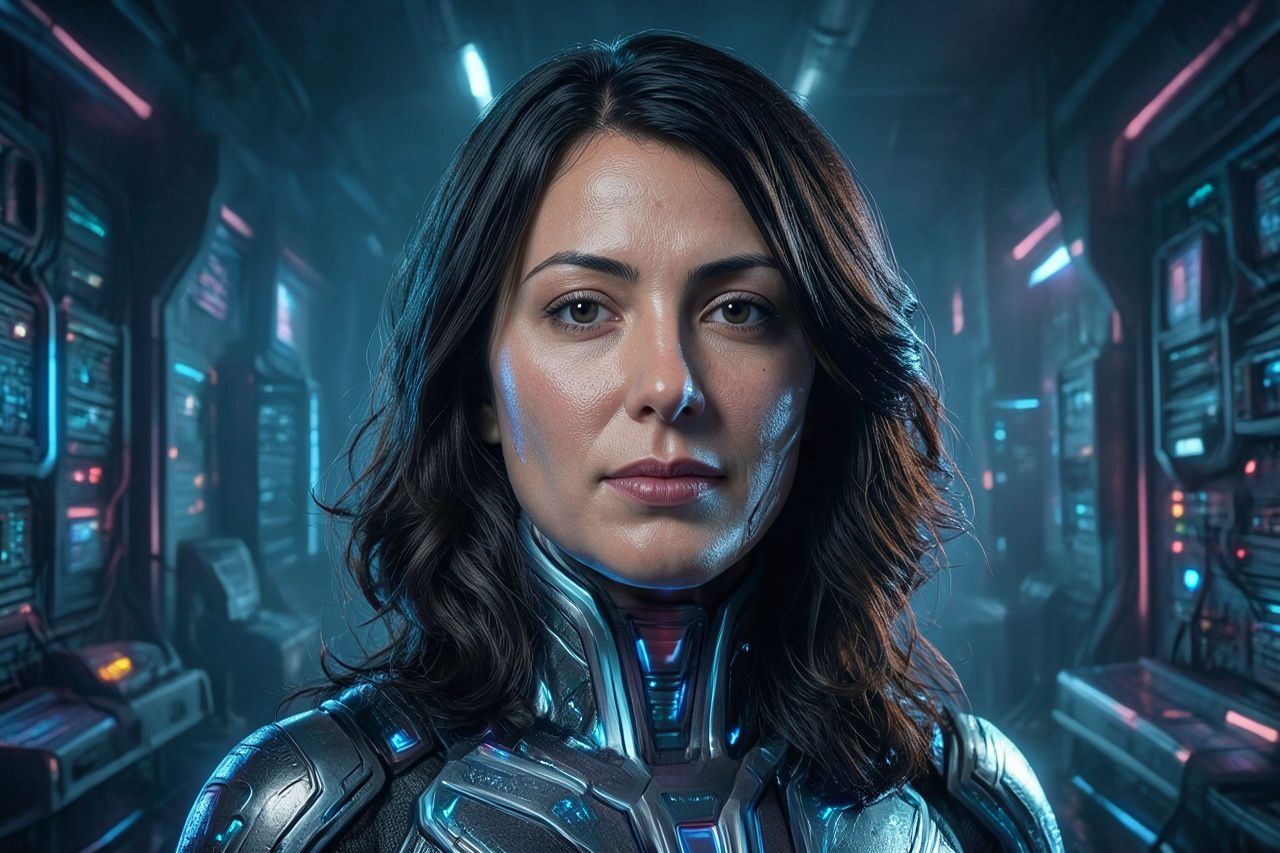
Use case
Футуристические модные портреты и аватары.
Use case
Идеи образов, публикации авторов и мудборды.
Use case
Эскизы городских постеров и кампаний.
Filter preview
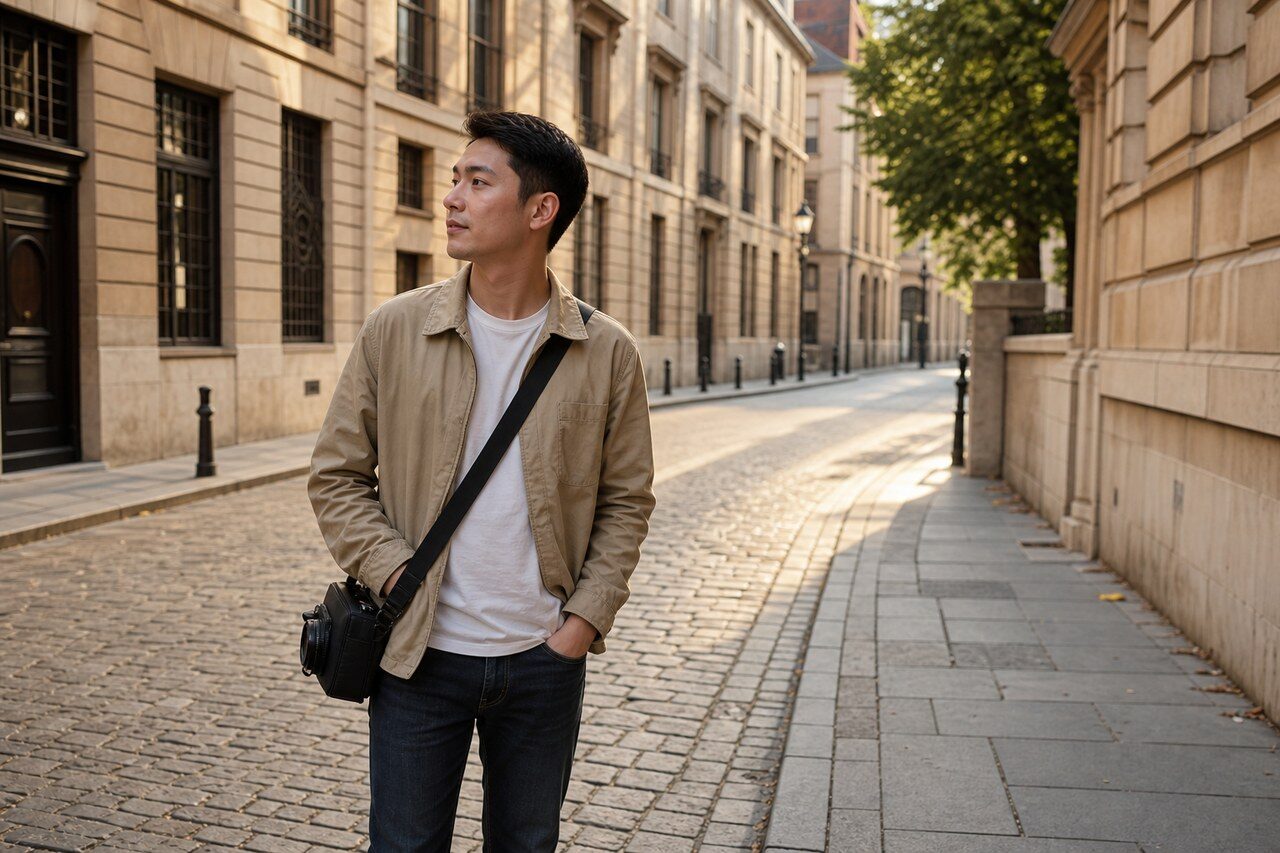
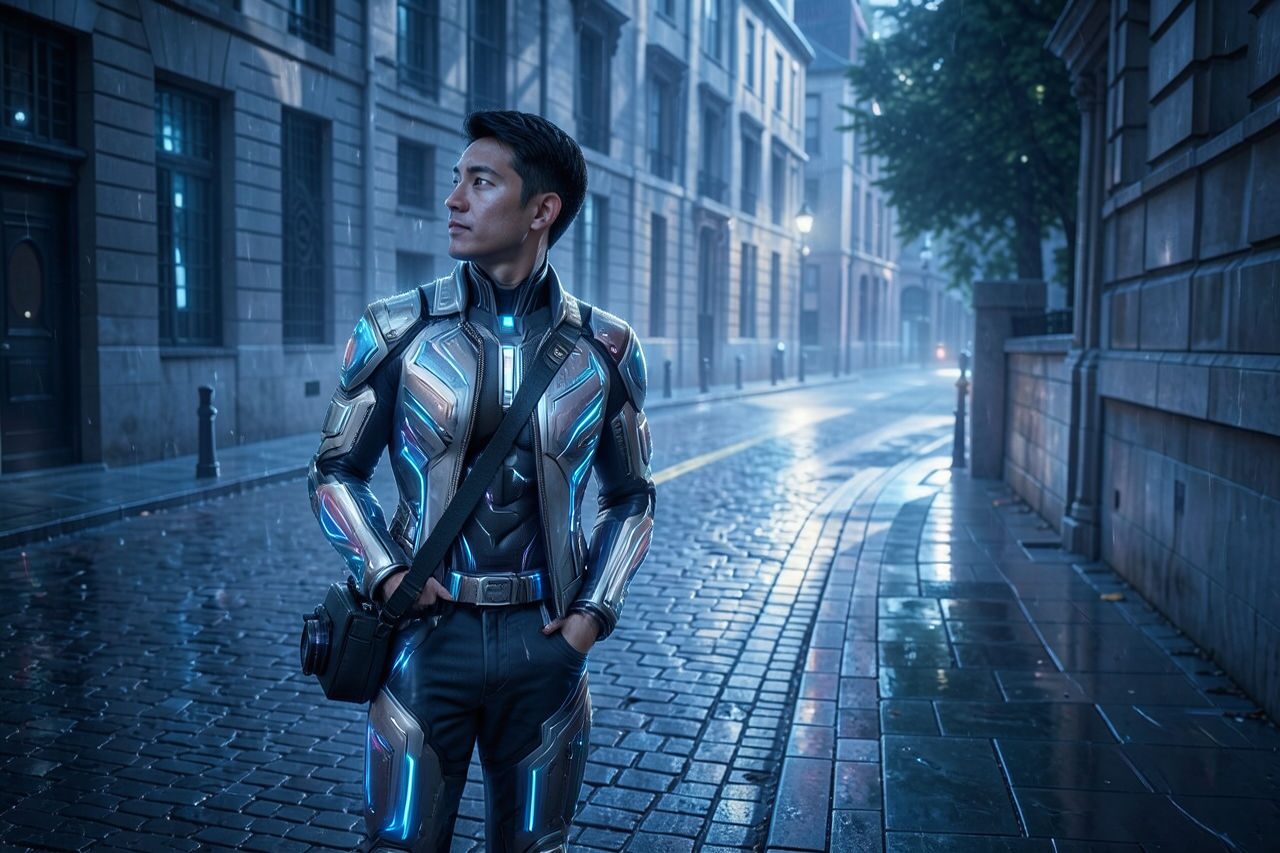
Compare the original photo with the techwear fashion result
The example uses a generated source photo and the same filter API path as the app, so users can judge the visual treatment before uploading their own image.
More examples
Test the techwear fashion filter on different photo types
Compare portrait, product, and pet examples before opening the filter. Each result uses the same filter API path as the Magic Eraser app.

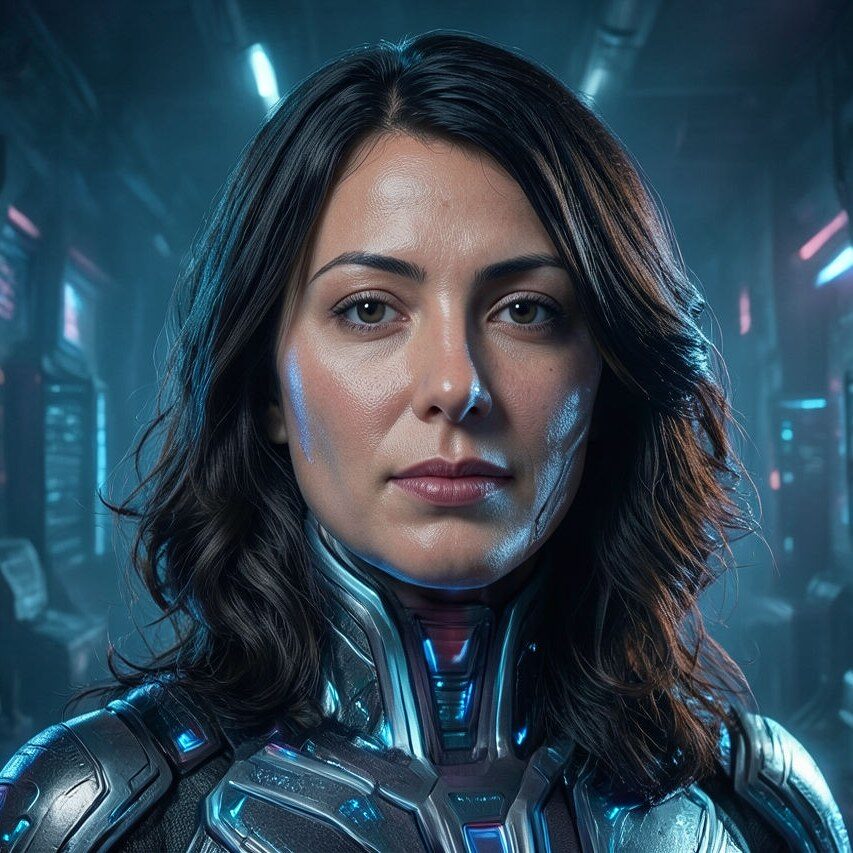
Portrait
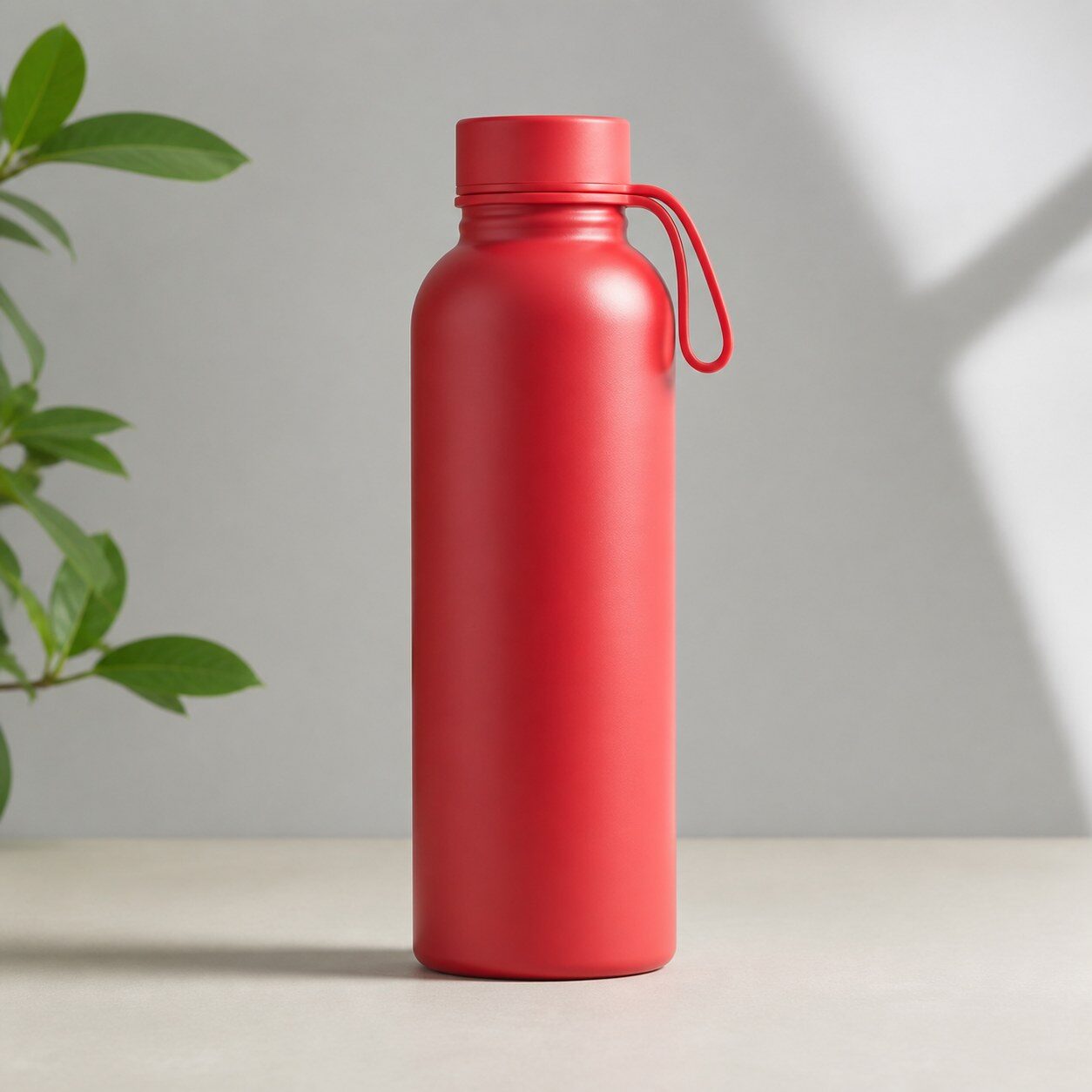
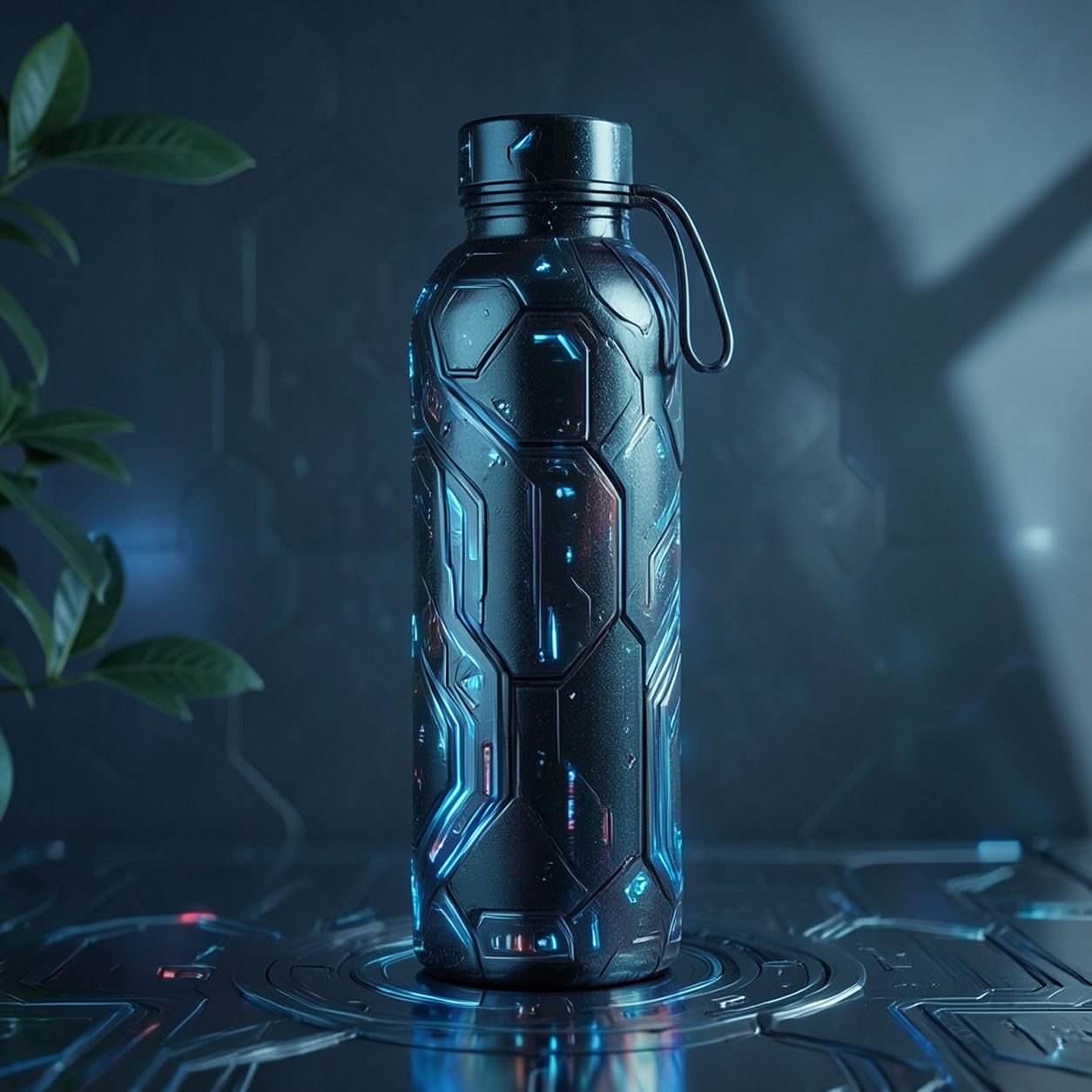
Product
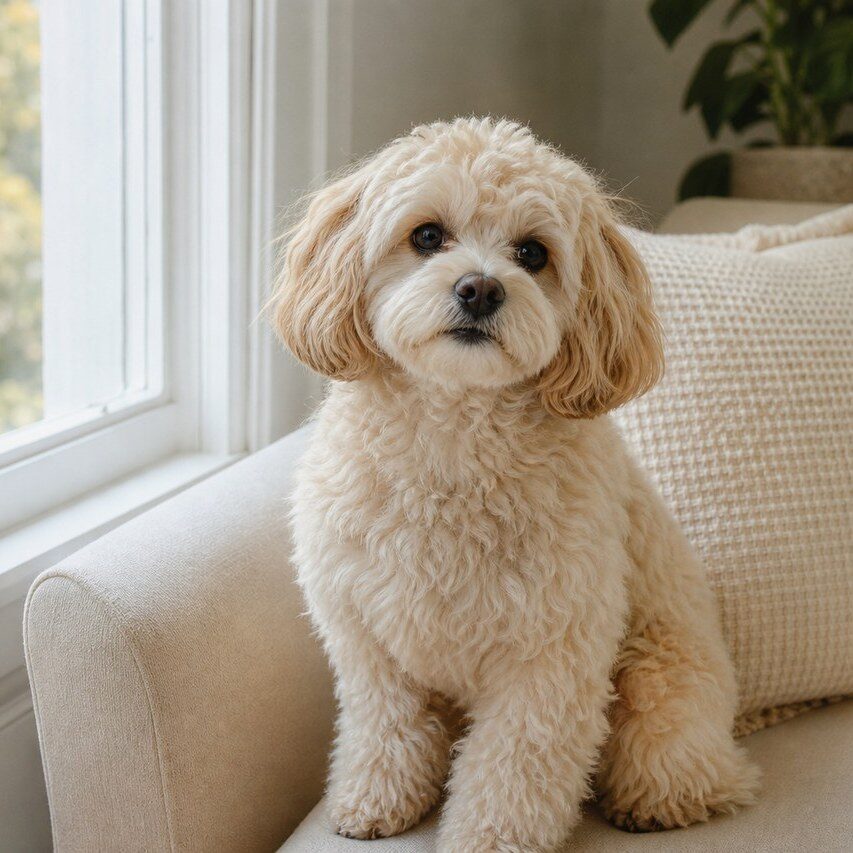

Pet
Photo workflow
How to get a cleaner techwear fashion filter result
Выберите четкое фото в полный рост или по пояс с ясным силуэтом.
Откройте фильтр techwear, загрузите фото и проверьте лица, руки и края одежды.
Кадрируйте и удалите лишние ремни или детали фона перед экспортом.
Best source photos
- Модные фото в полный рост или по пояс.
- Уличные портреты с четким силуэтом.
- Косплейные или редакционные фото на простом фоне.
Filter tips
- Простой фон помогает различить слои одежды.
- Избегайте больших групп и слишком мелких фигур.
- Не используйте результат там, где важны точные товары, логотипы или цвета.
Before upload checklist
- Use the largest clean version of the photo, not a compressed screenshot or reposted image.
- Crop loosely before filtering so the AI has enough room around the subject.
- Remove obvious distractions first if they sit directly on the face, product, or main subject.
- Check the result at the size where it will be used: profile image, feed post, story, thumbnail, or banner.
When this filter is a good fit
Choose the techwear fashion filter when the original photo already has a clear subject and the goal is a recognizable stylized version, not a fully new generated scene. It is strongest for social, creator, profile, event, and campaign images where mood matters more than documentary accuracy.
Use a different workflow when the image needs exact product color, legal documentation, medical accuracy, or unmodified identity details. In those cases, use cleanup, crop, enhancement, or background tools instead of a heavy creative filter.
Free browser tools after filtering
FAQ
What should I upload?
Use a clear photo with one main subject. Strong lighting and simple backgrounds usually make the AI filter easier to control.
Can I keep editing after the filter?
Yes. After applying the filter, use Magic Eraser to crop, clean distractions, refine backgrounds, and export the final image.
Is this filter selected automatically?
The CTA opens AI Filter with the techwear fashion style parameter, and the app falls back safely if the filter changes.