
AI Filter style
ИИ-фильтр цифрового искусства для фото
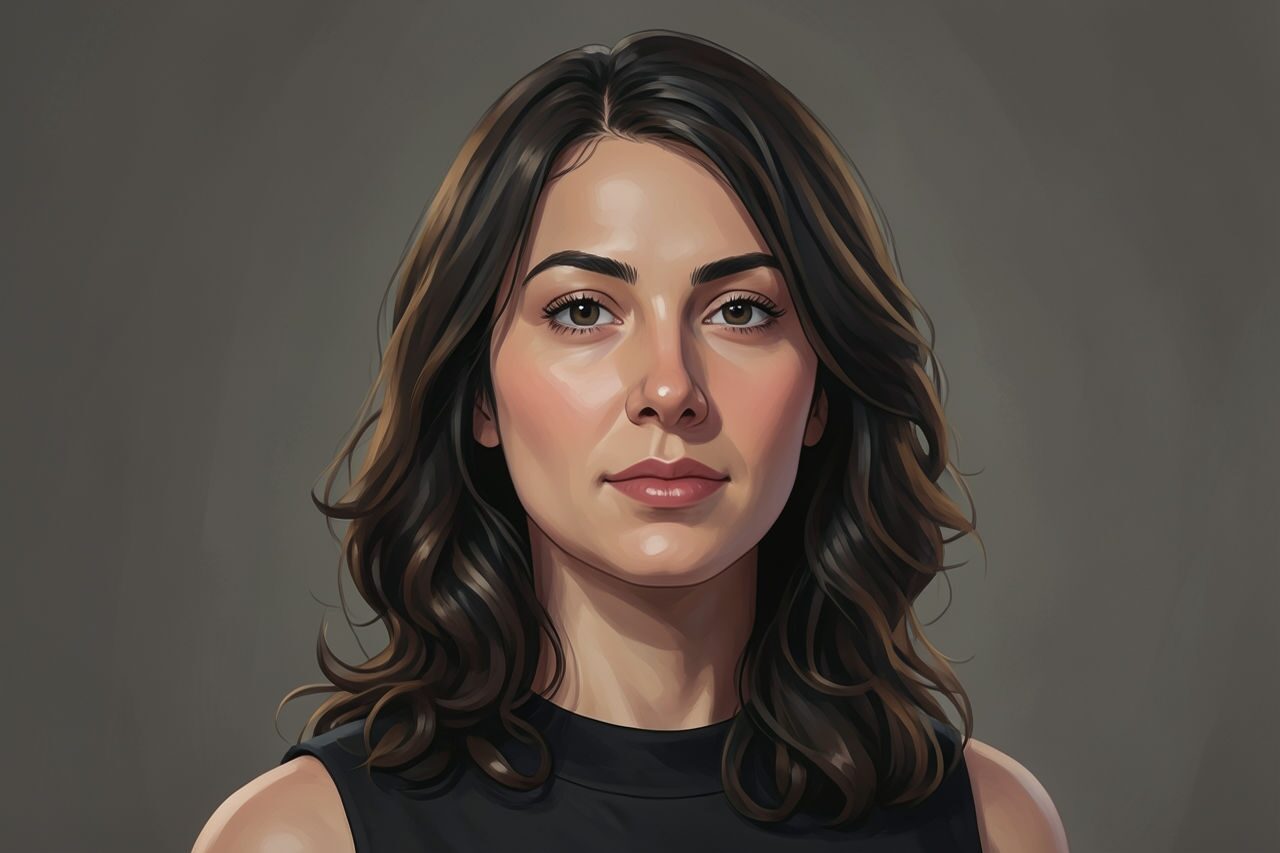
Преобразуйте фото в проработанную цифровую иллюстрацию с более насыщенными цветами и плавной стилизацией, сохранив узнаваемость объекта. Подходит для портретов, питомцев, путешествий, lifestyle и рекламных концепций; перед использованием проверьте текст, этикетки и мелкие детали.

Use case
Портреты авторов, аватары и баннеры для соцсетей.
Use case
Фото питомцев, путешествий и повседневной жизни с проработанным иллюстративным оформлением.
Use case
Рекламные концепции, где исходный объект должен оставаться узнаваемым.
Filter preview
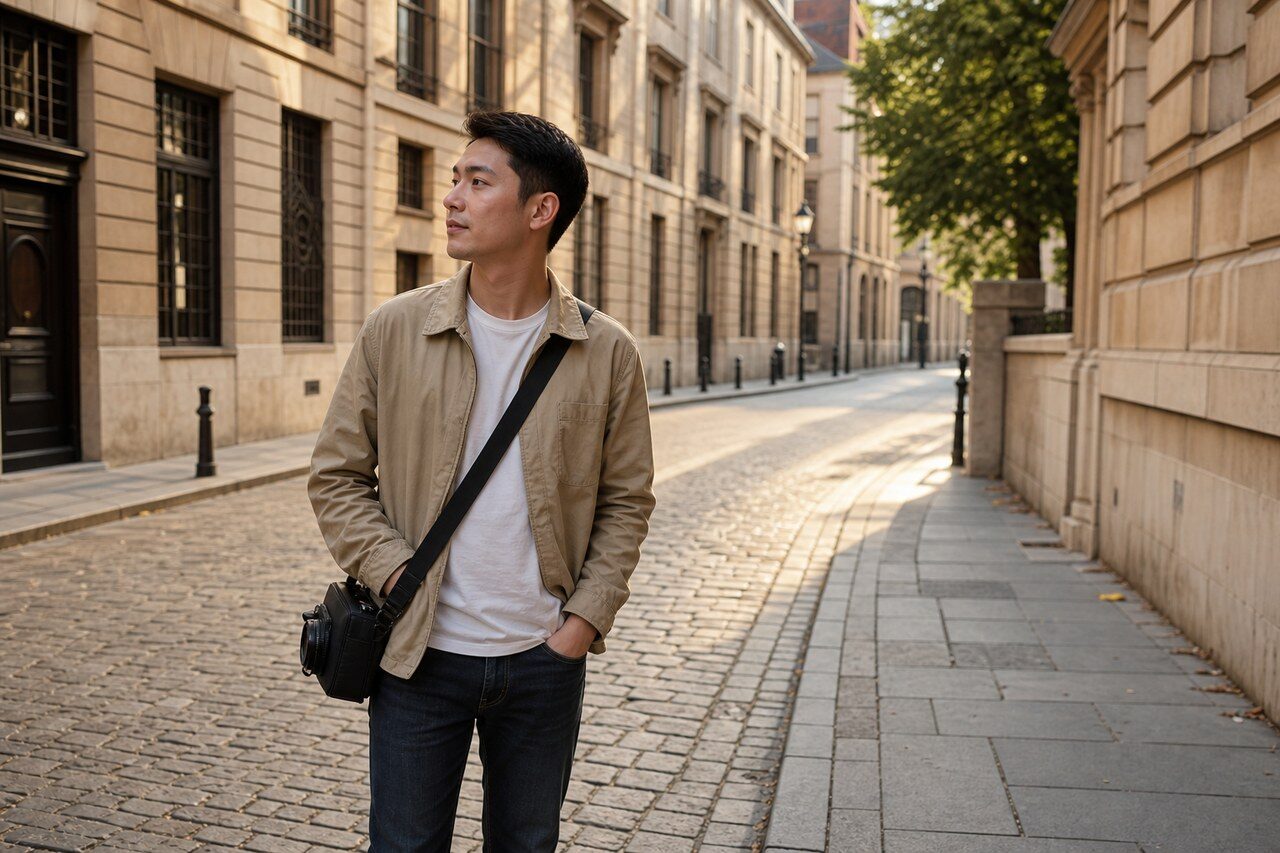
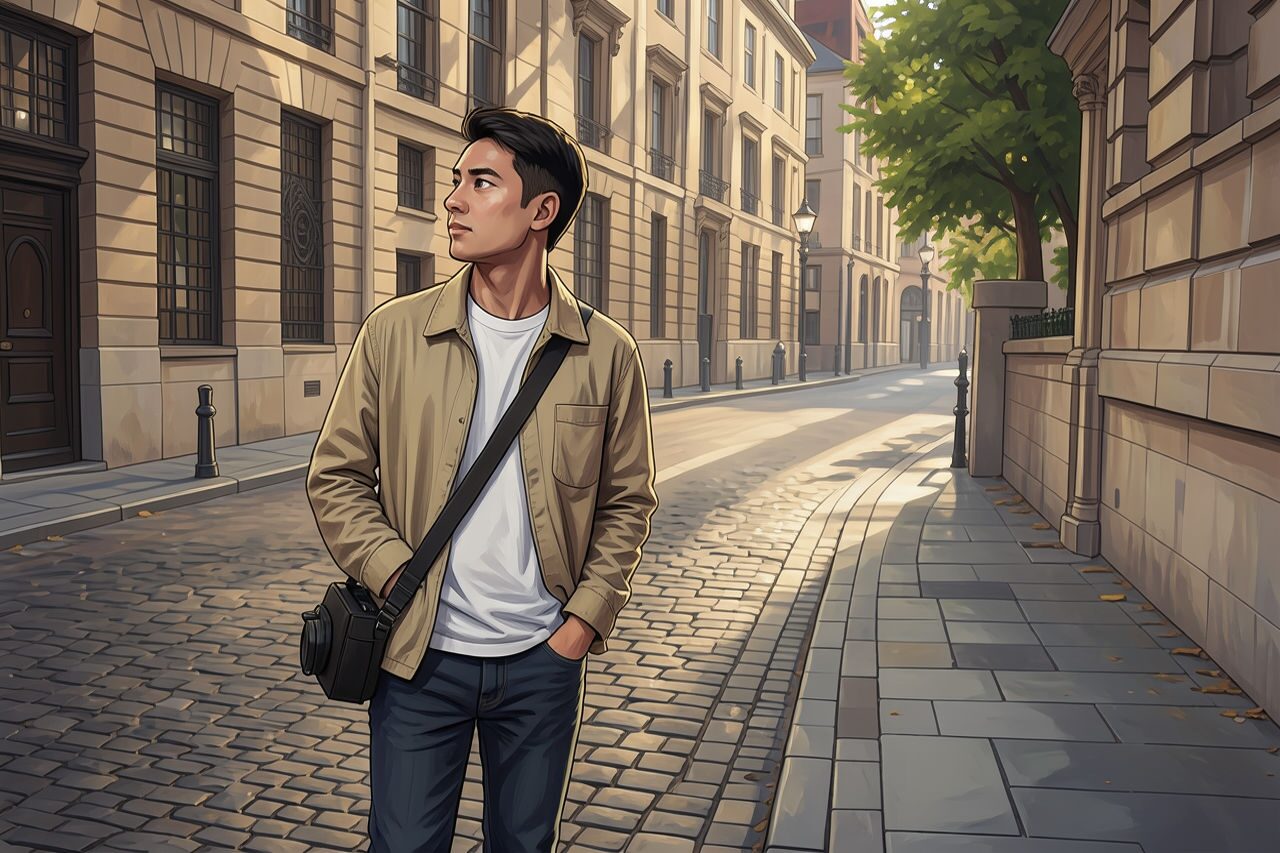
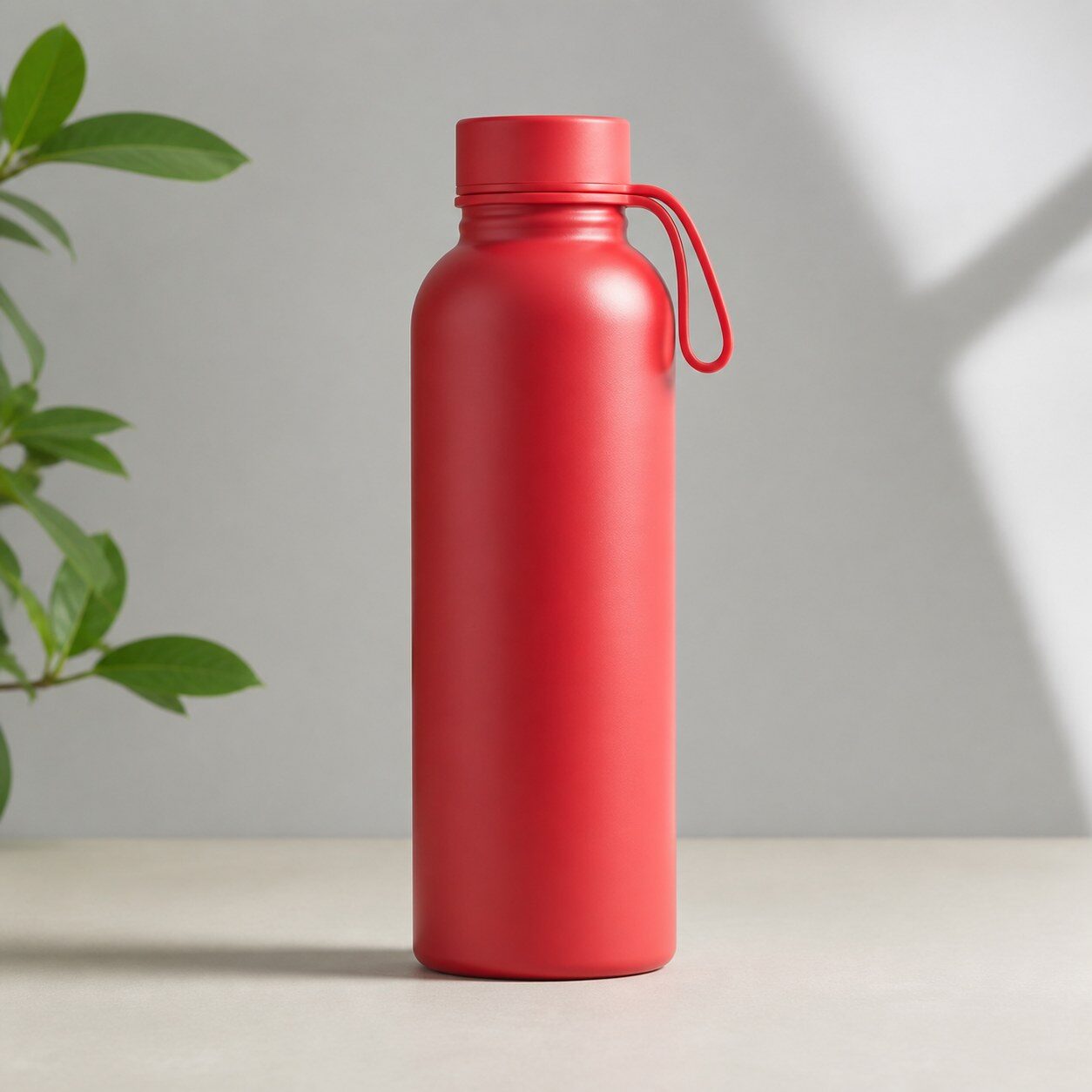
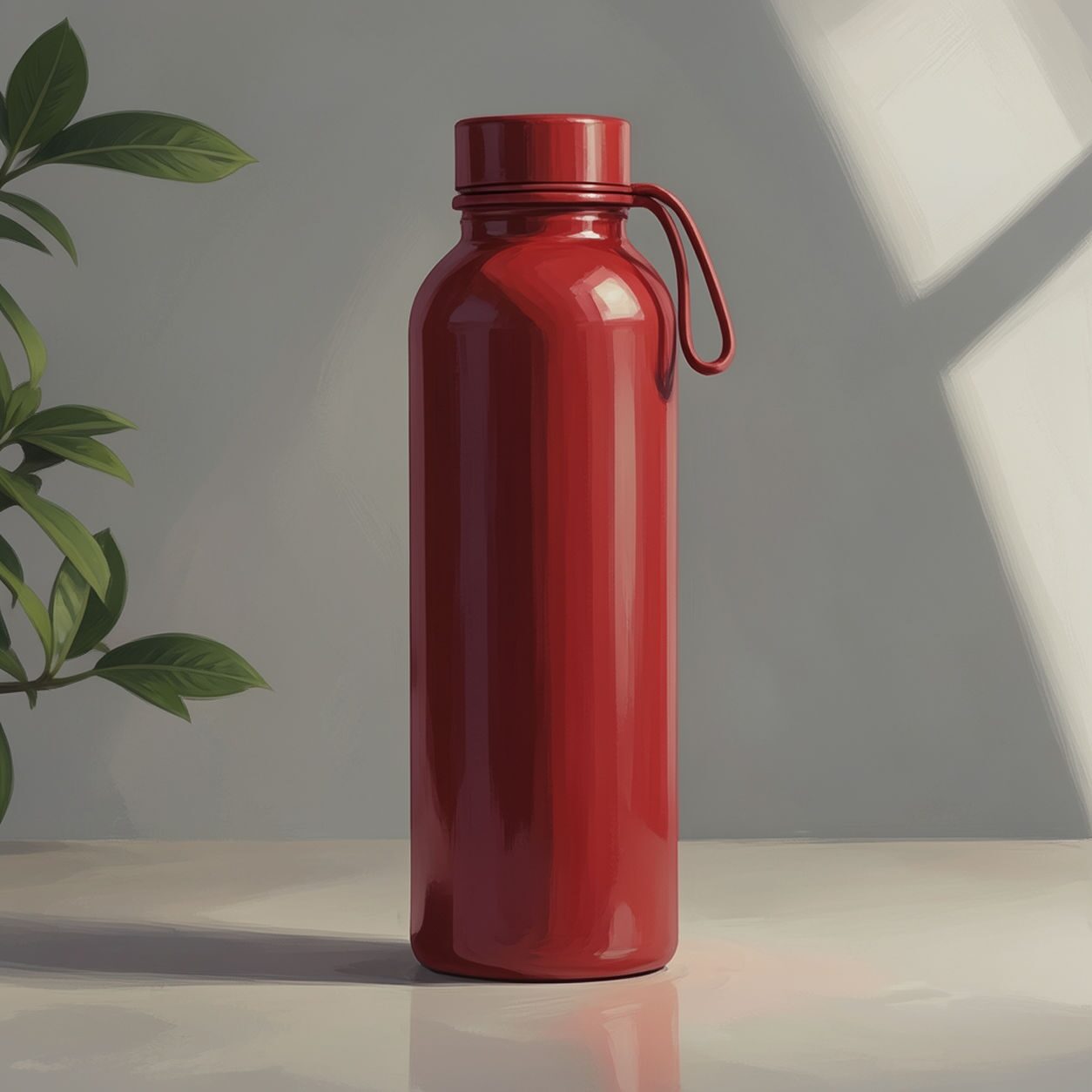
Compare the original photo with the digital art result
The example uses a generated source photo and the same filter API path as the app, so users can judge the visual treatment before uploading their own image.
More examples
Test the digital art filter on different photo types
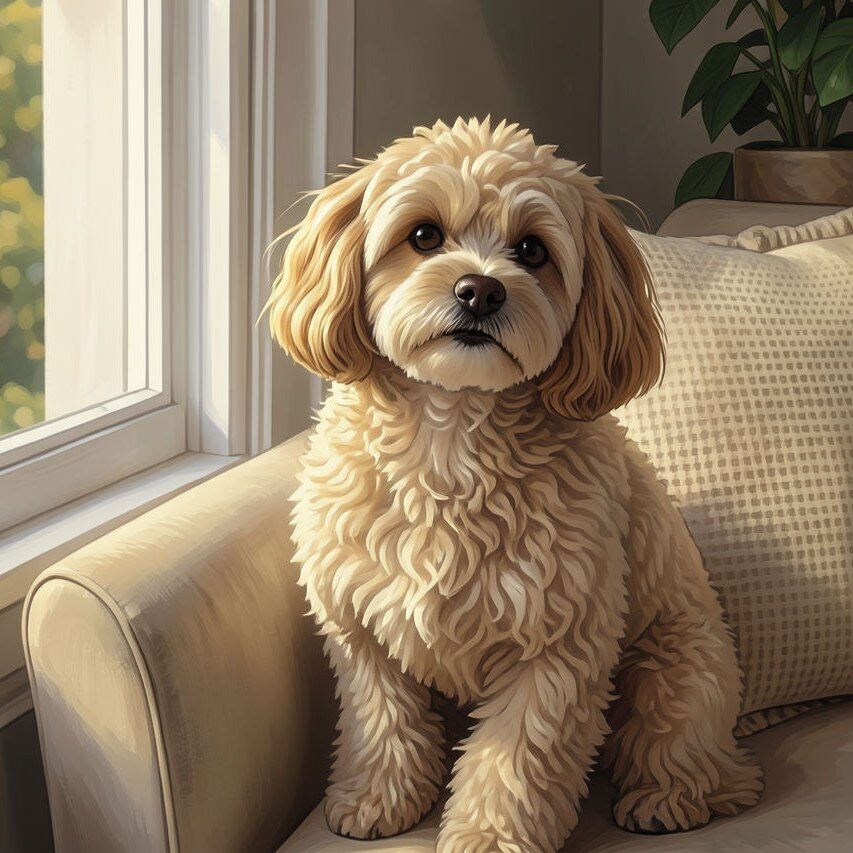
Compare portrait, product, and pet examples before opening the filter. Each result uses the same filter API path as the Magic Eraser app.

Portrait
Product

Pet
Photo workflow
How to get a cleaner digital art filter result
Возьмите четкое, хорошо освещенное фото без сильных предварительных фильтров.
Откройте фильтр цифрового искусства, загрузите фото и проверьте лица, руки, текст и кадрирование.
Перед экспортом удалите отвлекающие детали или кадрируйте результат.
Best source photos
- Портреты, фото питомцев, путешествий и повседневной жизни.
- Предметные фото с простой постановкой.
- Изображения, которым нужна художественная обработка, а не резкая смена жанра.
Filter tips
- Один главный объект и простой фон обычно дают более чистый результат.
- Фильтр не сможет полностью исправить размытое или плохо освещенное фото.
- Для товаров оставляйте этикетки крупными и проверяйте их точность после фильтрации.
Before upload checklist
- Use the largest clean version of the photo, not a compressed screenshot or reposted image.
- Crop loosely before filtering so the AI has enough room around the subject.
- Remove obvious distractions first if they sit directly on the face, product, or main subject.
- Check the result at the size where it will be used: profile image, feed post, story, thumbnail, or banner.
When this filter is a good fit
Choose the digital art filter when the original photo already has a clear subject and the goal is a recognizable stylized version, not a fully new generated scene. It is strongest for social, creator, profile, event, and campaign images where mood matters more than documentary accuracy.
Use a different workflow when the image needs exact product color, legal documentation, medical accuracy, or unmodified identity details. In those cases, use cleanup, crop, enhancement, or background tools instead of a heavy creative filter.
Free browser tools after filtering
FAQ
What should I upload?
Use a clear photo with one main subject. Strong lighting and simple backgrounds usually make the AI filter easier to control.
Can I keep editing after the filter?
Yes. After applying the filter, use Magic Eraser to crop, clean distractions, refine backgrounds, and export the final image.
Is this filter selected automatically?
The CTA opens AI Filter with the digital art style parameter, and the app falls back safely if the filter changes.