
AI Create style
ИИ-генератор сюрреалистических изображений
Создавайте сюрреалистические картины по тексту с невозможными объектами, сказочными пропорциями и загадочными пространствами. Опишите объект, превращение, палитру, свет и фактуру краски.
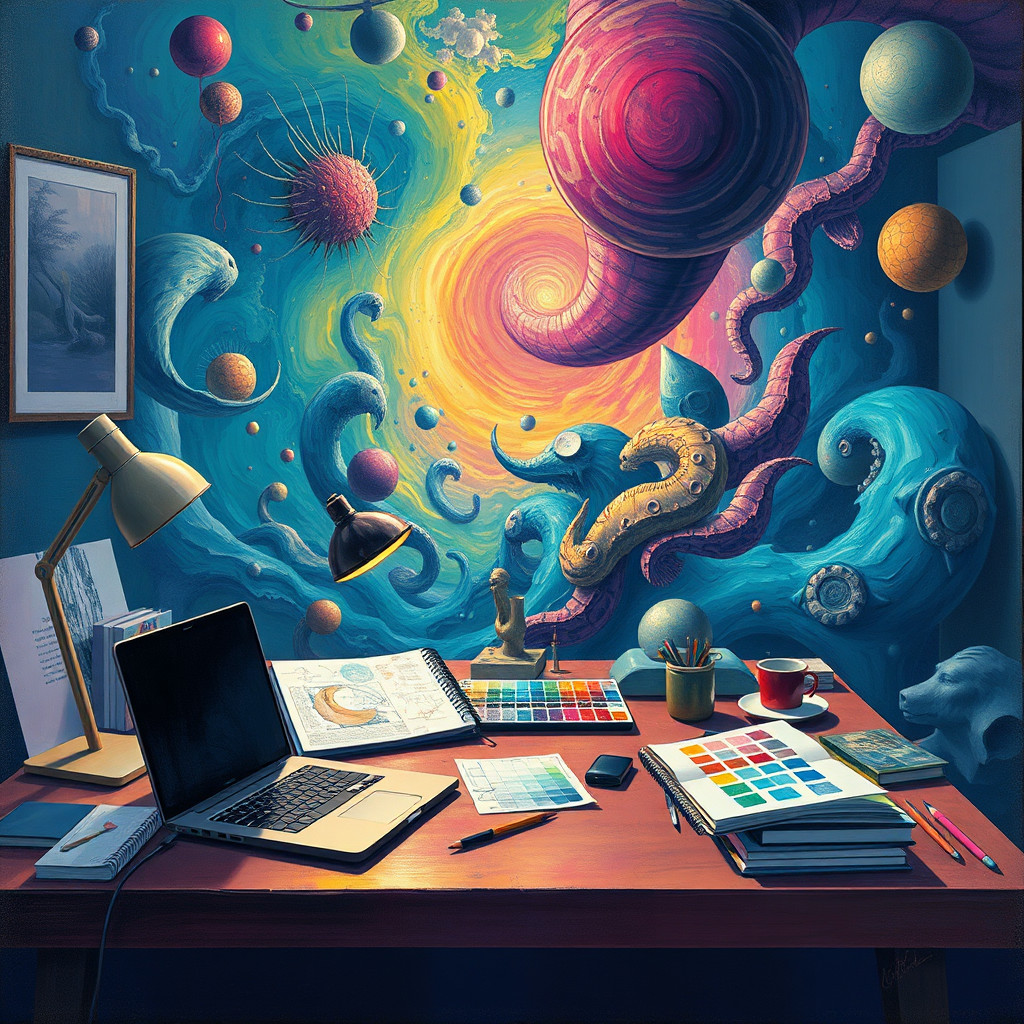
Use case
Концептуальные плакаты и обложки альбомов.
Use case
Сновидческие пейзажи и образы персонажей.
Use case
Редакционные и рекламные изображения с интригой.
Visual direction preview
Use the style thumbnail as the creative target
The preview gives users a concrete reference for color, texture, edge detail, and mood before they open the generator. Pair it with the prompt starters below to keep the page useful instead of only decorative.
Generated examples
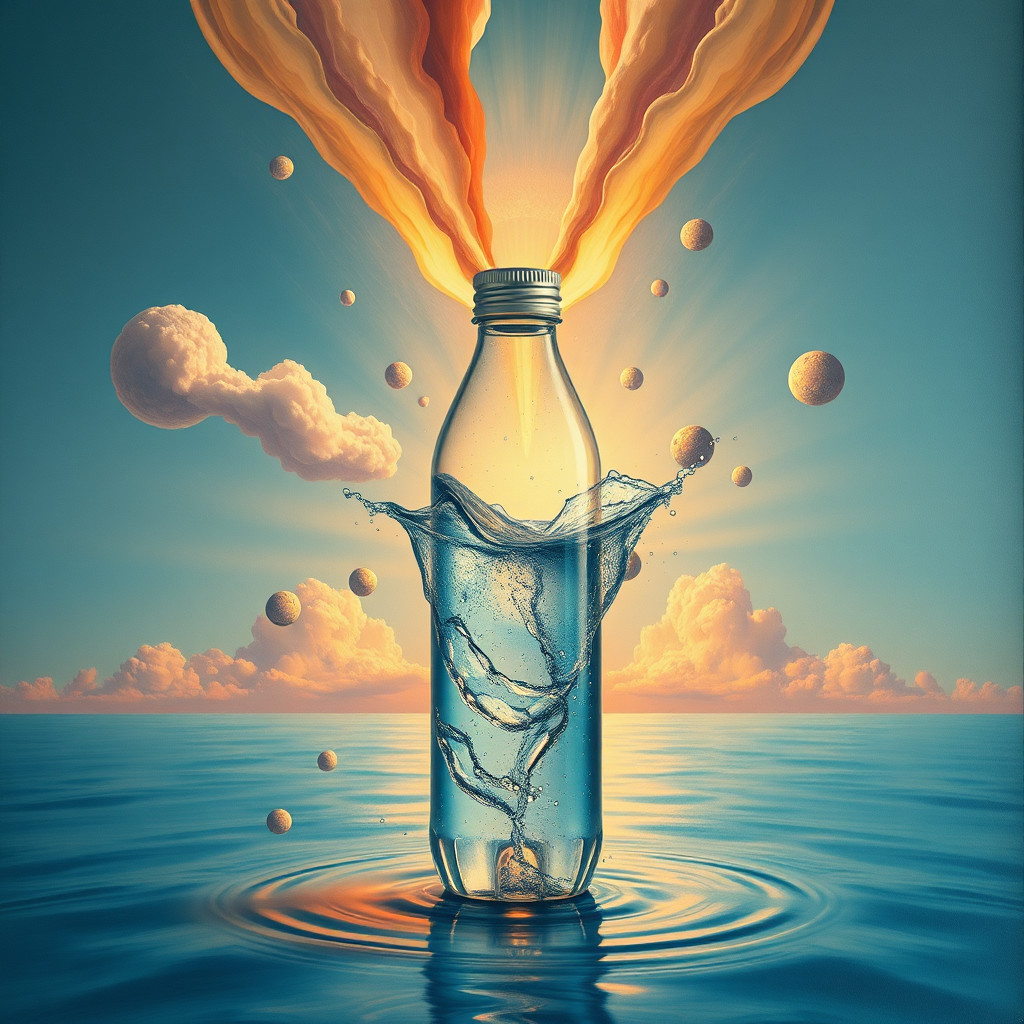
See the сюрреалистическая живопись style in real outputs
These examples were generated through the Magic Eraser AI Create API with the сюрреалистическая живопись style selected.
Prompt workflow
How to get a stronger сюрреалистическая живопись result
Выберите главный объект и неожиданное превращение.
Задайте место, масштаб, свет, палитру и материал.
Создайте варианты, проверьте детали и отредактируйте лучший.
Prompt starters
- “Маяк над морем облаков, сюрреалистическое масло, фиолетовые сумерки”
- “Гигантская дверь в пустыне открывается в океан, картина-сон”
- “Ботанический портрет превращается в птиц, темный фон”
Style tips
- Сохраняйте один четкий центр внимания.
- Описывайте визуальные свойства, не копируя конкретного художника.
- Точный текст и логотипы добавляйте после генерации.
Output planning checklist
- Decide the final placement before prompting: square post, vertical story, product insert, poster, thumbnail, or wide banner.
- Keep one primary subject and one visual mood so the сюрреалистическая живопись style has a clear job.
- Describe the background as simple, detailed, bright, dark, studio, outdoor, or textured instead of leaving it open-ended.
- Generate variations first, then edit the selected image for crop, cleanup, and export size.
When to choose this style
Choose сюрреалистическая живопись when the image needs a clear creative direction before production: an ad concept, a social visual, a character idea, a packaging mood, or a fast design draft. Choose another style if the final asset must look like a camera photo, preserve exact product color, or include precise typography.
For commercial work, treat the generated image as a starting point. Review details, remove distracting artifacts, add exact text separately, and export the final size from the editor.
FAQ
Can I edit the generated image?
Yes. Generate the image, then continue with cleanup, crop, background, and export tools in Magic Eraser.
Should I include exact text?
Use AI Create for the visual direction. Add exact text later with editable design tools for cleaner spelling and layout.
Is this style selected automatically?
The CTA opens AI Create with the сюрреалистическая живопись style parameter, and the app falls back safely if the option changes.