
AI Create style
ИИ-генератор изображений в стиле поп-арт
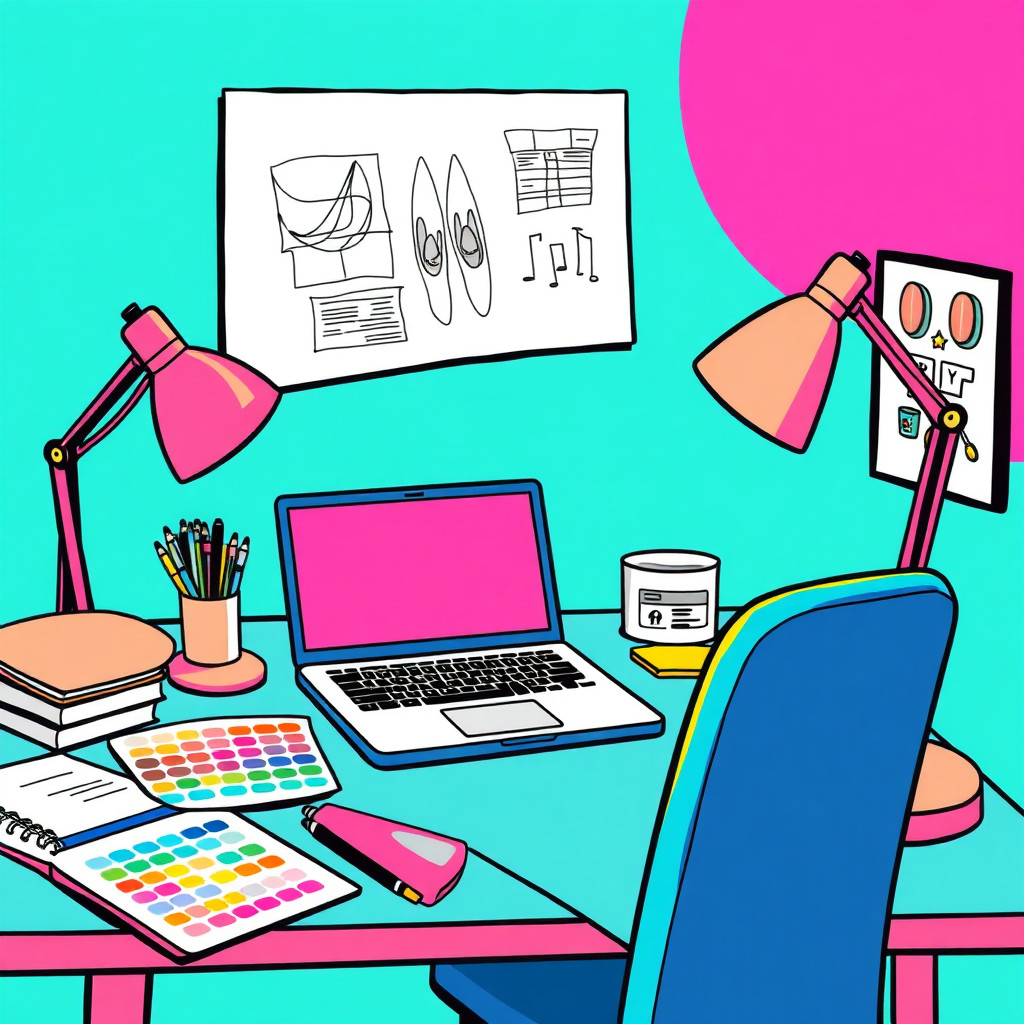
Создавайте по тексту изображения в стиле поп-арт с яркими цветовыми блоками, графичным контрастом, полутоновыми точками и плакатной динамикой. Стиль подходит для соцсетей, запусков продуктов, миниатюр и выразительных портретов; опишите объект, палитру и композицию.
Use case
Плакаты к запуску, рекламные концепции и энергичные промоматериалы.
Use case
Портреты авторов и продуктовые изображения с яркими цветами.
Use case
Миниатюры, где объект выделяется в насыщенной ленте.
Visual direction preview
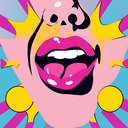
Use the style thumbnail as the creative target
The preview gives users a concrete reference for color, texture, edge detail, and mood before they open the generator. Pair it with the prompt starters below to keep the page useful instead of only decorative.
Generated examples
See the поп-арт style in real outputs
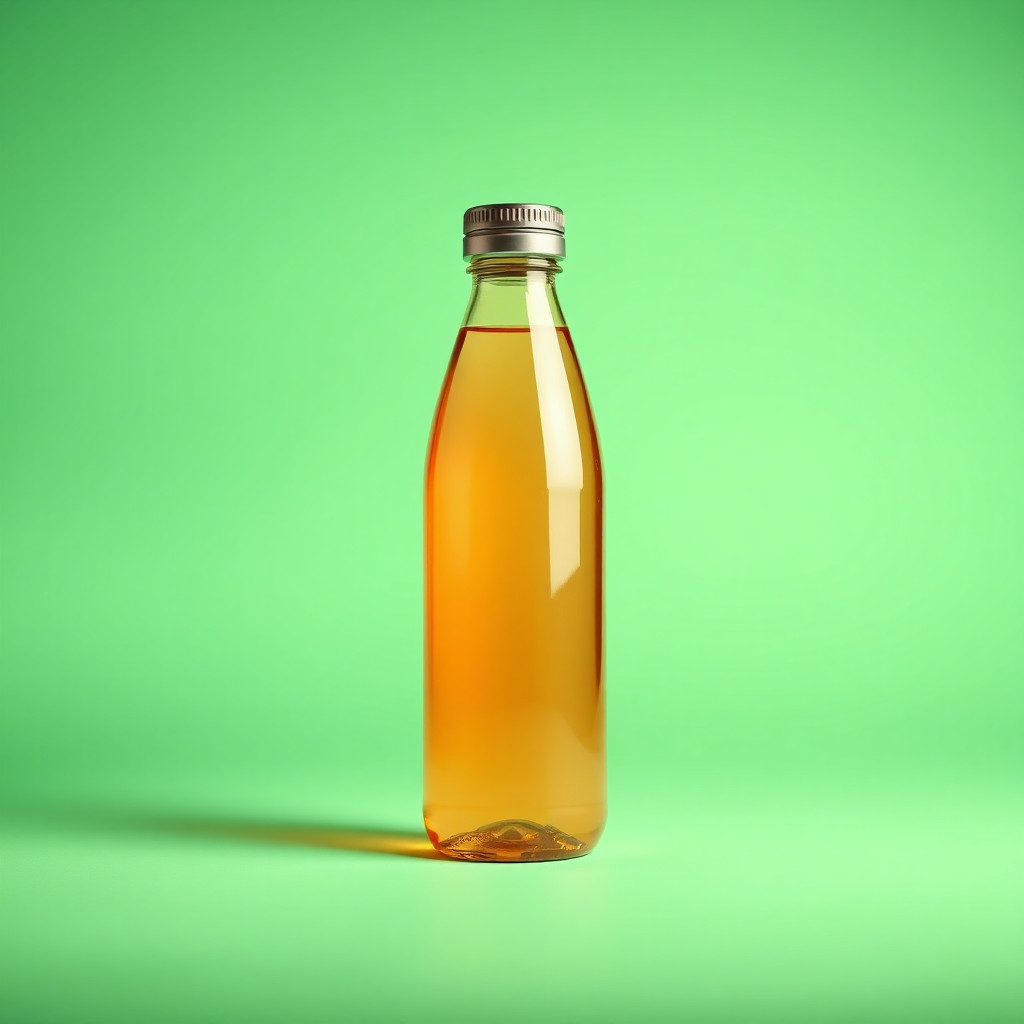
These examples were generated through the Magic Eraser AI Create API with the поп-арт style selected.
Prompt workflow
How to get a stronger поп-арт result
Задайте один объект, палитру, выражение и композицию.
Добавьте яркие цветовые поля, полутоновые точки, четкие контуры или комиксную рамку.
Создайте варианты, выберите самый читаемый и добавьте точный текст в редакторе.
Prompt starters
- “Поп-арт-портрет оригинальной модели в красных очках, яркие цветовые блоки, полутон”
- “Поп-арт-плакат с банкой газировки, желто-красный фон, четкая композиция”
- “Веселая собака в больших очках, поп-арт, высокий контраст”
Style tips
- Сохраняйте фон простым.
- Ограничьте палитру двумя-тремя основными цветами.
- Добавляйте текст и логотипы после генерации.
Output planning checklist
- Decide the final placement before prompting: square post, vertical story, product insert, poster, thumbnail, or wide banner.
- Keep one primary subject and one visual mood so the поп-арт style has a clear job.
- Describe the background as simple, detailed, bright, dark, studio, outdoor, or textured instead of leaving it open-ended.
- Generate variations first, then edit the selected image for crop, cleanup, and export size.
When to choose this style
Choose поп-арт when the image needs a clear creative direction before production: an ad concept, a social visual, a character idea, a packaging mood, or a fast design draft. Choose another style if the final asset must look like a camera photo, preserve exact product color, or include precise typography.
For commercial work, treat the generated image as a starting point. Review details, remove distracting artifacts, add exact text separately, and export the final size from the editor.
FAQ
Can I edit the generated image?
Yes. Generate the image, then continue with cleanup, crop, background, and export tools in Magic Eraser.
Should I include exact text?
Use AI Create for the visual direction. Add exact text later with editable design tools for cleaner spelling and layout.
Is this style selected automatically?
The CTA opens AI Create with the поп-арт style parameter, and the app falls back safely if the option changes.