
AI Create style
Генератор монохромных изображений ИИ
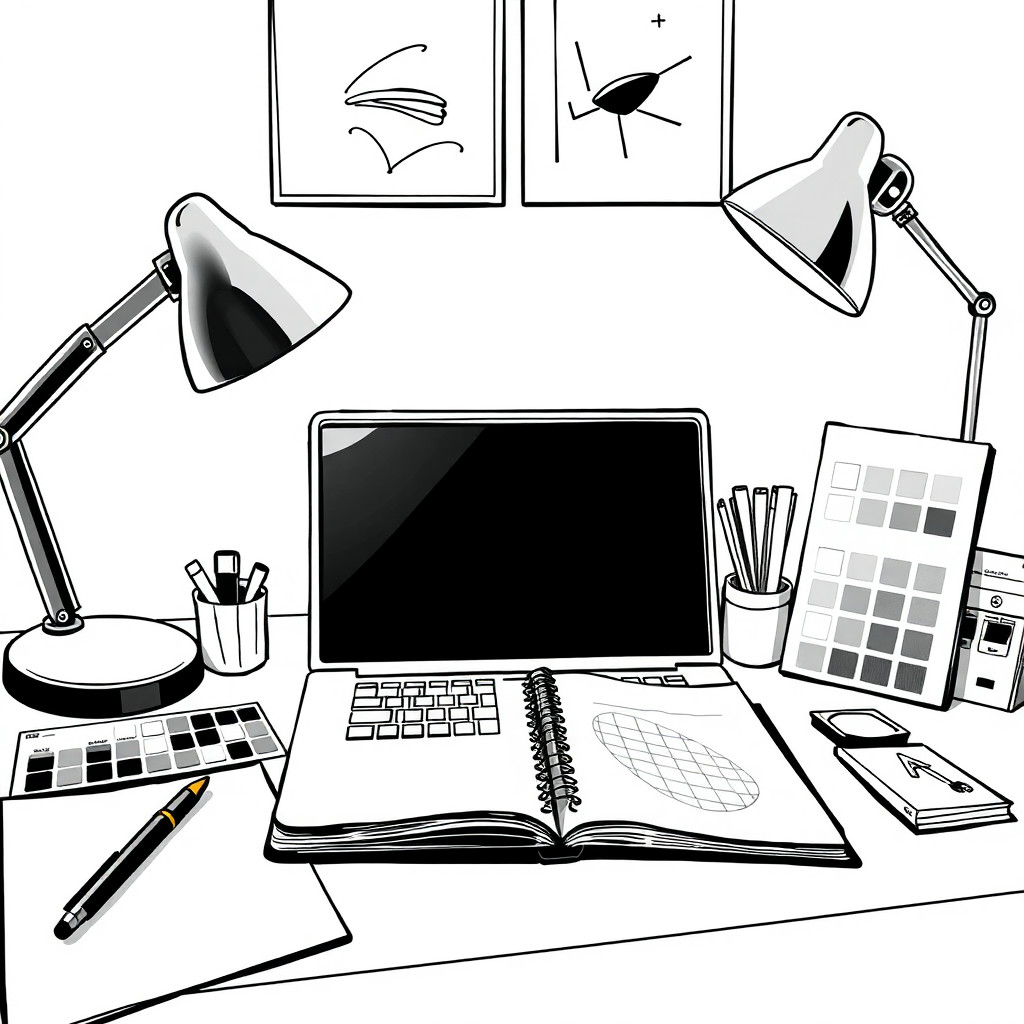
Создавайте монохромные ИИ-изображения с управляемым контрастом, фактурой и формами. Стиль подходит для редакционных концепций, изысканных товарных визуалов, портретов, плакатов и композиций, где сдержанный черно-белый вид работает лучше цвета.
Use case
Редакционные портреты, контрастные миниатюры и атмосферные материалы кампаний.
Use case
Премиальные товарные концепции, плакаты и минималистичная графика для соцсетей.
Use case
Концепт-арт, в котором главную роль играют свет, силуэт и фактура.
Visual direction preview
Use the style thumbnail as the creative target
The preview gives users a concrete reference for color, texture, edge detail, and mood before they open the generator. Pair it with the prompt starters below to keep the page useful instead of only decorative.
Generated examples
See the монохром style in real outputs
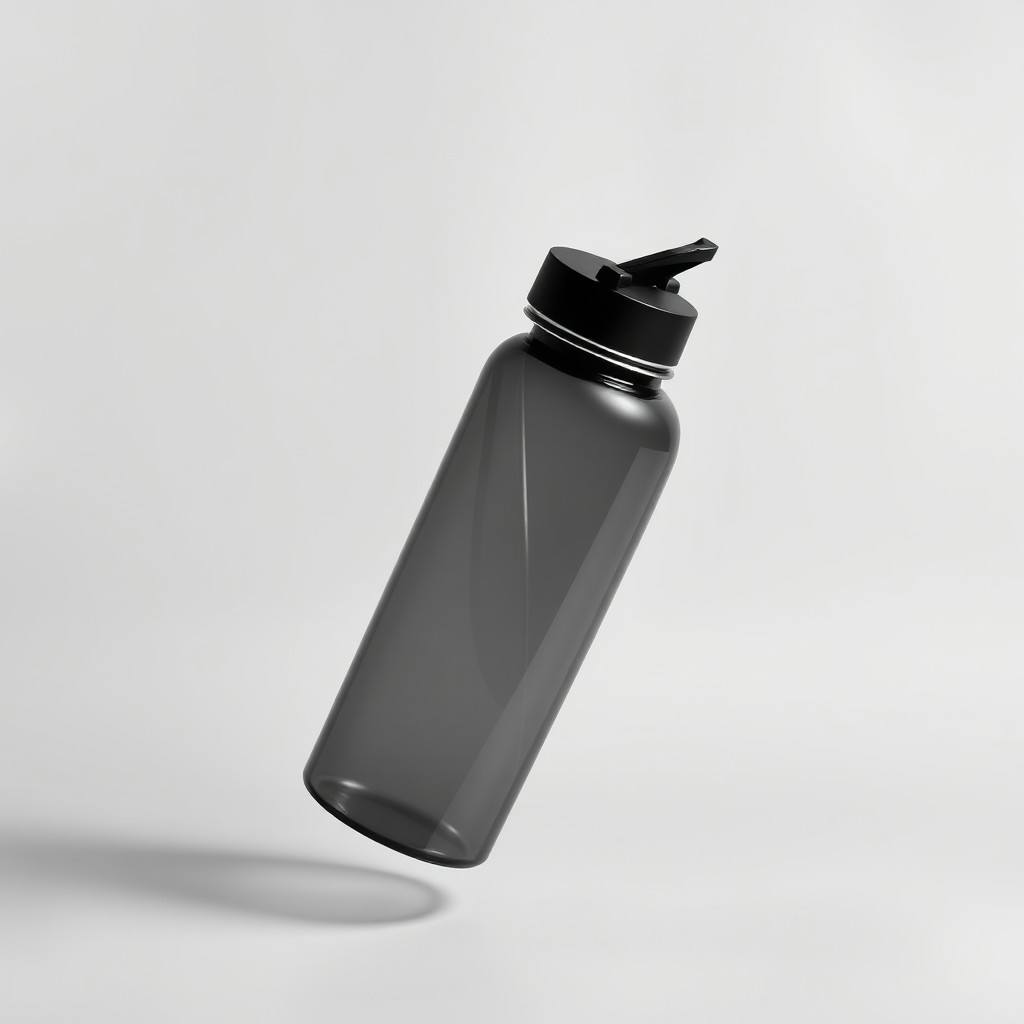
These examples were generated through the Magic Eraser AI Create API with the монохром style selected.
Prompt workflow
How to get a stronger монохром result
Опишите объект, направление света, тон фона и уровень контраста.
Создайте несколько вариантов и сравните детали в тенях и читаемость.
Обрежьте изображение, осветлите лица или товары и удалите отвлекающие темные участки инструментами редактирования.
Prompt starters
- “Монохромный портрет оригинальной джазовой певицы под одним прожектором, высокий контраст, пленочное зерно”
- “Концепция черно-белой товарной фотографии матового флакона духов, мягкие тени, премиальный минималистичный фон”
- “Монохромный городской плакат с велосипедистом на мосту в утреннем тумане, чистая композиция”
Style tips
- Укажите высокий или низкий ключ, мягкие оттенки серого либо контрастный черно-белый вид.
- После удаления цвета четкий силуэт становится особенно важен.
- Избегайте перегруженного фона, если его фактура не задумана специально.
Output planning checklist
- Decide the final placement before prompting: square post, vertical story, product insert, poster, thumbnail, or wide banner.
- Keep one primary subject and one visual mood so the монохром style has a clear job.
- Describe the background as simple, detailed, bright, dark, studio, outdoor, or textured instead of leaving it open-ended.
- Generate variations first, then edit the selected image for crop, cleanup, and export size.
When to choose this style
Choose монохром when the image needs a clear creative direction before production: an ad concept, a social visual, a character idea, a packaging mood, or a fast design draft. Choose another style if the final asset must look like a camera photo, preserve exact product color, or include precise typography.
For commercial work, treat the generated image as a starting point. Review details, remove distracting artifacts, add exact text separately, and export the final size from the editor.
FAQ
Can I edit the generated image?
Yes. Generate the image, then continue with cleanup, crop, background, and export tools in Magic Eraser.
Should I include exact text?
Use AI Create for the visual direction. Add exact text later with editable design tools for cleaner spelling and layout.
Is this style selected automatically?
The CTA opens AI Create with the монохром style parameter, and the app falls back safely if the option changes.