
AI Create style
ИИ-генератор изображений в стиле манга
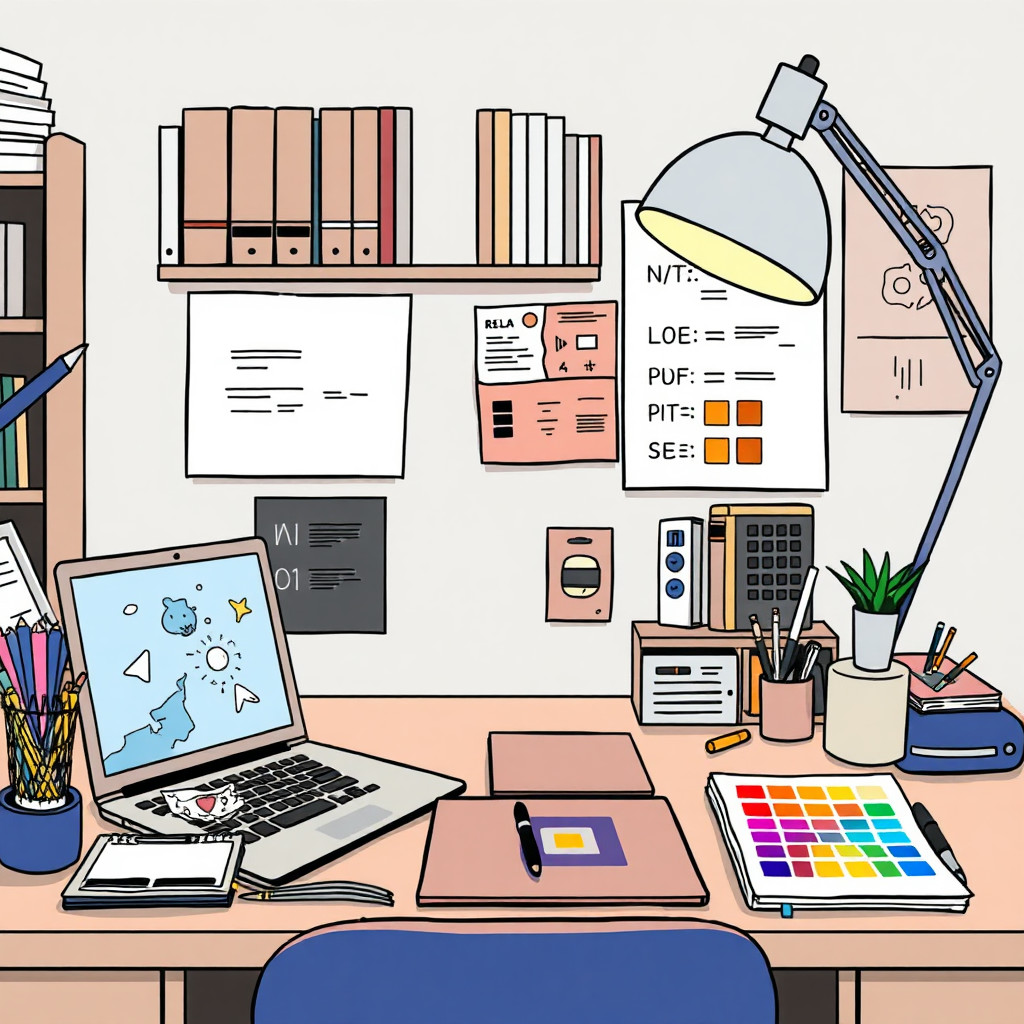
Создавайте по тексту изображения в стиле манга для оригинальных персонажей, кадров, аватаров, превью и сюжетных сцен. Укажите позу, эмоцию, ракурс, освещение и композицию. Результат является творческой интерпретацией: перед использованием проверьте лица, руки и детали.
Use case
Аватары, графика для каналов и стилизованные портреты.
Use case
Раскадровки, превью комиксов и концепты персонажей или сцен.
Use case
Идеи мерча с выразительными линиями и эмоциями.
Visual direction preview
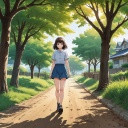
Use the style thumbnail as the creative target
The preview gives users a concrete reference for color, texture, edge detail, and mood before they open the generator. Pair it with the prompt starters below to keep the page useful instead of only decorative.
Generated examples
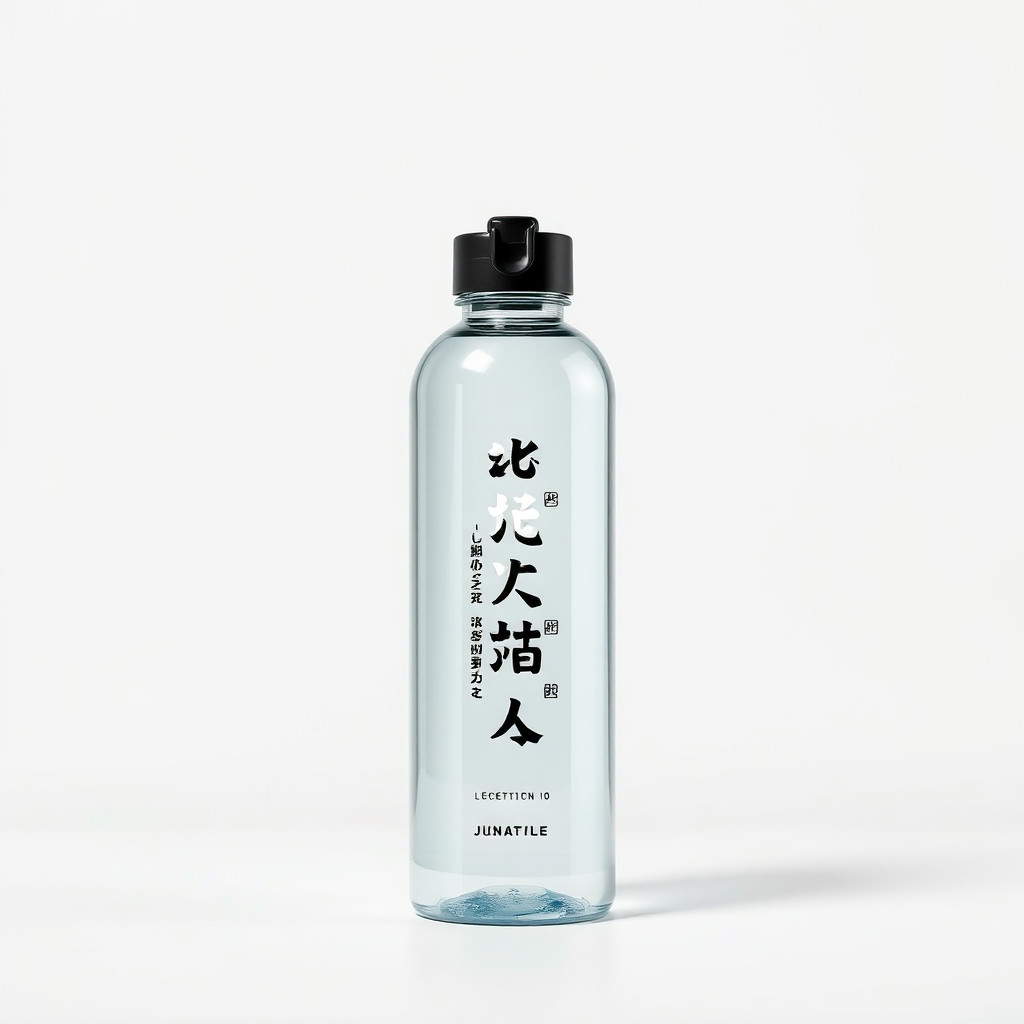
See the манга style in real outputs
These examples were generated through the Magic Eraser AI Create API with the манга style selected.
Prompt workflow
How to get a stronger манга result
Опишите объект, позу, выражение, одежду и фон.
Добавьте характер линий, свет и ракурс, затем создайте несколько вариантов.
Выберите самый читаемый вариант, обрежьте, исправьте дефекты и добавьте точный текст отдельно.
Prompt starters
- “Портрет оригинального героя манги, решительное выражение, чистые линии тушью, драматичный контровой свет”
- “Оригинальный персонаж читает у окна кафе, мягкая растровая штриховка”
- “Динамичный кадр манги со скейтбордистом над городской лестницей, линии движения, чёрно-белый контраст”
Style tips
- Описывайте оригинальных персонажей вместо использования защищённых имён.
- Для небольшого превью запросите простую композицию.
- Для экшена укажите линии движения, ракурс и разделение планов.
Output planning checklist
- Decide the final placement before prompting: square post, vertical story, product insert, poster, thumbnail, or wide banner.
- Keep one primary subject and one visual mood so the манга style has a clear job.
- Describe the background as simple, detailed, bright, dark, studio, outdoor, or textured instead of leaving it open-ended.
- Generate variations first, then edit the selected image for crop, cleanup, and export size.
When to choose this style
Choose манга when the image needs a clear creative direction before production: an ad concept, a social visual, a character idea, a packaging mood, or a fast design draft. Choose another style if the final asset must look like a camera photo, preserve exact product color, or include precise typography.
For commercial work, treat the generated image as a starting point. Review details, remove distracting artifacts, add exact text separately, and export the final size from the editor.
FAQ
Can I edit the generated image?
Yes. Generate the image, then continue with cleanup, crop, background, and export tools in Magic Eraser.
Should I include exact text?
Use AI Create for the visual direction. Add exact text later with editable design tools for cleaner spelling and layout.
Is this style selected automatically?
The CTA opens AI Create with the манга style parameter, and the app falls back safely if the option changes.