
AI Create style
ИИ-генератор изображений в стиле граффити
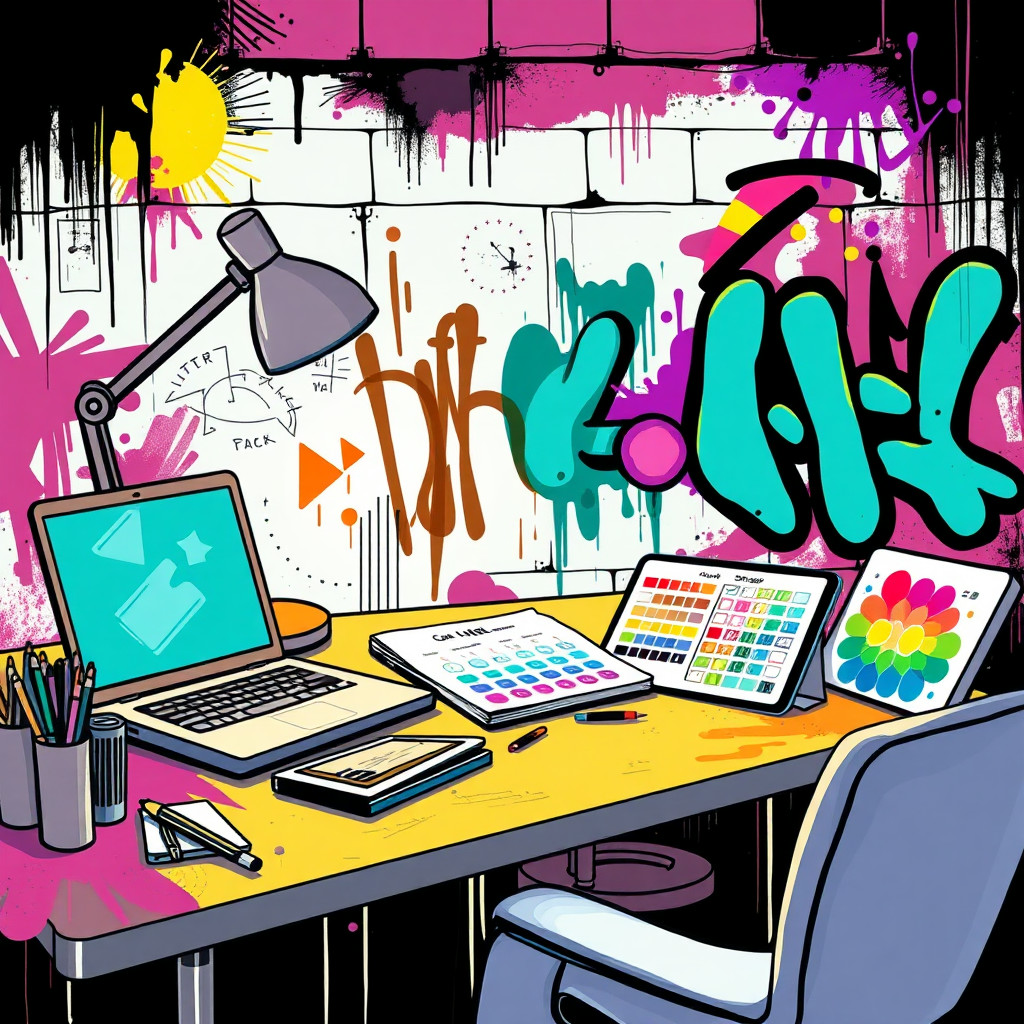
Создавайте изображения в духе граффити для городских плакатов, концепций альбомов, событий и ярких публикаций. Описывайте оригинальные формы букв, стену, брызги, палитру и настроение, не копируя реального художника или защищенный логотип.
Use case
Концепции кампаний для музыки, уличной моды, спорта и молодежной культуры.
Use case
Городские фоны, афиши и графика с энергией аэрозольной краски.
Use case
Оригинальные талисманы или предметы в сцене с уличной стеной.
Visual direction preview
Use the style thumbnail as the creative target
The preview gives users a concrete reference for color, texture, edge detail, and mood before they open the generator. Pair it with the prompt starters below to keep the page useful instead of only decorative.
Generated examples
See the граффити style in real outputs
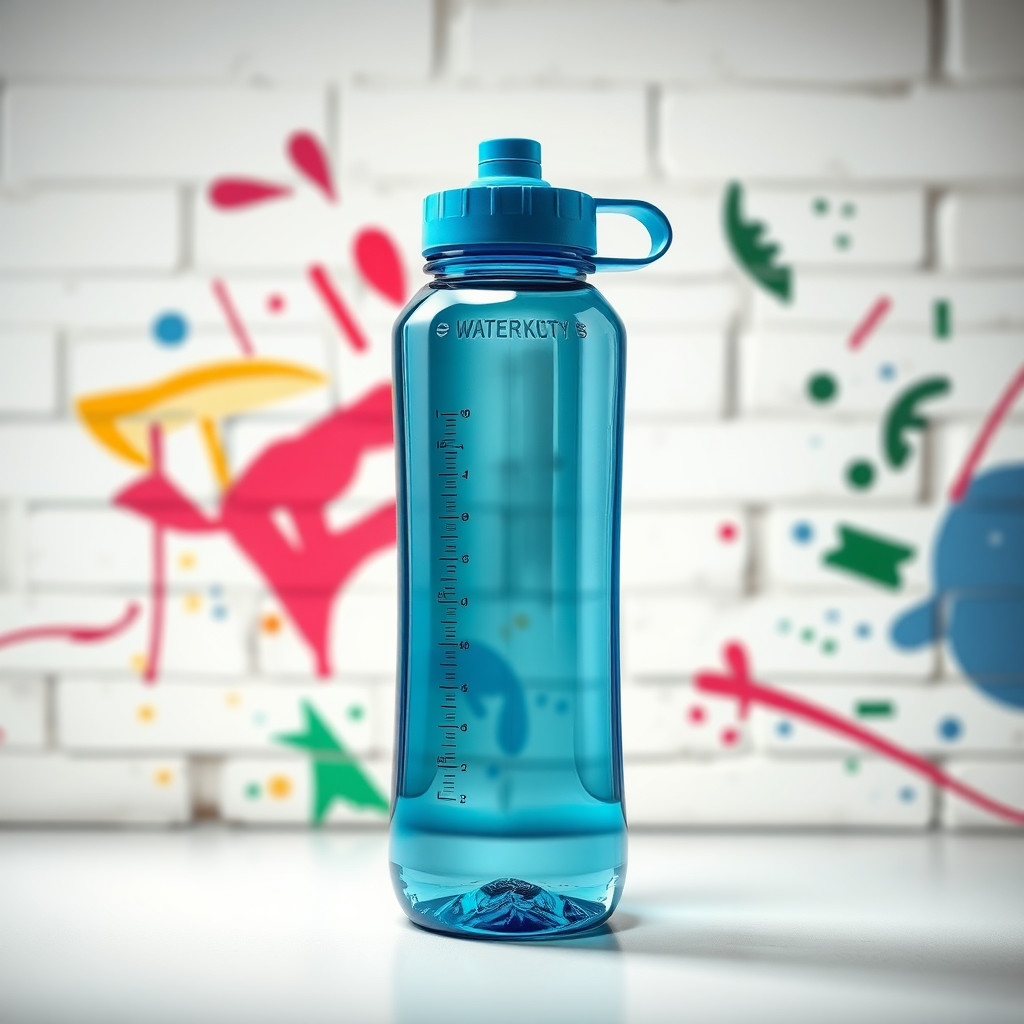
These examples were generated through the Magic Eraser AI Create API with the граффити style selected.
Prompt workflow
How to get a stronger граффити result
Сначала задайте стену, фактуру краски, палитру и объект, затем движение и свет.
Создайте несколько вариантов: форма букв и плотность фона могут сильно различаться.
Удалите лишние следы или обрежьте изображение до лучшего окрашенного участка.
Prompt starters
- “Оригинальный фон плаката с граффити на кирпичной стене, красная и голубая краска, чистое место для товара в центре”
- “Концепция рекламы кроссовок в духе граффити, брызги, ночное городское освещение, четкий силуэт”
- “Стрит-арт с оригинальным роботом-фотографом, яркая аэрозольная краска, грубая стена”
Style tips
- Используйте оригинальные слова или исключите текст, если важна точность букв.
- Избегайте защищенных логотипов и имен реальных художников.
- Для рекламы и плакатов просите четкую композицию.
Output planning checklist
- Decide the final placement before prompting: square post, vertical story, product insert, poster, thumbnail, or wide banner.
- Keep one primary subject and one visual mood so the граффити style has a clear job.
- Describe the background as simple, detailed, bright, dark, studio, outdoor, or textured instead of leaving it open-ended.
- Generate variations first, then edit the selected image for crop, cleanup, and export size.
When to choose this style
Choose граффити when the image needs a clear creative direction before production: an ad concept, a social visual, a character idea, a packaging mood, or a fast design draft. Choose another style if the final asset must look like a camera photo, preserve exact product color, or include precise typography.
For commercial work, treat the generated image as a starting point. Review details, remove distracting artifacts, add exact text separately, and export the final size from the editor.
FAQ
Can I edit the generated image?
Yes. Generate the image, then continue with cleanup, crop, background, and export tools in Magic Eraser.
Should I include exact text?
Use AI Create for the visual direction. Add exact text later with editable design tools for cleaner spelling and layout.
Is this style selected automatically?
The CTA opens AI Create with the граффити style parameter, and the app falls back safely if the option changes.