
AI Create style
ИИ-генератор изображений в стиле комикса
Создавайте изображения в стиле комикса с жирными контурами, яркими цветами, четкими позами и понятным сюжетом. Стиль подходит для рекламных идей, публикаций, превью, персонажей и игровых товарных сцен, которым не нужен фотореализм.
Use case
Превью YouTube, реклама в соцсетях и материалы запуска с четким центром внимания.
Use case
Оригинальные персонажи, талисманы и сюжетные сцены для брендов и авторов.
Use case
Веселые иллюстрированные товарные сцены вместо обычного каталожного вида.

Visual direction preview
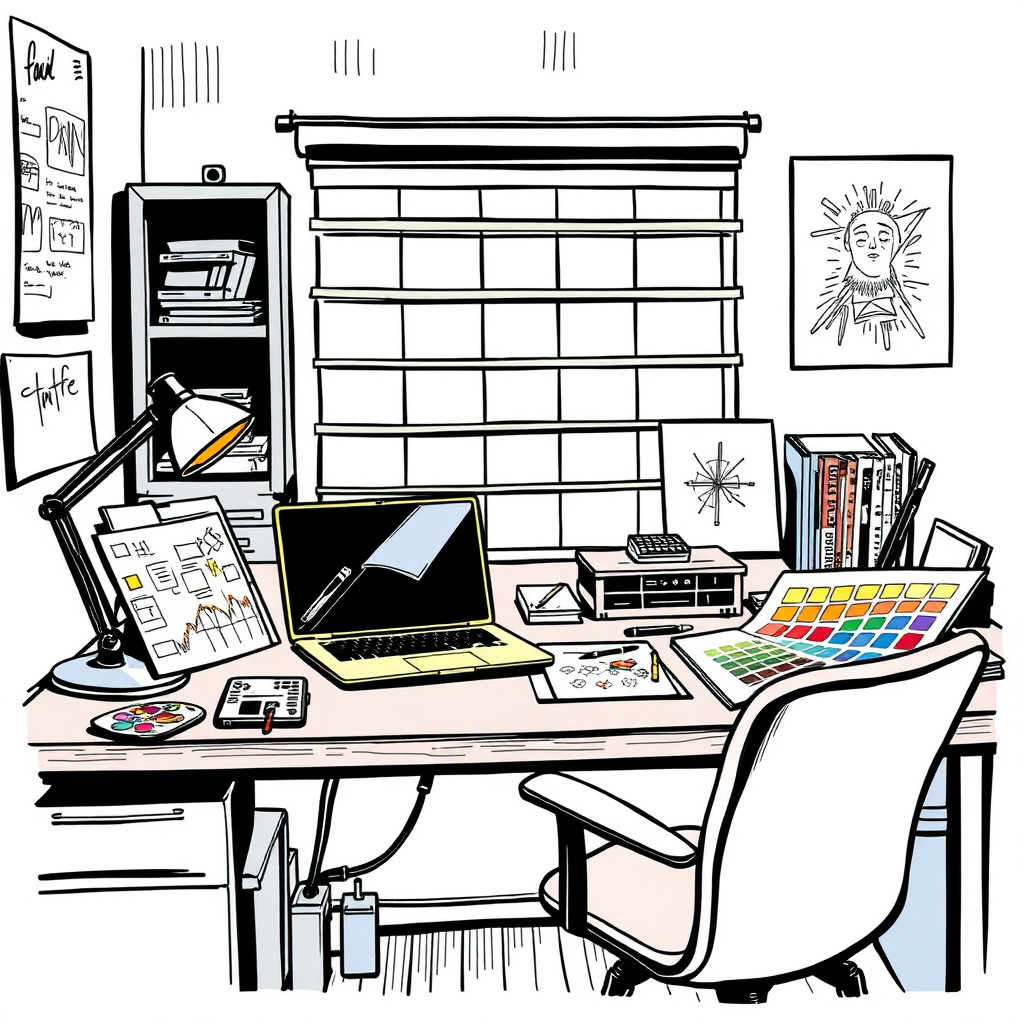
Use the style thumbnail as the creative target
The preview gives users a concrete reference for color, texture, edge detail, and mood before they open the generator. Pair it with the prompt starters below to keep the page useful instead of only decorative.
Generated examples
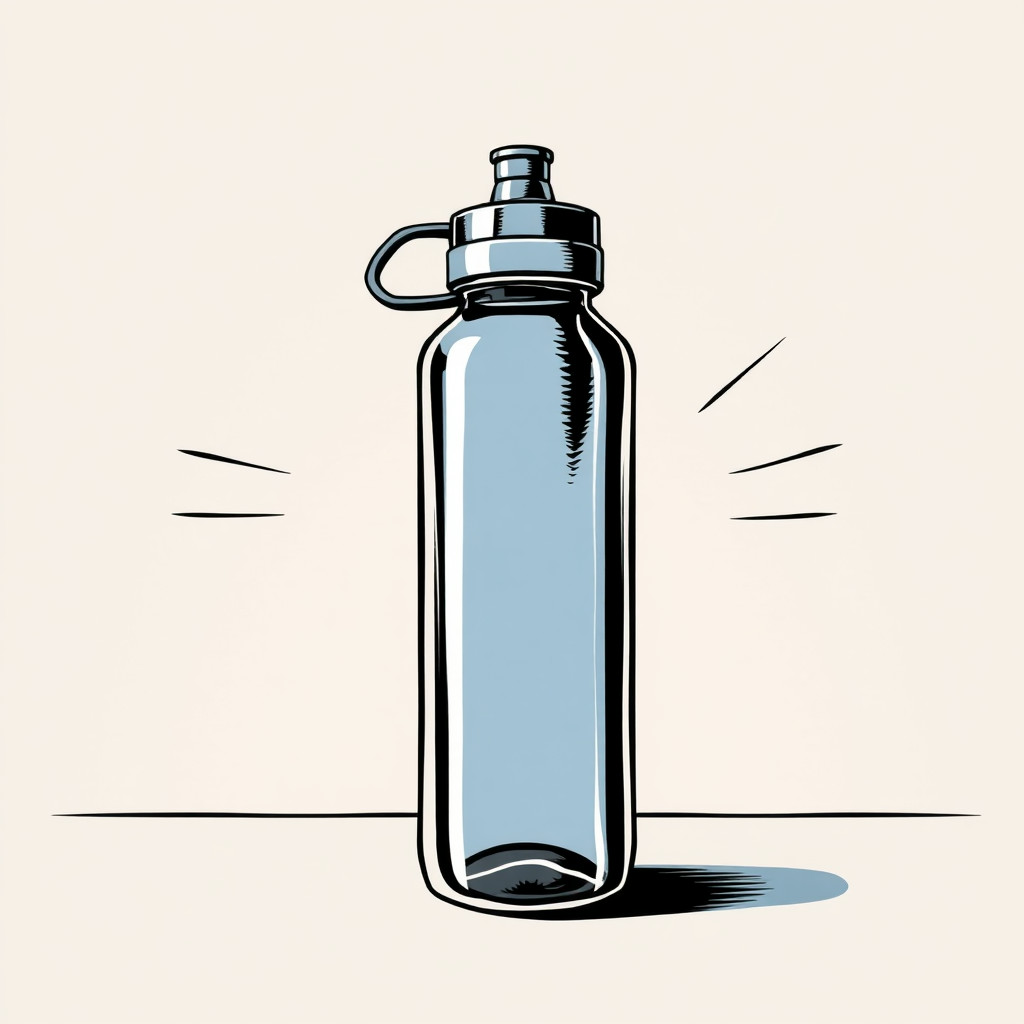
See the комикс style in real outputs
These examples were generated through the Magic Eraser AI Create API with the комикс style selected.
Prompt workflow
How to get a stronger комикс result
Опишите сцену как кадр комикса: герой, действие, место, эмоция и цветовое настроение.
Создайте несколько композиций и выберите вариант с самым четким силуэтом и выражением.
Кадрируйте изображение, добавьте текст отдельно и удалите отвлекающие детали в редакторе.
Prompt starters
- “Обложка комикса с оригинальным талисманом службы доставки в неоновом городе, жирные контуры, растр”
- “Веселый кадр комикса с супергероем в виде чашки кофе на столе, яркие цвета, выразительная поза”
- “Ретро-запуск товара в стиле комикса: кроссовок прорывает бумагу, чистая композиция”
Style tips
- Для аккуратного результата добавляйте текст после генерации.
- Используйте указания: жирный контур, плоский цвет, растр, динамичный кадр или чистая обложка.
- Укажите тон: героический, смешной, ретро или современный.
Output planning checklist
- Decide the final placement before prompting: square post, vertical story, product insert, poster, thumbnail, or wide banner.
- Keep one primary subject and one visual mood so the комикс style has a clear job.
- Describe the background as simple, detailed, bright, dark, studio, outdoor, or textured instead of leaving it open-ended.
- Generate variations first, then edit the selected image for crop, cleanup, and export size.
When to choose this style
Choose комикс when the image needs a clear creative direction before production: an ad concept, a social visual, a character idea, a packaging mood, or a fast design draft. Choose another style if the final asset must look like a camera photo, preserve exact product color, or include precise typography.
For commercial work, treat the generated image as a starting point. Review details, remove distracting artifacts, add exact text separately, and export the final size from the editor.
FAQ
Can I edit the generated image?
Yes. Generate the image, then continue with cleanup, crop, background, and export tools in Magic Eraser.
Should I include exact text?
Use AI Create for the visual direction. Add exact text later with editable design tools for cleaner spelling and layout.
Is this style selected automatically?
The CTA opens AI Create with the комикс style parameter, and the app falls back safely if the option changes.