
AI Create style
ИИ-генератор рисунков цветными карандашами
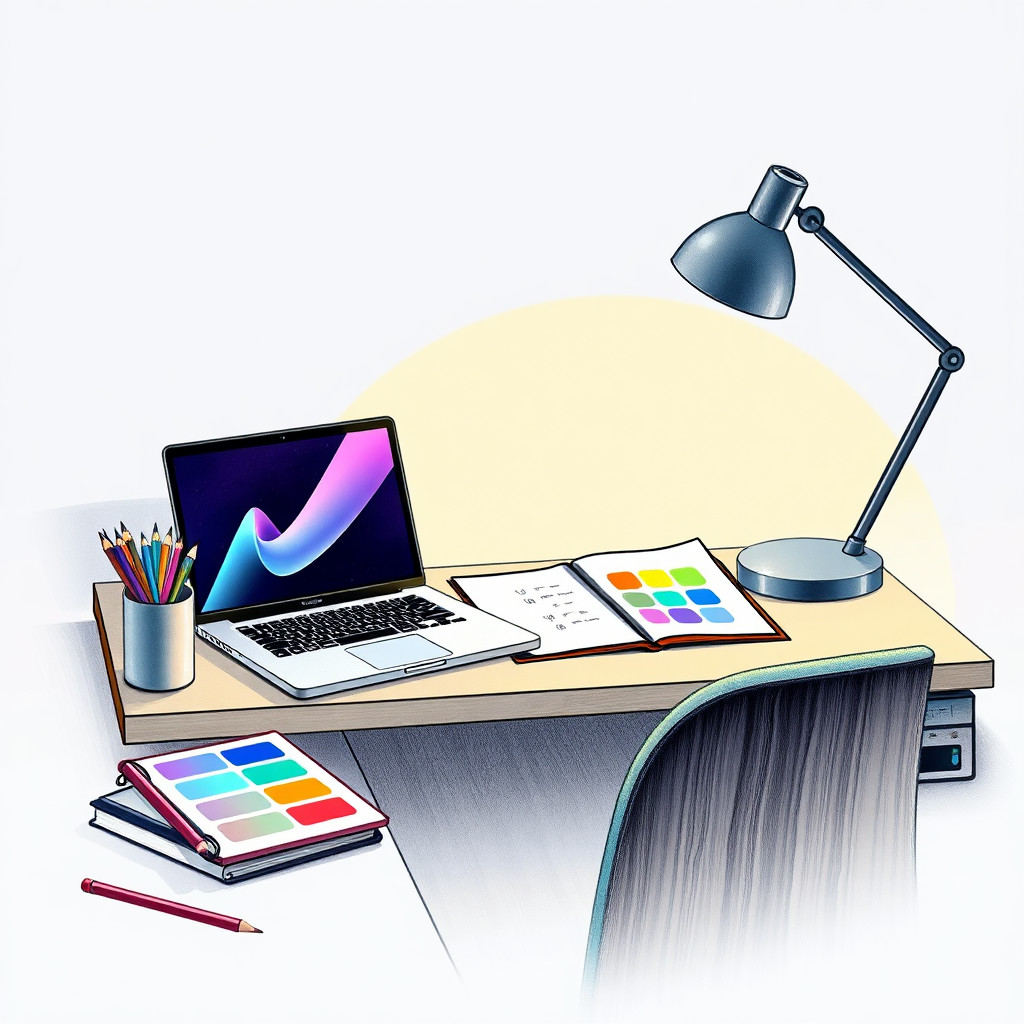
Создавайте по тексту рисунки цветными карандашами с заметной фактурой бумаги, мягкими тенями и теплотой ручной работы. Стиль подходит для концепций упаковки, учебных иллюстраций, детских материалов, историй о товарах ручной работы и тактильной редакционной графики.
Use case
Кампании для изделий ручной работы, карточки рецептов и учебные материалы.
Use case
Детский контент, идеи для канцелярии и мягкая лайфстайл-графика.
Use case
Предметные и ботанические иллюстрации, где фактура важнее глянца.
Visual direction preview
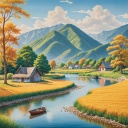
Use the style thumbnail as the creative target
The preview gives users a concrete reference for color, texture, edge detail, and mood before they open the generator. Pair it with the prompt starters below to keep the page useful instead of only decorative.
Generated examples
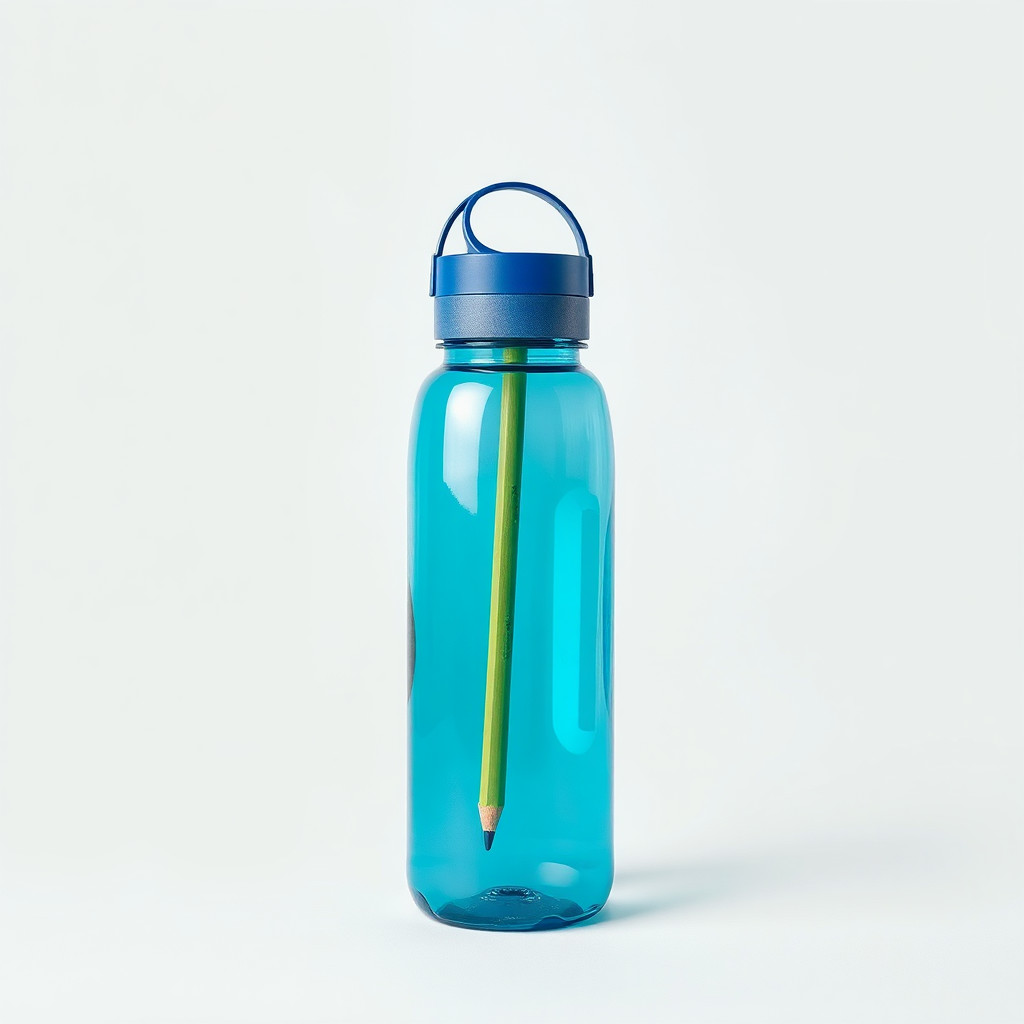
See the рисунок цветными карандашами style in real outputs
These examples were generated through the Magic Eraser AI Create API with the рисунок цветными карандашами style selected.
Prompt workflow
How to get a stronger рисунок цветными карандашами result
Укажите фактуру карандаша и бумаги, мягкие тени и сдержанную палитру.
Создайте варианты и сравните баланс эскизных деталей и завершенности.
Очистите края или кадрируйте изображение до добавления текста и логотипов.
Prompt starters
- “Свежая клубника цветными карандашами на фактурной бумаге, мягкие красные и зеленые тона”
- “Концепция свечей ручной работы с лавандой, цветные карандаши, теплая фактура бумаги”
- “Дружелюбный кот у окна, цветные карандаши, мягкие тени, спокойный дневной свет”
Style tips
- Природные объекты, еда, животные и простые товары обычно дают ясный результат.
- Укажите бумажный фон, если нужен рукотворный вид.
- Избегайте перегруженных сцен с множеством мелких деталей.
Output planning checklist
- Decide the final placement before prompting: square post, vertical story, product insert, poster, thumbnail, or wide banner.
- Keep one primary subject and one visual mood so the рисунок цветными карандашами style has a clear job.
- Describe the background as simple, detailed, bright, dark, studio, outdoor, or textured instead of leaving it open-ended.
- Generate variations first, then edit the selected image for crop, cleanup, and export size.
When to choose this style
Choose рисунок цветными карандашами when the image needs a clear creative direction before production: an ad concept, a social visual, a character idea, a packaging mood, or a fast design draft. Choose another style if the final asset must look like a camera photo, preserve exact product color, or include precise typography.
For commercial work, treat the generated image as a starting point. Review details, remove distracting artifacts, add exact text separately, and export the final size from the editor.
FAQ
Can I edit the generated image?
Yes. Generate the image, then continue with cleanup, crop, background, and export tools in Magic Eraser.
Should I include exact text?
Use AI Create for the visual direction. Add exact text later with editable design tools for cleaner spelling and layout.
Is this style selected automatically?
The CTA opens AI Create with the рисунок цветными карандашами style parameter, and the app falls back safely if the option changes.