
AI Create style
Генератор ИИ-карикатур
Создавайте ИИ-карикатуры по текстовому описанию с преувеличенной мимикой, четкими контурами и узнаваемым персонажем. Они подходят для аватаров, концепций героев, веселых подарков и соцсетей; уважительно укажите черты, которые нужно подчеркнуть.

Use case
Выразительные аватары и творческие портреты.
Use case
Концепции оригинальных персонажей, маскотов и забавных сувениров.
Use case
Материалы для соцсетей и кампаний с юмористической иллюстрацией.
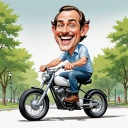
Visual direction preview
Use the style thumbnail as the creative target
The preview gives users a concrete reference for color, texture, edge detail, and mood before they open the generator. Pair it with the prompt starters below to keep the page useful instead of only decorative.
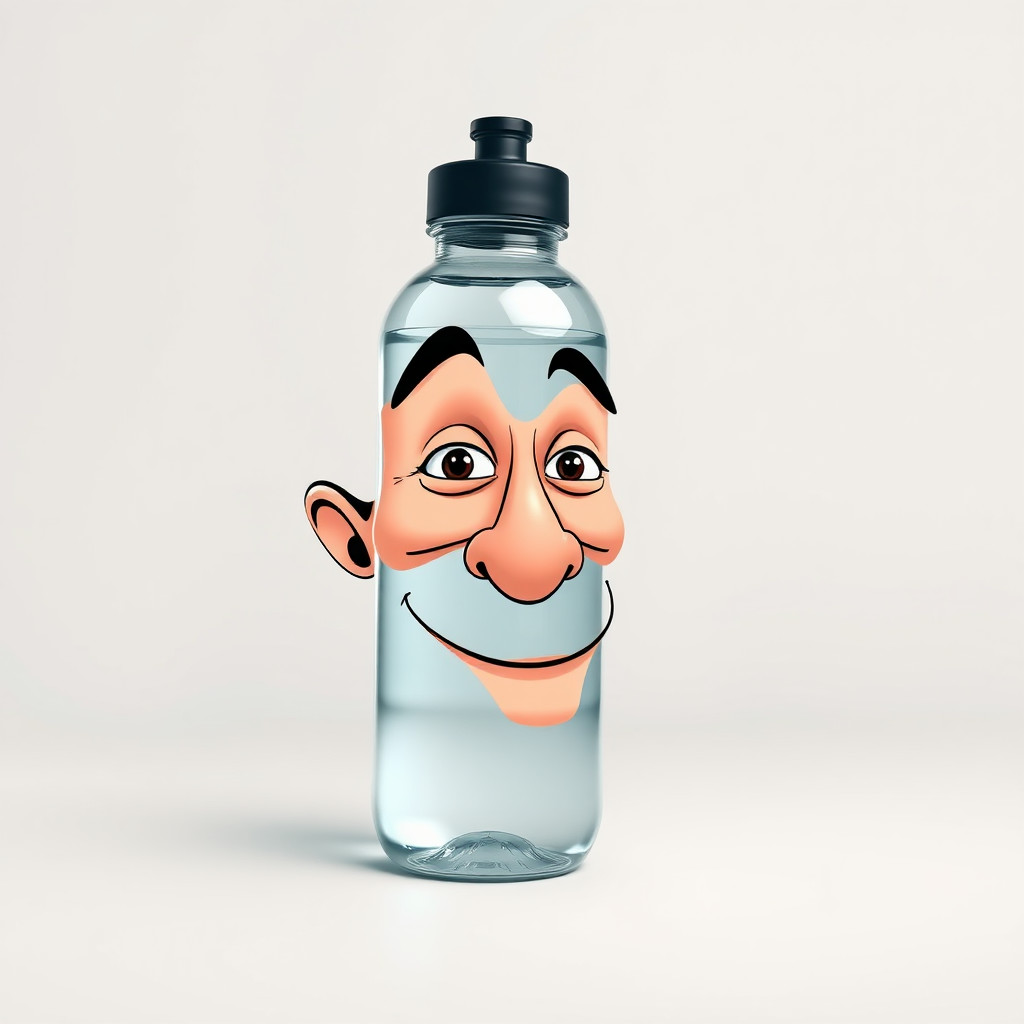
Generated examples
See the карикатура style in real outputs
These examples were generated through the Magic Eraser AI Create API with the карикатура style selected.
Prompt workflow
How to get a stronger карикатура result
Опишите персонажа, выражение лица, позу и черты для акцента.
Добавьте стиль линий, палитру, фон и кадрирование, затем создайте несколько вариантов.
Выберите самый узнаваемый результат, обрежьте, уберите лишнее и добавьте точный текст отдельно.
Prompt starters
- “Дружелюбная карикатура оригинального повара, широкая улыбка, высокий колпак, жирные чернильные линии, простой светлый фон”
- “Карикатура городского велосипедиста, динамичная поза, преувеличенные колеса, яркие цвета”
- “Карикатурный маскот для кофейни, веселая чашка, четкий контур, композиция стикера”
Style tips
- Преувеличивайте две-три черты, чтобы сохранить узнаваемость.
- Используйте уважительные формулировки без стереотипов и чувствительных характеристик.
- Имена, подписи и логотипы добавляйте после генерации.
Output planning checklist
- Decide the final placement before prompting: square post, vertical story, product insert, poster, thumbnail, or wide banner.
- Keep one primary subject and one visual mood so the карикатура style has a clear job.
- Describe the background as simple, detailed, bright, dark, studio, outdoor, or textured instead of leaving it open-ended.
- Generate variations first, then edit the selected image for crop, cleanup, and export size.
When to choose this style
Choose карикатура when the image needs a clear creative direction before production: an ad concept, a social visual, a character idea, a packaging mood, or a fast design draft. Choose another style if the final asset must look like a camera photo, preserve exact product color, or include precise typography.
For commercial work, treat the generated image as a starting point. Review details, remove distracting artifacts, add exact text separately, and export the final size from the editor.
FAQ
Can I edit the generated image?
Yes. Generate the image, then continue with cleanup, crop, background, and export tools in Magic Eraser.
Should I include exact text?
Use AI Create for the visual direction. Add exact text later with editable design tools for cleaner spelling and layout.
Is this style selected automatically?
The CTA opens AI Create with the карикатура style parameter, and the app falls back safely if the option changes.