
AI Create style
Generator gambar tusuk silang AI
Buat gambar bergaya tusuk silang dari perintah teks dengan jahitan X yang terlihat, palet terbatas, dan tekstur kain yang jelas. Cocok untuk pola dekorasi, kartu, hadiah, dan ide kerajinan; jelaskan subjek, warna benang, kerapatan jahitan, dan jenis kain.

Use case
Pola dekorasi, hiasan dinding, dan ide hadiah personal.
Use case
Motif untuk kartu, kerajinan, dan kemasan bernuansa buatan tangan.
Use case
Ikon, ornamen, dan karakter sederhana dengan tampilan bordir.

Visual direction preview
Use the style thumbnail as the creative target
The preview gives users a concrete reference for color, texture, edge detail, and mood before they open the generator. Pair it with the prompt starters below to keep the page useful instead of only decorative.
Generated examples
See the tusuk silang style in real outputs
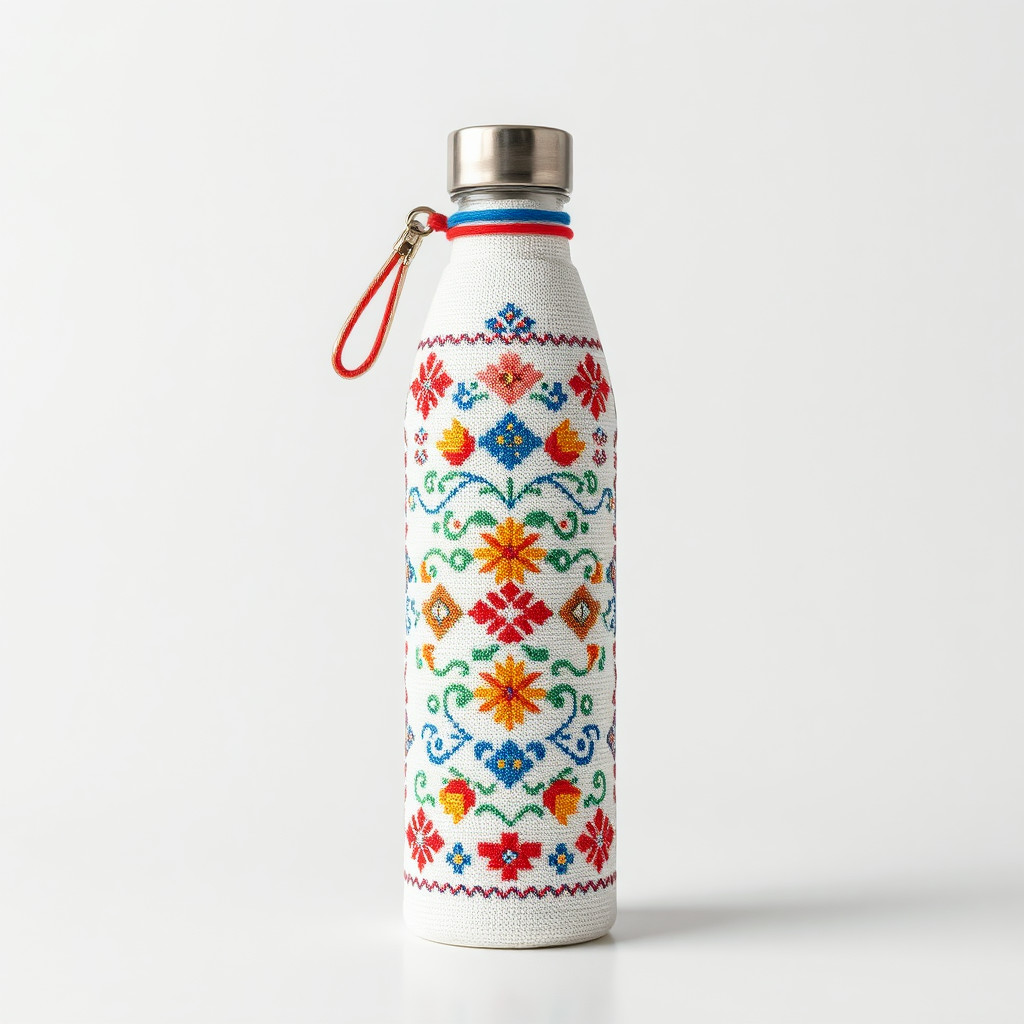
These examples were generated through the Magic Eraser AI Create API with the tusuk silang style selected.
Prompt workflow
How to get a stronger tusuk silang result
Pilih satu subjek utama dengan siluet jelas dan komposisi sederhana.
Tentukan warna benang, ukuran jahitan X, jenis kain, dan tingkat detail.
Buat beberapa variasi, pilih pola paling jelas, lalu pangkas dan bersihkan jahitan berlebih.
Prompt starters
- “Buket bunga liar tusuk silang, benang merah dan hijau, linen krem, komposisi simetris”
- “Rubah kecil tusuk silang, palet musim gugur, jahitan X jelas, kain putih”
- “Pola gunung tusuk silang, biru dan hijau, komposisi minimalis”
Style tips
- Batasi palet agar bentuk tetap terbaca pada kisi kain.
- Gunakan bentuk sederhana daripada banyak detail kecil.
- Tambahkan teks yang tepat dan kisi cetak setelah pembuatan.
Output planning checklist
- Decide the final placement before prompting: square post, vertical story, product insert, poster, thumbnail, or wide banner.
- Keep one primary subject and one visual mood so the tusuk silang style has a clear job.
- Describe the background as simple, detailed, bright, dark, studio, outdoor, or textured instead of leaving it open-ended.
- Generate variations first, then edit the selected image for crop, cleanup, and export size.
When to choose this style
Choose tusuk silang when the image needs a clear creative direction before production: an ad concept, a social visual, a character idea, a packaging mood, or a fast design draft. Choose another style if the final asset must look like a camera photo, preserve exact product color, or include precise typography.
For commercial work, treat the generated image as a starting point. Review details, remove distracting artifacts, add exact text separately, and export the final size from the editor.
FAQ
Can I edit the generated image?
Yes. Generate the image, then continue with cleanup, crop, background, and export tools in Magic Eraser.
Should I include exact text?
Use AI Create for the visual direction. Add exact text later with editable design tools for cleaner spelling and layout.
Is this style selected automatically?
The CTA opens AI Create with the tusuk silang style parameter, and the app falls back safely if the option changes.