
AI Filter style
فلتر ملمس الصور بالذكاء الاصطناعي
أضف إلى الصورة معالجة غنية بالملمس مع إبقاء الموضوع الرئيسي واضحًا. يناسب فلتر الملمس الصور الشخصية والمنتجات والحيوانات والسفر والمفاهيم التحريرية؛ راجع الوجوه والحواف الدقيقة والنصوص والشعارات وألوان المنتجات لأن النتيجة تفسير إبداعي.

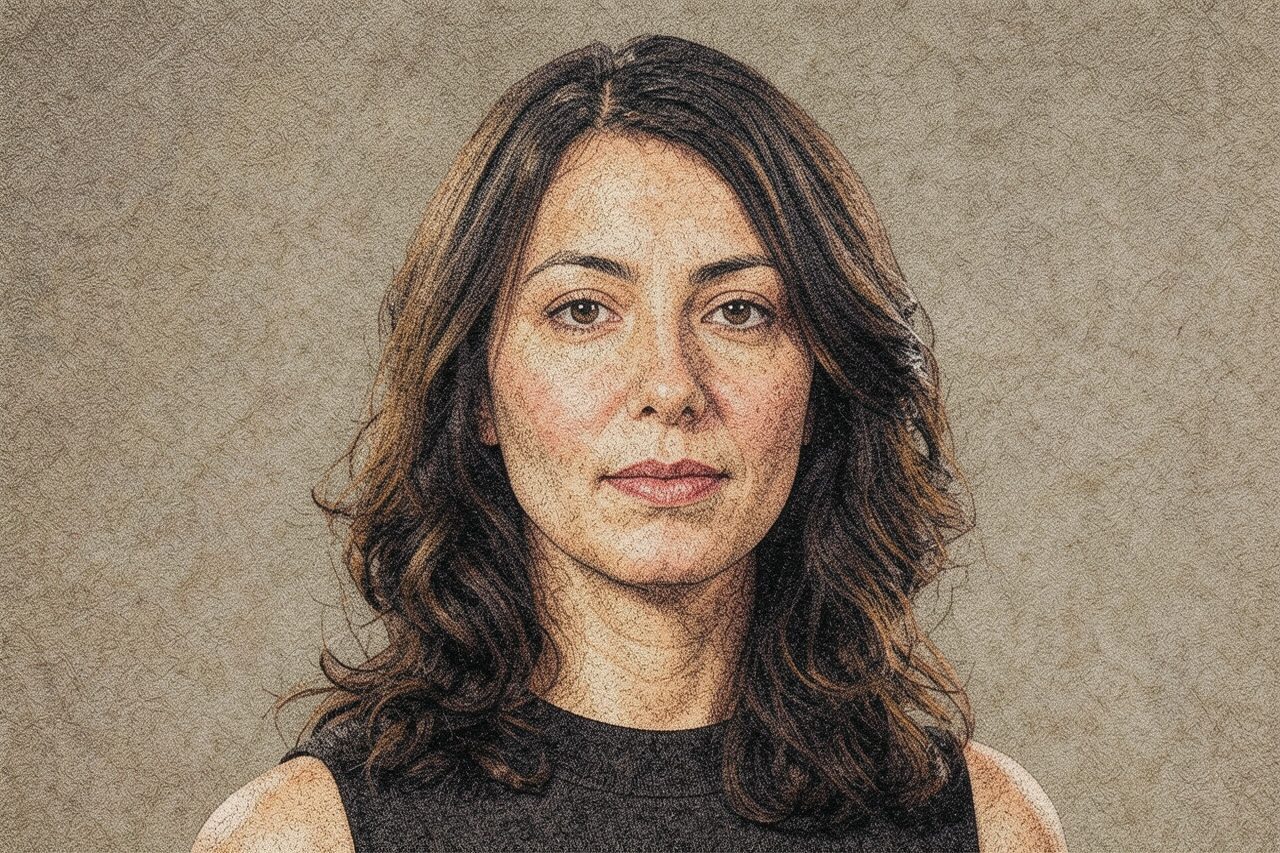
Use case
صور تحريرية وملفات شخصية ومنشورات ذات طابع ملمسي.
Use case
أفكار منتجات وتغليف تهتم باللمسة الفنية أكثر من اللون الدقيق.
Use case
صور حيوانات وسفر ونمط حياة بأجواء ملصق ملموس.
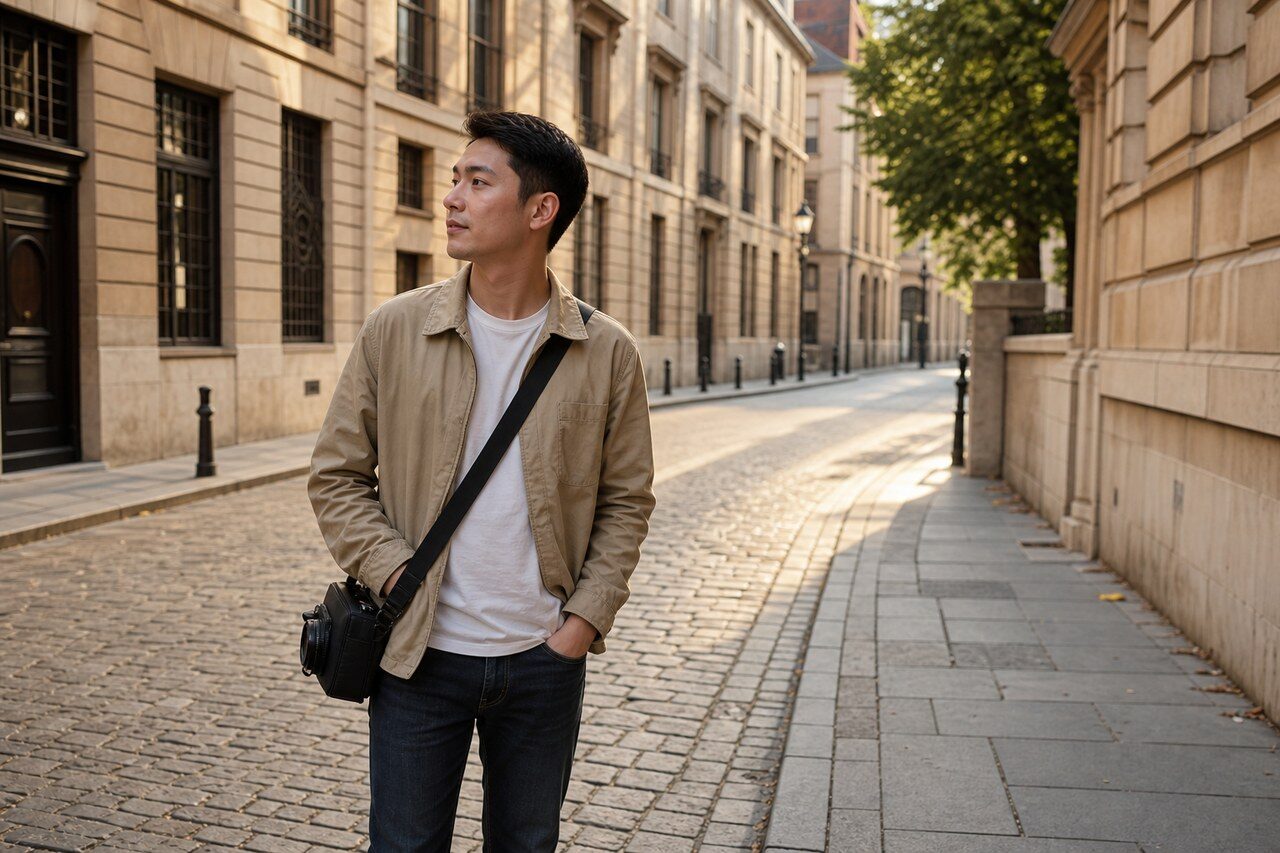
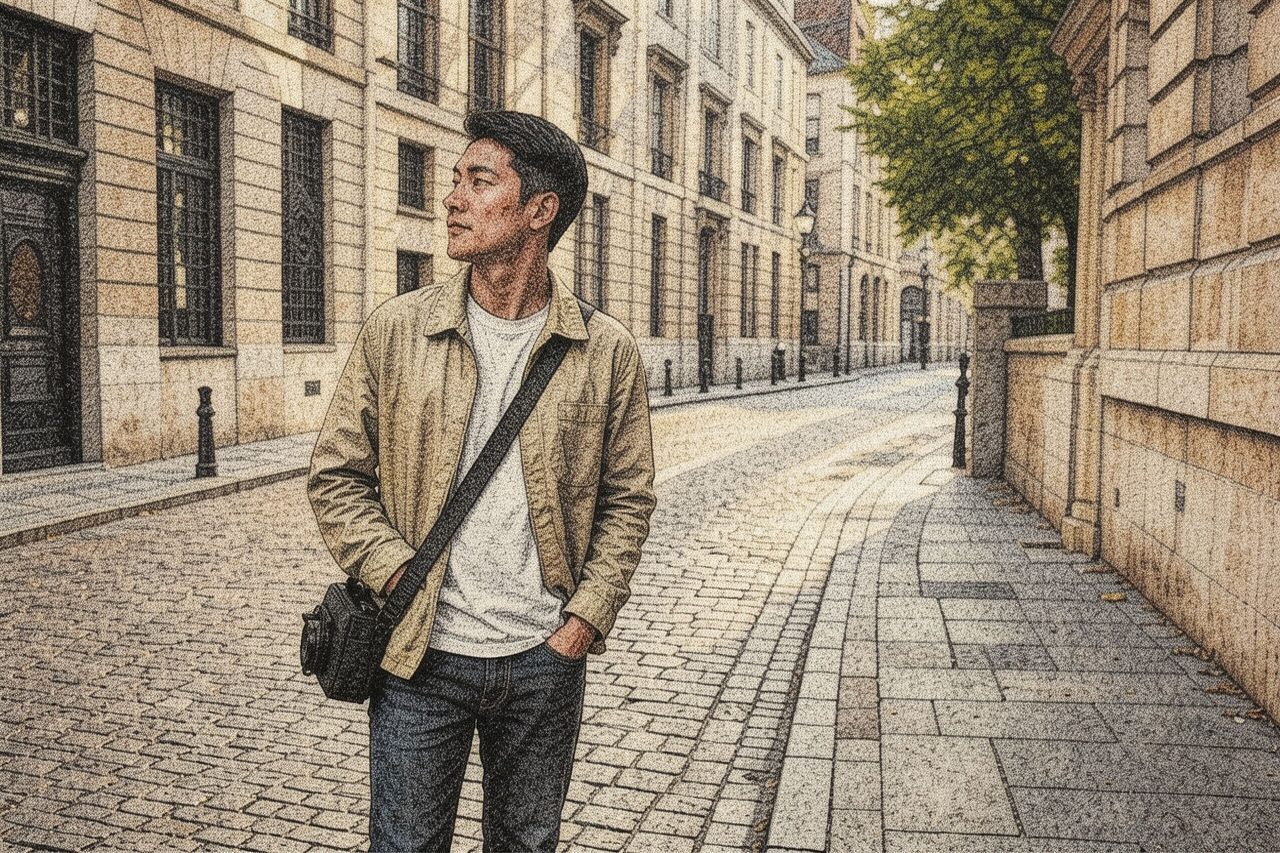
Filter preview
Compare the original photo with the texture result
The example uses a generated source photo and the same filter API path as the app, so users can judge the visual treatment before uploading their own image.
More examples
Test the texture filter on different photo types
Compare portrait, product, and pet examples before opening the filter. Each result uses the same filter API path as the Magic Eraser app.

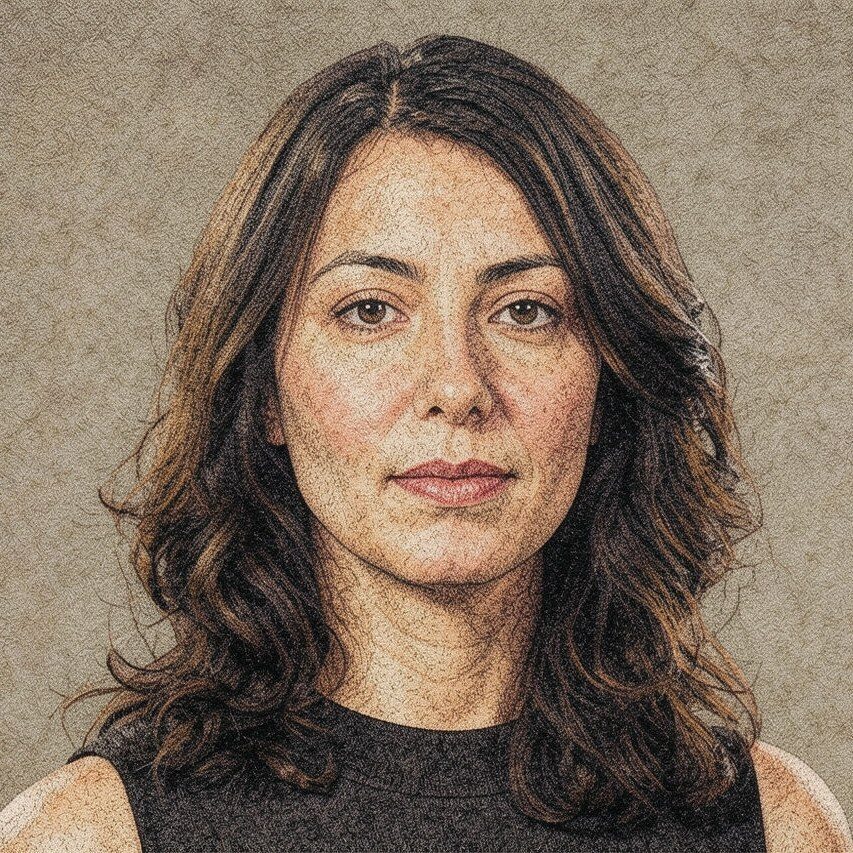
Portrait
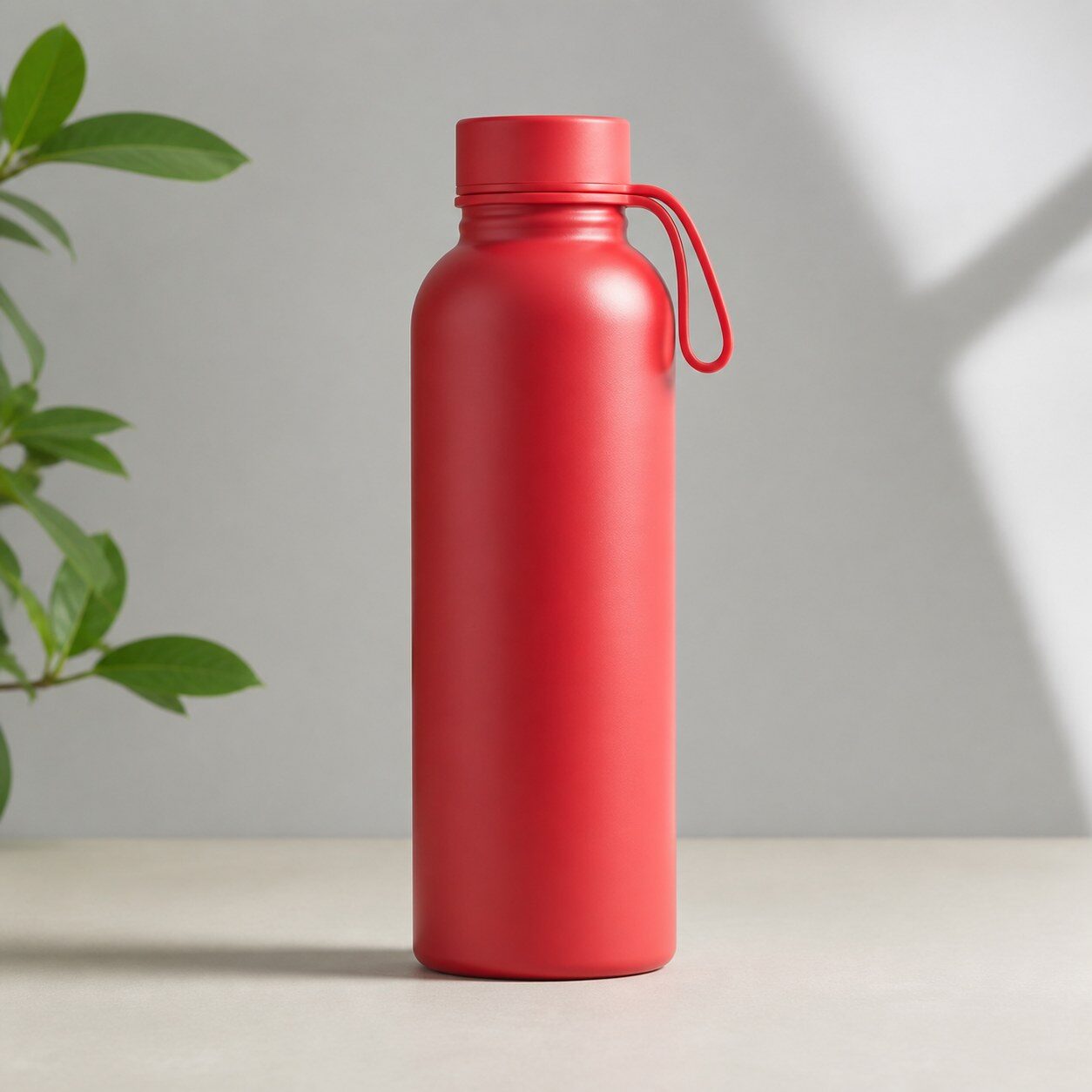
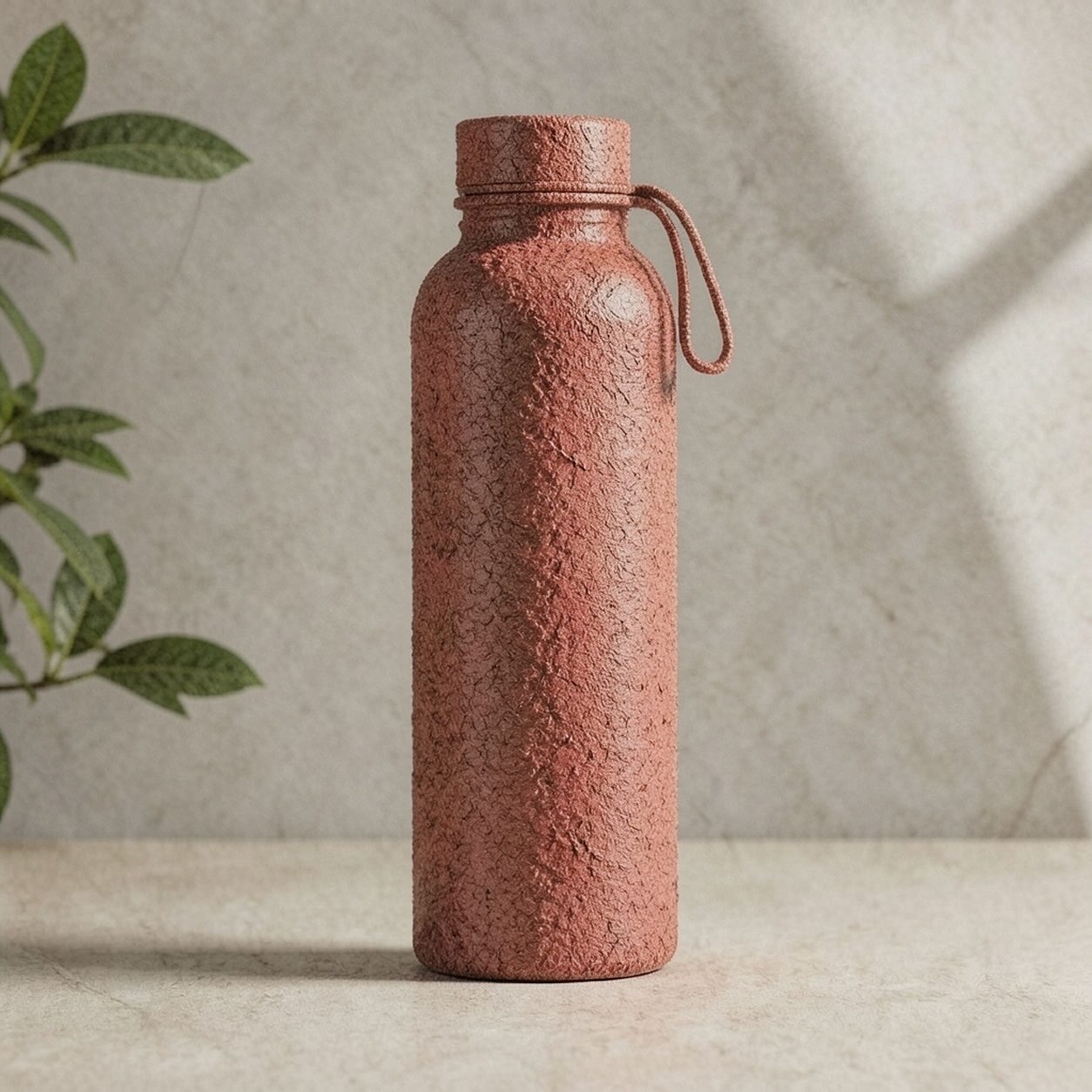
Product


Pet
Photo workflow
How to get a cleaner texture filter result
اختر صورة واضحة وجيدة الإضاءة بموضوع واحد وخلفية بسيطة.
افتح فلتر الملمس وارفع الصورة ثم راجع الوجوه والحواف والنصوص والتفاصيل المهمة.
اقصص النتيجة وأزل العلامات المشتتة قبل إضافة النصوص أو الشعارات الدقيقة منفصلة.
Best source photos
- صور شخصية ونصفية جيدة الإضاءة.
- منتجات بسيطة لا تتطلب دقة لونية.
- حيوانات وعمارة وسفر ونمط حياة بأشكال واضحة.
Filter tips
- تمنع الحدود الواضحة والخلفية النظيفة الملمس من حجب الموضوع.
- تجنب الصور المضغوطة والوجوه الصغيرة والأنماط المزدحمة أصلًا.
- لا تستخدمه عند الحاجة إلى دقة اللون أو الهوية أو النص أو التفاصيل التوثيقية.
Before upload checklist
- Use the largest clean version of the photo, not a compressed screenshot or reposted image.
- Crop loosely before filtering so the AI has enough room around the subject.
- Remove obvious distractions first if they sit directly on the face, product, or main subject.
- Check the result at the size where it will be used: profile image, feed post, story, thumbnail, or banner.
When this filter is a good fit
Choose the texture filter when the original photo already has a clear subject and the goal is a recognizable stylized version, not a fully new generated scene. It is strongest for social, creator, profile, event, and campaign images where mood matters more than documentary accuracy.
Use a different workflow when the image needs exact product color, legal documentation, medical accuracy, or unmodified identity details. In those cases, use cleanup, crop, enhancement, or background tools instead of a heavy creative filter.
Free browser tools after filtering
FAQ
What should I upload?
Use a clear photo with one main subject. Strong lighting and simple backgrounds usually make the AI filter easier to control.
Can I keep editing after the filter?
Yes. After applying the filter, use Magic Eraser to crop, clean distractions, refine backgrounds, and export the final image.
Is this filter selected automatically?
The CTA opens AI Filter with the texture style parameter, and the app falls back safely if the filter changes.