
AI Filter style
فلتر صور أزياء التيكوير بالذكاء الاصطناعي
حوّل صور الأزياء والبورتريه إلى مظهر تيكوير مستقبلي بطبقات ملابس وتفاصيل عملية وإضاءة سينمائية. النتيجة تفسير إبداعي، لذا راجع الوجوه والأيدي والنصوص وتفاصيل الملابس قبل الاستخدام.
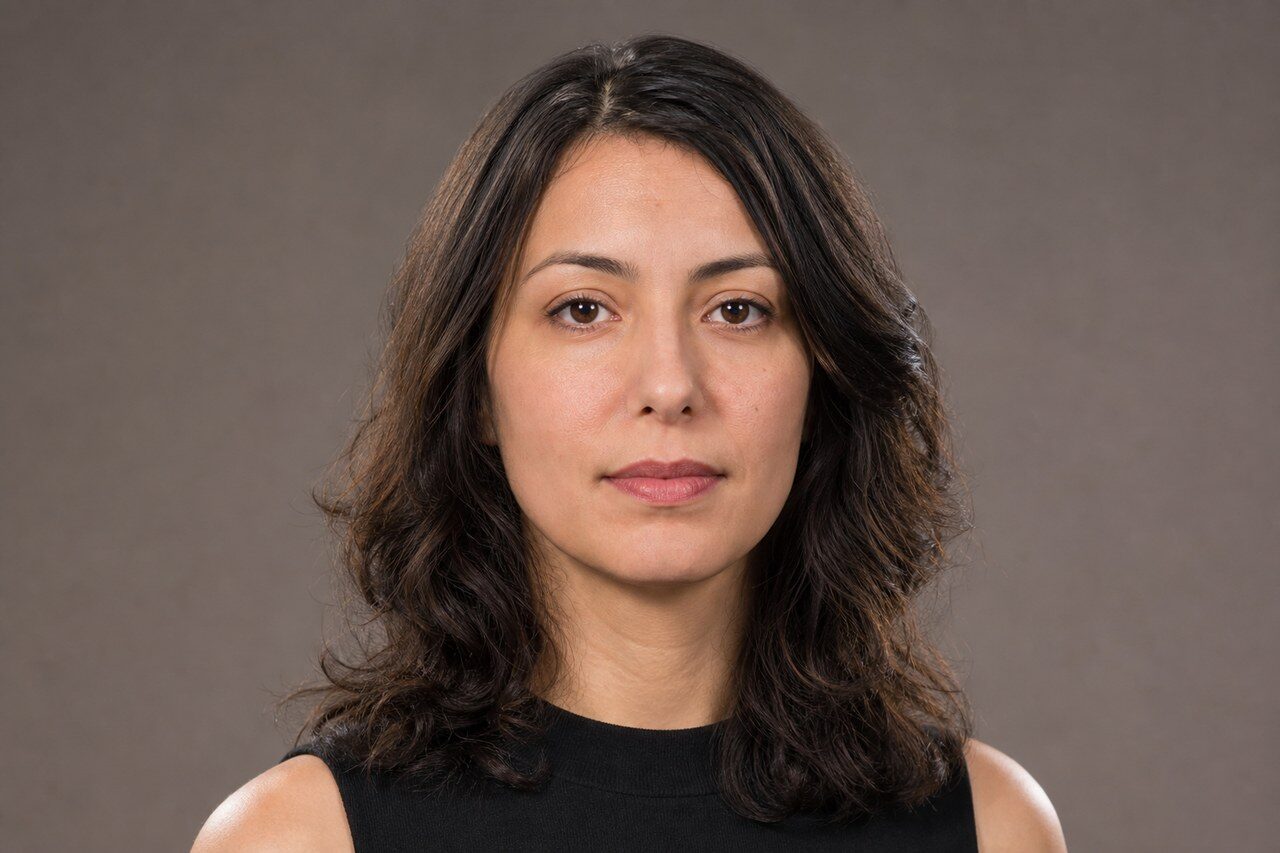
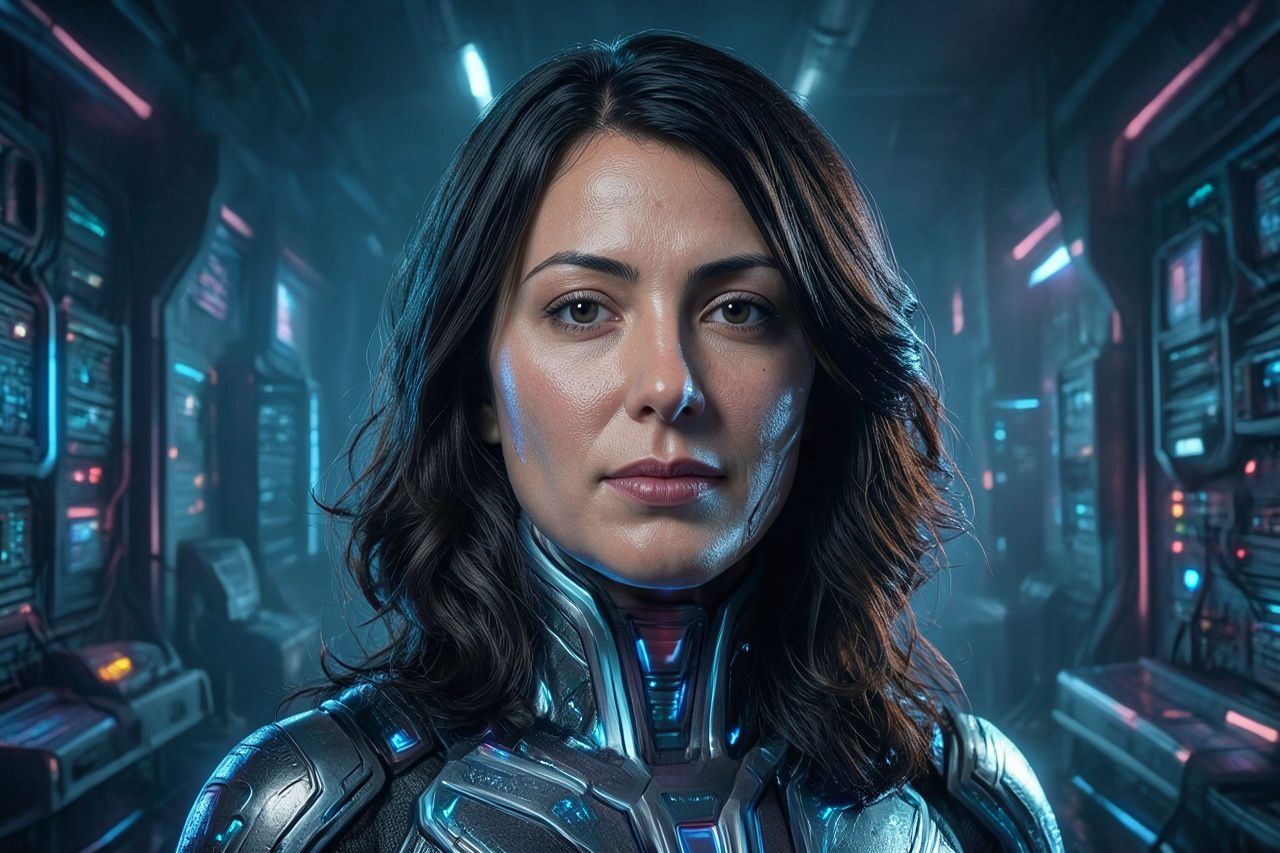
Use case
بورتريهات أزياء مستقبلية وصور ملفات شخصية.
Use case
أفكار أزياء ومنشورات صناع محتوى ولوحات مزاجية.
Use case
مسودات ملصقات وحملات بطابع حضري.
Filter preview
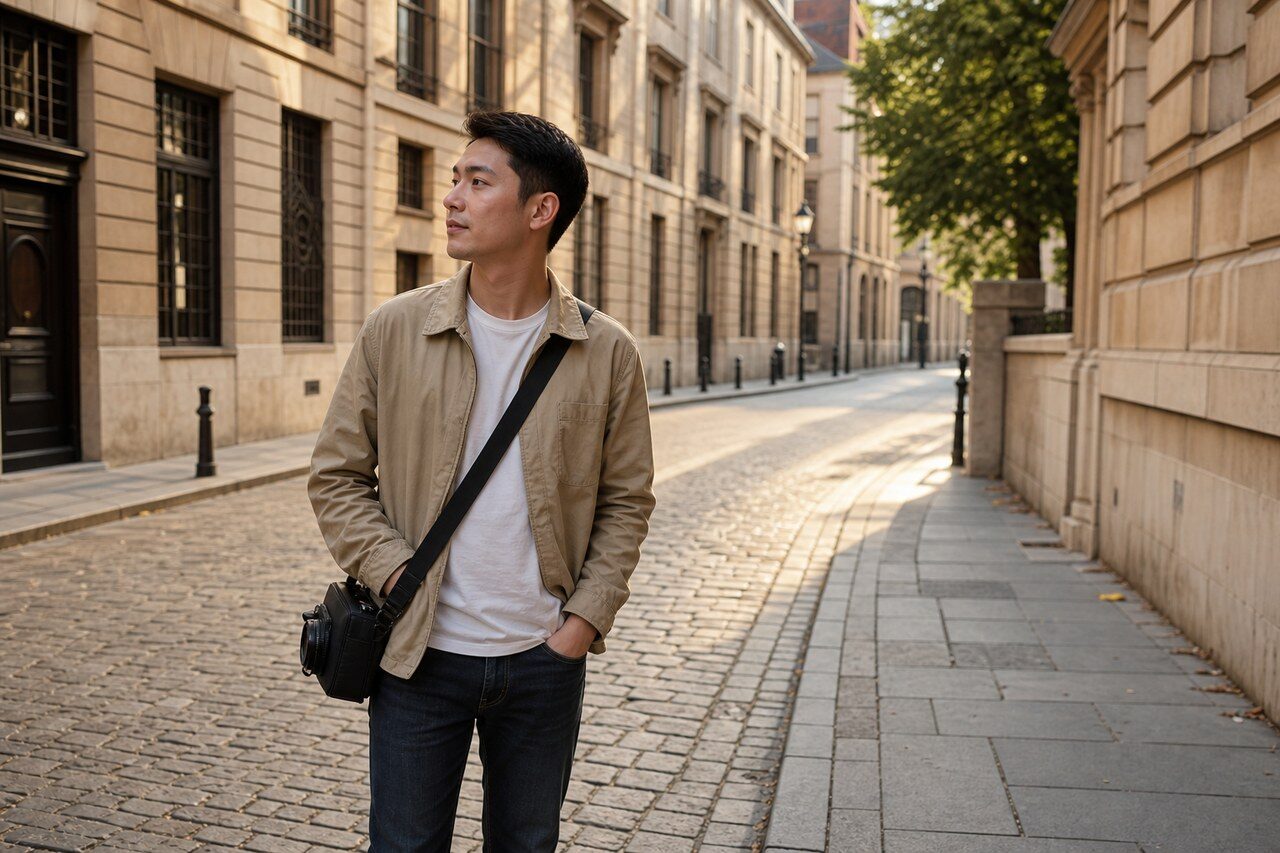
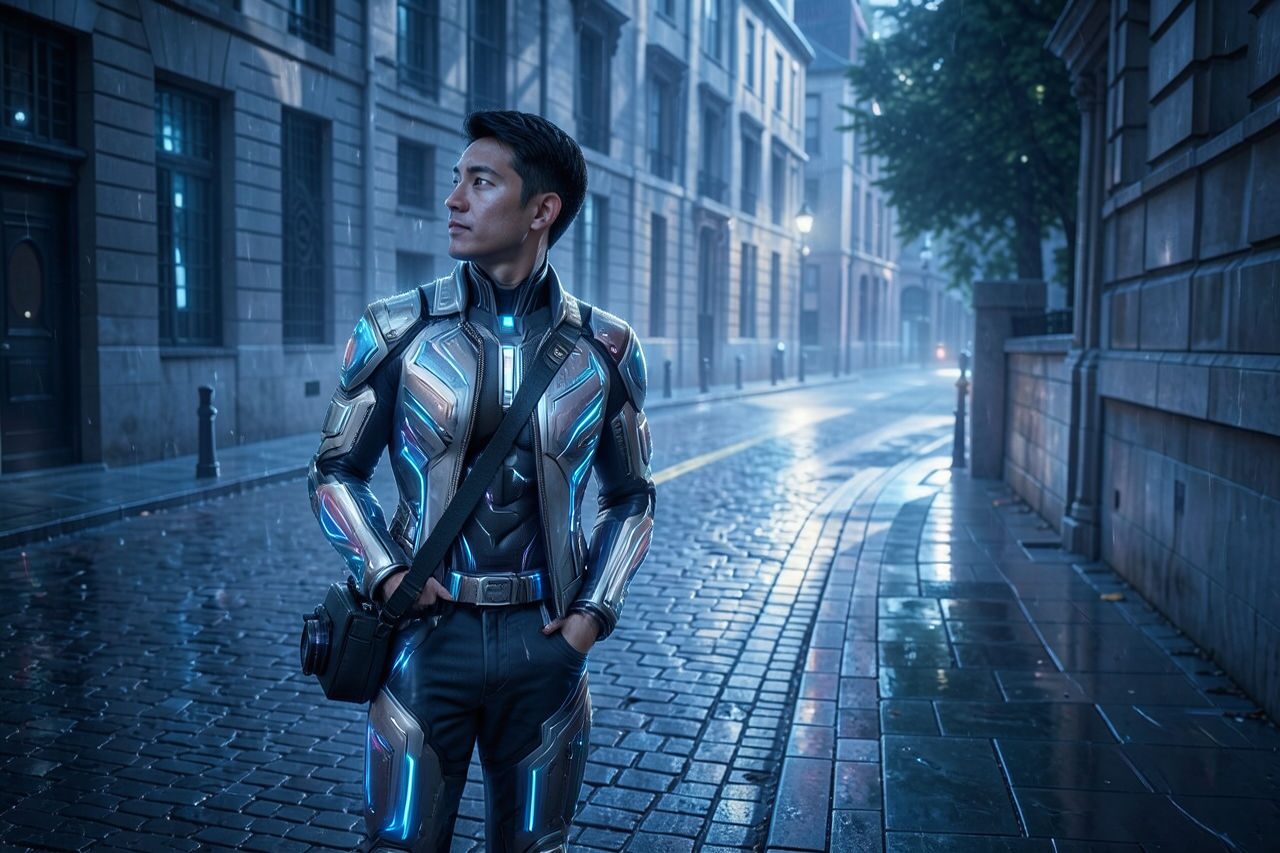
Compare the original photo with the techwear fashion result
The example uses a generated source photo and the same filter API path as the app, so users can judge the visual treatment before uploading their own image.
More examples
Test the techwear fashion filter on different photo types
Compare portrait, product, and pet examples before opening the filter. Each result uses the same filter API path as the Magic Eraser app.

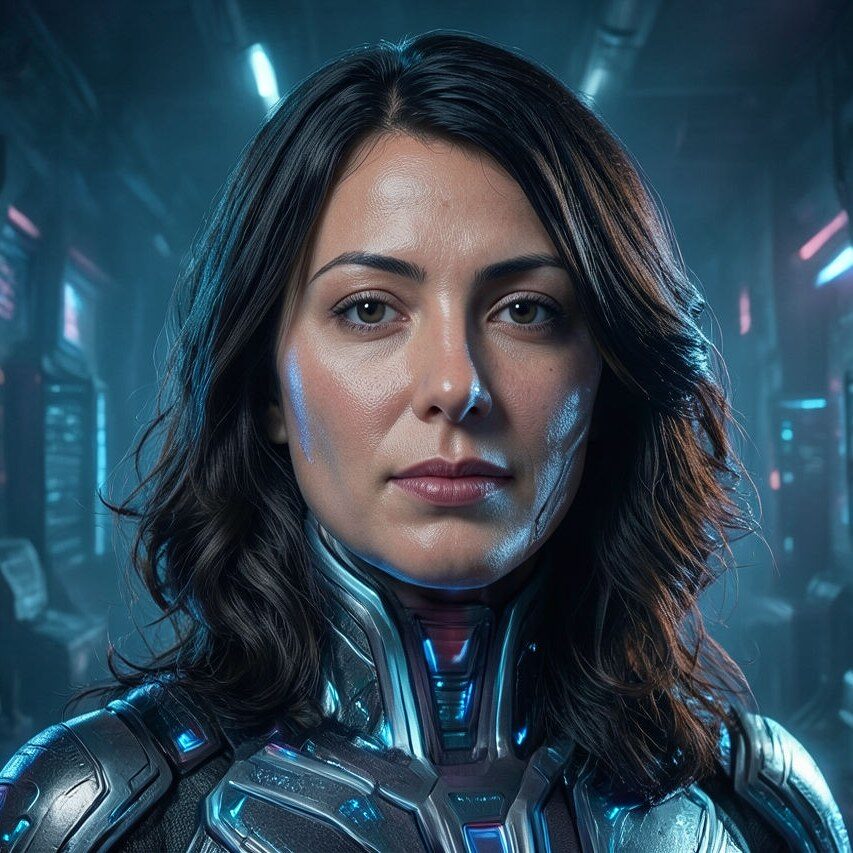
Portrait
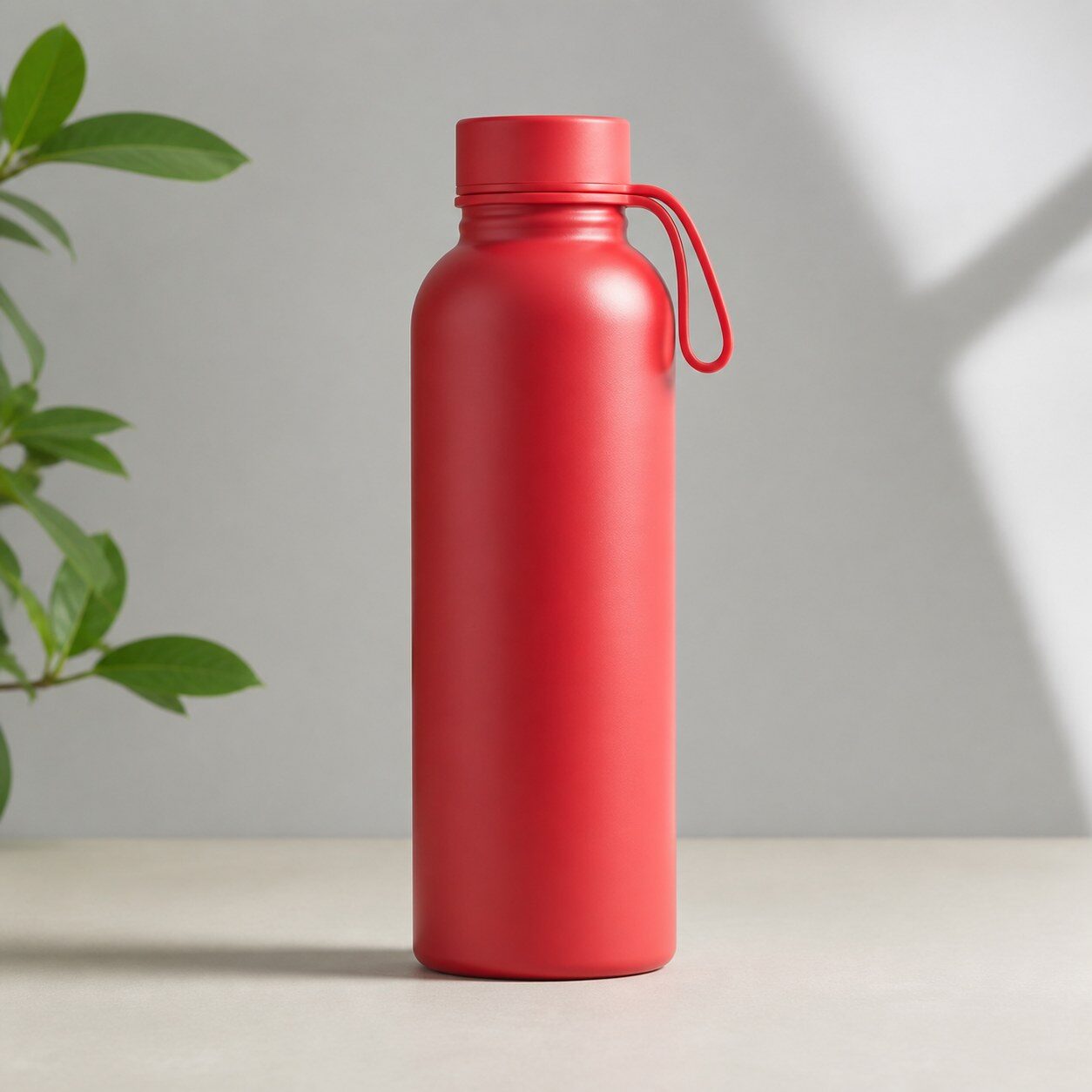
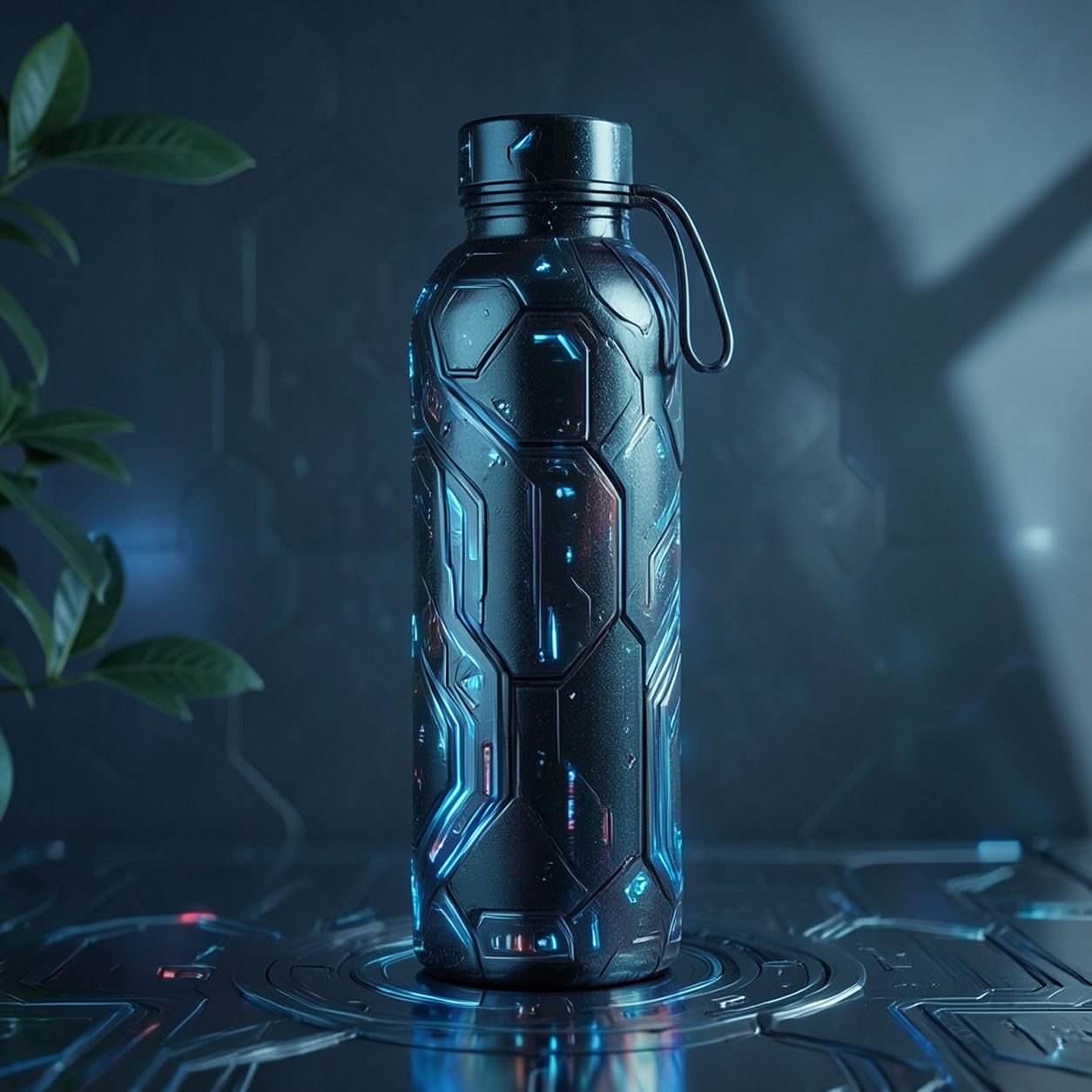
Product
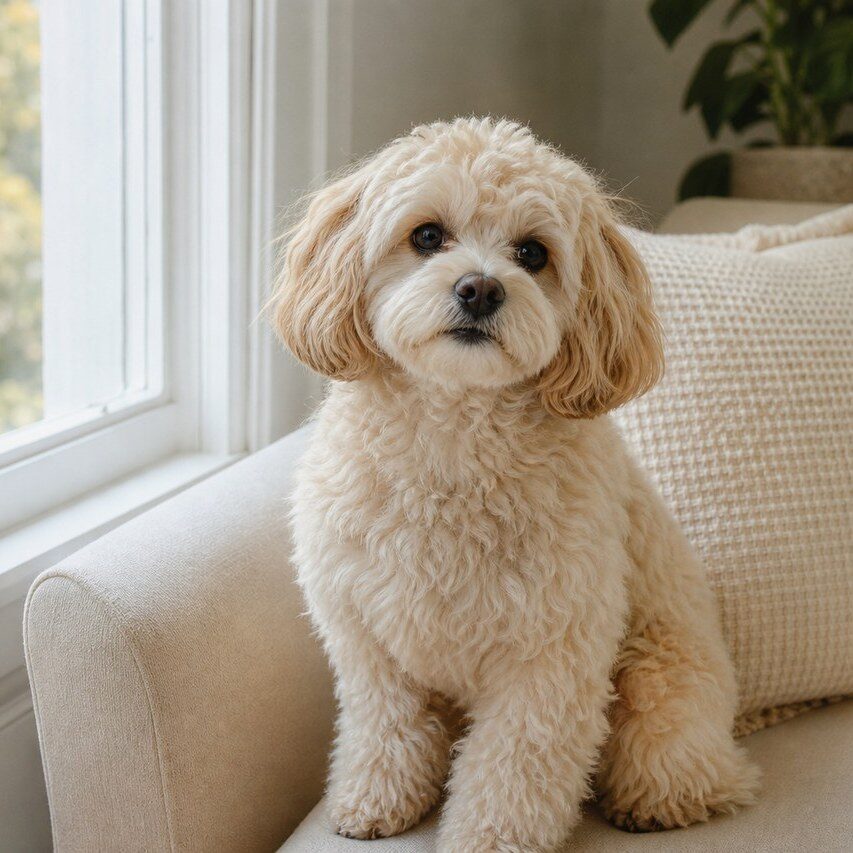

Pet
Photo workflow
How to get a cleaner techwear fashion filter result
اختر صورة واضحة لكامل الجسم أو نصفه بحدود ظاهرة.
افتح فلتر التيكوير وارفع الصورة وراجع الوجوه والأيدي وحواف الملابس.
اقتص الصورة وأزل الأحزمة غير المنطقية أو تفاصيل الخلفية قبل التصدير.
Best source photos
- صور أزياء لكامل الجسم أو نصفه.
- بورتريهات شوارع ذات حدود واضحة.
- صور تنكرية أو تحريرية بخلفية بسيطة.
Filter tips
- تجعل الخلفية البسيطة طبقات الملابس أوضح.
- تجنب المجموعات الكبيرة والأشخاص الصغار جدًا في الإطار.
- لا تعتمد على النتيجة عند الحاجة إلى دقة المنتجات أو الشعارات أو الألوان.
Before upload checklist
- Use the largest clean version of the photo, not a compressed screenshot or reposted image.
- Crop loosely before filtering so the AI has enough room around the subject.
- Remove obvious distractions first if they sit directly on the face, product, or main subject.
- Check the result at the size where it will be used: profile image, feed post, story, thumbnail, or banner.
When this filter is a good fit
Choose the techwear fashion filter when the original photo already has a clear subject and the goal is a recognizable stylized version, not a fully new generated scene. It is strongest for social, creator, profile, event, and campaign images where mood matters more than documentary accuracy.
Use a different workflow when the image needs exact product color, legal documentation, medical accuracy, or unmodified identity details. In those cases, use cleanup, crop, enhancement, or background tools instead of a heavy creative filter.
Free browser tools after filtering
FAQ
What should I upload?
Use a clear photo with one main subject. Strong lighting and simple backgrounds usually make the AI filter easier to control.
Can I keep editing after the filter?
Yes. After applying the filter, use Magic Eraser to crop, clean distractions, refine backgrounds, and export the final image.
Is this filter selected automatically?
The CTA opens AI Filter with the techwear fashion style parameter, and the app falls back safely if the filter changes.