
AI Filter style
فلتر الصور بالذكاء الاصطناعي ليلة مرصعة بالنجوم
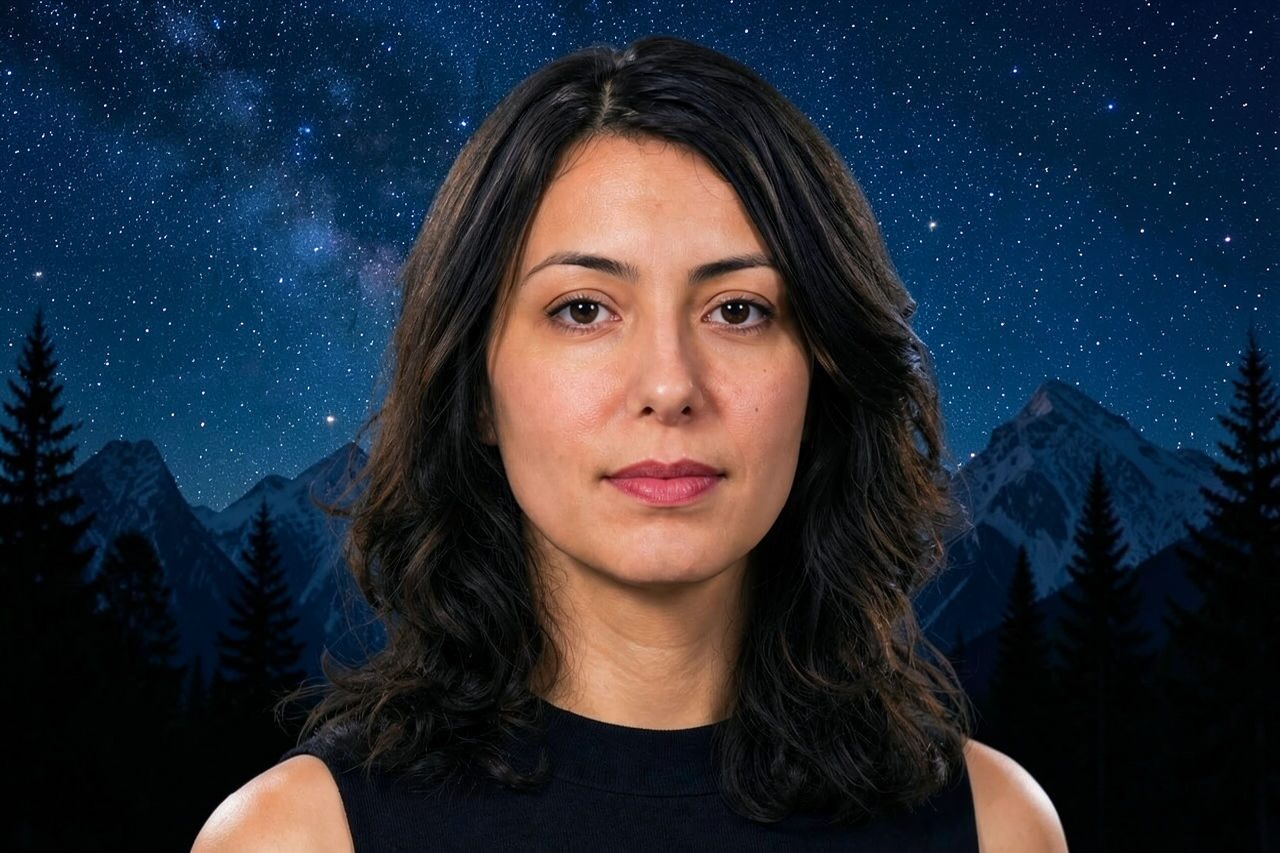
طبّق فلتر ليلة مرصعة بالنجوم بالذكاء الاصطناعي على صور الأشخاص والحيوانات والمنتجات والسفر لإضفاء معالجة درامية مستوحاة من سماء الليل، بدرجات زرقاء عميقة ولمسات مضيئة شبيهة بالنجوم وملمس تعبيري. عاين النتيجة وتحقق من التفاصيل المهمة، ثم اقتصص الصورة أو نظّفها قبل التصدير.

Use case
صور شخصية وصور ملفات ومنشورات منشئي المحتوى ذات أجواء مميزة.
Use case
مرئيات ليلية للسفر والحيوانات والمنتجات والفعاليات.
Use case
مسودات حملات ورسومات اجتماعية بأجواء زرقاء وذهبية جريئة.
Filter preview
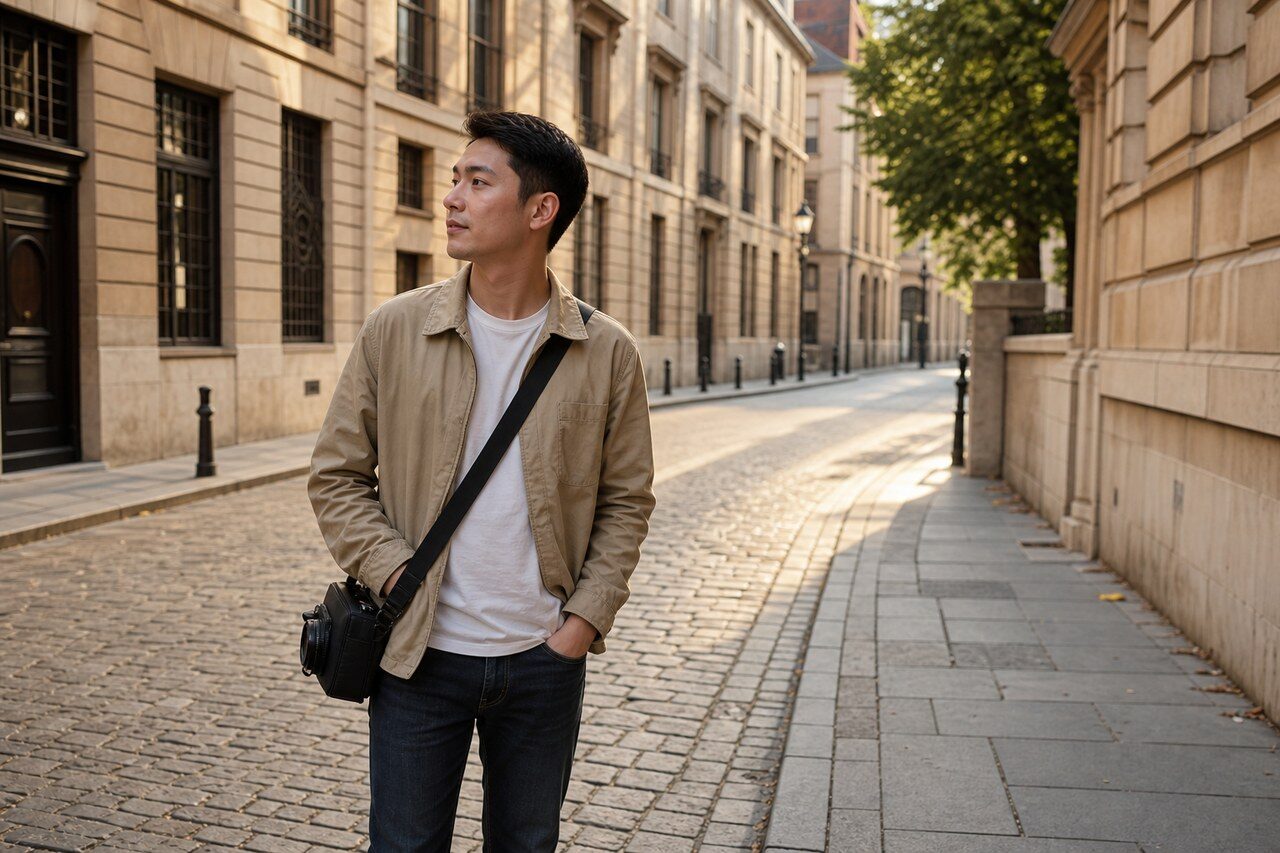
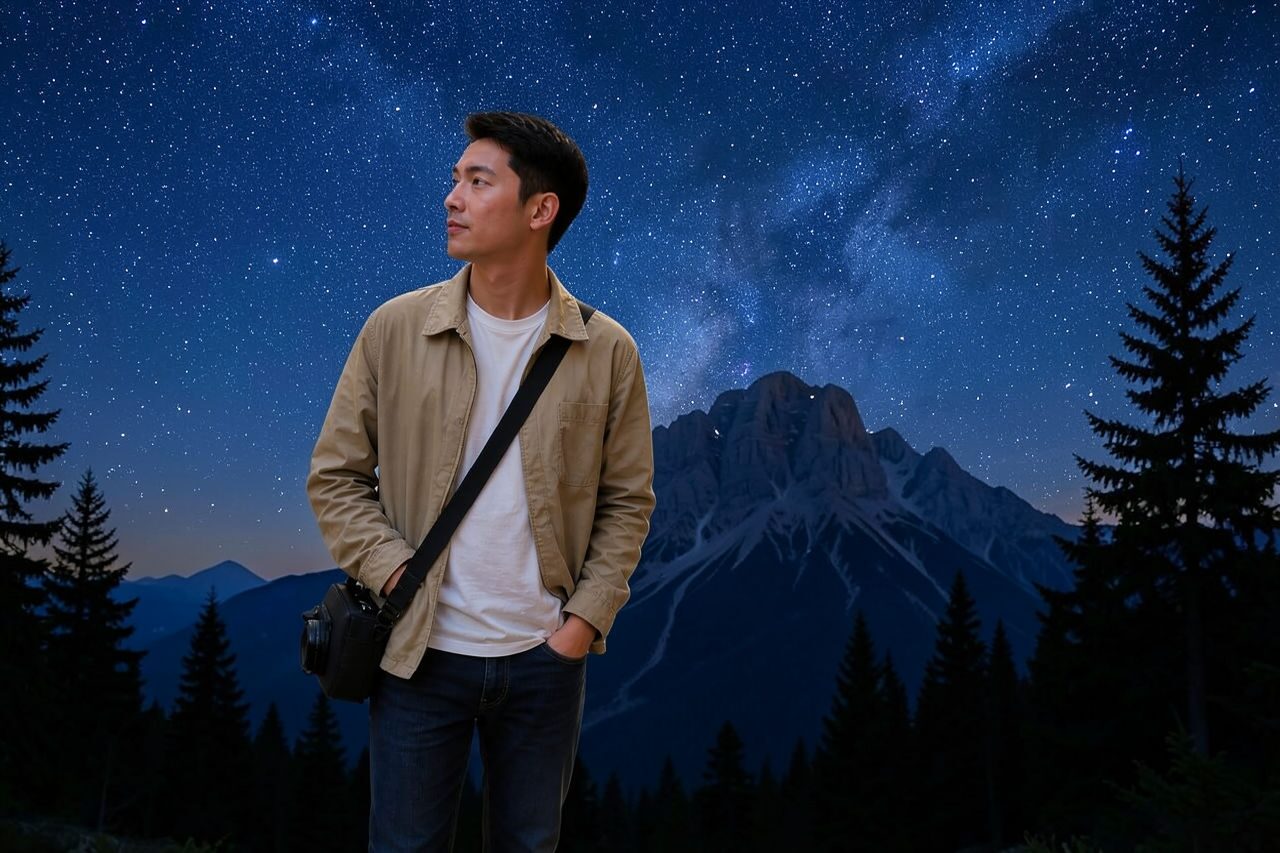
Compare the original photo with the starry night result
The example uses a generated source photo and the same filter API path as the app, so users can judge the visual treatment before uploading their own image.
More examples
Test the starry night filter on different photo types
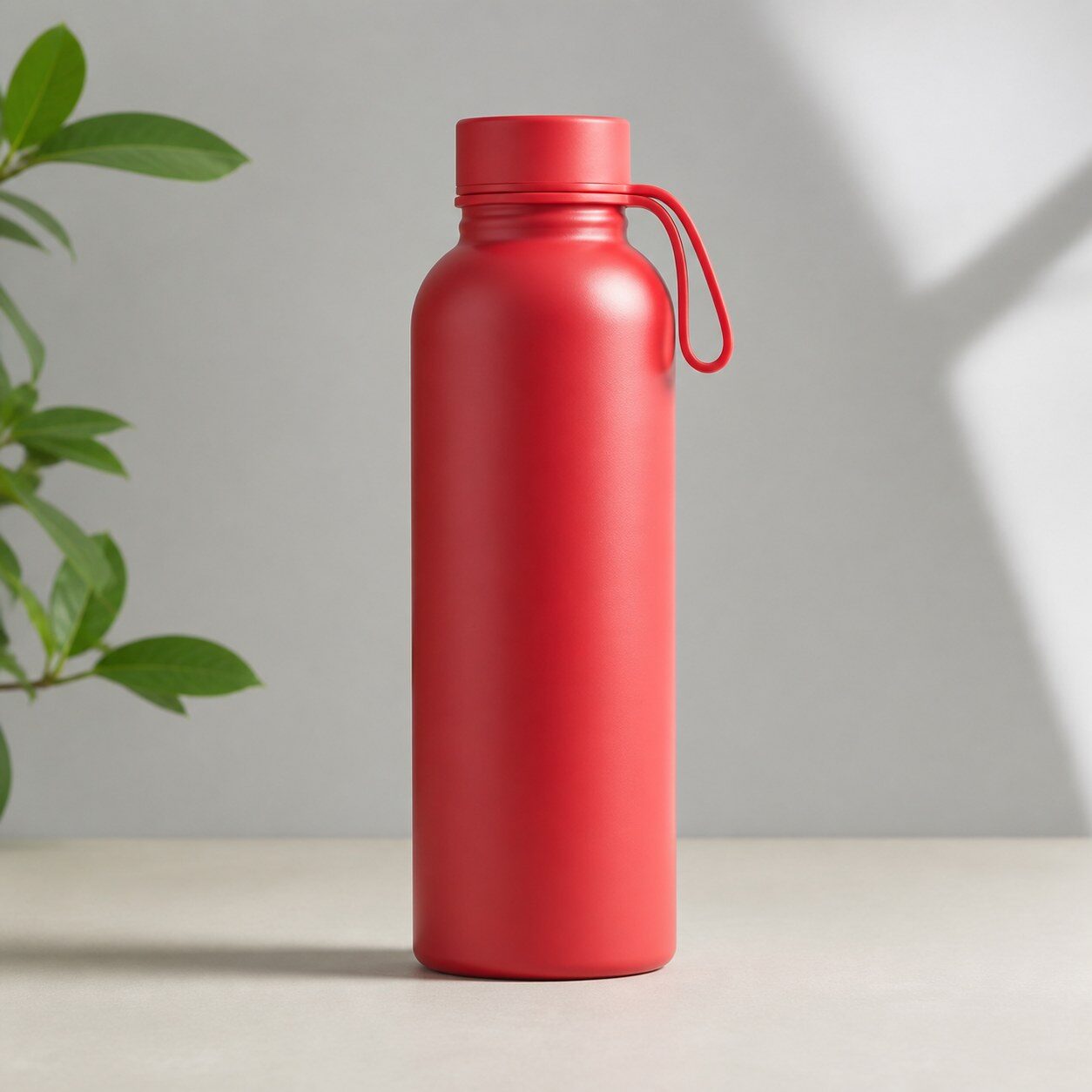
Compare portrait, product, and pet examples before opening the filter. Each result uses the same filter API path as the Magic Eraser app.


Portrait
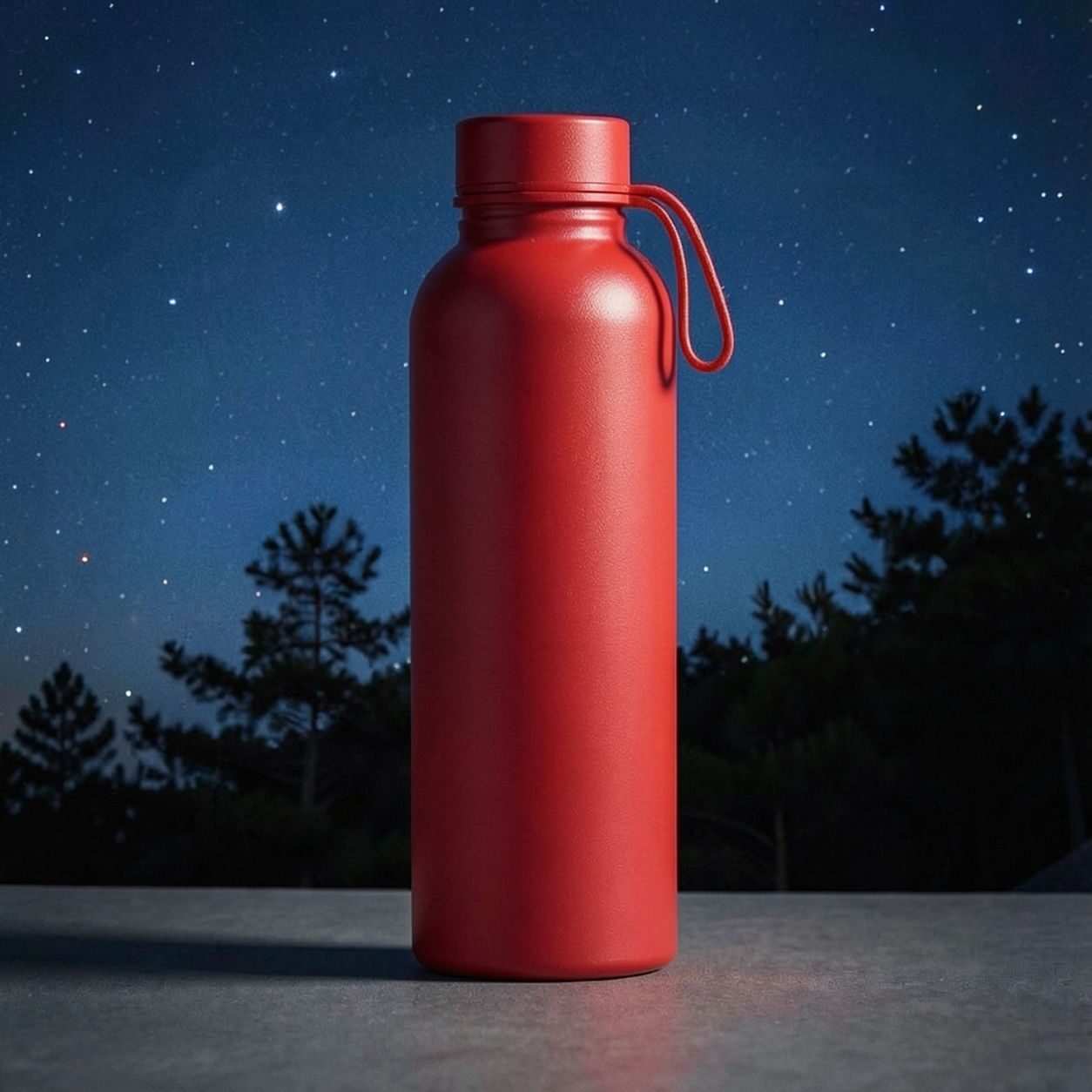
Product
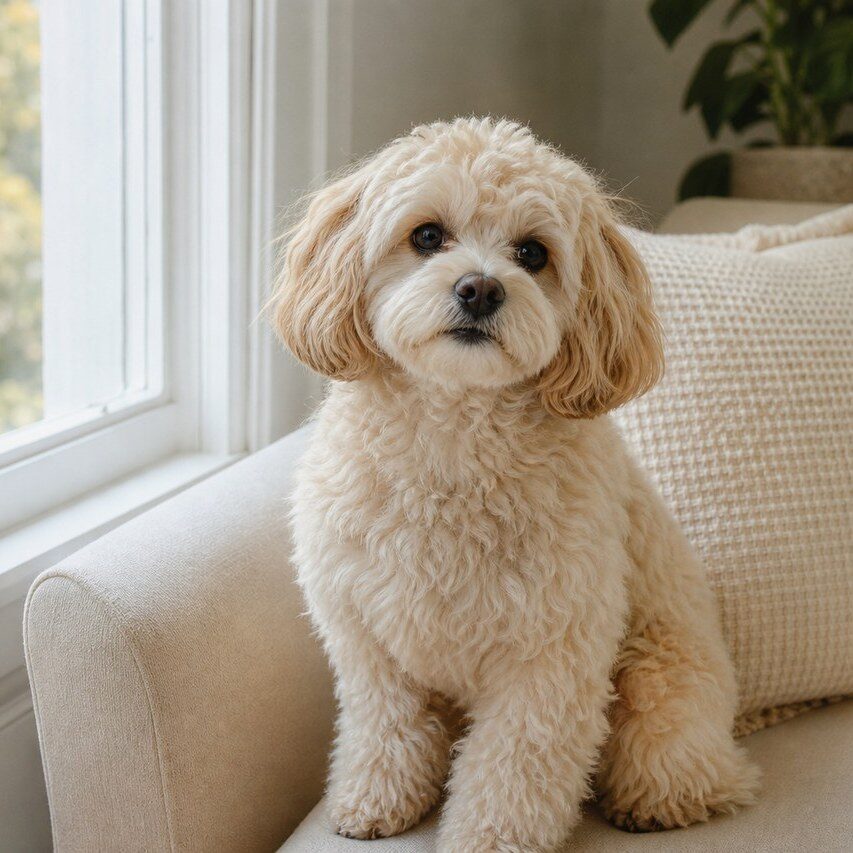
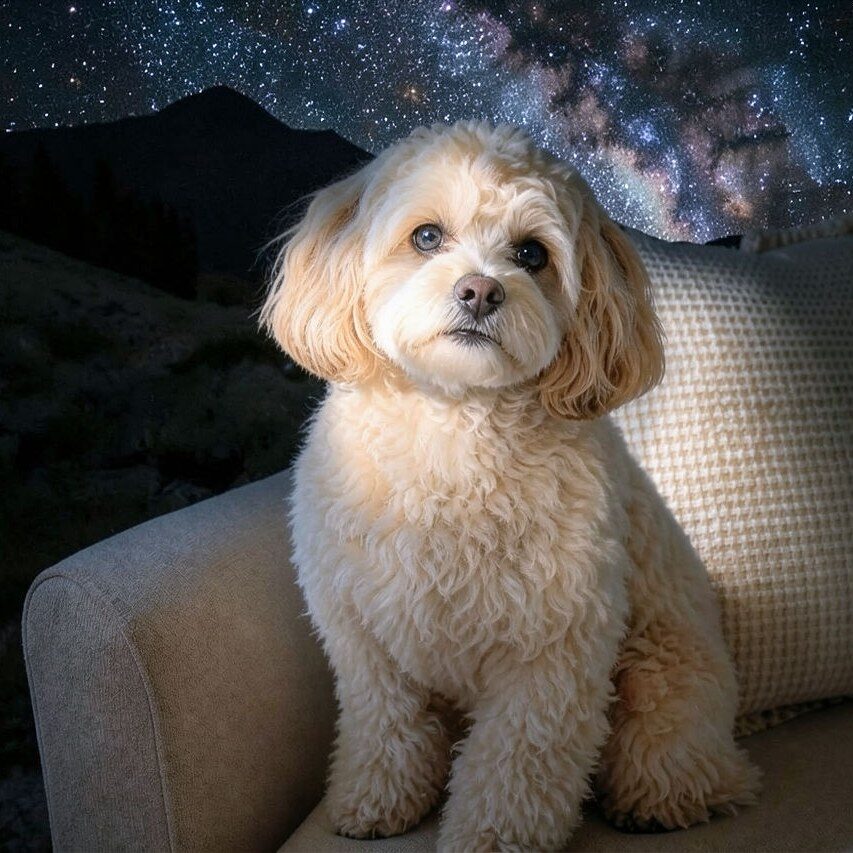
Pet
Photo workflow
How to get a cleaner starry night filter result
اختر صورة واضحة وجيدة الإضاءة بعنصر رئيسي واحد وحواف ظاهرة.
افتح فلتر ليلة مرصعة بالنجوم وارفع الصورة وقارن المعاينة بالأصل.
تحقق من الوجوه والملصقات والتفاصيل الدقيقة، ثم اقتصص الصورة أو أزل المشتتات قبل التصدير.
Best source photos
- صور الأشخاص والسيلفي والحيوانات وصور منشئي المحتوى.
- مشاهد السفر والمباني والمنتجات وصور الفعاليات.
- صور تناسب أجواء ليلية درامية باللونين الأزرق والذهبي.
Filter tips
- تتيح الخلفيات البسيطة مساحة أكبر لملمس سماء الليل التعبيري.
- يساعد فصل العنصر بوضوح عن الخلفية في إبقاء الأشخاص والمنتجات قابلة للتعرّف.
- استخدم مسارًا آخر عند الحاجة إلى لون منتج دقيق أو دقة توثيقية.
Before upload checklist
- Use the largest clean version of the photo, not a compressed screenshot or reposted image.
- Crop loosely before filtering so the AI has enough room around the subject.
- Remove obvious distractions first if they sit directly on the face, product, or main subject.
- Check the result at the size where it will be used: profile image, feed post, story, thumbnail, or banner.
When this filter is a good fit
Choose the starry night filter when the original photo already has a clear subject and the goal is a recognizable stylized version, not a fully new generated scene. It is strongest for social, creator, profile, event, and campaign images where mood matters more than documentary accuracy.
Use a different workflow when the image needs exact product color, legal documentation, medical accuracy, or unmodified identity details. In those cases, use cleanup, crop, enhancement, or background tools instead of a heavy creative filter.
Free browser tools after filtering
FAQ
What should I upload?
Use a clear photo with one main subject. Strong lighting and simple backgrounds usually make the AI filter easier to control.
Can I keep editing after the filter?
Yes. After applying the filter, use Magic Eraser to crop, clean distractions, refine backgrounds, and export the final image.
Is this filter selected automatically?
The CTA opens AI Filter with the starry night style parameter, and the app falls back safely if the filter changes.