
AI Create style
مولّد صور الطباعة الفنية بالذكاء الاصطناعي
أنشئ مفاهيم بصرية تتمحور حول الحروف، بحيث تقود أشكالها وإيقاع التخطيط والتكوين الرسومي الصورة. استخدمها لاتجاهات الملصقات وصور الاقتباسات والألبومات والمنتجات والحملات، ثم أضف النص النهائي الدقيق في المحرر.
Use case
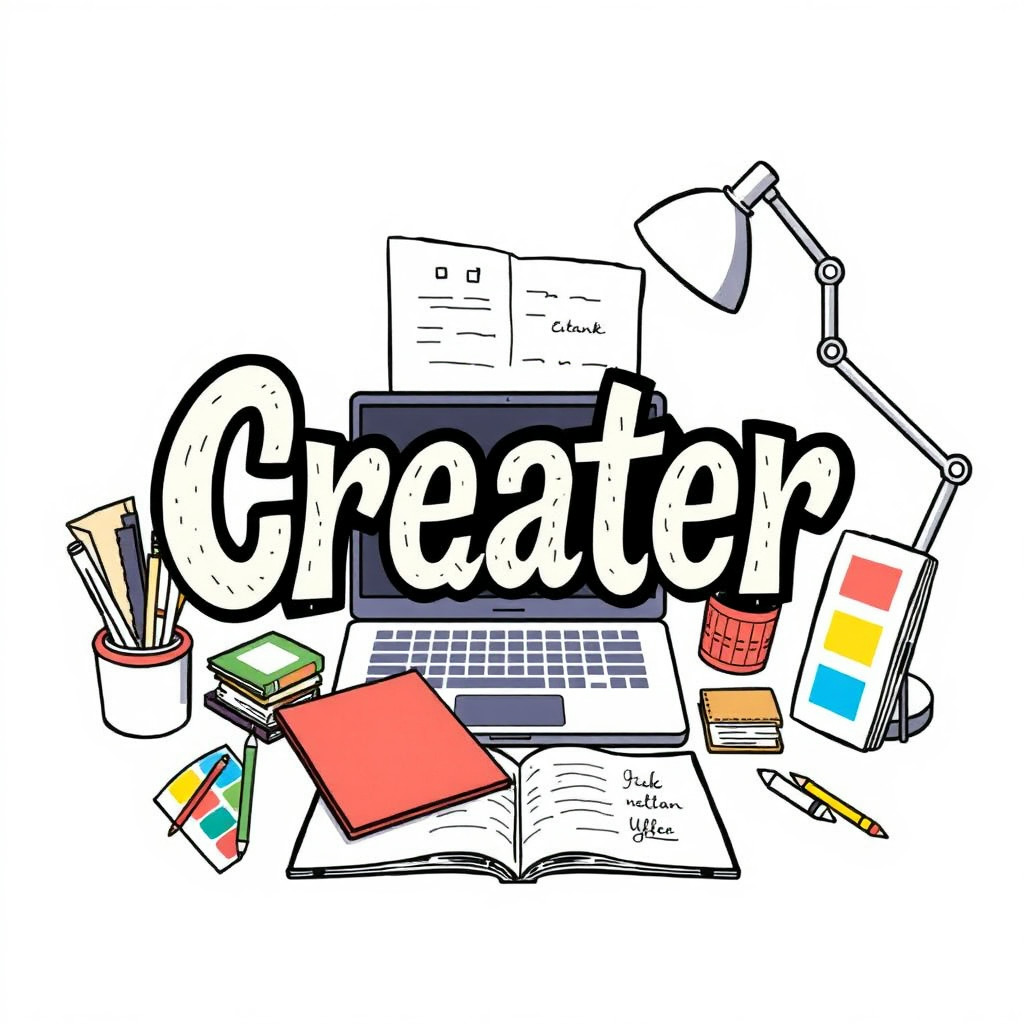
مفاهيم ملصقات وأغلفة تكون فيها الحروف العنصر الرئيسي.
Use case
صور اقتباسات ومنشورات اجتماعية بتنسيق حروف تعبيري.
Use case
اتجاهات بصرية للمنتجات والفعاليات والحملات.
Visual direction preview
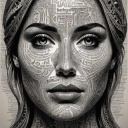
Use the style thumbnail as the creative target
The preview gives users a concrete reference for color, texture, edge detail, and mood before they open the generator. Pair it with the prompt starters below to keep the page useful instead of only decorative.
Generated examples
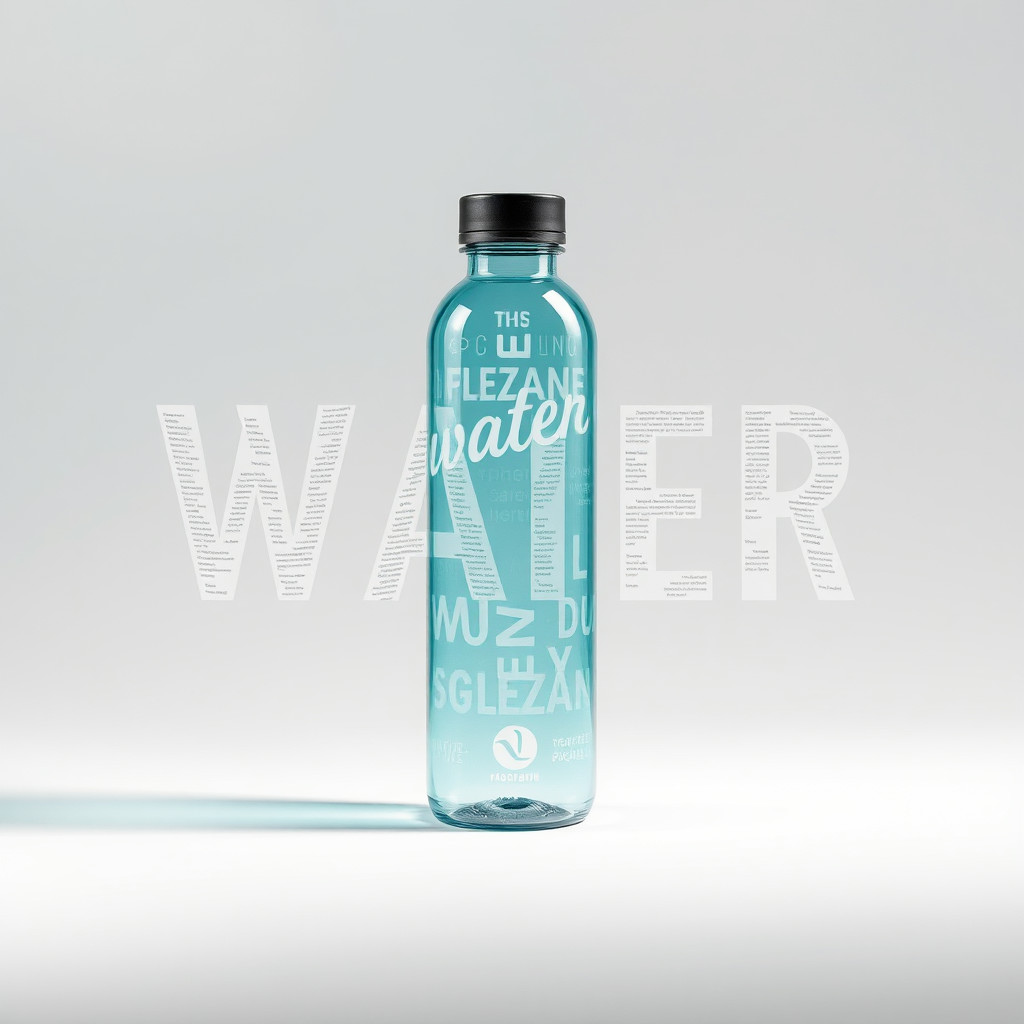
See the الطباعة الفنية style in real outputs
These examples were generated through the Magic Eraser AI Create API with the الطباعة الفنية style selected.
Prompt workflow
How to get a stronger الطباعة الفنية result
ابدأ بكلمة أو رسالة قصيرة، ثم حدّد أسلوب الحروف ولوحة الألوان والخلفية والتكوين.
أنشئ عدة تنويعات وقارن أشكال الحروف والتسلسل البصري والتباين والمساحات الفارغة.
اختر أفضل تكوين، ثم استبدل الحروف المولّدة بنص دقيق قابل للتحرير قبل النشر.
Prompt starters
- “مفهوم ملصق طباعي لكلمة FOCUS، حروف حمراء عريضة بلا زوائد، خلفية بيضاء نظيفة، ظل خفيف”
- “تخطيط طباعي تحريري عن السفر الصيفي، حروف ورقية متراكبة، كتل لونية زاهية”
- “مفهوم حروف كرومية لملصق فعالية موسيقية، خلفية داكنة، حروف عاكسة، إضاءة درامية”
Style tips
- تعامل مع الحروف المولّدة كعنصر بصري لا كنص نهائي دقيق.
- استخدم كلمات قصيرة وتكوينًا بسيطًا للحفاظ على وضوح الاتجاه.
- أضف الأسماء والتواريخ والأسعار والشعارات الدقيقة بشكل منفصل بعد التوليد.
Output planning checklist
- Decide the final placement before prompting: square post, vertical story, product insert, poster, thumbnail, or wide banner.
- Keep one primary subject and one visual mood so the الطباعة الفنية style has a clear job.
- Describe the background as simple, detailed, bright, dark, studio, outdoor, or textured instead of leaving it open-ended.
- Generate variations first, then edit the selected image for crop, cleanup, and export size.
When to choose this style
Choose الطباعة الفنية when the image needs a clear creative direction before production: an ad concept, a social visual, a character idea, a packaging mood, or a fast design draft. Choose another style if the final asset must look like a camera photo, preserve exact product color, or include precise typography.
For commercial work, treat the generated image as a starting point. Review details, remove distracting artifacts, add exact text separately, and export the final size from the editor.
FAQ
Can I edit the generated image?
Yes. Generate the image, then continue with cleanup, crop, background, and export tools in Magic Eraser.
Should I include exact text?
Use AI Create for the visual direction. Add exact text later with editable design tools for cleaner spelling and layout.
Is this style selected automatically?
The CTA opens AI Create with the الطباعة الفنية style parameter, and the app falls back safely if the option changes.