
AI Create style
مولّد صور الورق المعجّن بالذكاء الاصطناعي
أنشئ صورًا بأسلوب الورق المعجّن من وصف نصي بملمس الورق الممزق وأحجام مشكلة يدويًا وطبقات ملصقة وطلاء مطفي. يناسب الشخصيات والزينة والرسوم وأفكار العرض؛ صف العنصر وملمس الورق والألوان والإضاءة.
Use case
شخصيات وأقنعة وقطع زينة بمظهر يدوي.
Use case
رسوم تحريرية وملصقات ومرئيات اجتماعية بملمس ورقي.
Use case
أفكار للدعائم وواجهات العرض والتغليف والحرف.

Visual direction preview
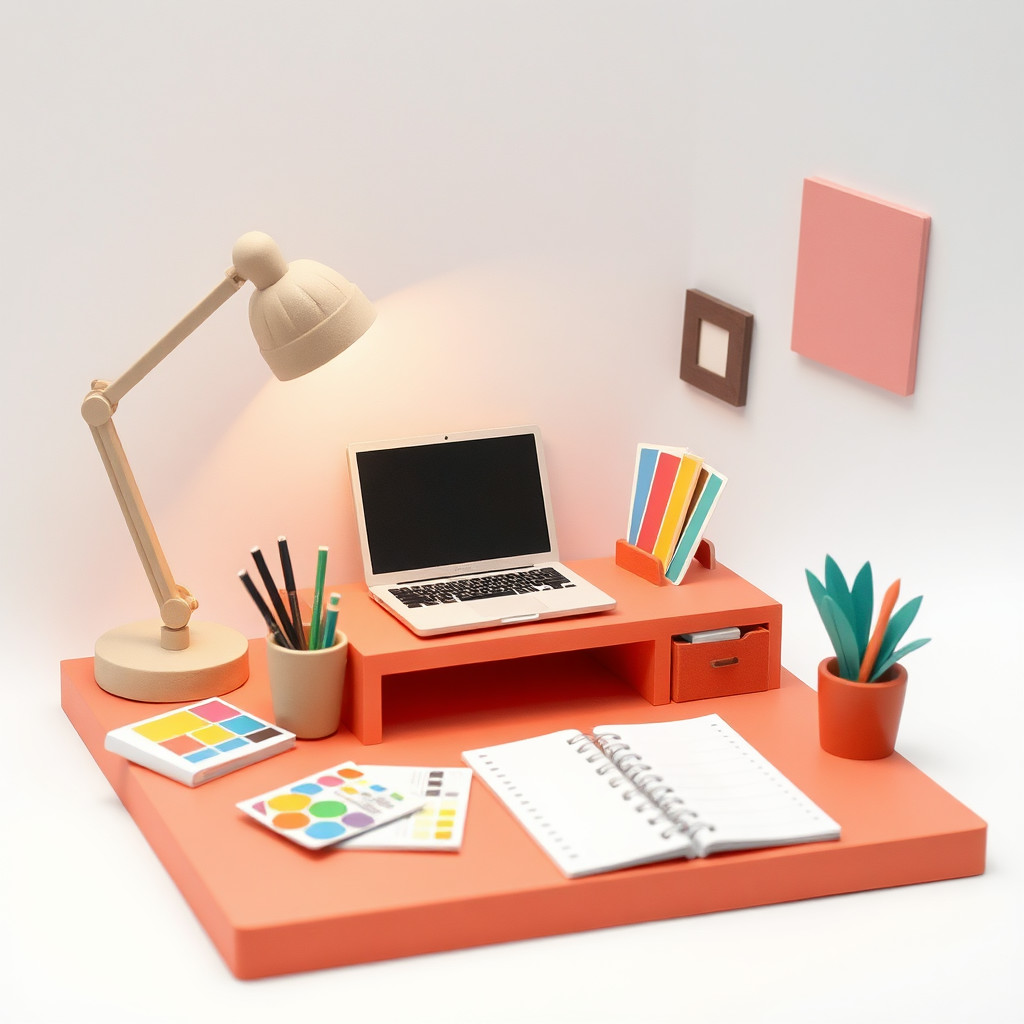
Use the style thumbnail as the creative target
The preview gives users a concrete reference for color, texture, edge detail, and mood before they open the generator. Pair it with the prompt starters below to keep the page useful instead of only decorative.
Generated examples
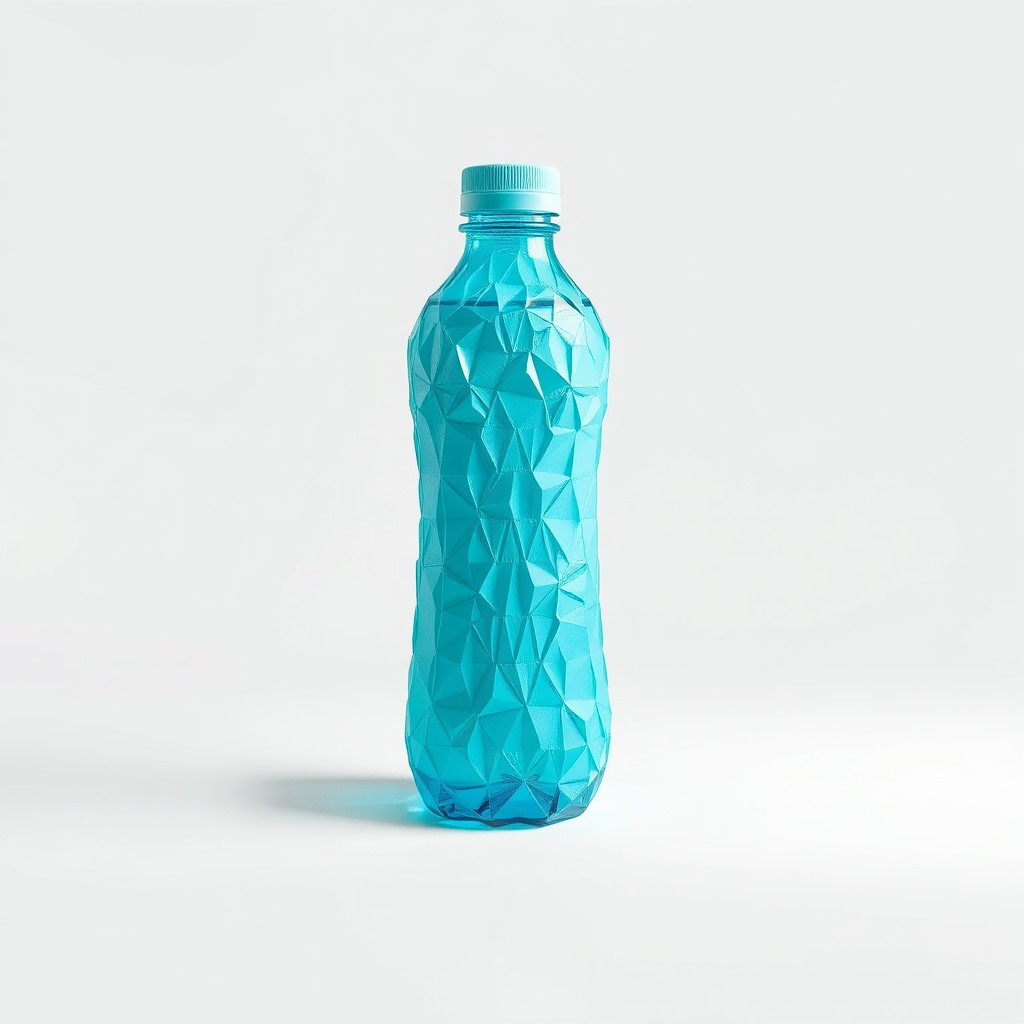
See the فن الورق المعجّن style in real outputs
These examples were generated through the Magic Eraser AI Create API with the فن الورق المعجّن style selected.
Prompt workflow
How to get a stronger فن الورق المعجّن result
صف عنصرًا رئيسيًا واحدًا ووضعيته والتكوين المطلوب.
أضف طبقات من الورق الممزق وسطحًا غير منتظم وطلاءً مطفيًا وآثار العمل اليدوي.
أنشئ تنويعات واختر أوضح شكل ثم اقتصص التفاصيل الزائدة ونظفها قبل التصدير.
Prompt starters
- “ثعلب مصنوع يدويًا من الورق المعجّن، طبقات ورق ممزق، طلاء برتقالي مطفي، خلفية استوديو بسيطة”
- “قناع احتفالي من الورق المعجّن، فيروزي وذهبي، ملمس غير منتظم، إضاءة جانبية ناعمة”
- “مزهرية من الورق المعجّن مع زهور برية، ألوان ترابية، تشطيب يدوي، تكوين ملصق”
Style tips
- استخدم أشكالًا بسيطة ليظل ملمس الورق المعجّن واضحًا.
- حدّد الألوان والخشونة واتجاه الضوء بدل الاعتماد على اسم الأسلوب وحده.
- أضف النص والشعارات ومقاسات الإنتاج الدقيقة بعد التوليد.
Output planning checklist
- Decide the final placement before prompting: square post, vertical story, product insert, poster, thumbnail, or wide banner.
- Keep one primary subject and one visual mood so the فن الورق المعجّن style has a clear job.
- Describe the background as simple, detailed, bright, dark, studio, outdoor, or textured instead of leaving it open-ended.
- Generate variations first, then edit the selected image for crop, cleanup, and export size.
When to choose this style
Choose فن الورق المعجّن when the image needs a clear creative direction before production: an ad concept, a social visual, a character idea, a packaging mood, or a fast design draft. Choose another style if the final asset must look like a camera photo, preserve exact product color, or include precise typography.
For commercial work, treat the generated image as a starting point. Review details, remove distracting artifacts, add exact text separately, and export the final size from the editor.
FAQ
Can I edit the generated image?
Yes. Generate the image, then continue with cleanup, crop, background, and export tools in Magic Eraser.
Should I include exact text?
Use AI Create for the visual direction. Add exact text later with editable design tools for cleaner spelling and layout.
Is this style selected automatically?
The CTA opens AI Create with the فن الورق المعجّن style parameter, and the app falls back safely if the option changes.