
AI Create style
مولّد صور أحادية اللون بالذكاء الاصطناعي
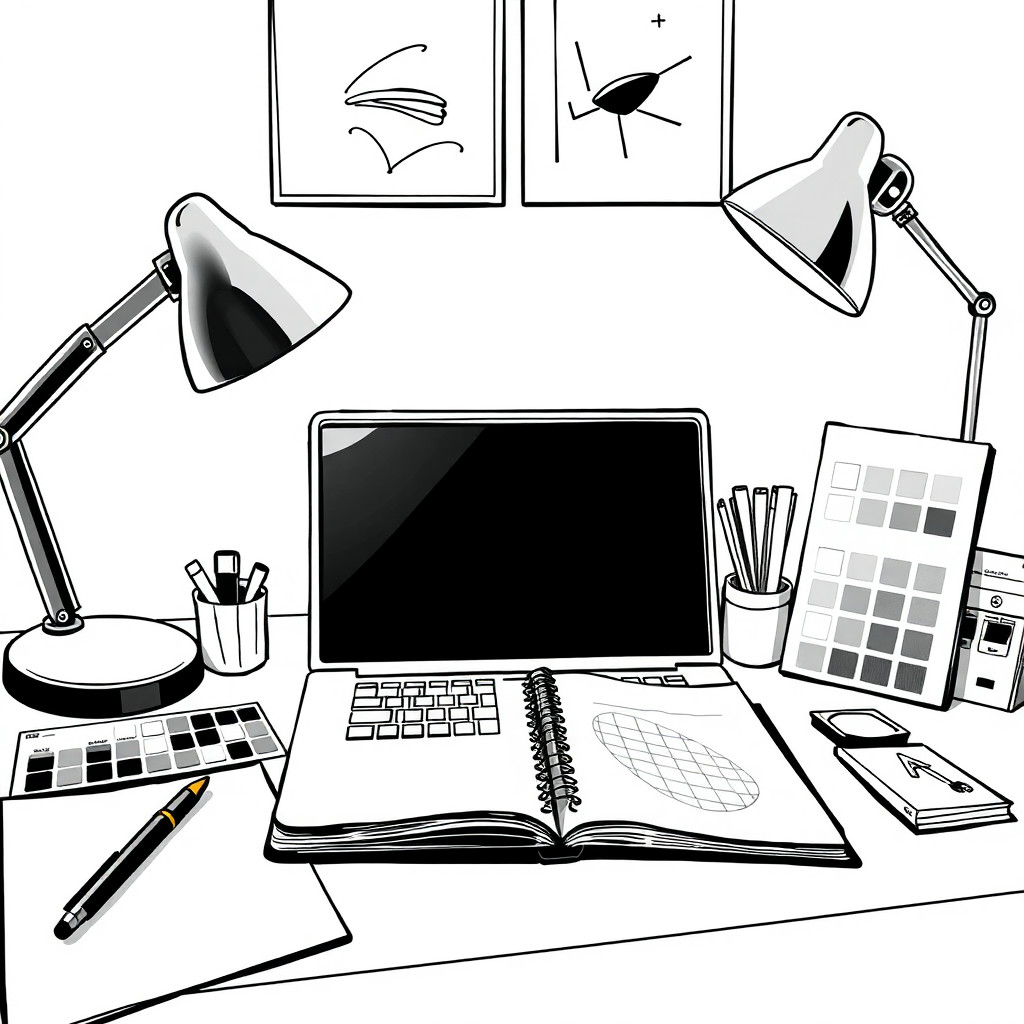
أنشئ صورًا أحادية اللون بالذكاء الاصطناعي مع تحكم في التباين والملمس والأشكال. يناسب هذا الأسلوب المفاهيم التحريرية وصور المنتجات الراقية والصور الشخصية والملصقات والتصاميم التي ينجح فيها هدوء الأبيض والأسود أكثر من الألوان.
Use case
صور شخصية تحريرية وصور مصغرة عالية التباين ومرئيات حملات ذات أجواء واضحة.
Use case
مفاهيم منتجات فاخرة وملصقات ورسومات بسيطة للتواصل الاجتماعي.
Use case
فن تصوري يعتمد على الإضاءة والصورة الظلية والملمس.
Visual direction preview
Use the style thumbnail as the creative target
The preview gives users a concrete reference for color, texture, edge detail, and mood before they open the generator. Pair it with the prompt starters below to keep the page useful instead of only decorative.
Generated examples
See the أحادي اللون style in real outputs
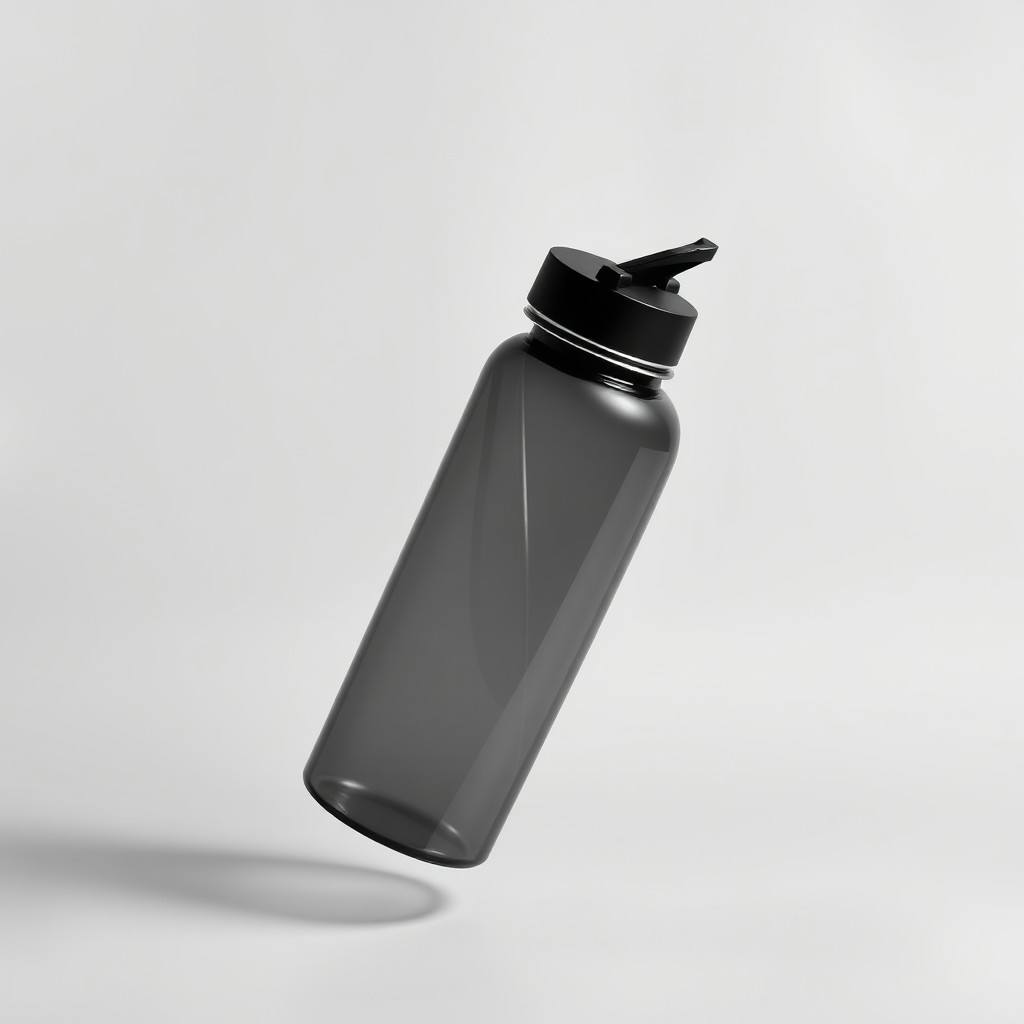
These examples were generated through the Magic Eraser AI Create API with the أحادي اللون style selected.
Prompt workflow
How to get a stronger أحادي اللون result
صف العنصر واتجاه الإضاءة ودرجة الخلفية ومستوى التباين.
أنشئ عدة خيارات وقارن تفاصيل الظلال ووضوح الصورة.
استخدم أدوات التحرير للاقتصاص وتفتيح الوجوه أو المنتجات وإزالة البقع الداكنة المشتتة.
Prompt starters
- “صورة أحادية اللون لمغنية جاز أصلية تحت ضوء كاشف واحد، تباين عالٍ، حبيبات فيلم”
- “مفهوم صورة منتج بالأبيض والأسود لزجاجة عطر مطفية، ظلال ناعمة، خلفية فاخرة بسيطة”
- “ملصق مدينة أحادي اللون مع راكب دراجة يعبر جسرًا في ضباب الصباح، تكوين نظيف”
Style tips
- حدّد إضاءة ساطعة أو خافتة أو تدرجًا رماديًا ناعمًا أو أبيض وأسود عالي التباين.
- تصبح الصورة الظلية القوية أهم عند إزالة اللون.
- تجنب الخلفيات المزدحمة إلا إذا كان ملمسها مقصودًا.
Output planning checklist
- Decide the final placement before prompting: square post, vertical story, product insert, poster, thumbnail, or wide banner.
- Keep one primary subject and one visual mood so the أحادي اللون style has a clear job.
- Describe the background as simple, detailed, bright, dark, studio, outdoor, or textured instead of leaving it open-ended.
- Generate variations first, then edit the selected image for crop, cleanup, and export size.
When to choose this style
Choose أحادي اللون when the image needs a clear creative direction before production: an ad concept, a social visual, a character idea, a packaging mood, or a fast design draft. Choose another style if the final asset must look like a camera photo, preserve exact product color, or include precise typography.
For commercial work, treat the generated image as a starting point. Review details, remove distracting artifacts, add exact text separately, and export the final size from the editor.
FAQ
Can I edit the generated image?
Yes. Generate the image, then continue with cleanup, crop, background, and export tools in Magic Eraser.
Should I include exact text?
Use AI Create for the visual direction. Add exact text later with editable design tools for cleaner spelling and layout.
Is this style selected automatically?
The CTA opens AI Create with the أحادي اللون style parameter, and the app falls back safely if the option changes.