
AI Create style
مولّد صور الغرافيتي بالذكاء الاصطناعي
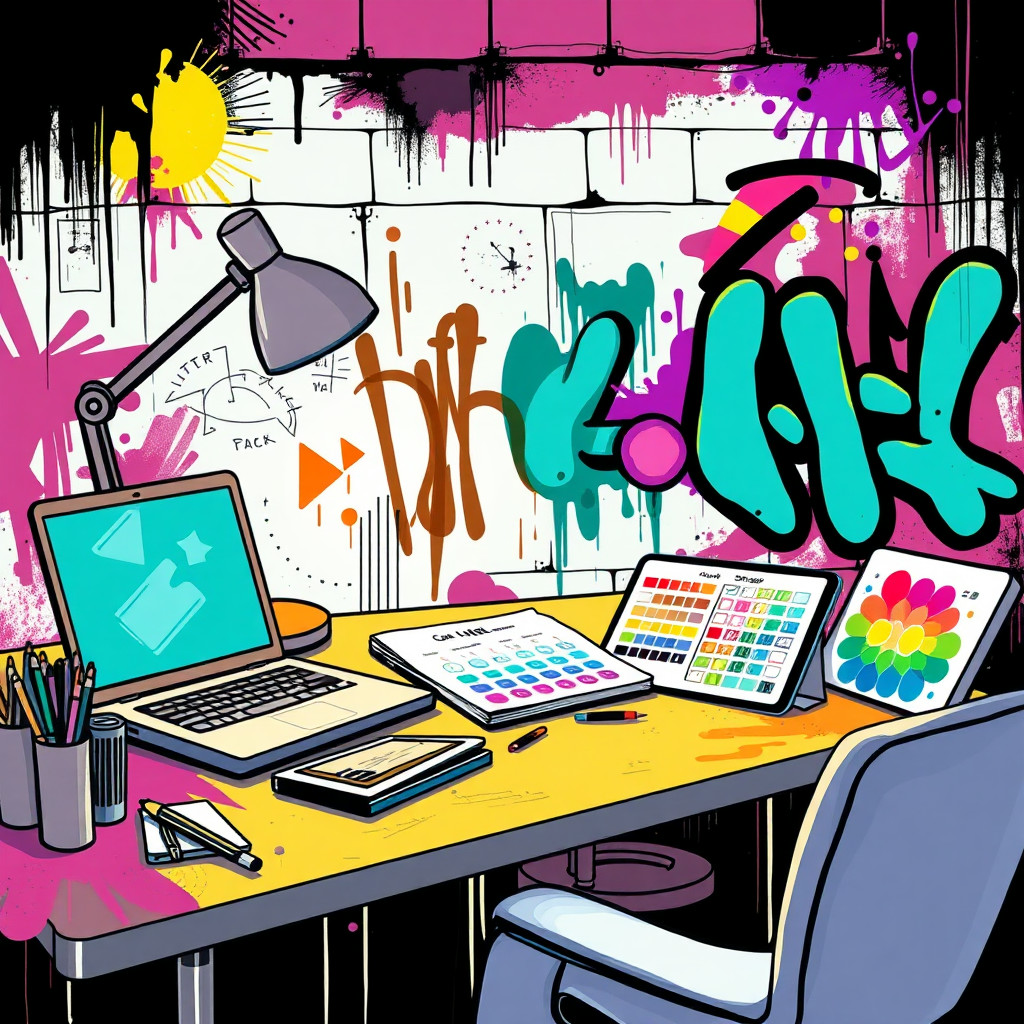
أنشئ صورًا مستوحاة من الغرافيتي للملصقات الحضرية وأفكار الألبومات والفعاليات والمحتوى الاجتماعي الجريء. صِف أشكال حروف أصلية وملمس الجدار وتناثر الطلاء والألوان والمزاج بدل نسخ فنان حقيقي أو شعار محمي.
Use case
أفكار حملات للموسيقى وأزياء الشارع والرياضة وثقافة الشباب.
Use case
خلفيات حضرية وملصقات فعاليات ورسومات اجتماعية بطاقة طلاء الرش.
Use case
تمائم أو عناصر أصلية ضمن مشهد جدار في الشارع.
Visual direction preview
Use the style thumbnail as the creative target
The preview gives users a concrete reference for color, texture, edge detail, and mood before they open the generator. Pair it with the prompt starters below to keep the page useful instead of only decorative.
Generated examples
See the الغرافيتي style in real outputs
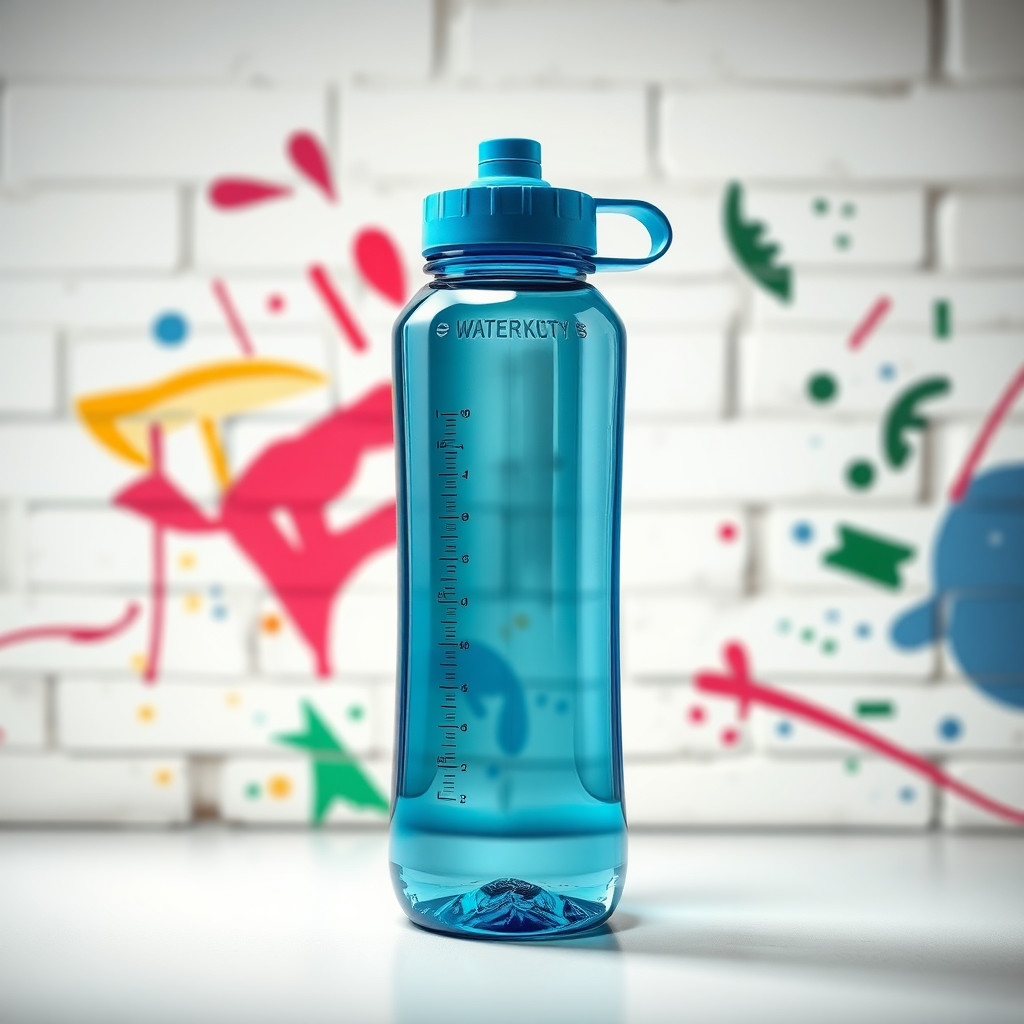
These examples were generated through the Magic Eraser AI Create API with the الغرافيتي style selected.
Prompt workflow
How to get a stronger الغرافيتي result
حدّد الجدار وملمس الطلاء ولوحة الألوان والموضوع قبل الحركة أو الإضاءة.
أنشئ عدة نسخ لأن شكل الحروف وكثافة الخلفية قد يختلفان كثيرًا.
أزل العلامات الفوضوية أو اقتص أفضل منطقة مطلية.
Prompt starters
- “خلفية ملصق غرافيتي أصلية على جدار طوب، رذاذ أحمر وسماوي، مساحة وسطية نظيفة للمنتج”
- “فكرة حملة حذاء مستوحاة من الغرافيتي، بقع طلاء، إضاءة مدينة ليلية، هيئة جريئة”
- “جدارية فن شارع لروبوت مصور أصلي، رذاذ ملون، ملمس جدار خشن”
Style tips
- استخدم كلمات أصلية أو تجنّب النص إذا كانت دقة الحروف مهمة.
- تجنّب الشعارات المحمية وأسماء الفنانين الحقيقيين.
- اطلب تكوينًا واضحًا عند الاستخدام في إعلان أو ملصق.
Output planning checklist
- Decide the final placement before prompting: square post, vertical story, product insert, poster, thumbnail, or wide banner.
- Keep one primary subject and one visual mood so the الغرافيتي style has a clear job.
- Describe the background as simple, detailed, bright, dark, studio, outdoor, or textured instead of leaving it open-ended.
- Generate variations first, then edit the selected image for crop, cleanup, and export size.
When to choose this style
Choose الغرافيتي when the image needs a clear creative direction before production: an ad concept, a social visual, a character idea, a packaging mood, or a fast design draft. Choose another style if the final asset must look like a camera photo, preserve exact product color, or include precise typography.
For commercial work, treat the generated image as a starting point. Review details, remove distracting artifacts, add exact text separately, and export the final size from the editor.
FAQ
Can I edit the generated image?
Yes. Generate the image, then continue with cleanup, crop, background, and export tools in Magic Eraser.
Should I include exact text?
Use AI Create for the visual direction. Add exact text later with editable design tools for cleaner spelling and layout.
Is this style selected automatically?
The CTA opens AI Create with the الغرافيتي style parameter, and the app falls back safely if the option changes.