
AI Create style
مولّد صور القصص المصورة بالذكاء الاصطناعي
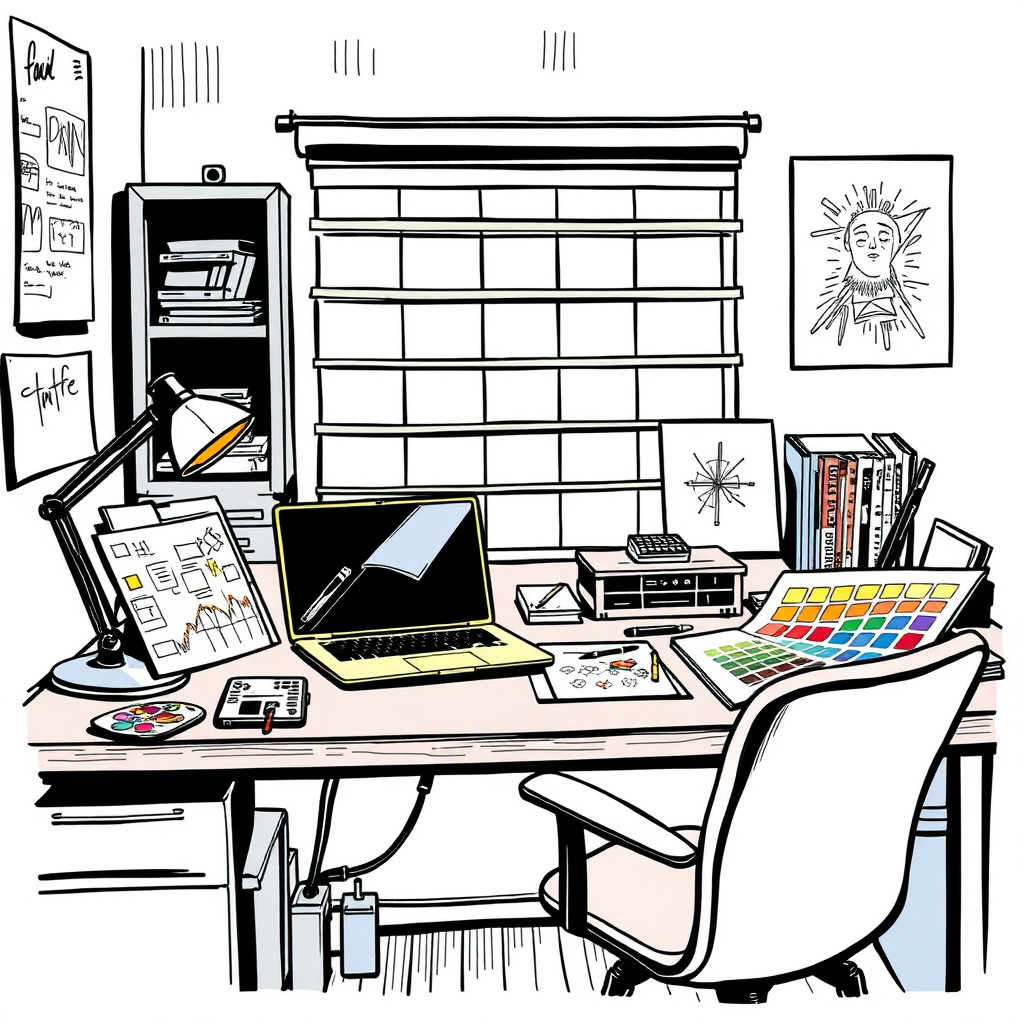
أنشئ صورًا بأسلوب القصص المصورة بخطوط عريضة وألوان قوية ووضعيات واضحة وسرد سهل القراءة. يناسب هذا الأسلوب أفكار الحملات والمنشورات الاجتماعية والصور المصغرة والشخصيات ومشاهد المنتجات المرحة التي لا تحتاج إلى واقعية فوتوغرافية.
Use case
صور YouTube المصغرة والإعلانات الاجتماعية ومرئيات الإطلاق ذات التركيز الواضح.
Use case
شخصيات وتمائم ومشاهد قصصية أصلية للعلامات التجارية وصناع المحتوى.
Use case
مشاهد منتجات مرسومة ومرحة بدلًا من مظهر الكتالوج العادي.

Visual direction preview
Use the style thumbnail as the creative target
The preview gives users a concrete reference for color, texture, edge detail, and mood before they open the generator. Pair it with the prompt starters below to keep the page useful instead of only decorative.
Generated examples
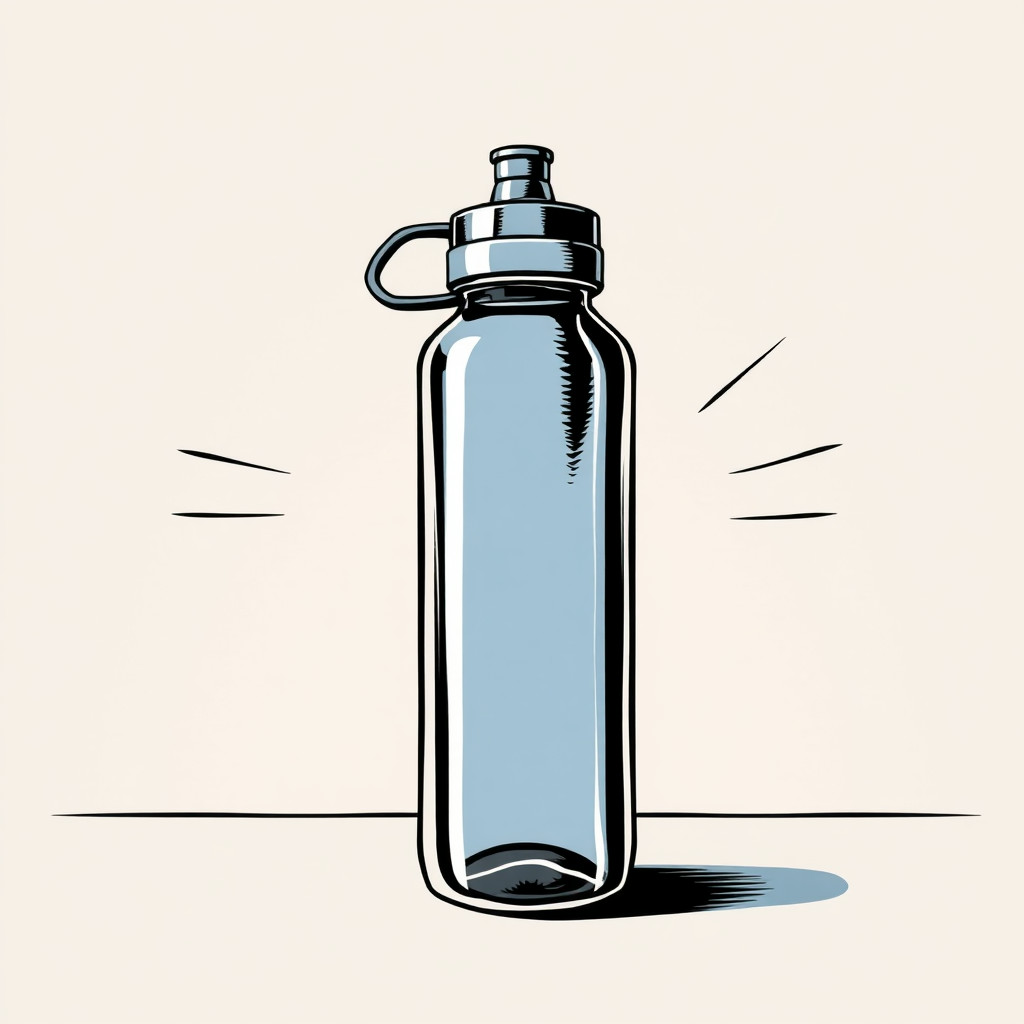
See the قصص مصورة style in real outputs
These examples were generated through the Magic Eraser AI Create API with the قصص مصورة style selected.
Prompt workflow
How to get a stronger قصص مصورة result
اكتب المشهد كلوحة قصص مصورة: الموضوع والحركة والمكان والعاطفة والمزاج اللوني.
أنشئ عدة تكوينات واختر أوضح هيئة وأقوى تعبير.
اقتص الصورة وأضف النص منفصلًا وأزل التفاصيل التي تنافس الموضوع في المحرر.
Prompt starters
- “غلاف قصص مصورة لتميمة توصيل أصلية تتسابق في مدينة نيون، خطوط عريضة، نسيج نقطي”
- “لوحة مرحة لبطل خارق على هيئة كوب قهوة فوق مكتب، ألوان زاهية، وضعية معبرة”
- “مشهد إطلاق منتج قديم بأسلوب القصص المصورة لحذاء يخترق الورق، تكوين نظيف”
Style tips
- أضف النص بعد التوليد للحصول على تهجئة وتخطيط أوضح.
- استخدم أوصافًا مثل خطوط عريضة وألوان مسطحة ونقاط نصفية ولوحة درامية أو غلاف نظيف.
- حدد إن كانت النبرة بطولية أو مضحكة أو قديمة أو عصرية.
Output planning checklist
- Decide the final placement before prompting: square post, vertical story, product insert, poster, thumbnail, or wide banner.
- Keep one primary subject and one visual mood so the قصص مصورة style has a clear job.
- Describe the background as simple, detailed, bright, dark, studio, outdoor, or textured instead of leaving it open-ended.
- Generate variations first, then edit the selected image for crop, cleanup, and export size.
When to choose this style
Choose قصص مصورة when the image needs a clear creative direction before production: an ad concept, a social visual, a character idea, a packaging mood, or a fast design draft. Choose another style if the final asset must look like a camera photo, preserve exact product color, or include precise typography.
For commercial work, treat the generated image as a starting point. Review details, remove distracting artifacts, add exact text separately, and export the final size from the editor.
FAQ
Can I edit the generated image?
Yes. Generate the image, then continue with cleanup, crop, background, and export tools in Magic Eraser.
Should I include exact text?
Use AI Create for the visual direction. Add exact text later with editable design tools for cleaner spelling and layout.
Is this style selected automatically?
The CTA opens AI Create with the قصص مصورة style parameter, and the app falls back safely if the option changes.