
AI Create style
مولّد رسومات بالأقلام الملوّنة بالذكاء الاصطناعي
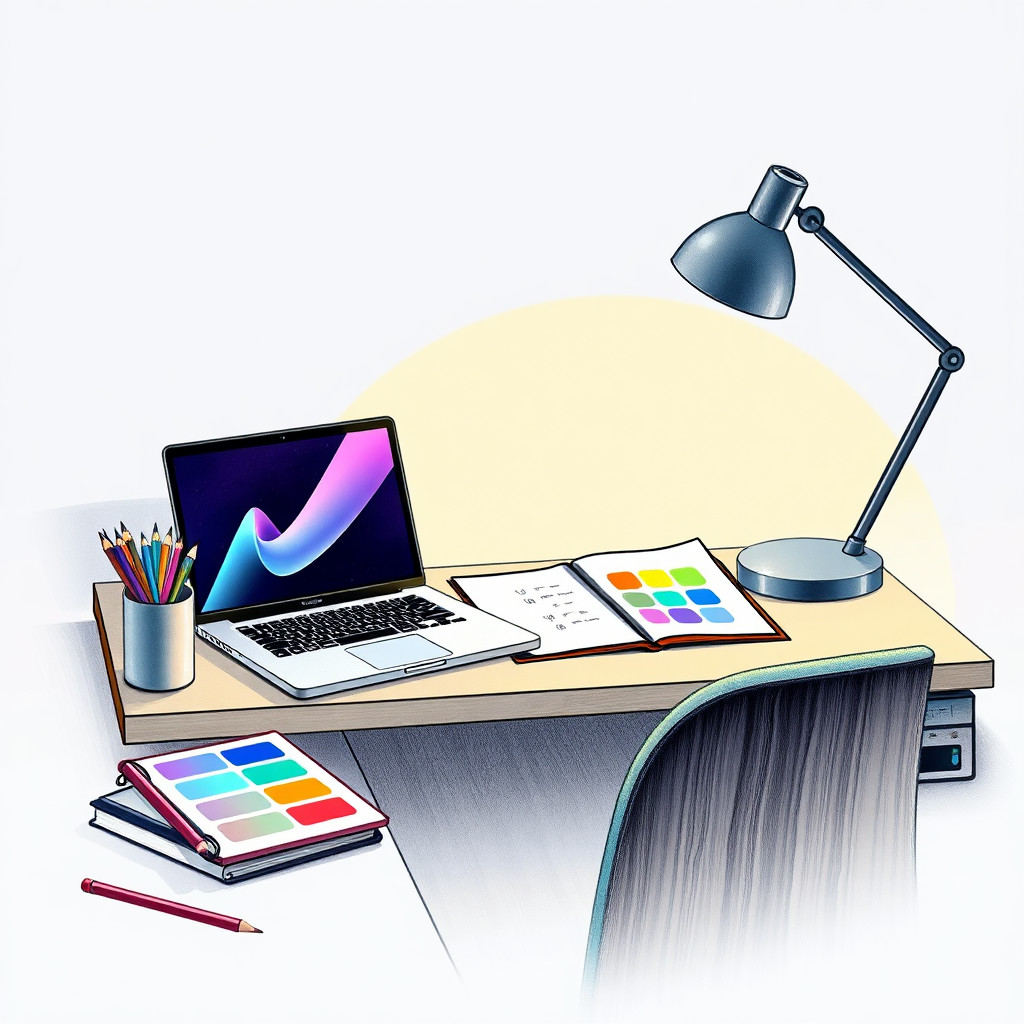
أنشئ رسومات بالأقلام الملوّنة من وصف نصي بملمس ورق واضح وتظليل لطيف ودفء الرسم اليدوي. يناسب الأسلوب أفكار التغليف والرسوم التعليمية ومحتوى الأطفال وقصص المنتجات المصنوعة يدويًا والصور التحريرية ذات الإحساس الملمسي.
Use case
حملات المنتجات اليدوية وبطاقات الوصفات والمرئيات التعليمية.
Use case
محتوى الأطفال وأفكار القرطاسية ورسومات نمط الحياة الناعمة.
Use case
رسوم المنتجات أو النباتات التي يهم فيها الملمس أكثر من الصقل.
Visual direction preview
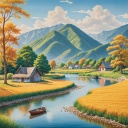
Use the style thumbnail as the creative target
The preview gives users a concrete reference for color, texture, edge detail, and mood before they open the generator. Pair it with the prompt starters below to keep the page useful instead of only decorative.
Generated examples
See the رسم بالأقلام الملوّنة style in real outputs
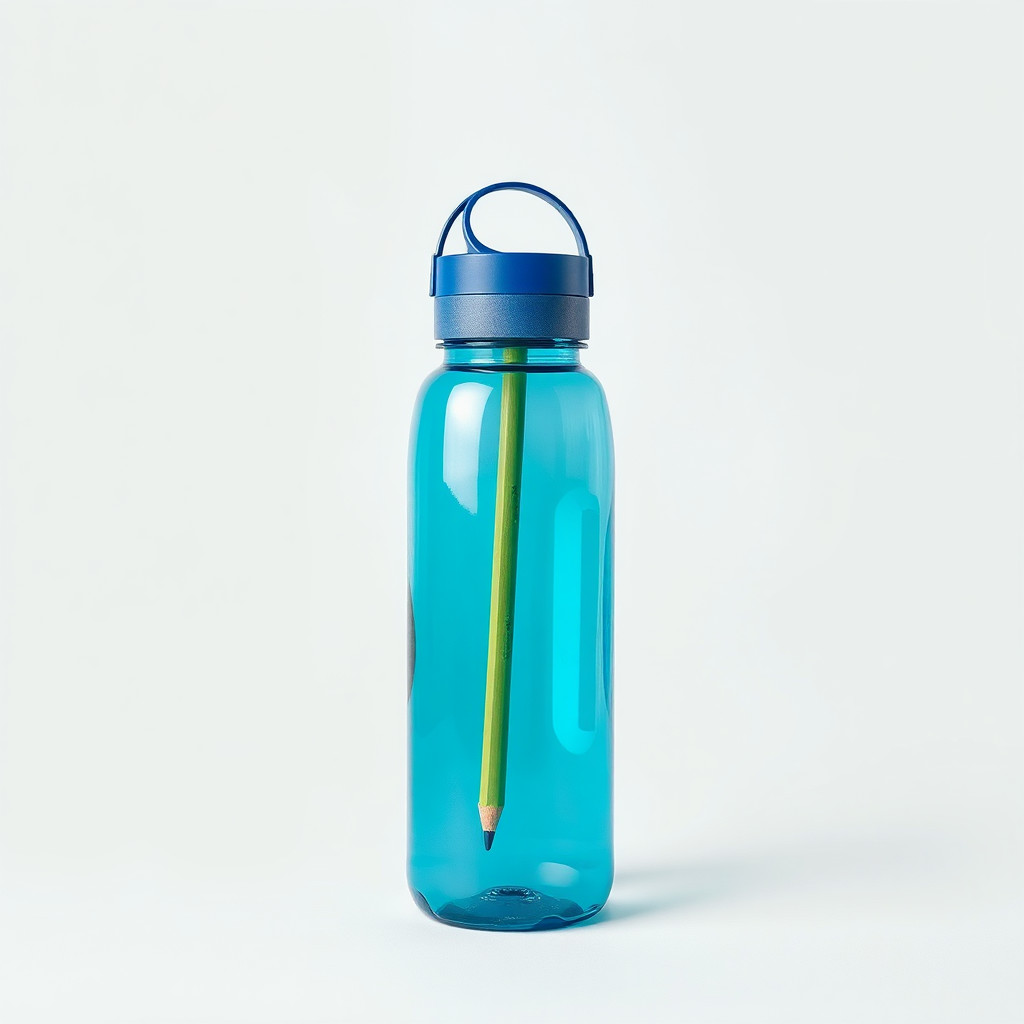
These examples were generated through the Magic Eraser AI Create API with the رسم بالأقلام الملوّنة style selected.
Prompt workflow
How to get a stronger رسم بالأقلام الملوّنة result
حدّد ملمس القلم وحبيبات الورق والتظليل الناعم ولوحة ألوان محدودة.
أنشئ عدة نسخ لموازنة تفاصيل التخطيط مع اكتمال الرسم.
نظّف الحواف أو قص الصورة قبل إضافة النص والشعارات والتخطيط.
Prompt starters
- “رسم فراولة طازجة بالأقلام الملوّنة على ورق محبب، أحمر وأخضر ناعمان”
- “فكرة منتج لشموع يدوية مع الخزامى، أقلام ملوّنة، ملمس ورق دافئ”
- “رسم قطة ودودة قرب نافذة بالأقلام الملوّنة، تظليل ناعم، ضوء عصر هادئ”
Style tips
- تنجح العناصر الطبيعية والطعام والحيوانات والمنتجات البسيطة غالبًا.
- اذكر خلفية ورقية إذا أردت مظهرًا يدويًا.
- تجنب المشاهد المزدحمة بعناصر صغيرة كثيرة.
Output planning checklist
- Decide the final placement before prompting: square post, vertical story, product insert, poster, thumbnail, or wide banner.
- Keep one primary subject and one visual mood so the رسم بالأقلام الملوّنة style has a clear job.
- Describe the background as simple, detailed, bright, dark, studio, outdoor, or textured instead of leaving it open-ended.
- Generate variations first, then edit the selected image for crop, cleanup, and export size.
When to choose this style
Choose رسم بالأقلام الملوّنة when the image needs a clear creative direction before production: an ad concept, a social visual, a character idea, a packaging mood, or a fast design draft. Choose another style if the final asset must look like a camera photo, preserve exact product color, or include precise typography.
For commercial work, treat the generated image as a starting point. Review details, remove distracting artifacts, add exact text separately, and export the final size from the editor.
FAQ
Can I edit the generated image?
Yes. Generate the image, then continue with cleanup, crop, background, and export tools in Magic Eraser.
Should I include exact text?
Use AI Create for the visual direction. Add exact text later with editable design tools for cleaner spelling and layout.
Is this style selected automatically?
The CTA opens AI Create with the رسم بالأقلام الملوّنة style parameter, and the app falls back safely if the option changes.