
AI Create style
كاواي لطيف AI Image Generator
أنشئ صور ذكاء اصطناعي بأسلوب كاواي لطيف من أوصاف نصية للملصقات وأفكار الشخصيات والمنشورات المرحة والقرطاسية وصور المنتجات. صف عنصراً رئيسياً واضحاً وألوان باستيل وأشكالاً مستديرة وخلفية بسيطة لنتيجة أسهل قراءة.
Use case
تمائم وشخصيات أصلية للملفات الشخصية والمشروعات الإبداعية.
Use case
مسودات للملصقات والبطاقات والقرطاسية والحملات الاجتماعية المرحة.
Use case
مشاهد منتجات مرحة للألعاب والطعام والإكسسوارات وتغليف الهدايا.

Visual direction preview
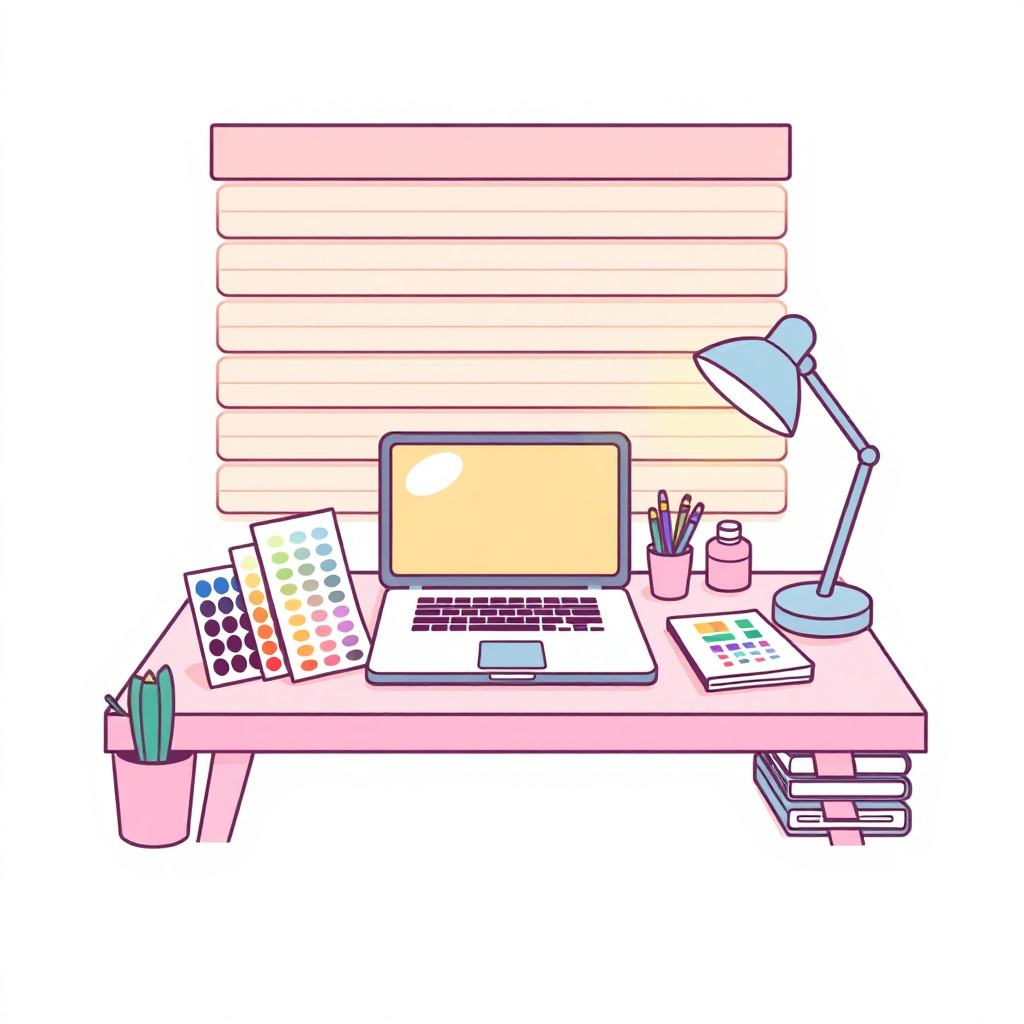
Use the style thumbnail as the creative target
The preview gives users a concrete reference for color, texture, edge detail, and mood before they open the generator. Pair it with the prompt starters below to keep the page useful instead of only decorative.
Generated examples
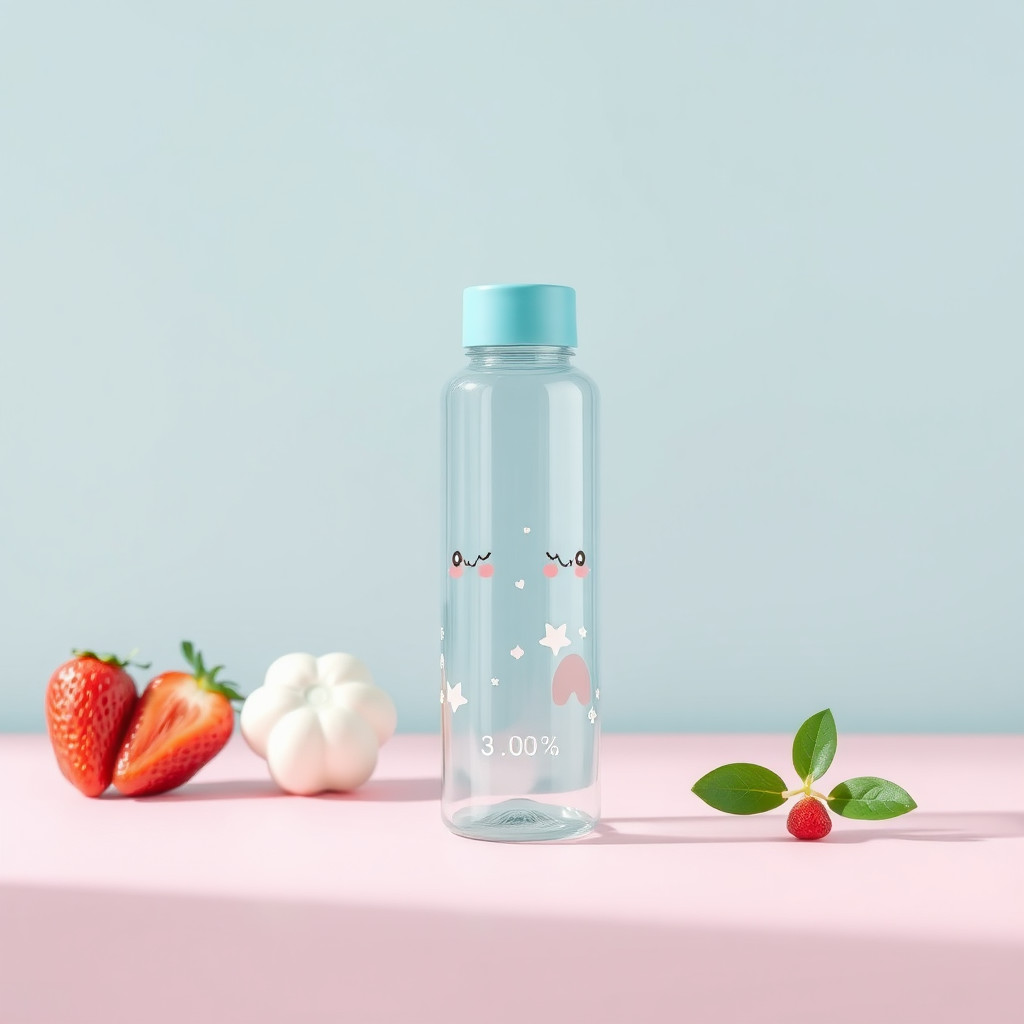
See the كاواي لطيف style in real outputs
These examples were generated through the Magic Eraser AI Create API with the كاواي لطيف style selected.
Prompt workflow
How to get a stronger كاواي لطيف result
صف العنصر أولاً ثم أضف التعبير والوضعية وألوان الباستيل والأشكال والخلفية.
أنشئ عدة خيارات وقارن تفاصيل الوجه والصورة الظلية وتوازن الألوان والوضوح بالحجم الصغير.
اختر أفضل نتيجة واقصصها وأزل تفاصيل الخلفية الزائدة قبل التصدير.
Prompt starters
- “تميمة باندا حمراء كاواي لطيفة تلوّح، أشكال مستديرة، وردي ونعناعي باستيل، خلفية نظيفة”
- “كعكة فراولة كاواي لطيفة على طاولة مقهى صغيرة، وجه مرح، إضاءة ناعمة”
- “مجموعة قرطاسية كاواي بغيوم ونجوم مبتسمة، ألوان باستيل، ترتيب منتجات منظم”
Style tips
- استخدم عنصراً رئيسياً واحداً ومشهداً بسيطاً.
- استخدم شخصيات أصلية بدلاً من أسماء الشخصيات أو السلاسل المحمية.
- أضف النصوص الدقيقة والشعارات بعد إنشاء الصورة.
Output planning checklist
- Decide the final placement before prompting: square post, vertical story, product insert, poster, thumbnail, or wide banner.
- Keep one primary subject and one visual mood so the كاواي لطيف style has a clear job.
- Describe the background as simple, detailed, bright, dark, studio, outdoor, or textured instead of leaving it open-ended.
- Generate variations first, then edit the selected image for crop, cleanup, and export size.
When to choose this style
Choose كاواي لطيف when the image needs a clear creative direction before production: an ad concept, a social visual, a character idea, a packaging mood, or a fast design draft. Choose another style if the final asset must look like a camera photo, preserve exact product color, or include precise typography.
For commercial work, treat the generated image as a starting point. Review details, remove distracting artifacts, add exact text separately, and export the final size from the editor.
FAQ
Can I edit the generated image?
Yes. Generate the image, then continue with cleanup, crop, background, and export tools in Magic Eraser.
Should I include exact text?
Use AI Create for the visual direction. Add exact text later with editable design tools for cleaner spelling and layout.
Is this style selected automatically?
The CTA opens AI Create with the كاواي لطيف style parameter, and the app falls back safely if the option changes.