
Instagram 帖子方形裁剪
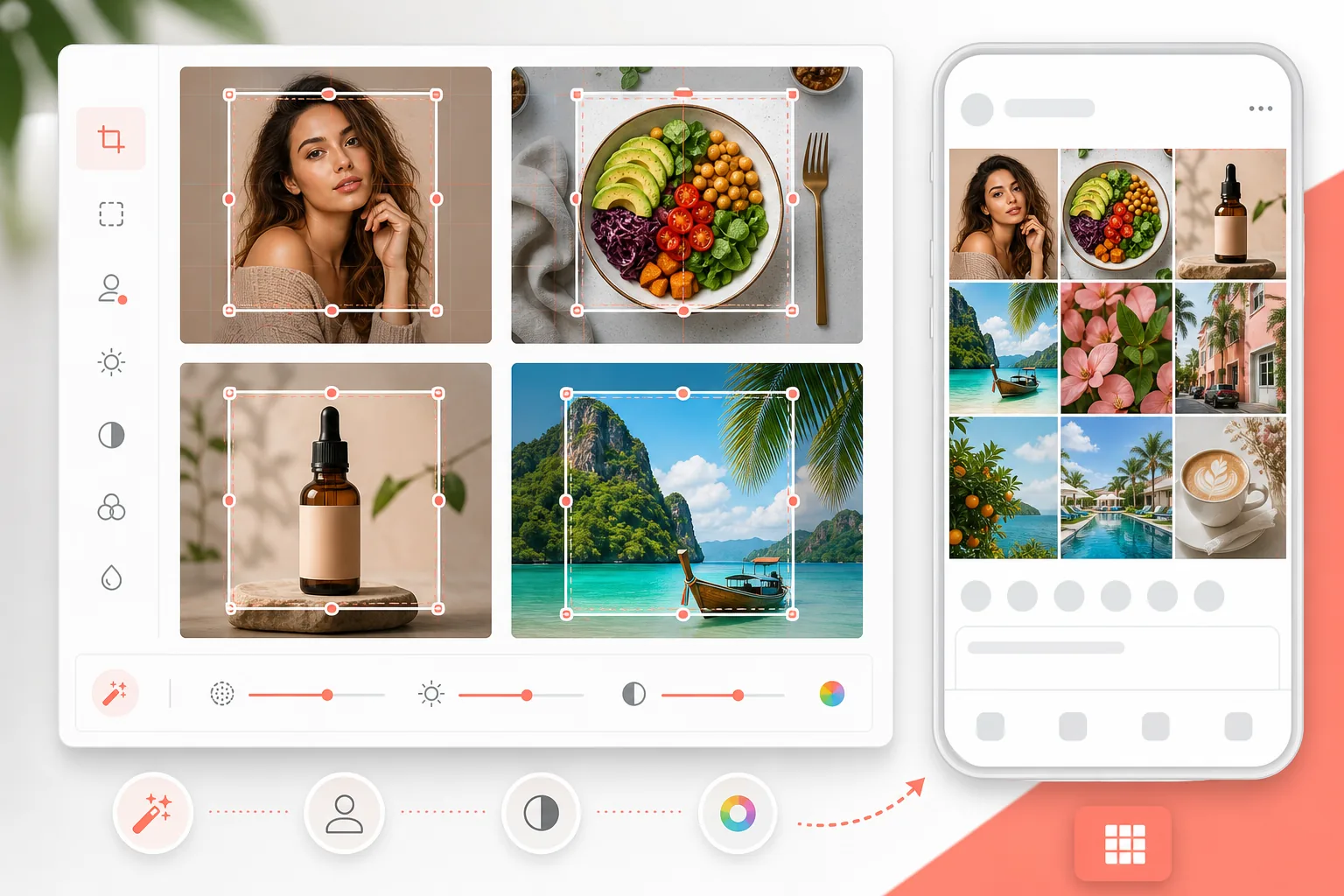
以精确的 1080×1080px 分辨率,为 Instagram 的方形网格格式优化任意照片。增强的色彩、干净的背景,以及在拥挤信息流中赢得互动的视觉冲击力。
免费试用此模板Social Media template preview
此模板的功能
将您的照片裁剪并调整为 Instagram 最佳的 1080×1080px 方形格式,增强色彩使其在移动屏幕上更鲜艳,并清理背景以呈现专业的网格美感。适用于产品图、人像、美食和生活方式内容。
模板设置
| 输出尺寸 | 1080×1080px(Instagram 方形) |
| 文件格式 | JPEG(95% 质量) |
| 色彩饱和度 | +15%(针对移动屏幕优化) |
| 锐化 | 中等(针对移动显示优化) |
| 色彩配置文件 | sRGB |
如何使用此模板
上传您的照片
任何宽高比都可以——模板将帮助您裁剪出完美的方形。竖版、横版或已经是方形的照片都适用。
选择裁剪区域
选择图像中最具冲击力的方形部分。人像请以面部为中心,产品请以物品为中心,风景请选择最具戏剧性的部分。
清理并增强
使用 Magic Eraser 移除背景中分散注意力的元素,然后 AI Enhance 专门针对移动屏幕观看提升色彩饱和度和锐度——95% 的 Instagram 内容都在移动设备上消费。
以 1080×1080 导出
以 Instagram 的最佳分辨率下载。文件大小经过优化,便于快速上传,同时在手机和平板屏幕上都保持最高质量。
获得最佳效果的专业技巧
- ✓在主体周围留出空间——Instagram 会添加边距,裁剪过紧的图像在信息流中会显得局促。
- ✓略微偏暖的色调(黄金时刻的感觉)在 Instagram 互动指标中始终优于冷色调。
- ✓如果您的网格有一致的配色,请将背景和增强效果与您现有的美感相匹配。
- ✓测试方形裁剪在缩略图尺寸(网格视图)下的效果——大多数第一印象都在那里形成。
常见问题
1080×1080 仍是 Instagram 的最佳尺寸吗?
+
是的。Instagram 以 1080px 宽度显示信息流帖子。方形(1080×1080)在网格视图中为您提供最大的屏幕空间。对于单条信息流帖子,1080×1350(竖版)在滚动信息流中占据更多屏幕空间,但方形最适合保持网格的一致性。
裁剪会影响质量吗?
+
仅当源图像分辨率较低时才会。12MP(4000×3000)的手机照片具有远超所需的分辨率,可从图像任意部分裁剪出 1080×1080。如果您的源图像较小,可使用 AI 超分辨率放大。
我可以将其用于 Instagram Reels 封面吗?
+
Reels 封面使用 1080×1920(竖版)。此模板专为方形信息流帖子和网格美感设计。Reels 封面需要单独的竖版模板。
Related templates
More social media templates for your workflow.
YouTube 横幅模板,尺寸为 2560×1440 像素,带有安全区指南。干净的背景去除创作者照片、设备感知布局和品牌一致的频道艺术。
Facebook 封面照片模板,桌面分辨率为 820×312 像素,移动设备裁剪为 640×360 像素。使用适当的安全区域来清洁品牌图像,以实现个人资料图片重叠和 CTA 按钮放置。
以精确的 1500×500 像素尺寸创建专业的 Twitter/X 标题图像。考虑到个人资料图片重叠,在深色模式和浅色模式下均有效。
通过自然的皮肤平滑、背景清理、灯光校正和微妙的颜色分级来增强约会个人资料照片,使其看起来真实而不经过过滤。
创建令人惊叹的 Pinterest 图钉图像,具有干净的背景、最佳的 2:3 垂直尺寸、鲜艳的色彩增强和图钉就绪的构图。
使用干净的背景、大胆的主题框架和优化的 9:16 垂直尺寸来创建引人注目的 TikTok 视频封面照片,以实现个人资料网格的一致性。