
Remove the Background in GIMP — or Do It in 1 Click
学习如何使用 Magic Eraser Remove the Background in GIMP — or Do It in 1 Click。免费 AI 工具的简单分步指南。支持网页、iOS 和 Android。
Last updated
立即尝试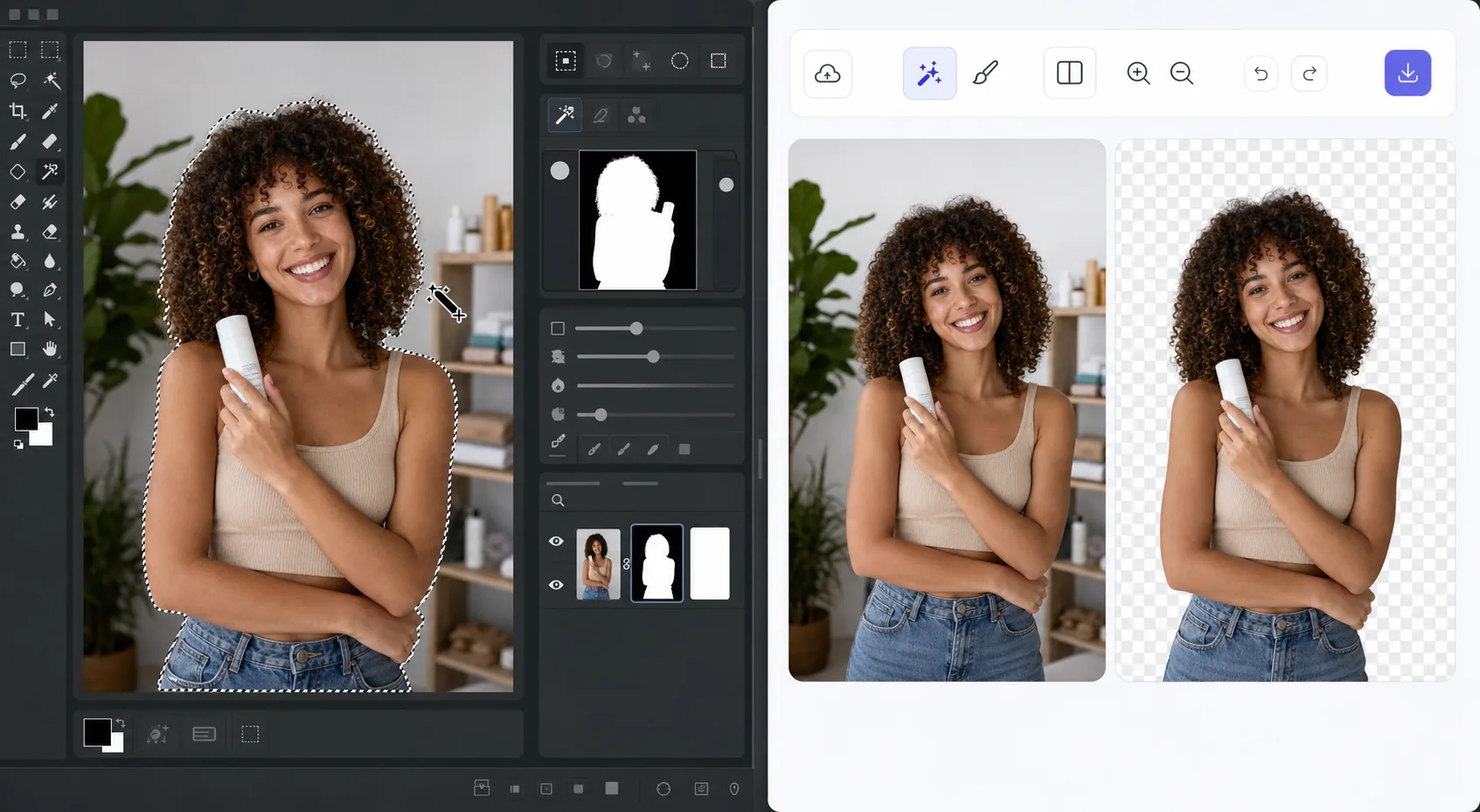
The GIMP method works — it just takes time — Magic Eraser
GIMP is a genuinely capable, free, open-source desktop editor, and removing a background in it is a well-trodden workflow. The usual route: open your image, add an alpha channel, then use the Fuzzy Select (magic wand) or Select by Color tool to grab the background. For clean, high-contrast edges you can often select and delete in a few clicks. For hair, fur, or busy backgrounds, you switch to a layer mask, paint with black to hide and white to reveal, and refine the edge by hand at high zoom. It's powerful and precise — but it's a learn-the-tools, manual process, and it lives on your desktop. If you just need a clean cutout fast, there's a shorter path that needs no install and runs on phone or browser.
Before you start
分步教程
Start with 上传照片. The result preview above and tips below use this guide's existing content; no separate before-and-after proof is assumed.
- 1
上传照片
在网页、iOS 或 Android 上打开 Magic Eraser。拖放您的 JPEG、PNG、HEIC 或 WebP 照片。无需账户即可开始。
- 2
选择工具和区域
选择合适的工具并标记需要处理的区域。AI 会自动分析并在几秒内应用更改。
- 3
下载结果
预览结果并下载编辑后的照片。导出为高质量 PNG 或 JPEG 格式。
最适合
- Product photos that need a clean white or transparent background for a store listing
- Profile pictures and headshots where you want the subject isolated fast
- Anyone without GIMP installed who needs a cutout right now in the browser
- Mobile editing on iOS or Android with no desktop software at hand
- Batch social and marketing images where per-image manual masking isn't worth the time
获得最佳效果的技巧
Use whichever path fits the task. For maximum pixel-level control — compositing, tricky semi-transparent edges, or work you want to keep fully local and offline — GIMP's layer masks reward the effort and cost nothing. For speed and convenience on a clean subject, Magic Eraser's 1-click removal gets you there without the learning curve or the install. A useful workflow: get the fast cutout in Magic Eraser, then open it in GIMP only if you need fine compositing afterward.
常见问题
- Remove the Background in GIMP — or Do It in 1 Click功能是免费的吗?
- 是的,Magic Eraser 允许您在每日免费额度内Remove the Background in GIMP — or Do It in 1 Click。升级到 Pro 可获得无限处理和高分辨率导出。
- Remove the Background in GIMP — or Do It in 1 Click需要多长时间?
- 只需几秒钟。Magic Eraser 的 AI 快速处理照片——大多数结果在上传后立即可用。
- 可以在手机上使用吗?
- 是的,Magic Eraser 可在 iOS、Android 和所有网页浏览器上使用。您可以在设备间自由切换。
- 图片质量会下降吗?
- 不会,Magic Eraser 保持原始照片质量。AI 智能处理以保留细节和清晰度。