
AI Filter style
AIネオンノワール写真フィルター
写真を映画的な影、シアンとマゼンタの光、ミステリアスな雰囲気を持つネオンノワール風に変換します。ポートレート、ファッション、夜の街に適しています。結果は創作的な解釈なので、顔、手、文字、商品色を確認してください。

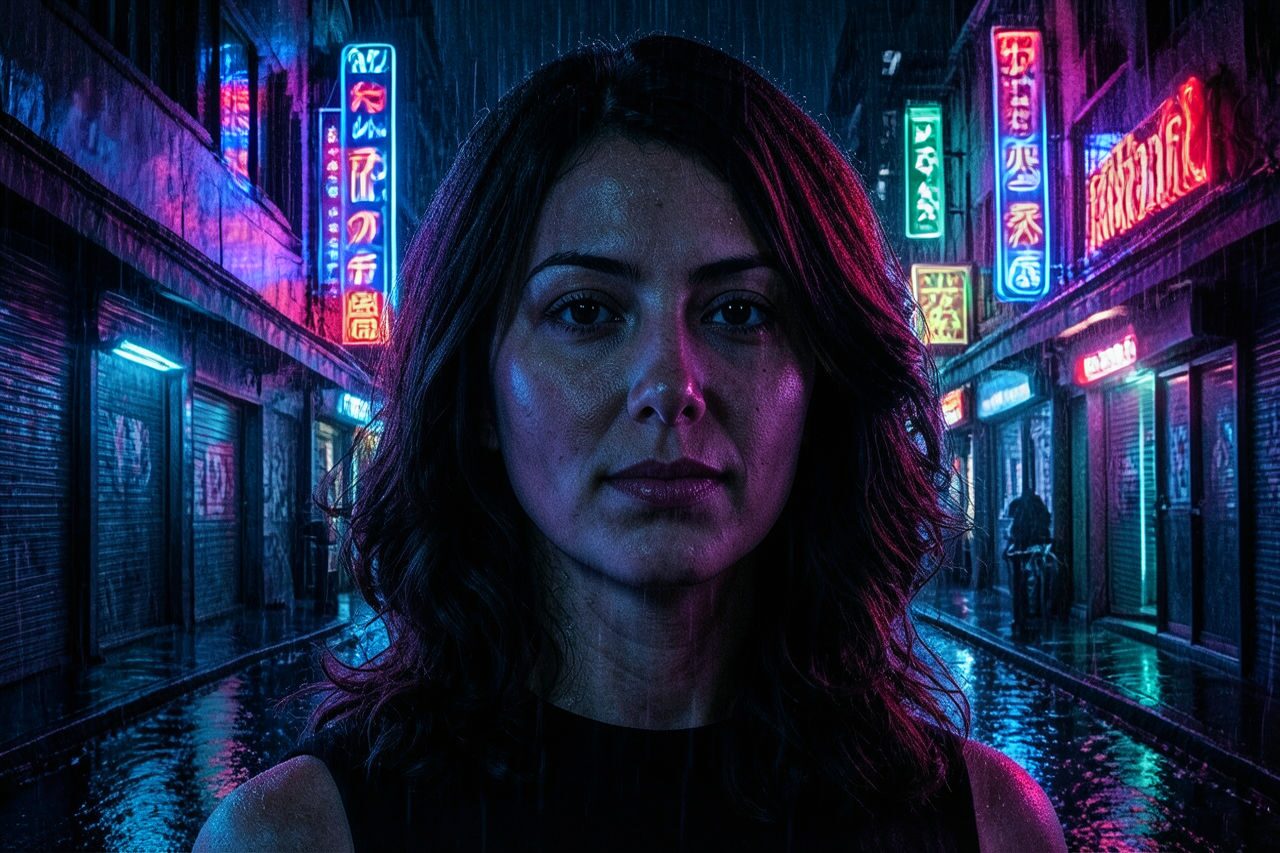
Use case
暗く映画的な光のポートレートやプロフィール画像。
Use case
夜のファッション、音楽、都市写真。
Use case
ミステリアスなカバー、ポスター、SNS投稿の案。
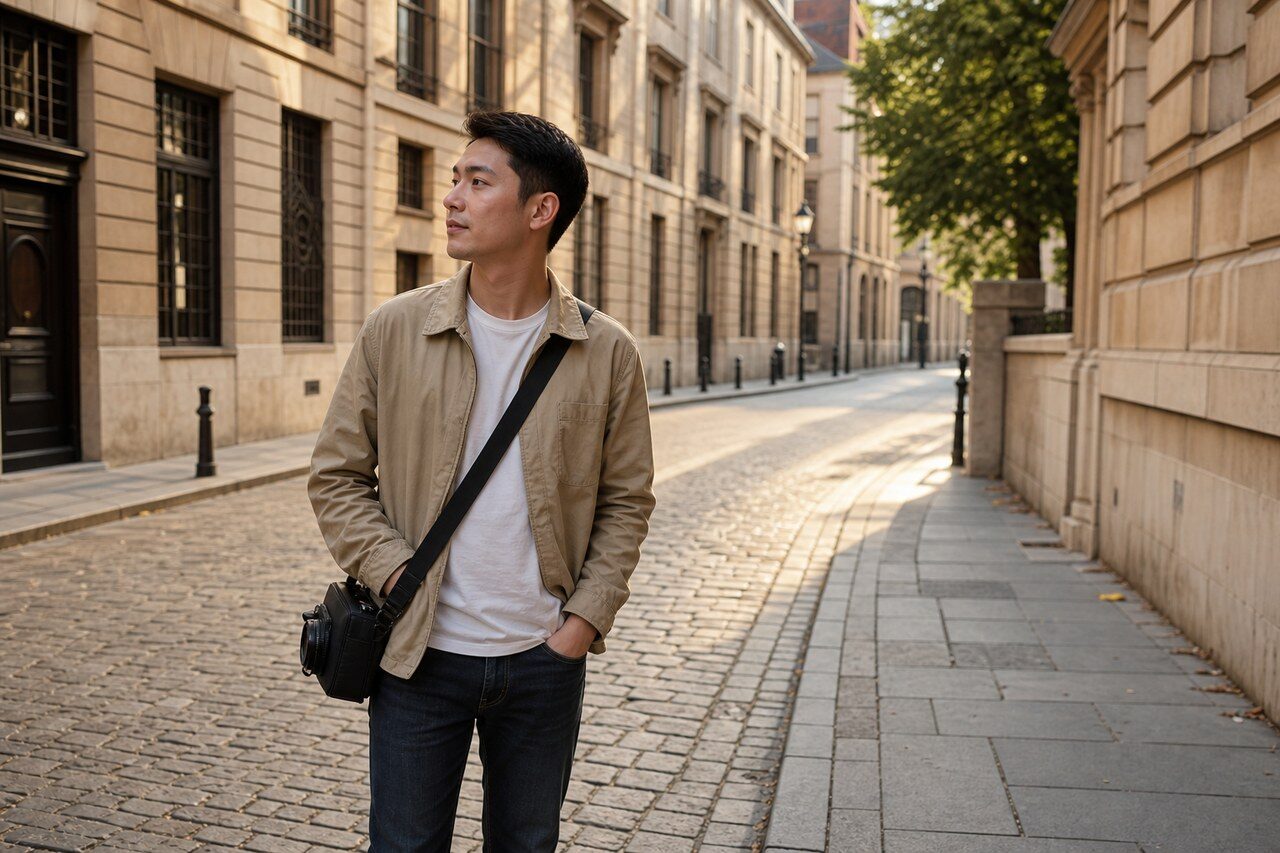
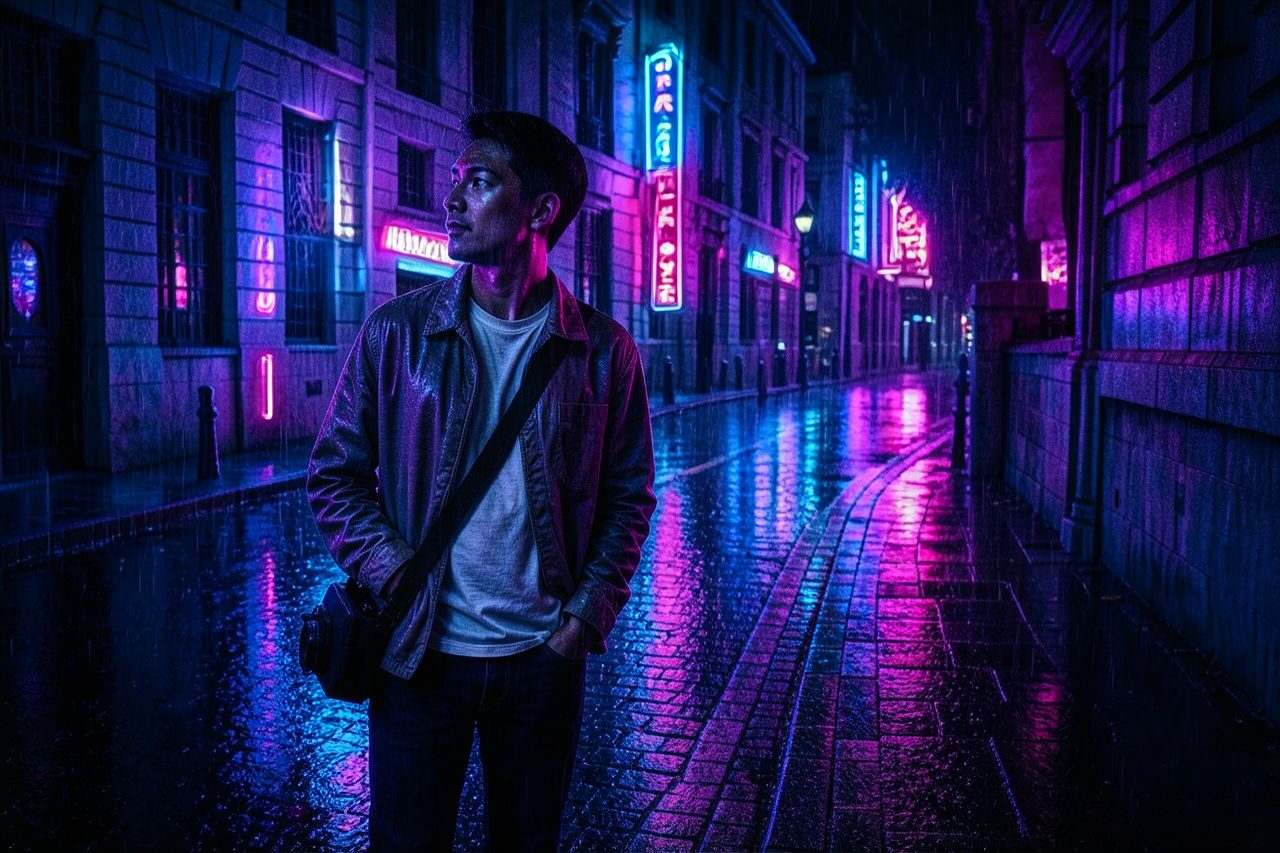
Filter preview
Compare the original photo with the neon noir result
The example uses a generated source photo and the same filter API path as the app, so users can judge the visual treatment before uploading their own image.
More examples
Test the neon noir filter on different photo types
Compare portrait, product, and pet examples before opening the filter. Each result uses the same filter API path as the Magic Eraser app.

Portrait
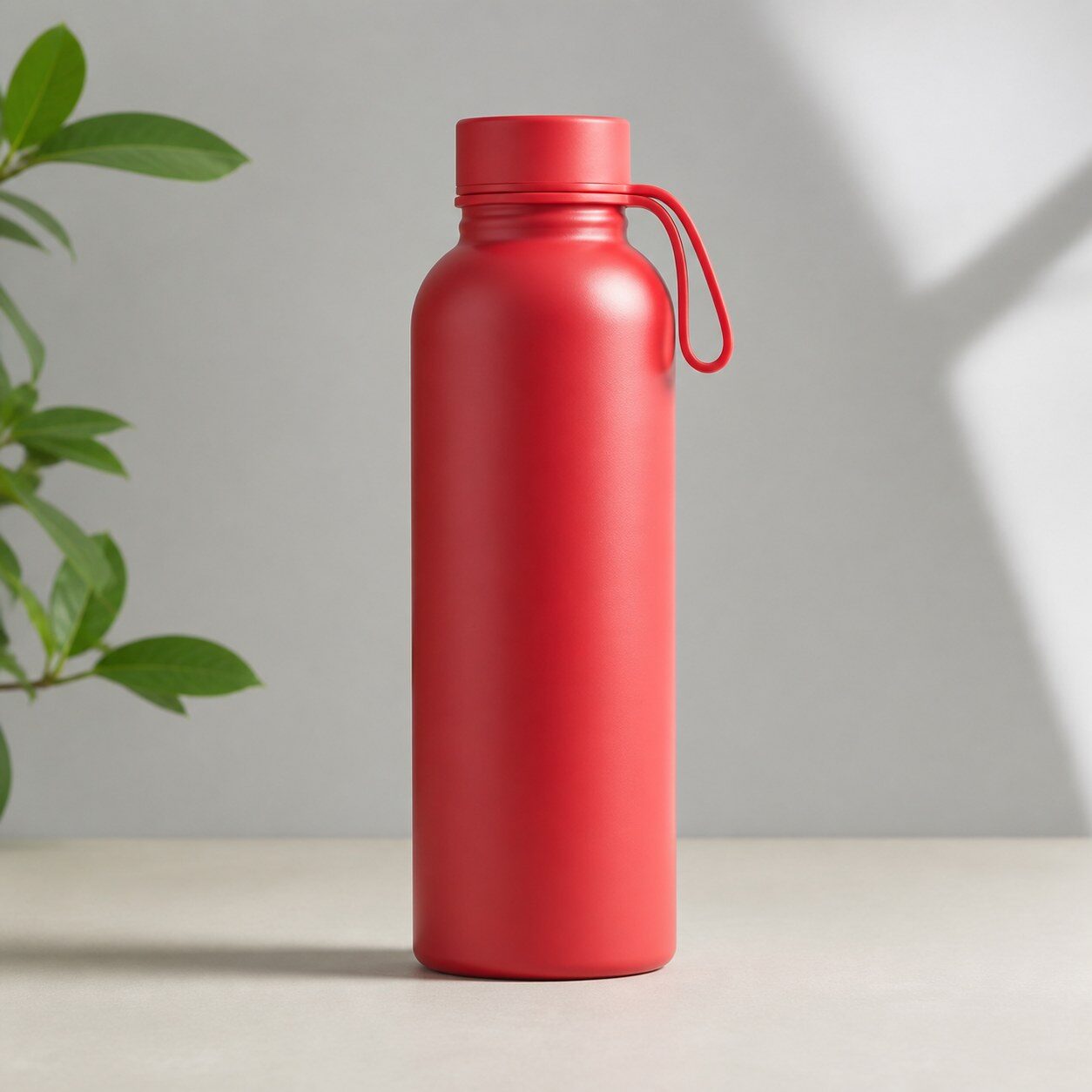
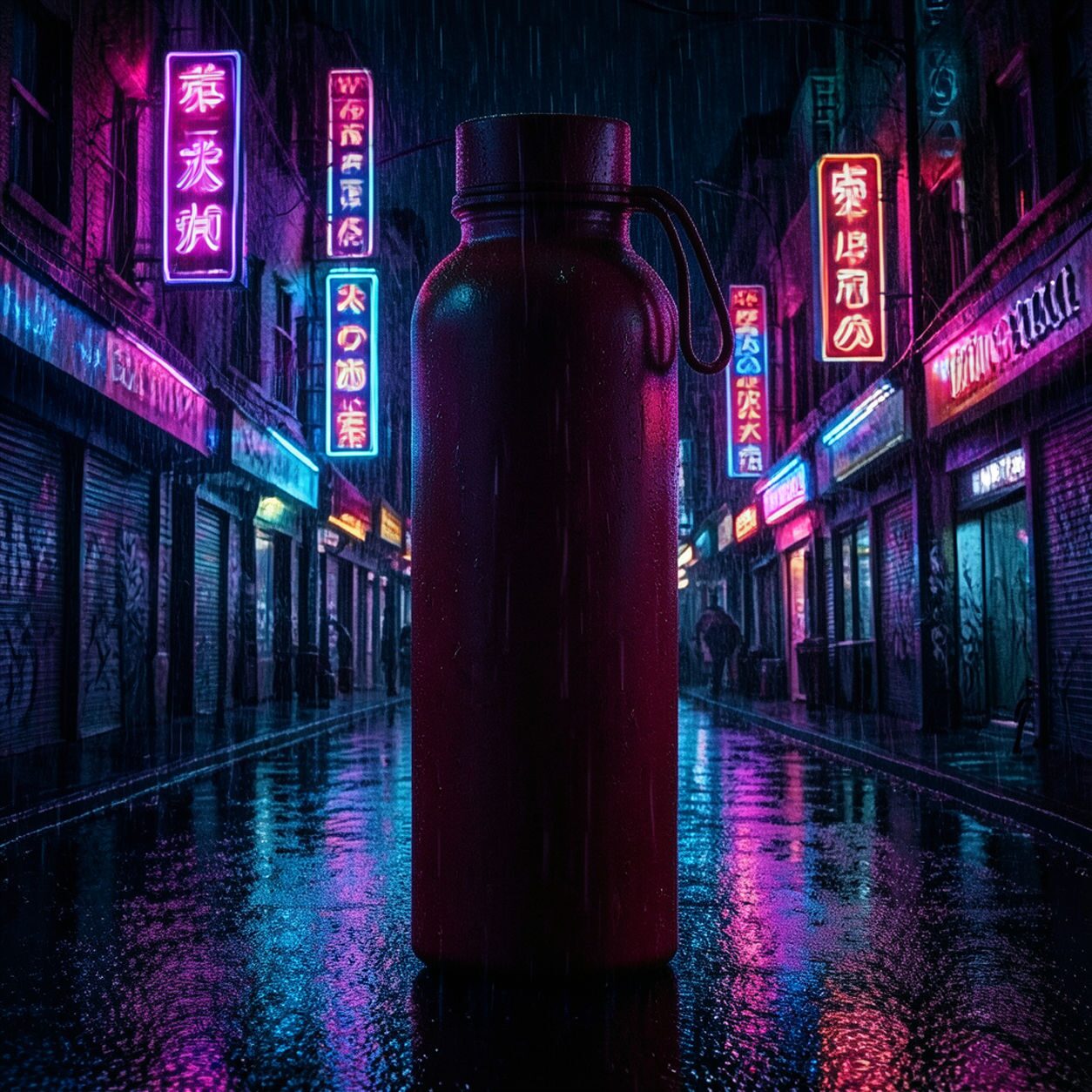
Product
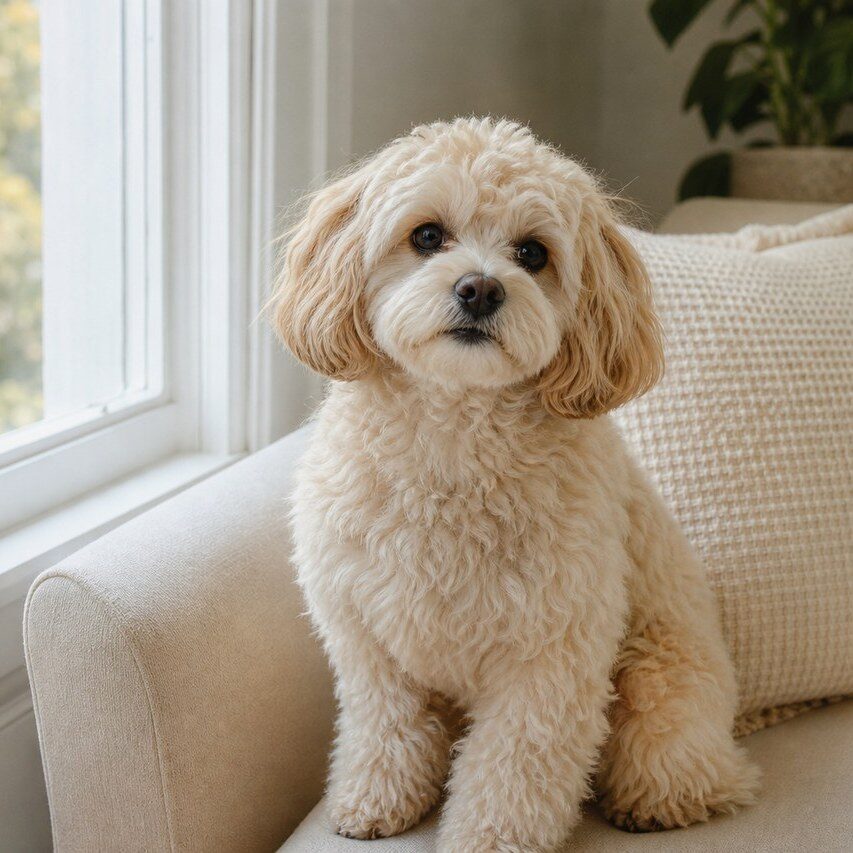
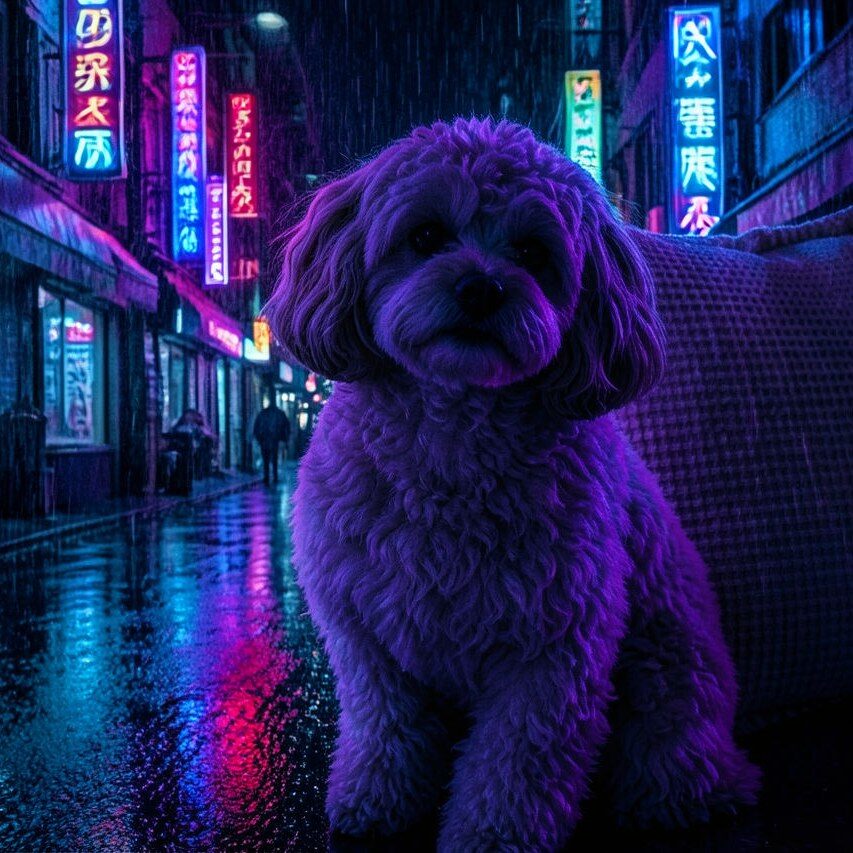
Pet
Photo workflow
How to get a cleaner neon noir filter result
主題が一つで明暗差の分かりやすい鮮明な写真を選びます。
ネオンノワールフィルターを開いて写真をアップロードし、顔、手、輪郭、文字を確認します。
書き出す前に切り抜き、不要な光や背景の乱れを除去します。
Best source photos
- 輪郭が明確なポートレートや上半身写真。
- 夜のファッション、街路、建築写真。
- 厳密な色再現を必要としないシンプルな商品写真。
Filter tips
- 暗い背景とリムライトはノワールの雰囲気を保ちやすくします。
- 小さな顔や非常に混雑した背景は避けます。
- 正確な文字、商品色、記録上の細部が必要な用途には使わないでください。
Before upload checklist
- Use the largest clean version of the photo, not a compressed screenshot or reposted image.
- Crop loosely before filtering so the AI has enough room around the subject.
- Remove obvious distractions first if they sit directly on the face, product, or main subject.
- Check the result at the size where it will be used: profile image, feed post, story, thumbnail, or banner.
When this filter is a good fit
Choose the neon noir filter when the original photo already has a clear subject and the goal is a recognizable stylized version, not a fully new generated scene. It is strongest for social, creator, profile, event, and campaign images where mood matters more than documentary accuracy.
Use a different workflow when the image needs exact product color, legal documentation, medical accuracy, or unmodified identity details. In those cases, use cleanup, crop, enhancement, or background tools instead of a heavy creative filter.
Free browser tools after filtering
FAQ
What should I upload?
Use a clear photo with one main subject. Strong lighting and simple backgrounds usually make the AI filter easier to control.
Can I keep editing after the filter?
Yes. After applying the filter, use Magic Eraser to crop, clean distractions, refine backgrounds, and export the final image.
Is this filter selected automatically?
The CTA opens AI Filter with the neon noir style parameter, and the app falls back safely if the filter changes.