
AI Create style
AIゴッホ風画像生成ツール
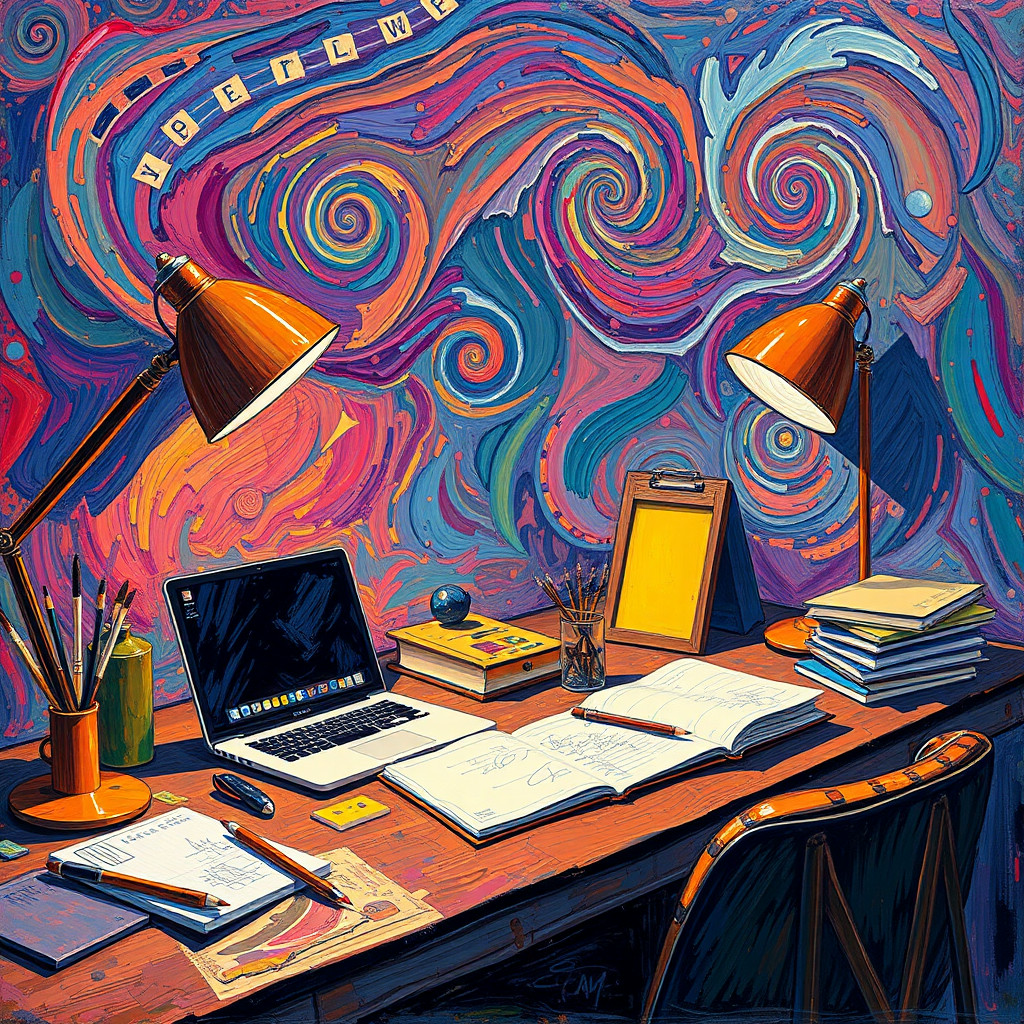
渦巻く筆触、鮮やかな色、表情豊かな光を使い、フィンセント・ファン・ゴッホのポスト印象派絵画を思わせる画像を生成します。ポスター、風景、肖像、編集用の案に適しており、作風名だけでなく主題、配色、雰囲気も指定してください。
Use case
動きのある風景や夜景。
Use case
表情豊かな肖像、ポスター、カバー画像。
Use case
絵画的な質感が必要な商品・編集コンセプト。
Visual direction preview
Use the style thumbnail as the creative target
The preview gives users a concrete reference for color, texture, edge detail, and mood before they open the generator. Pair it with the prompt starters below to keep the page useful instead of only decorative.
Generated examples
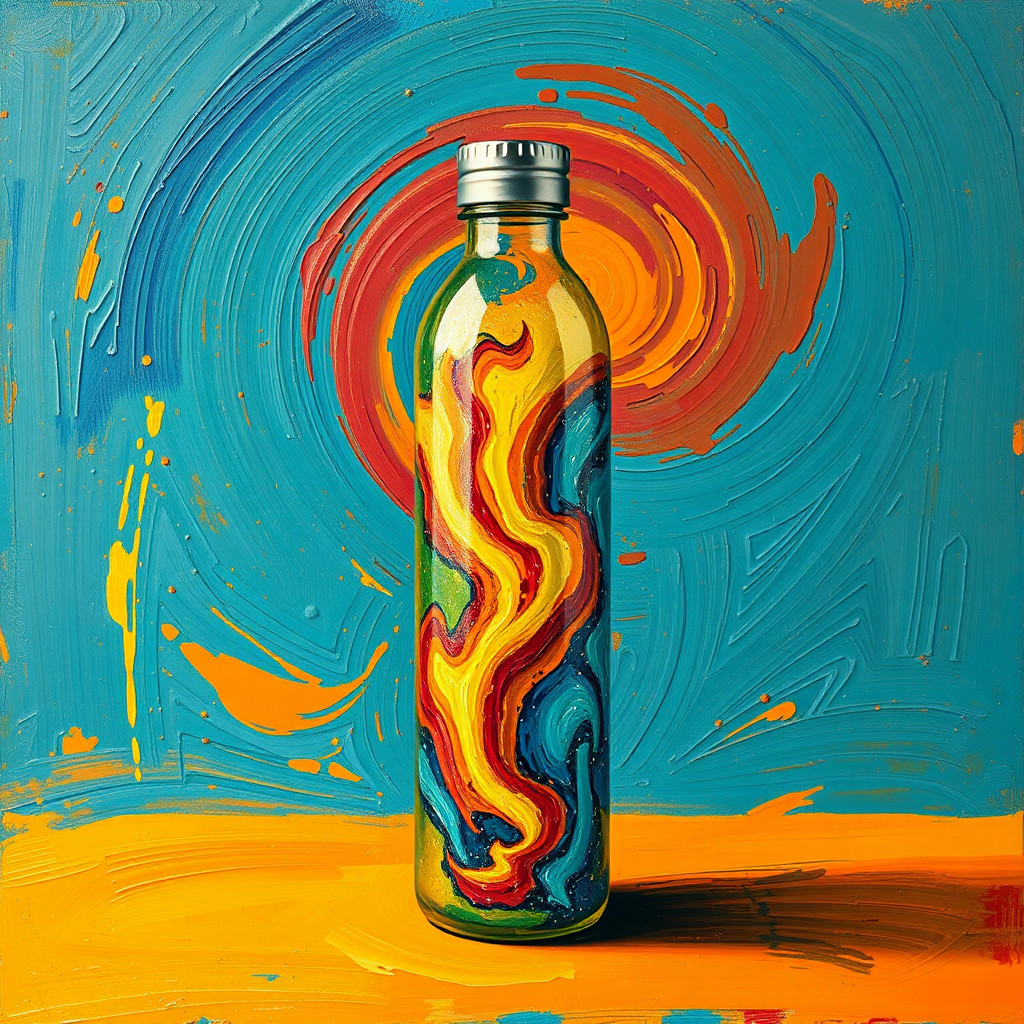
See the ゴッホ風 style in real outputs
These examples were generated through the Magic Eraser AI Create API with the ゴッホ風 style selected.
Prompt workflow
How to get a stronger ゴッホ風 result
主題、構図、時間帯を記述します。
渦巻く筆触、強い補色、表情豊かな光を加えます。
複数案を生成し、最も明瞭な構図を選んで切り抜きと修正を行います。
Prompt starters
- “夕暮れのひまわり畑、厚い渦巻く筆触、鮮やかな青と黄、ポスト印象派の風景”
- “夜の街角カフェ、暖かな灯り、動きのあるコバルトブルーの空、表情豊かな油彩”
- “庭師のオリジナル肖像、簡素な背景、大胆な筆触、補色”
Style tips
- 筆触が構図を圧迫しないよう主題を一つに絞ります。
- 色と光を具体的に指定します。
- 正確な文字やロゴは生成後に追加します。
Output planning checklist
- Decide the final placement before prompting: square post, vertical story, product insert, poster, thumbnail, or wide banner.
- Keep one primary subject and one visual mood so the ゴッホ風 style has a clear job.
- Describe the background as simple, detailed, bright, dark, studio, outdoor, or textured instead of leaving it open-ended.
- Generate variations first, then edit the selected image for crop, cleanup, and export size.
When to choose this style
Choose ゴッホ風 when the image needs a clear creative direction before production: an ad concept, a social visual, a character idea, a packaging mood, or a fast design draft. Choose another style if the final asset must look like a camera photo, preserve exact product color, or include precise typography.
For commercial work, treat the generated image as a starting point. Review details, remove distracting artifacts, add exact text separately, and export the final size from the editor.
FAQ
Can I edit the generated image?
Yes. Generate the image, then continue with cleanup, crop, background, and export tools in Magic Eraser.
Should I include exact text?
Use AI Create for the visual direction. Add exact text later with editable design tools for cleaner spelling and layout.
Is this style selected automatically?
The CTA opens AI Create with the ゴッホ風 style parameter, and the app falls back safely if the option changes.