
AI Create style
AIトリンギット・アート画像生成ツール
力強い幾何学形、明瞭な輪郭、限られた配色で、トリンギット美術に着想を得た画像を生成します。主題、構図、色、用途を指定し、氏族の紋章、儀礼的な図像、特定のトリンギット作家の作品は複製しないでください。
Use case
大胆な幾何学構成のポスターや表紙。
Use case
明瞭な色面を使った動物や自然のコンセプト。
Use case
適切な文化的文脈を添えた教育・編集用ムードボード。

Visual direction preview
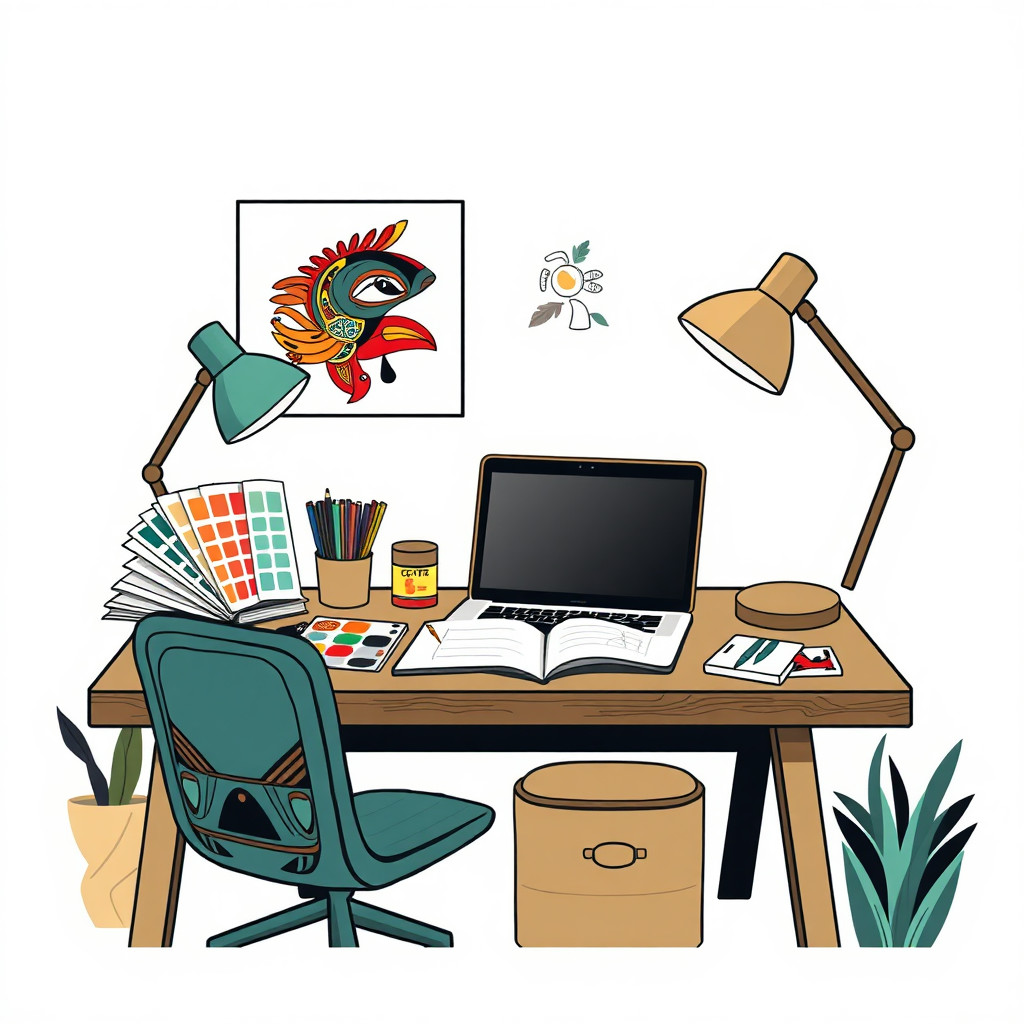
Use the style thumbnail as the creative target
The preview gives users a concrete reference for color, texture, edge detail, and mood before they open the generator. Pair it with the prompt starters below to keep the page useful instead of only decorative.
Generated examples
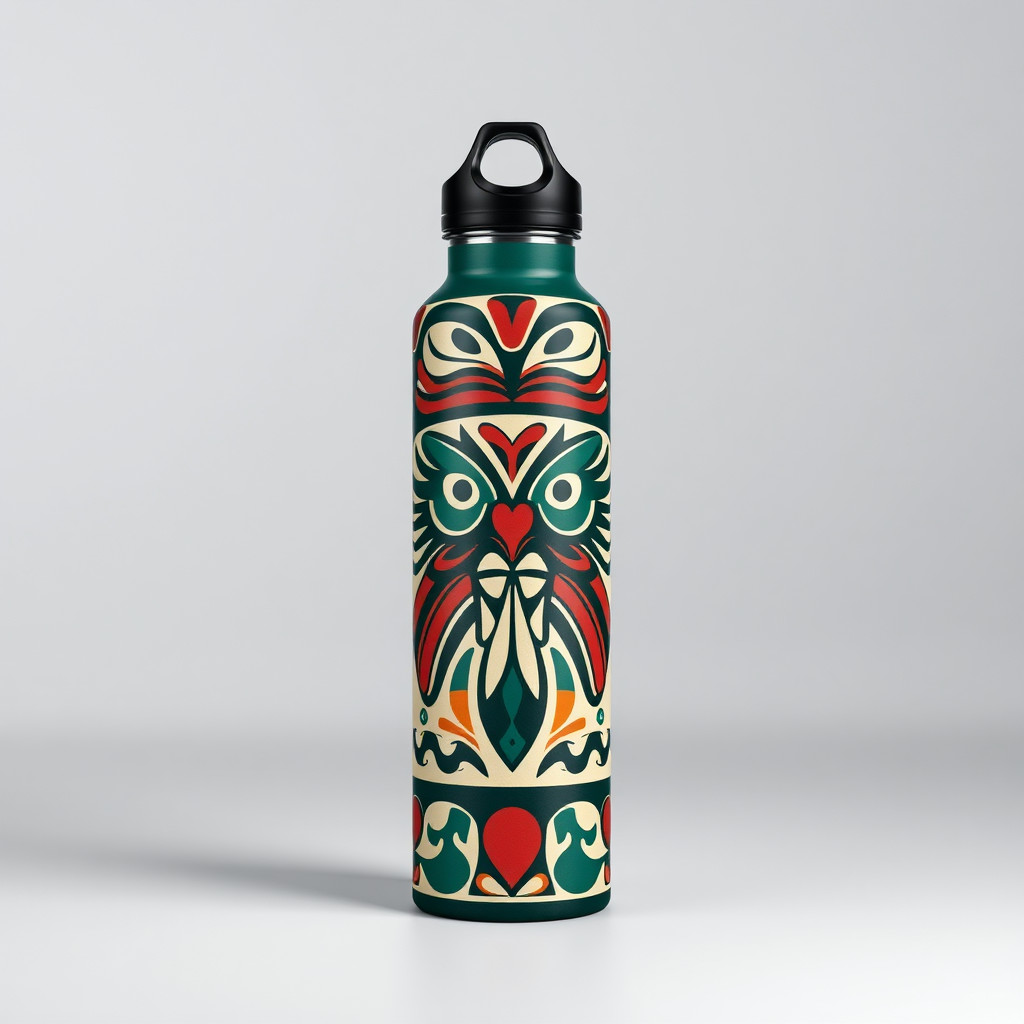
See the トリンギット・アート style in real outputs
These examples were generated through the Magic Eraser AI Create API with the トリンギット・アート style selected.
Prompt workflow
How to get a stronger トリンギット・アート result
主題を一つ選び、出力形式を決めます。
特定作品の模倣ではなく、形、輪郭、配色、余白を記述します。
複数案を生成し、細部を確認してから書き出します。
Prompt starters
- “太い幾何学形の様式化されたサケ、赤黒と青、独自のポスター構図”
- “明瞭な輪郭の独自の幾何学的なワタリガラス、クリーム背景、均整の取れた構図”
- “様式化した動物と限られた配色の海岸風景、独自の編集イラスト”
Style tips
- 配色を絞ると構図が読みやすくなります。
- 許可なく氏族の紋章や神聖な図像を使わないでください。
- 商用・文化用途では、知識を持つトリンギット関係者の確認を受けてください。
Output planning checklist
- Decide the final placement before prompting: square post, vertical story, product insert, poster, thumbnail, or wide banner.
- Keep one primary subject and one visual mood so the トリンギット・アート style has a clear job.
- Describe the background as simple, detailed, bright, dark, studio, outdoor, or textured instead of leaving it open-ended.
- Generate variations first, then edit the selected image for crop, cleanup, and export size.
When to choose this style
Choose トリンギット・アート when the image needs a clear creative direction before production: an ad concept, a social visual, a character idea, a packaging mood, or a fast design draft. Choose another style if the final asset must look like a camera photo, preserve exact product color, or include precise typography.
For commercial work, treat the generated image as a starting point. Review details, remove distracting artifacts, add exact text separately, and export the final size from the editor.
FAQ
Can I edit the generated image?
Yes. Generate the image, then continue with cleanup, crop, background, and export tools in Magic Eraser.
Should I include exact text?
Use AI Create for the visual direction. Add exact text later with editable design tools for cleaner spelling and layout.
Is this style selected automatically?
The CTA opens AI Create with the トリンギット・アート style parameter, and the app falls back safely if the option changes.