
AI Create style
AIインクドリッピング画像生成ツール
テキストから、流れるインク、細長い滴、強いコントラストを生かしたインクドリッピング画像を生成します。ポスター、カバー、ファッション、編集イラスト向けに、主題、インク色、背景、流れる方向を指定できます。
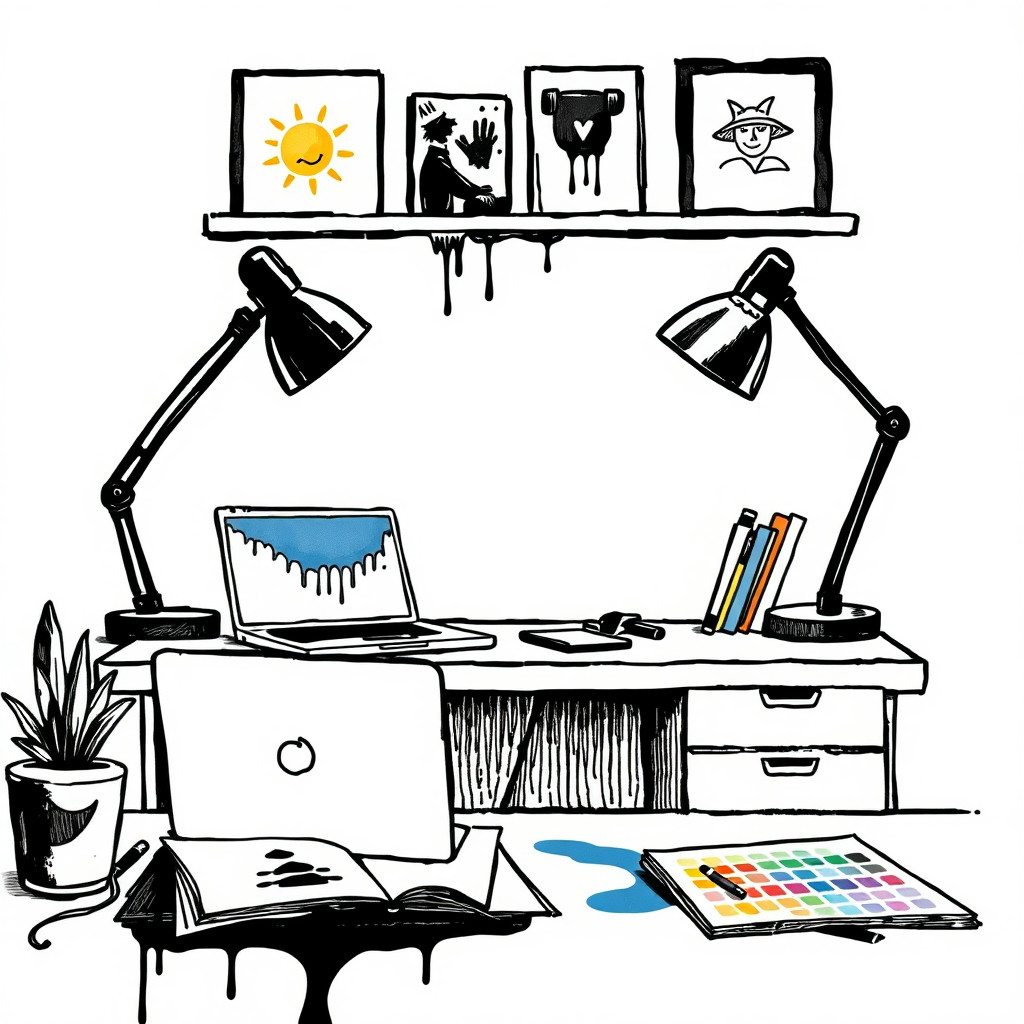
Use case
動きのあるインク跡を使ったポスターやカバー。
Use case
液体インクをアクセントにしたファッション、肖像、製品案。
Use case
高コントラストな抽象背景や編集イラスト。
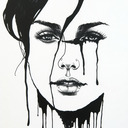
Visual direction preview
Use the style thumbnail as the creative target
The preview gives users a concrete reference for color, texture, edge detail, and mood before they open the generator. Pair it with the prompt starters below to keep the page useful instead of only decorative.
Generated examples
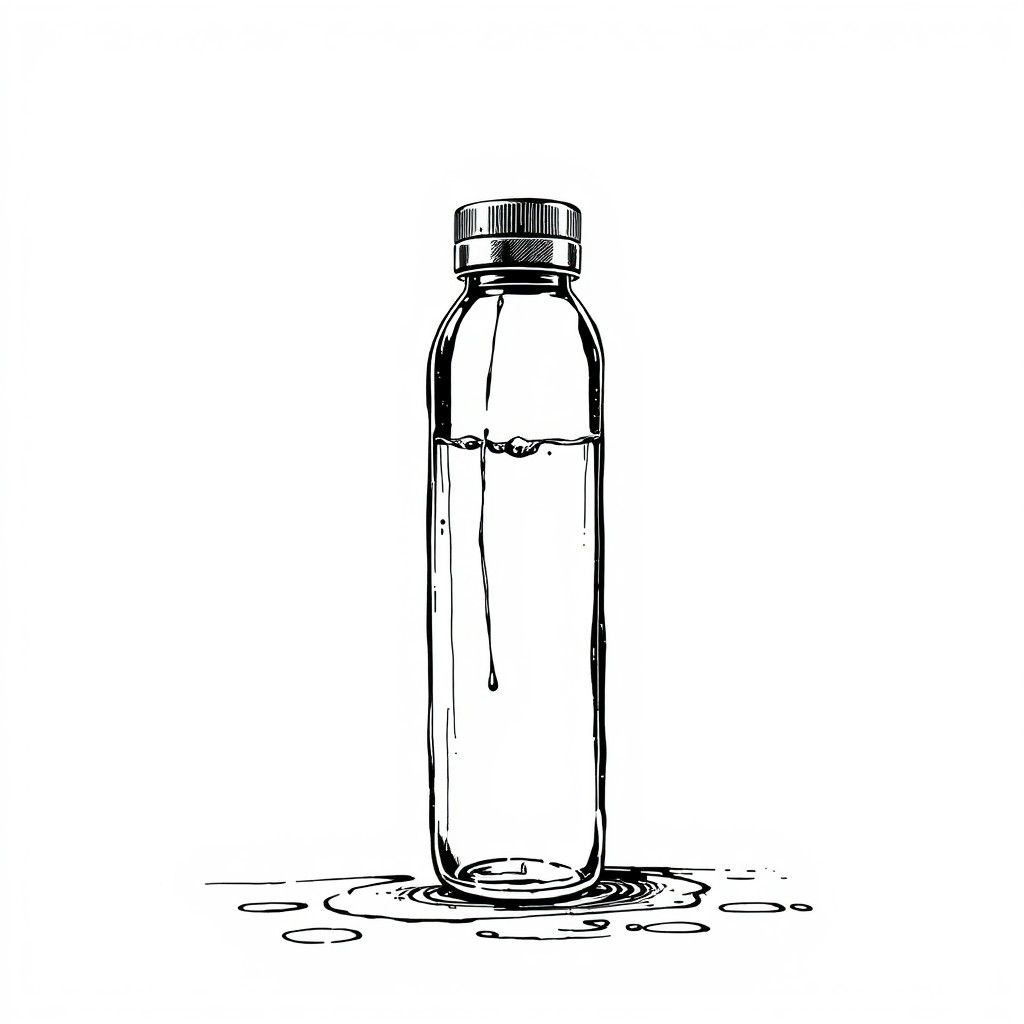
See the インクドリッピング style in real outputs
These examples were generated through the Magic Eraser AI Create API with the インクドリッピング style selected.
Prompt workflow
How to get a stronger インクドリッピング result
主題を一つ選び、構図を記述します。
インク色、滴の長さ、流れる方向、背景、光を加えます。
複数案から形が明瞭なものを選び、不要な跡を除きます。
Prompt starters
- “白い背景に黒いインクが滴る椿の肖像、強いコントラスト”
- “下へ流れる青いインクをまとった白いスニーカー、清潔なスタジオ構図”
- “紫のインクが滴る都市の輪郭、ミニマルなポスター”
Style tips
- インクの筋が見えるよう背景を簡潔にします。
- 主題を目立たせるなら色数を絞ります。
- 正確な文字とロゴは生成後に追加します。
Output planning checklist
- Decide the final placement before prompting: square post, vertical story, product insert, poster, thumbnail, or wide banner.
- Keep one primary subject and one visual mood so the インクドリッピング style has a clear job.
- Describe the background as simple, detailed, bright, dark, studio, outdoor, or textured instead of leaving it open-ended.
- Generate variations first, then edit the selected image for crop, cleanup, and export size.
When to choose this style
Choose インクドリッピング when the image needs a clear creative direction before production: an ad concept, a social visual, a character idea, a packaging mood, or a fast design draft. Choose another style if the final asset must look like a camera photo, preserve exact product color, or include precise typography.
For commercial work, treat the generated image as a starting point. Review details, remove distracting artifacts, add exact text separately, and export the final size from the editor.
FAQ
Can I edit the generated image?
Yes. Generate the image, then continue with cleanup, crop, background, and export tools in Magic Eraser.
Should I include exact text?
Use AI Create for the visual direction. Add exact text later with editable design tools for cleaner spelling and layout.
Is this style selected automatically?
The CTA opens AI Create with the インクドリッピング style parameter, and the app falls back safely if the option changes.