
AI Create style
AIクロスステッチ画像生成ツール
テキストから、X字の糸目、限られた配色、見える布地を備えたクロスステッチ風画像を生成します。装飾パターン、カード、ギフト、手芸案に適し、主題、糸色、ステッチ密度、布の種類を指定できます。

Use case
装飾パターン、壁飾り、パーソナルギフトの案。
Use case
カード、手芸品、手作り感のあるパッケージ用モチーフ。
Use case
刺繍風のシンプルなアイコン、模様、キャラクター。

Visual direction preview
Use the style thumbnail as the creative target
The preview gives users a concrete reference for color, texture, edge detail, and mood before they open the generator. Pair it with the prompt starters below to keep the page useful instead of only decorative.
Generated examples
See the クロスステッチ style in real outputs
These examples were generated through the Magic Eraser AI Create API with the クロスステッチ style selected.
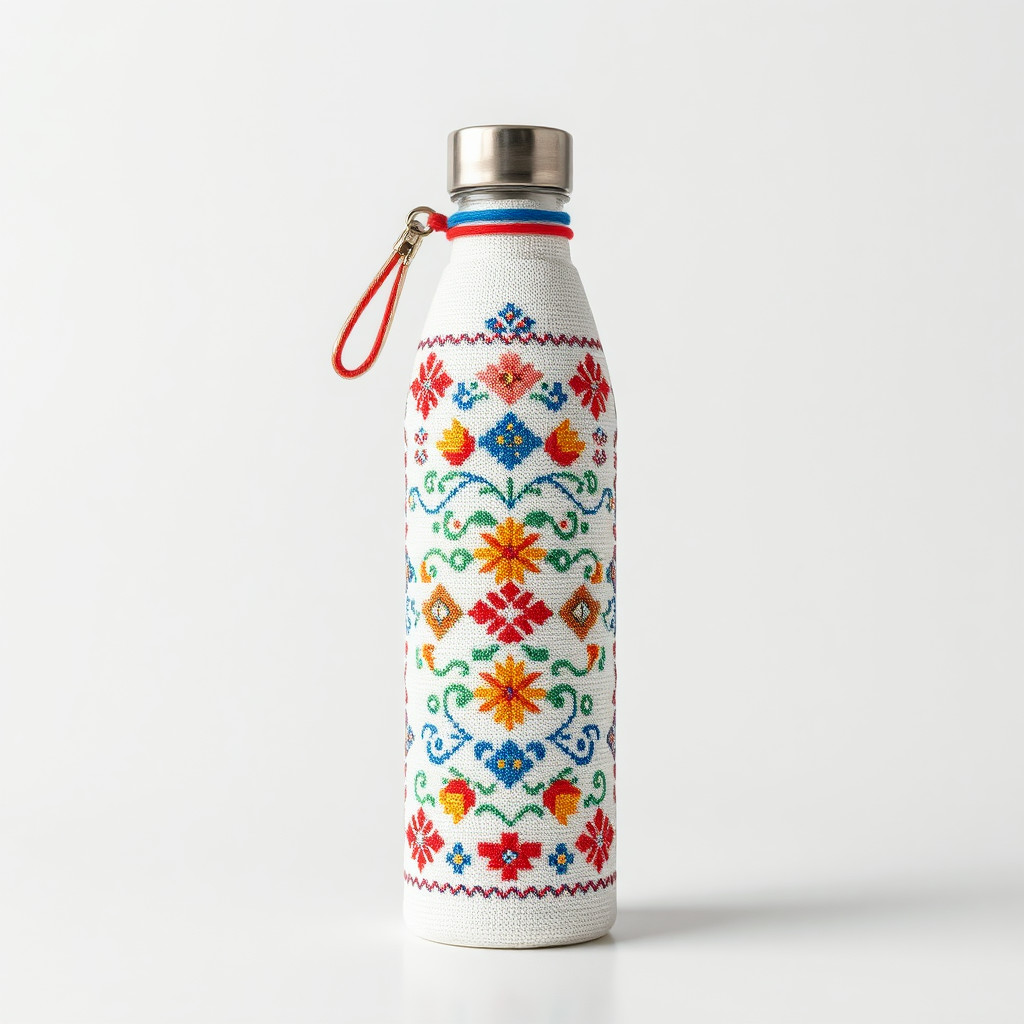
Prompt workflow
How to get a stronger クロスステッチ result
輪郭が明確で構図が簡潔な主題を一つ選びます。
糸色、X字の大きさ、布地、細かさを指定します。
複数案から読みやすい図案を選び、切り抜いて余分なステッチを除きます。
Prompt starters
- “野花の花束のクロスステッチ、赤と緑の糸、生成りのリネン、左右対称”
- “小さなキツネのクロスステッチ、秋色、明瞭なX字、白い布”
- “山のクロスステッチ模様、青と緑、ミニマルな構図”
Style tips
- 布目の上で形が読めるよう配色を絞ります。
- 細かな要素を詰め込まず、単純な形を使います。
- 正確な文字や印刷用グリッドは生成後に追加します。
Output planning checklist
- Decide the final placement before prompting: square post, vertical story, product insert, poster, thumbnail, or wide banner.
- Keep one primary subject and one visual mood so the クロスステッチ style has a clear job.
- Describe the background as simple, detailed, bright, dark, studio, outdoor, or textured instead of leaving it open-ended.
- Generate variations first, then edit the selected image for crop, cleanup, and export size.
When to choose this style
Choose クロスステッチ when the image needs a clear creative direction before production: an ad concept, a social visual, a character idea, a packaging mood, or a fast design draft. Choose another style if the final asset must look like a camera photo, preserve exact product color, or include precise typography.
For commercial work, treat the generated image as a starting point. Review details, remove distracting artifacts, add exact text separately, and export the final size from the editor.
FAQ
Can I edit the generated image?
Yes. Generate the image, then continue with cleanup, crop, background, and export tools in Magic Eraser.
Should I include exact text?
Use AI Create for the visual direction. Add exact text later with editable design tools for cleaner spelling and layout.
Is this style selected automatically?
The CTA opens AI Create with the クロスステッチ style parameter, and the app falls back safely if the option changes.