
徽标透明背景
从任何背景中提取徽标,并导出为具有像素级精确边缘细化的透明 PNG。此模板可处理在纸上拍摄、从名片扫描、从网站截图或从设计工具导出的带有杂乱背景的徽标。多尺寸输出涵盖网页图标、社交媒体头像、电子邮件签名和高分辨率印刷用途。
免费试用此模板Design template preview
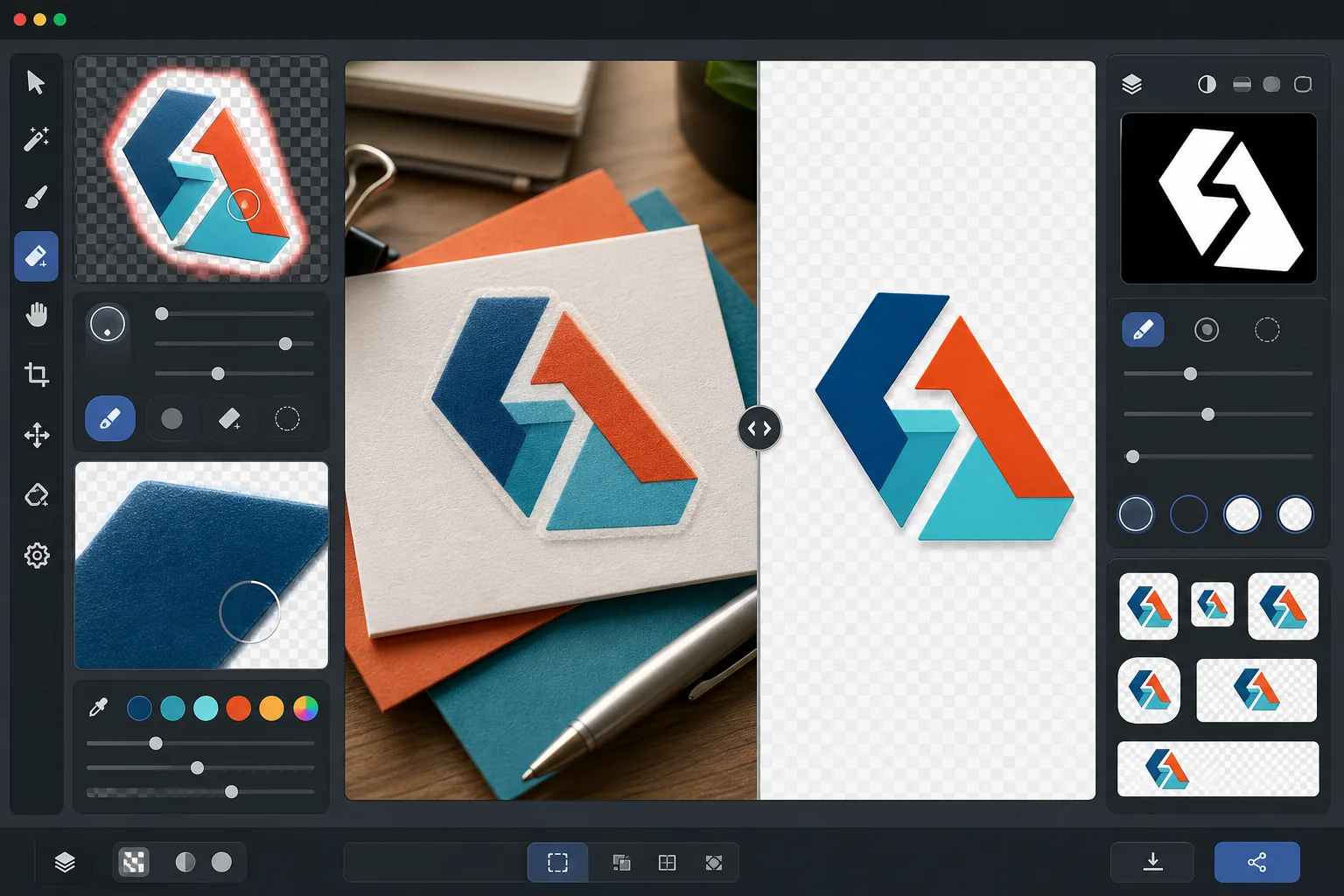
此模板的功能
从徽标和文字标记中移除背景,生成干净的透明 PNG 文件,可随时用于所有媒体。Background Eraser 将徽标从其原始表面中分离出来——无论是白纸扫描件、彩色网站背景、店面招牌照片,还是桌上的名片。AI Enhance 细化边缘,消除当背景移除在细字体、细线和精细图标元素周围切割得过于激进时常出现的锯齿像素、白色镶边和光晕伪影。输出以多种标准尺寸导出,可立即用作网页图标、社交头像、电子邮件签名图形和印刷分辨率的品牌素材。
模板设置
| 背景移除 | 具有 1px 抗锯齿边缘的完全透明 |
| 边缘细化 | 亚像素平滑(消除白色镶边和光晕伪影) |
| 颜色保留 | 精确的十六进制值匹配(无背景渗色导致的色彩偏移) |
| 多尺寸导出 | 16px、32px、180px、512px、1024px 和原始分辨率 |
| 格式 | 带 Alpha 通道的 PNG-32(24 位色彩 + 8 位透明度) |
如何使用此模板
上传您的徽标图像
以任何格式上传徽标——高分辨率设计导出文件、名片扫描件、网站截图,甚至是印刷招牌的照片。此模板既能处理矢量般清晰的数字徽标,也能处理带有阴影、透视变形和光照不均的不完美现实拍摄图像。
移除背景
Background Eraser 将徽标从其原始表面中分离出来,并创建透明的 Alpha 通道。AI 能区分徽标有意为之的设计元素与背景,正确处理内部负空间(如 O 或 A 中的孔洞)、细线和精细的衬线。
细化边缘和颜色
AI Enhance 平滑边缘抗锯齿,消除曲线和对角线上的锯齿状阶梯像素,去除因背景渗色产生的任何白色或彩色镶边,并验证徽标颜色在提取过程中未发生偏移。品牌颜色将以其原始十六进制值保留。
以多种尺寸导出
下载一整套徽标文件:16x16px 网页图标、32x32px 浏览器标签页图标、180x180px Apple 触摸图标、512x512px 社交媒体和应用商店、1024x1024px 高分辨率,以及完整的原始分辨率。所有文件均为带透明背景的 PNG-32。
获得最佳效果的专业技巧
- ✓为获得最干净的提取效果,请从您能找到的最高分辨率徽标版本开始。一个缩小到 512px 的 2000px 宽徽标,其边缘将比放大到 512px 的 200px 徽标干净得多。如果您只有小版本,AI 放大功能会有所帮助,但无法媲美原生大尺寸源文件的质量。
- ✓拍摄印刷徽标(在招牌、产品或名片上)时,请正面直拍以尽量减少透视变形。此模板可校正轻微的梯形失真,但正面拍摄能生成几何上精确的输出,且无任何校正伪影。
- ✓线条非常细或衬线精致的徽标在小尺寸(低于 32px)下可能会丢失细节。对于网页图标用途,请考虑使用徽标的简化标记或图标版本,而非完整的文字标记。多尺寸导出可让您在下载前验证每个目标尺寸下的可读性。
- ✓如果您的徽标使用阴影、辉光或玻璃效果等半透明元素,背景移除会在 Alpha 通道中保留这些透明度级别。其结果可在任何新背景色上正确合成,而不会丢失原始设计的立体效果。
常见问题
这能从招牌照片中提取徽标吗?
+
可以。此模板可处理现实世界的拍摄图像,包括店面招牌、车身贴膜、产品包装和展会横幅的照片。AI 会校正光照不均、轻微透视变形和表面纹理(如乙烯基纹理或织物编织),以生成干净、平整的徽标文件。当照片清晰且尽可能正面拍摄时,效果最佳。
我的品牌颜色会被精确保留吗?
+
颜色保留算法会维持徽标颜色的原始十六进制值,且不让背景色渗入边缘。对于从照片(而非数字文件)中提取的徽标,颜色准确度取决于原始照片中的光照。在中性光照下,提取的颜色通常与真实品牌颜色的 delta-E 在 2 以内。
PNG-32 与普通 PNG 有何区别?
+
PNG-32 包含完整的 8 位 Alpha 通道,每个像素支持 256 级透明度,可实现平滑的抗锯齿边缘以及投影和辉光等半透明效果。带透明度的普通 PNG-8 仅支持完全透明或完全不透明的像素,导致边缘呈锯齿状。此模板的所有输出均使用 PNG-32 以获得最高质量的透明度。
Related templates
More design templates for your workflow.