
AI Filter style
AI 波普艺术照片滤镜
将照片转换为具有大胆色块、鲜明图形对比和半色调网点的波普艺术图像,同时让主体保持易于辨认。适合人像、宠物和简单产品照片;使用前请检查脸部、文字、标签和颜色。

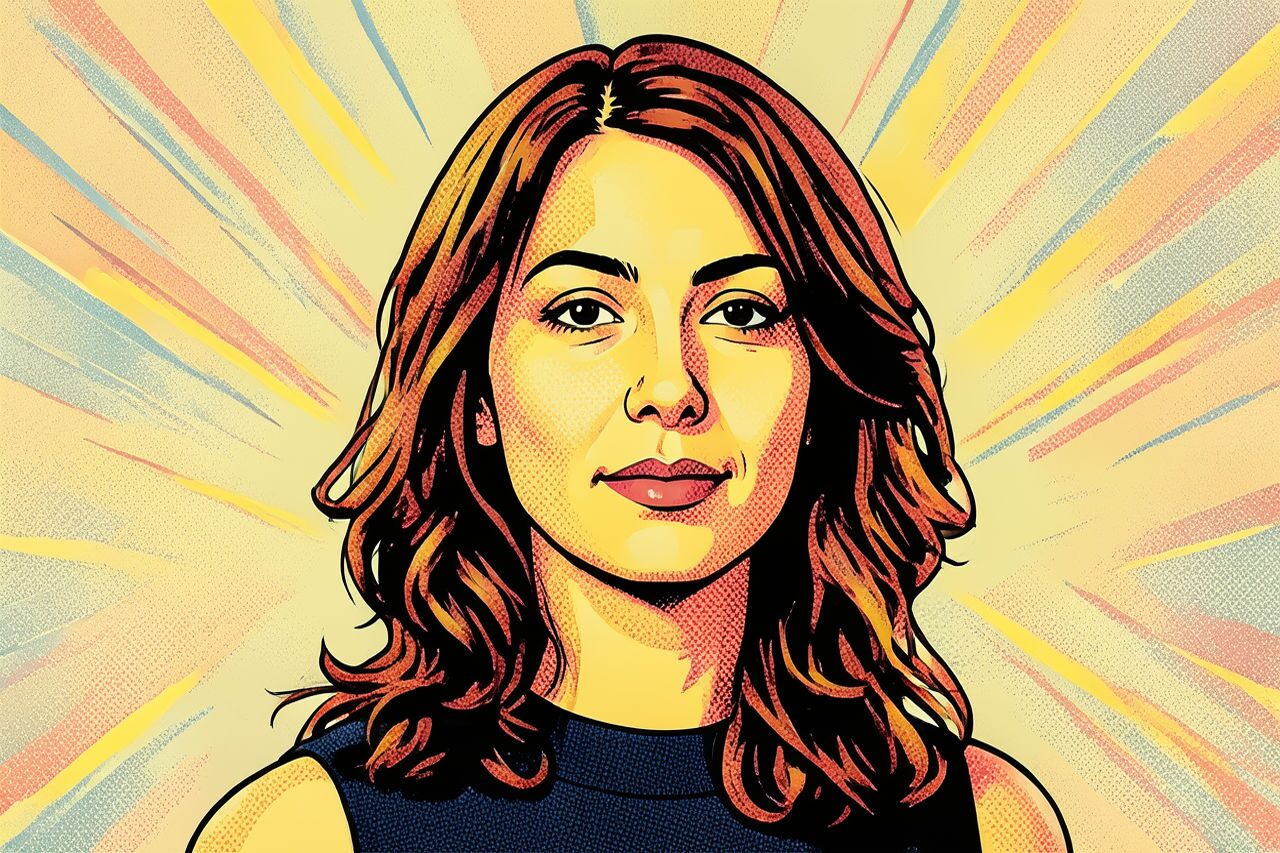
Use case
醒目的社交人像和头像。
Use case
具有海报感的宠物或生活照片。
Use case
不要求精确颜色的产品与营销概念。
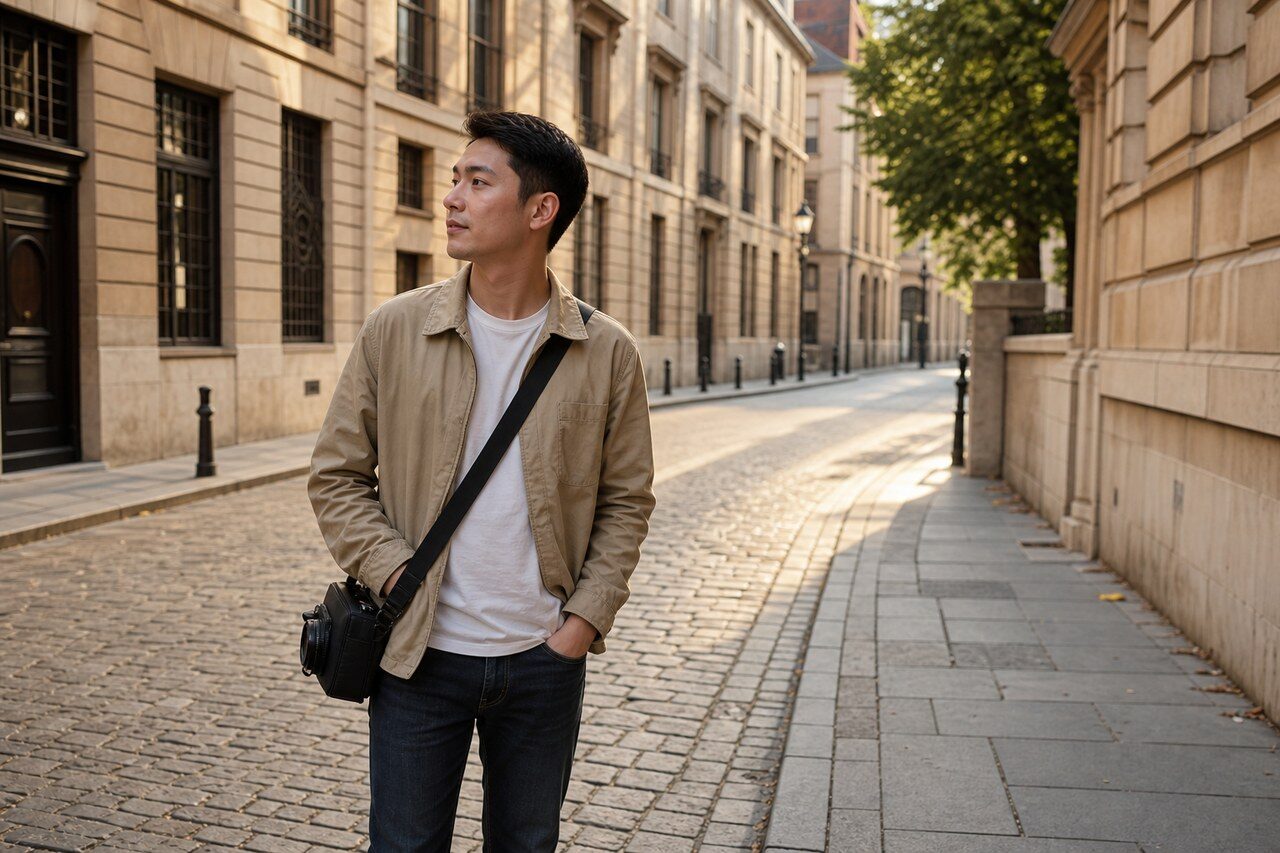
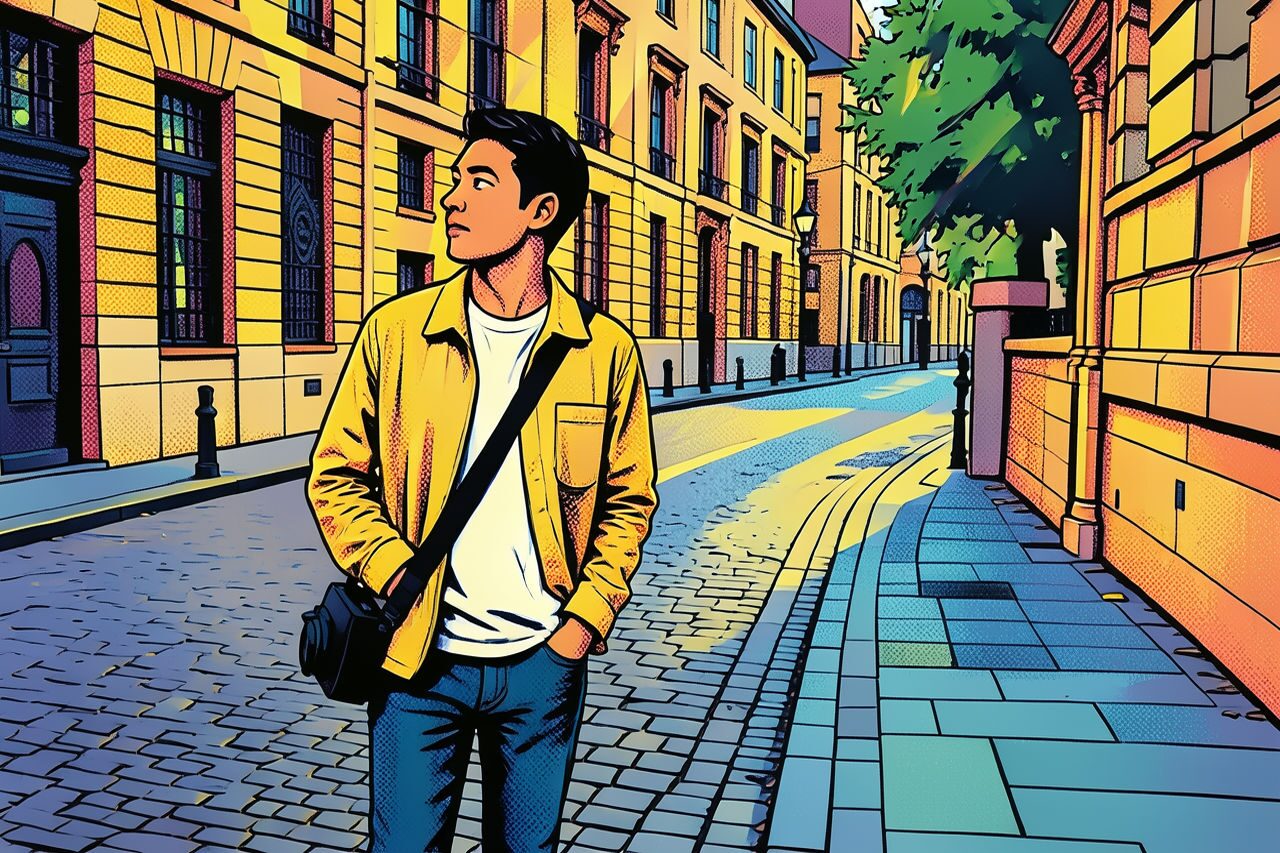
Filter preview
Compare the original photo with the pop art result
The example uses a generated source photo and the same filter API path as the app, so users can judge the visual treatment before uploading their own image.
More examples
Test the pop art filter on different photo types
Compare portrait, product, and pet examples before opening the filter. Each result uses the same filter API path as the Magic Eraser app.


Portrait
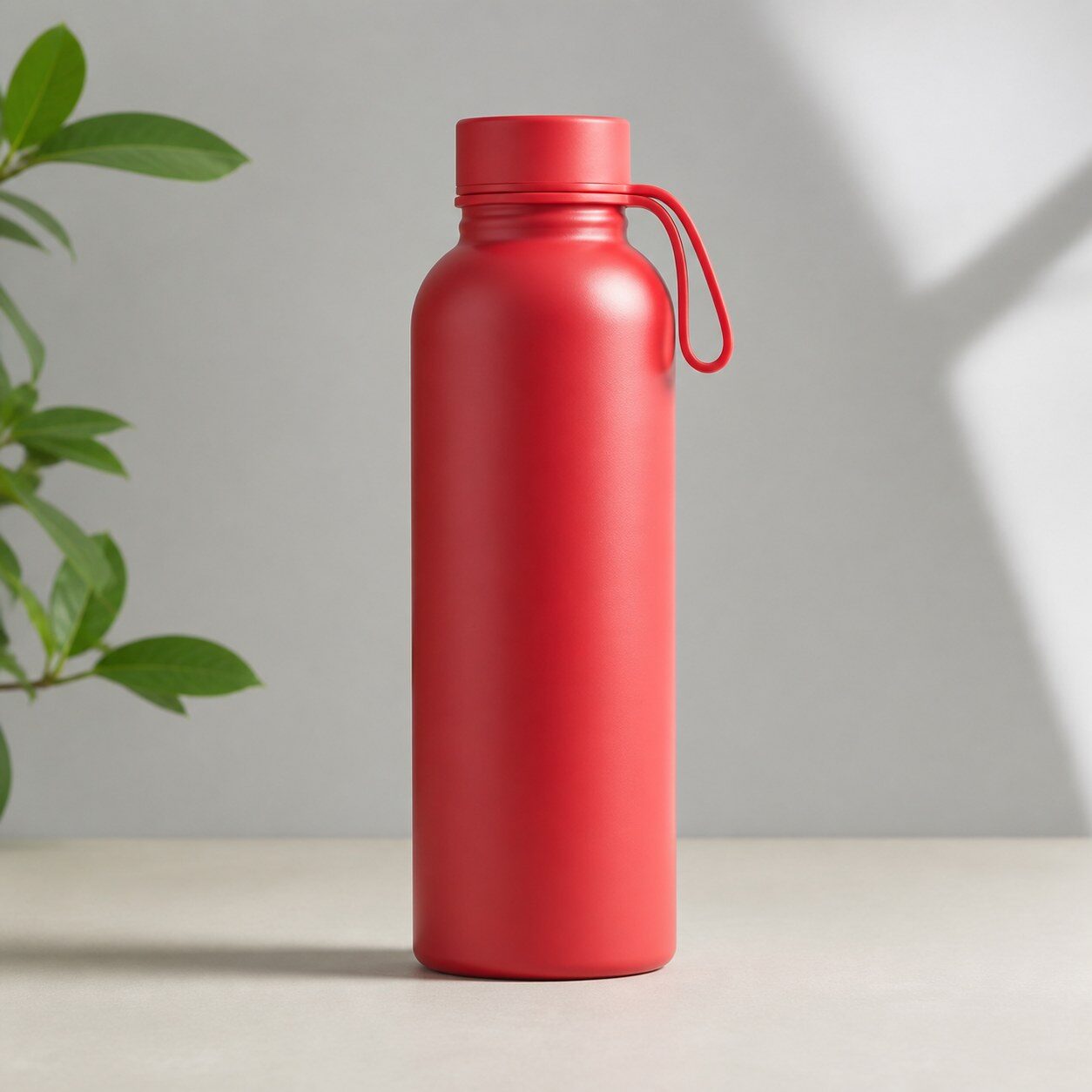
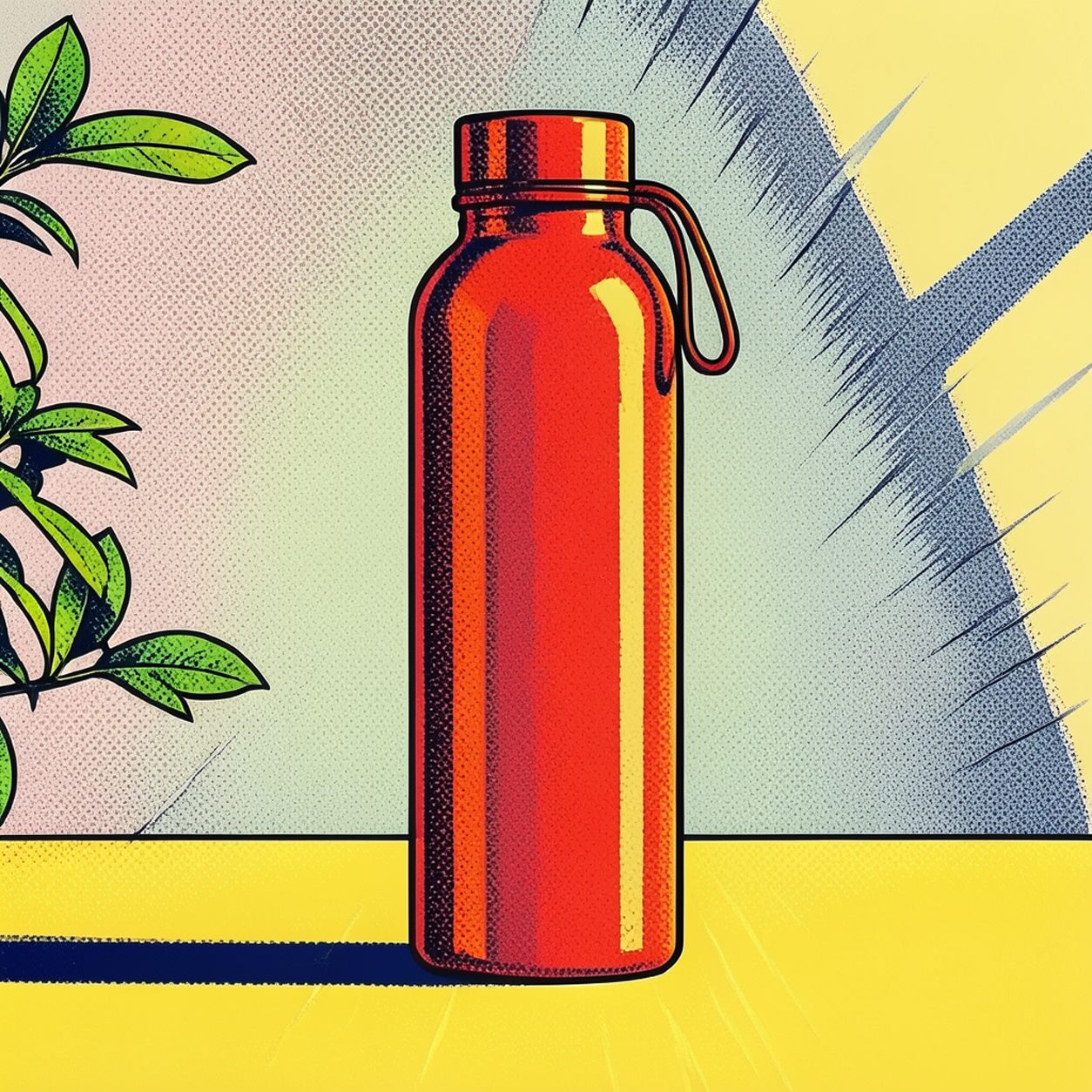
Product

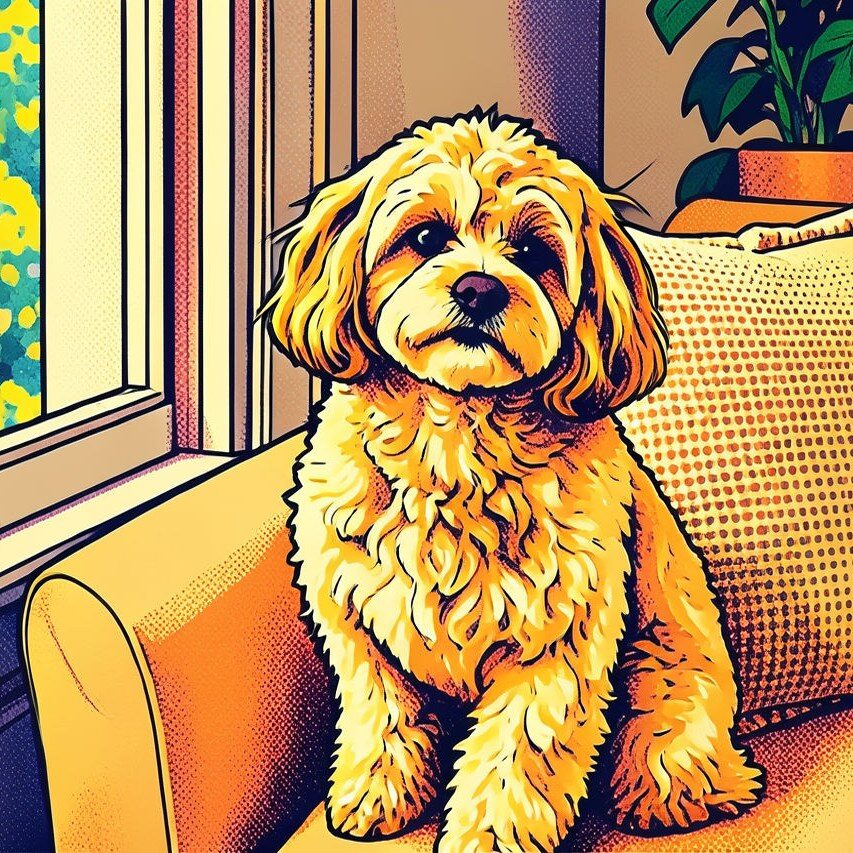
Pet
Photo workflow
How to get a cleaner pop art filter result
选择清晰、光线良好且只有一个主要主体的照片。
打开波普艺术滤镜并上传照片,比较脸部、边缘和构图。
导出前裁剪图片或移除干扰元素。
Best source photos
- 人像和半身照片。
- 背景简洁的宠物与生活照片。
- 无需精确色彩的简单产品照片。
Filter tips
- 简洁背景通常能获得更干净的色块。
- 滤镜无法完全修复模糊或昏暗的照片。
- 核对文字、标志、标签和产品颜色。
Before upload checklist
- Use the largest clean version of the photo, not a compressed screenshot or reposted image.
- Crop loosely before filtering so the AI has enough room around the subject.
- Remove obvious distractions first if they sit directly on the face, product, or main subject.
- Check the result at the size where it will be used: profile image, feed post, story, thumbnail, or banner.
When this filter is a good fit
Choose the pop art filter when the original photo already has a clear subject and the goal is a recognizable stylized version, not a fully new generated scene. It is strongest for social, creator, profile, event, and campaign images where mood matters more than documentary accuracy.
Use a different workflow when the image needs exact product color, legal documentation, medical accuracy, or unmodified identity details. In those cases, use cleanup, crop, enhancement, or background tools instead of a heavy creative filter.
Free browser tools after filtering
FAQ
What should I upload?
Use a clear photo with one main subject. Strong lighting and simple backgrounds usually make the AI filter easier to control.
Can I keep editing after the filter?
Yes. After applying the filter, use Magic Eraser to crop, clean distractions, refine backgrounds, and export the final image.
Is this filter selected automatically?
The CTA opens AI Filter with the pop art style parameter, and the app falls back safely if the filter changes.