
AI Filter style
枫叶 AI 照片滤镜
使用枫叶 AI 照片滤镜,为人像、宠物、产品和旅行照片添加琥珀、红色与金色调的温暖秋日效果。先预览变化并检查重要细节,再在导出前裁剪或清理画面。

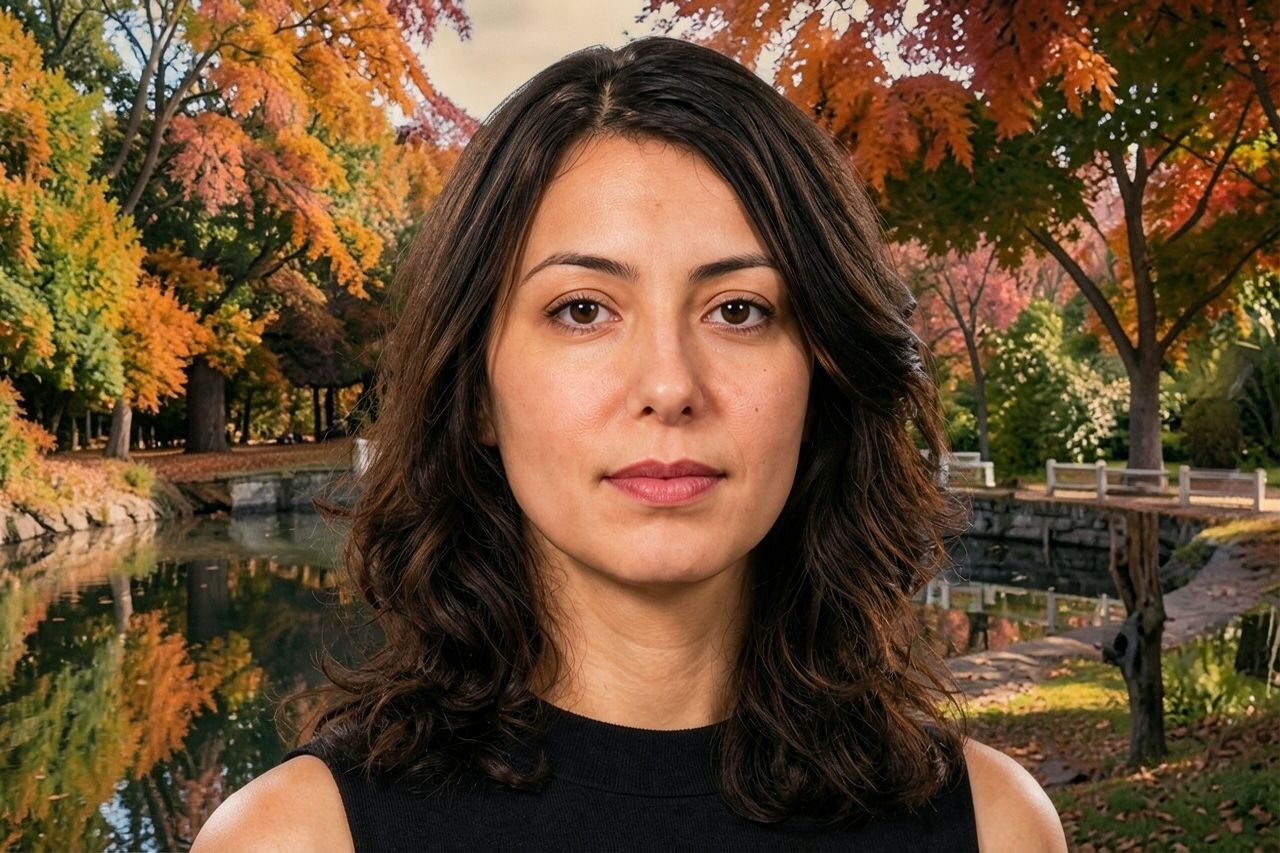
Use case
温暖的季节人像、头像和家庭照片。
Use case
秋季主题的产品、美食、旅行和生活方式视觉。
Use case
需要温馨红金配色的社交帖子和营销草稿。
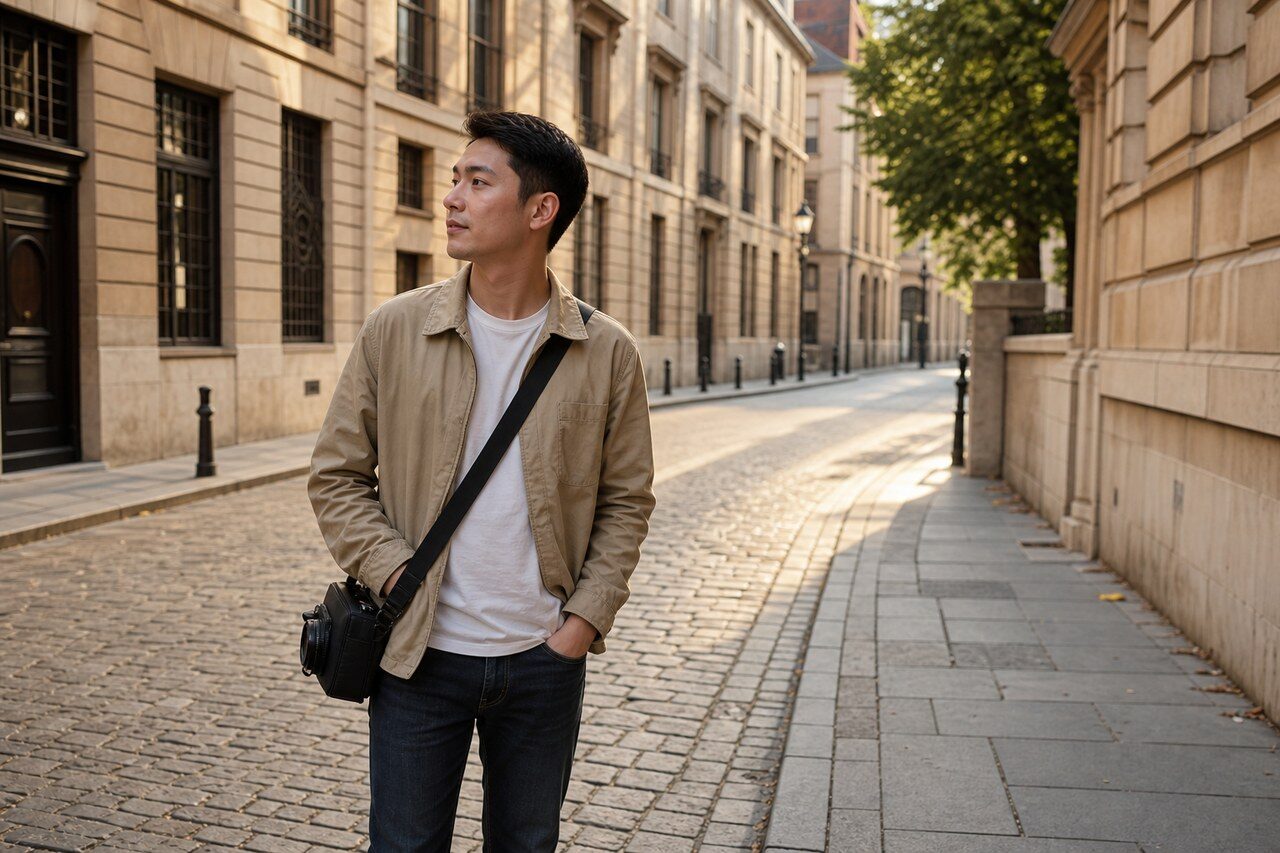

Filter preview
Compare the original photo with the maple result
The example uses a generated source photo and the same filter API path as the app, so users can judge the visual treatment before uploading their own image.
More examples
Test the maple filter on different photo types
Compare portrait, product, and pet examples before opening the filter. Each result uses the same filter API path as the Magic Eraser app.


Portrait
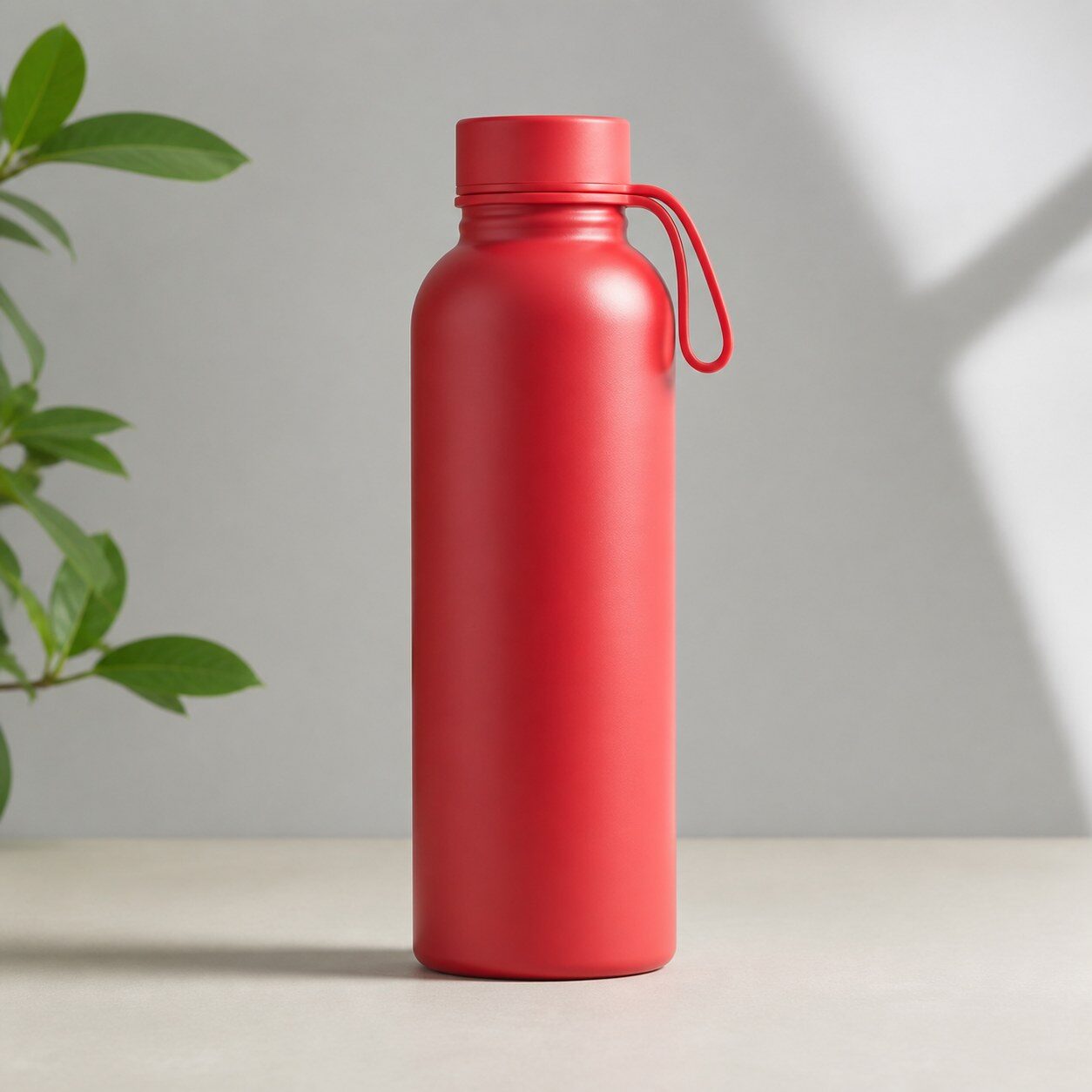
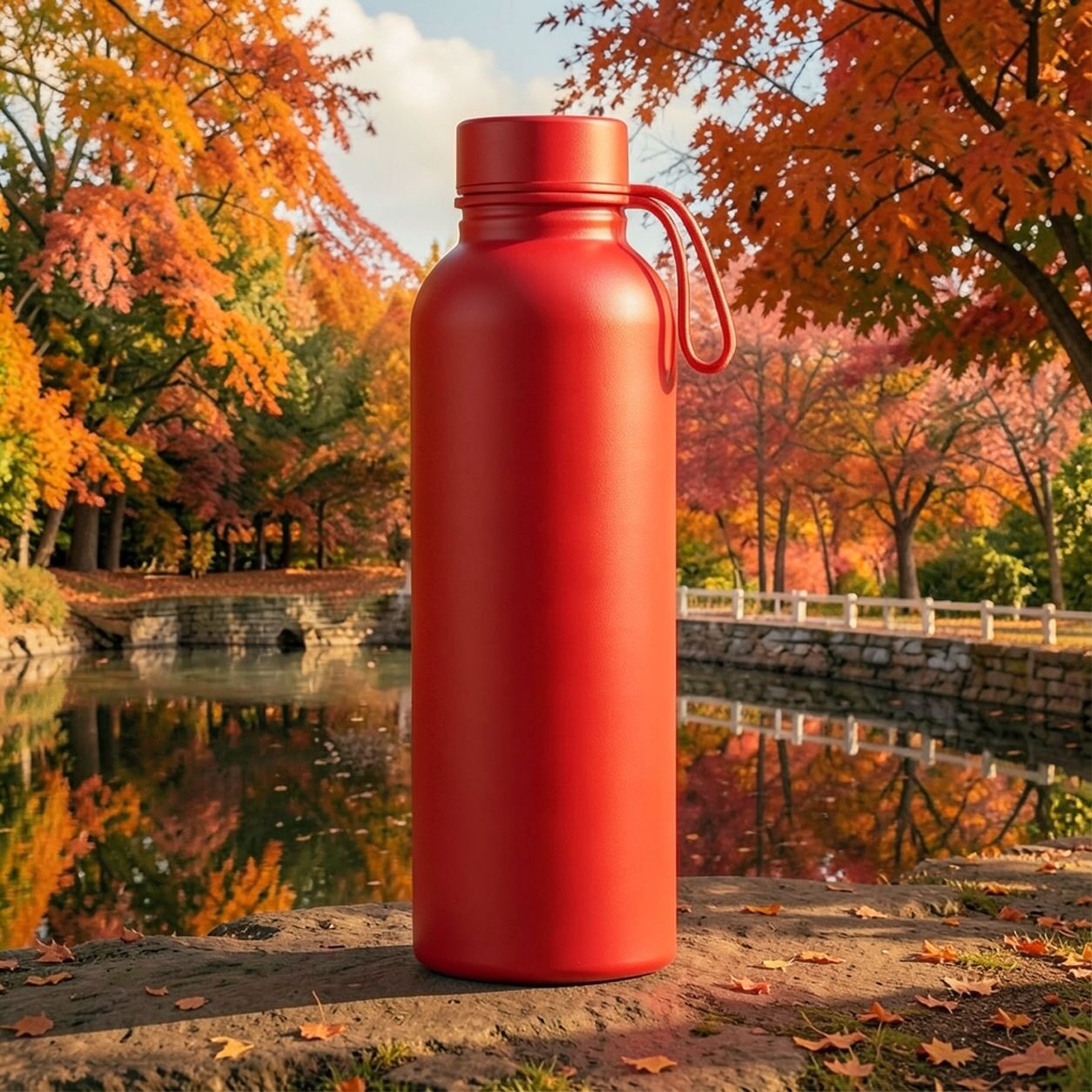
Product


Pet
Photo workflow
How to get a cleaner maple filter result
选择光线充足、主体明确且边缘清晰的照片。
打开枫叶滤镜,上传照片并对比预览效果与原图。
检查面部、标签及颜色敏感细节,再裁剪或移除干扰元素。
Best source photos
- 人像、情侣、宠物和家庭照片。
- 美食、产品、旅行场景和户外生活照片。
- 适合秋日暖色氛围的图片。
Filter tips
- 中性色或户外原图能为暖色处理留出更多空间。
- 需要准确产品颜色或纪实色彩时,请勿使用此结果。
- 简洁背景可在增强琥珀色和红色后保持主体清晰。
Before upload checklist
- Use the largest clean version of the photo, not a compressed screenshot or reposted image.
- Crop loosely before filtering so the AI has enough room around the subject.
- Remove obvious distractions first if they sit directly on the face, product, or main subject.
- Check the result at the size where it will be used: profile image, feed post, story, thumbnail, or banner.
When this filter is a good fit
Choose the maple filter when the original photo already has a clear subject and the goal is a recognizable stylized version, not a fully new generated scene. It is strongest for social, creator, profile, event, and campaign images where mood matters more than documentary accuracy.
Use a different workflow when the image needs exact product color, legal documentation, medical accuracy, or unmodified identity details. In those cases, use cleanup, crop, enhancement, or background tools instead of a heavy creative filter.
Free browser tools after filtering
FAQ
What should I upload?
Use a clear photo with one main subject. Strong lighting and simple backgrounds usually make the AI filter easier to control.
Can I keep editing after the filter?
Yes. After applying the filter, use Magic Eraser to crop, clean distractions, refine backgrounds, and export the final image.
Is this filter selected automatically?
The CTA opens AI Filter with the maple style parameter, and the app falls back safely if the filter changes.