
AI Create style
AI 贴纸图像生成器
生成轮廓清晰、造型生动且背景简洁的贴纸风格图像。适合创作者周边、应用贴纸、社交表情、产品徽章,以及需要在小尺寸下保持清晰的视觉点缀。
Use case
表情贴纸、社交贴纸包、创作者周边概念和社区徽章。
Use case
产品标签、促销徽章和趣味营销元素。
Use case
需要清晰剪纸效果的简单吉祥物或物品插画。

Visual direction preview
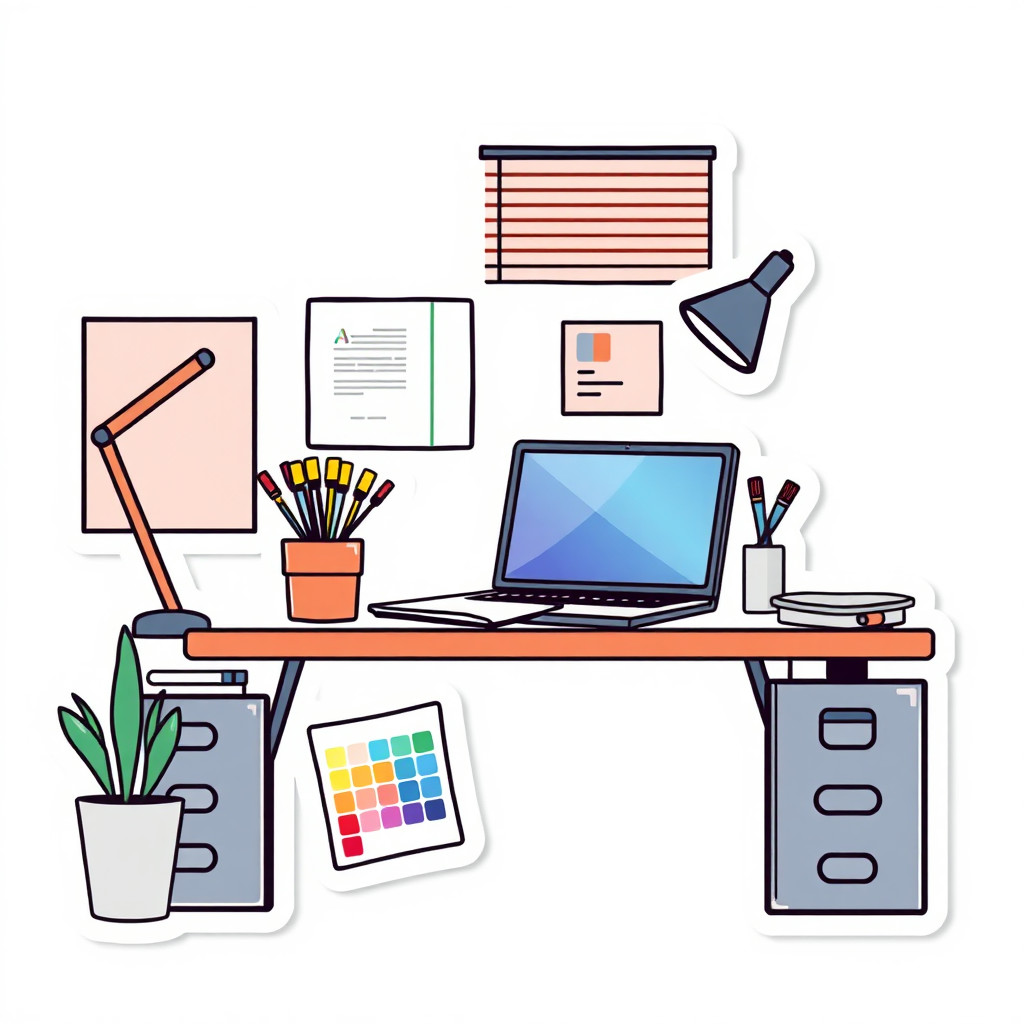
Use the style thumbnail as the creative target
The preview gives users a concrete reference for color, texture, edge detail, and mood before they open the generator. Pair it with the prompt starters below to keep the page useful instead of only decorative.
Generated examples
See the 贴纸 style in real outputs
These examples were generated through the Magic Eraser AI Create API with the 贴纸 style selected.

Prompt workflow
How to get a stronger 贴纸 result
描述一个主体、清楚的姿势、简单配色,并按需指定白边或整洁的贴纸边缘。
生成多个版本,选择缩小后仍然清晰的结果。
如需透明背景或更干净的边缘,可使用背景移除或清理工具。
Prompt starters
- “原创相机吉祥物贴纸,手持闪光画笔,粗轮廓,白边,简单配色”
- “带开心表情的冰咖啡杯贴纸,干净阴影,活泼夏日配色”
- “红色跑鞋极简贴纸,带运动线条,粗边缘,透明背景效果”
Style tips
- 单一主体比复杂场景效果更好。
- 角色贴纸要明确描述表情和情绪。
- 避免生成细小文字,文字可稍后添加。
Output planning checklist
- Decide the final placement before prompting: square post, vertical story, product insert, poster, thumbnail, or wide banner.
- Keep one primary subject and one visual mood so the 贴纸 style has a clear job.
- Describe the background as simple, detailed, bright, dark, studio, outdoor, or textured instead of leaving it open-ended.
- Generate variations first, then edit the selected image for crop, cleanup, and export size.
When to choose this style
Choose 贴纸 when the image needs a clear creative direction before production: an ad concept, a social visual, a character idea, a packaging mood, or a fast design draft. Choose another style if the final asset must look like a camera photo, preserve exact product color, or include precise typography.
For commercial work, treat the generated image as a starting point. Review details, remove distracting artifacts, add exact text separately, and export the final size from the editor.
FAQ
Can I edit the generated image?
Yes. Generate the image, then continue with cleanup, crop, background, and export tools in Magic Eraser.
Should I include exact text?
Use AI Create for the visual direction. Add exact text later with editable design tools for cleaner spelling and layout.
Is this style selected automatically?
The CTA opens AI Create with the 贴纸 style parameter, and the app falls back safely if the option changes.