
AI Create style
AI 漫画图片生成器
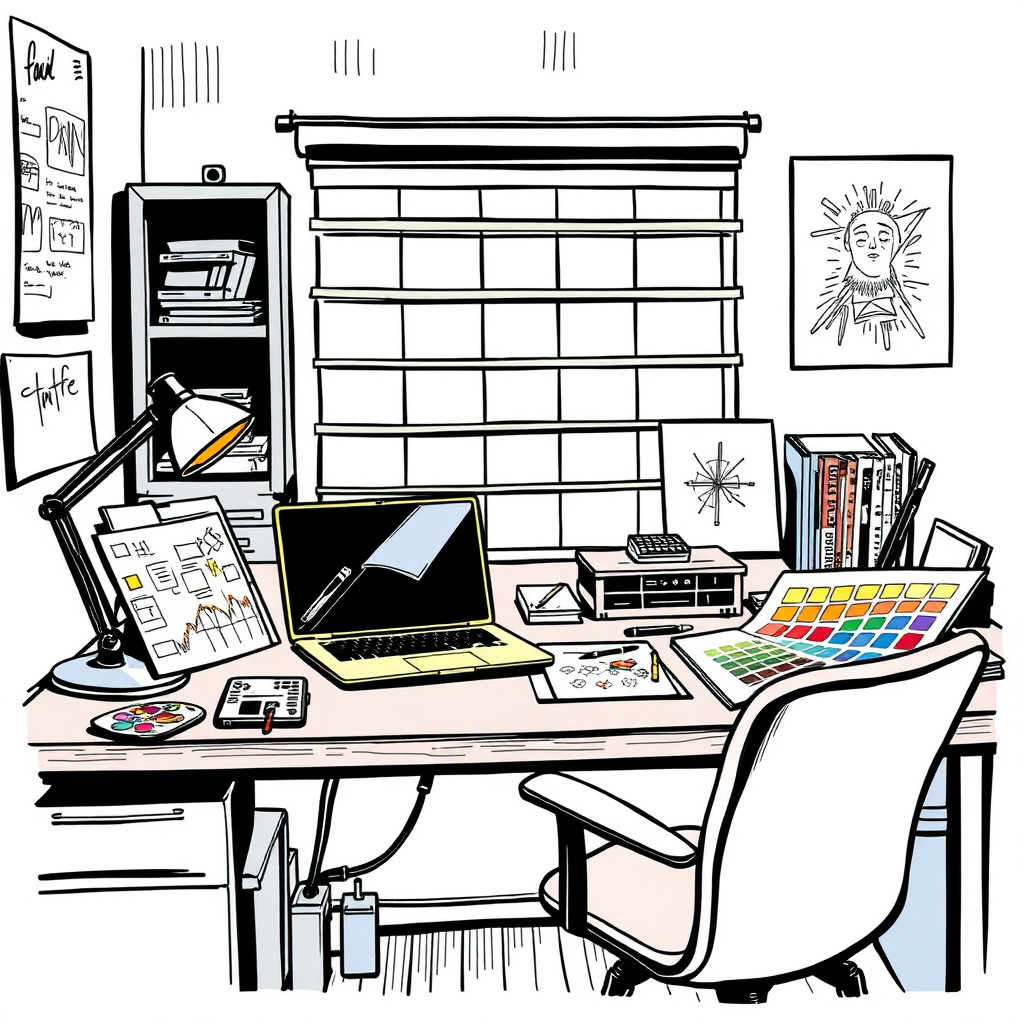
生成具有粗犷轮廓、鲜明色彩、清晰姿势和易读叙事的漫画风格图片。适合无需照片般写实效果的活动创意、社交帖子、缩略图、角色概念和趣味产品场景。
Use case
焦点突出的 YouTube 缩略图、社交广告和新品发布视觉。
Use case
用于品牌或创作者项目的原创角色、吉祥物和故事场景。
Use case
以趣味插画代替普通目录风格的产品场景。

Visual direction preview
Use the style thumbnail as the creative target
The preview gives users a concrete reference for color, texture, edge detail, and mood before they open the generator. Pair it with the prompt starters below to keep the page useful instead of only decorative.
Generated examples
See the 漫画 style in real outputs
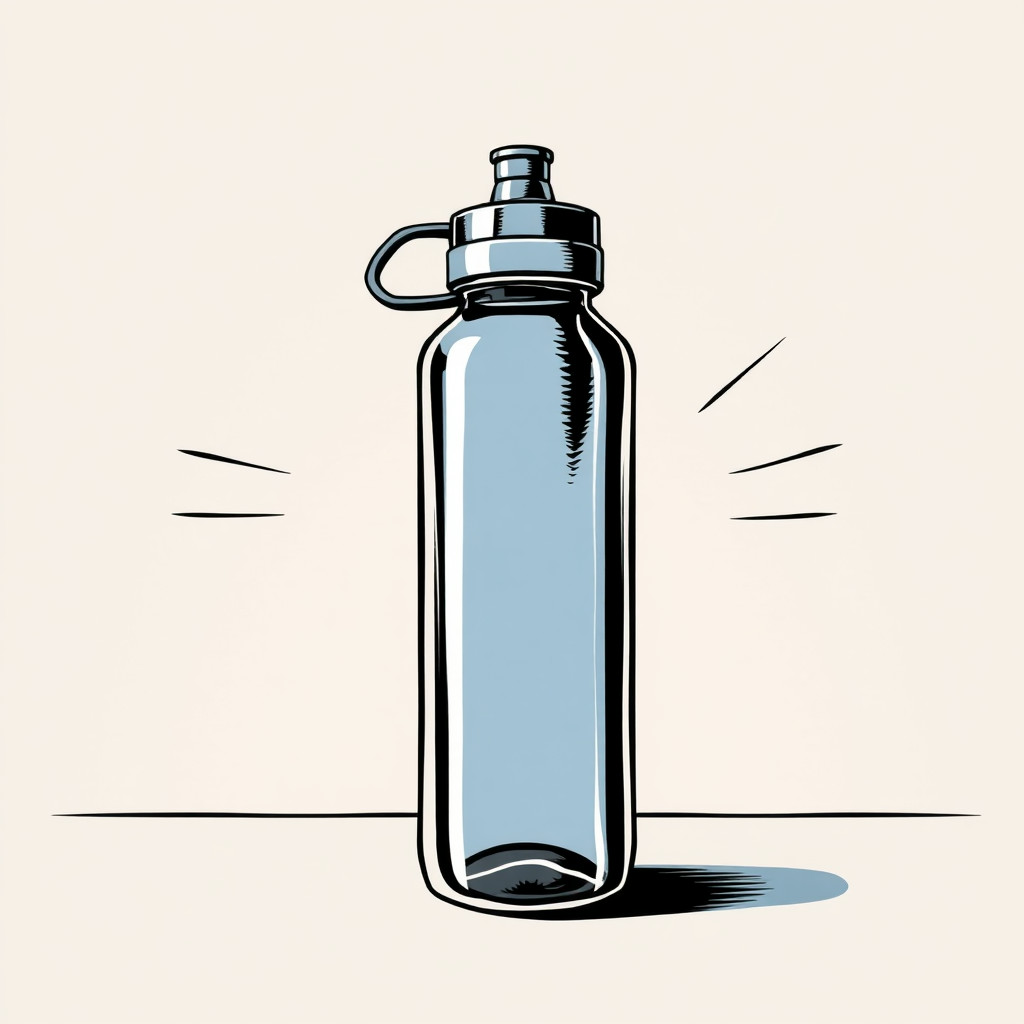
These examples were generated through the Magic Eraser AI Create API with the 漫画 style selected.
Prompt workflow
How to get a stronger 漫画 result
像描述漫画分镜一样写出主体、动作、场景、情绪和色彩氛围。
生成多个构图,选择轮廓最清楚、表情最有力的版本。
在编辑器中裁剪图片,单独添加文字,并移除干扰主体的细节。
Prompt starters
- “原创快递吉祥物穿梭霓虹城市的漫画封面,粗线条,半色调纹理”
- “桌面上咖啡杯超级英雄的趣味漫画分镜,明亮色彩,生动姿势”
- “运动鞋冲破纸面的复古漫画产品发布场景,简洁构图”
Style tips
- 尽量在生成后添加文字,拼写和排版会更清晰。
- 使用粗线条、平涂色彩、半色调、戏剧性分镜或简洁封面等词语。
- 明确指定英雄、幽默、复古或现代的基调。
Output planning checklist
- Decide the final placement before prompting: square post, vertical story, product insert, poster, thumbnail, or wide banner.
- Keep one primary subject and one visual mood so the 漫画 style has a clear job.
- Describe the background as simple, detailed, bright, dark, studio, outdoor, or textured instead of leaving it open-ended.
- Generate variations first, then edit the selected image for crop, cleanup, and export size.
When to choose this style
Choose 漫画 when the image needs a clear creative direction before production: an ad concept, a social visual, a character idea, a packaging mood, or a fast design draft. Choose another style if the final asset must look like a camera photo, preserve exact product color, or include precise typography.
For commercial work, treat the generated image as a starting point. Review details, remove distracting artifacts, add exact text separately, and export the final size from the editor.
FAQ
Can I edit the generated image?
Yes. Generate the image, then continue with cleanup, crop, background, and export tools in Magic Eraser.
Should I include exact text?
Use AI Create for the visual direction. Add exact text later with editable design tools for cleaner spelling and layout.
Is this style selected automatically?
The CTA opens AI Create with the 漫画 style parameter, and the app falls back safely if the option changes.