
AI Create style
Generatore di immagini graffiti con IA
Genera immagini ispirate ai graffiti per poster urbani, concept di album, eventi e contenuti social audaci. Descrivi lettere originali, parete, schizzi, palette e atmosfera invece di copiare un artista reale o un logo protetto.
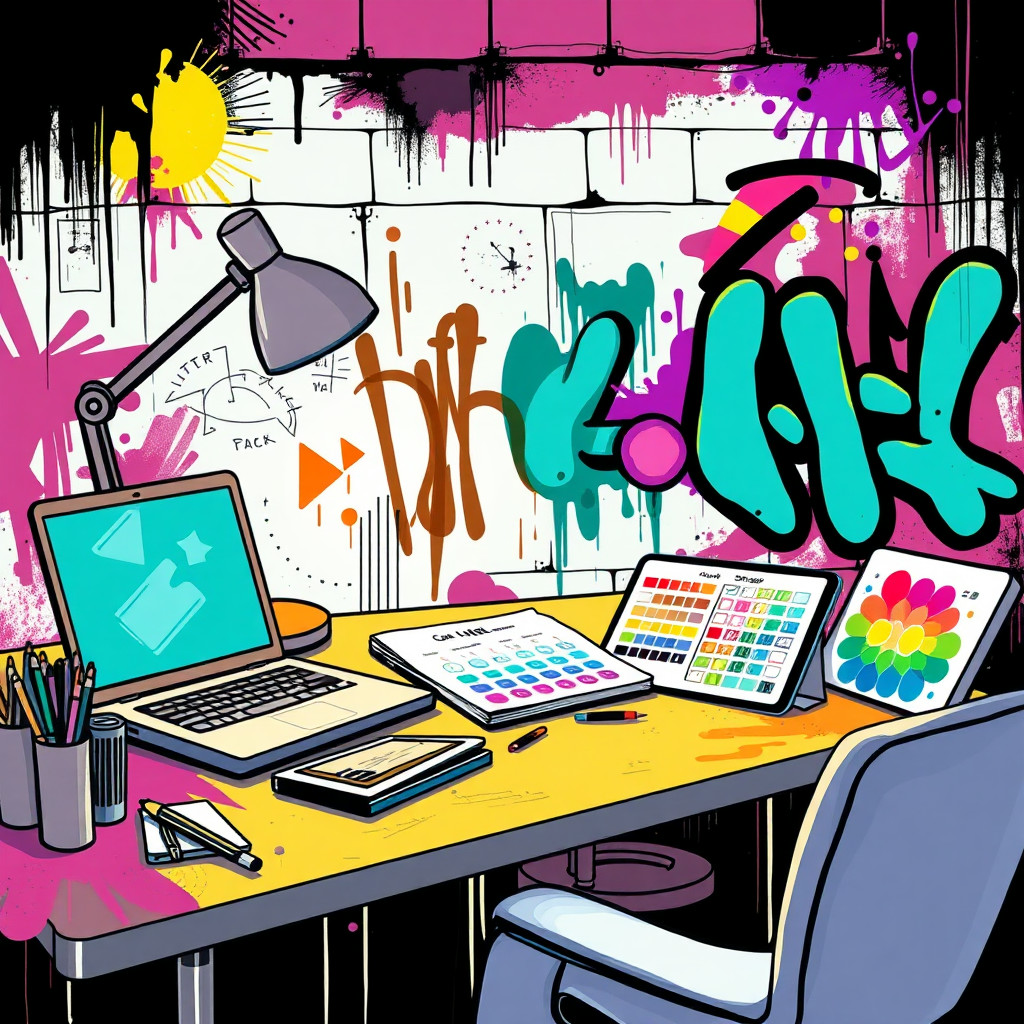
Use case
Concept per campagne musicali, streetwear, sportive e giovanili.
Use case
Sfondi urbani, poster di eventi e grafiche social con energia spray.
Use case
Mascotte o oggetti originali inseriti in una scena con muro urbano.
Visual direction preview
Use the style thumbnail as the creative target
The preview gives users a concrete reference for color, texture, edge detail, and mood before they open the generator. Pair it with the prompt starters below to keep the page useful instead of only decorative.
Generated examples
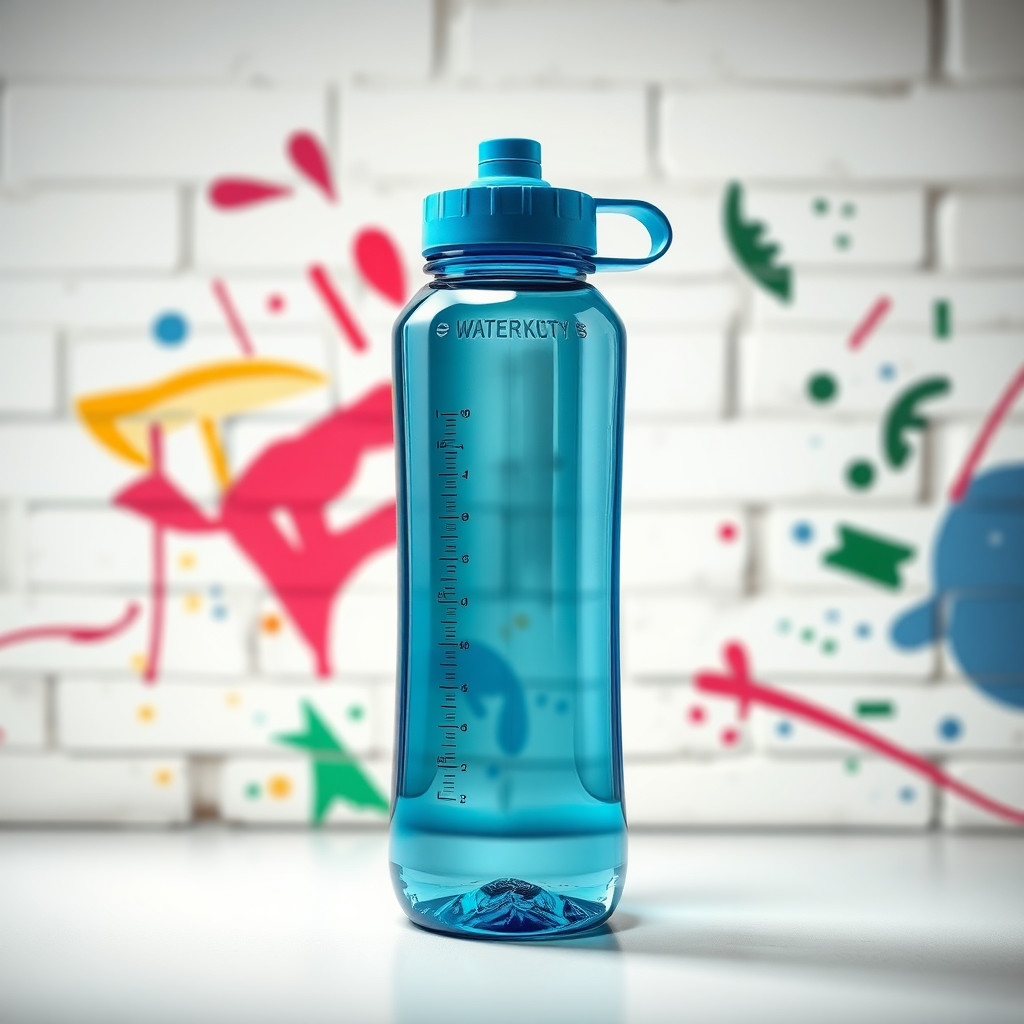
See the graffiti style in real outputs
These examples were generated through the Magic Eraser AI Create API with the graffiti style selected.
Prompt workflow
How to get a stronger graffiti result
Definisci parete, texture della vernice, palette e soggetto prima di movimento e luce.
Genera più versioni perché lettere e densità dello sfondo possono variare molto.
Rimuovi i segni confusi o ritaglia l’area dipinta più riuscita.
Prompt starters
- “Sfondo originale per poster graffiti su mattoni, spray rosso e ciano, centro libero per il prodotto”
- “Concept sneaker ispirato ai graffiti, schizzi di vernice, luce urbana notturna, silhouette decisa”
- “Murale street art di un robot fotografo originale, spray colorato, parete ruvida”
Style tips
- Usa parole originali o nessun testo se le lettere devono essere esatte.
- Evita loghi protetti e nomi di artisti reali.
- Chiedi una composizione leggibile per annunci e poster.
Output planning checklist
- Decide the final placement before prompting: square post, vertical story, product insert, poster, thumbnail, or wide banner.
- Keep one primary subject and one visual mood so the graffiti style has a clear job.
- Describe the background as simple, detailed, bright, dark, studio, outdoor, or textured instead of leaving it open-ended.
- Generate variations first, then edit the selected image for crop, cleanup, and export size.
When to choose this style
Choose graffiti when the image needs a clear creative direction before production: an ad concept, a social visual, a character idea, a packaging mood, or a fast design draft. Choose another style if the final asset must look like a camera photo, preserve exact product color, or include precise typography.
For commercial work, treat the generated image as a starting point. Review details, remove distracting artifacts, add exact text separately, and export the final size from the editor.
FAQ
Can I edit the generated image?
Yes. Generate the image, then continue with cleanup, crop, background, and export tools in Magic Eraser.
Should I include exact text?
Use AI Create for the visual direction. Add exact text later with editable design tools for cleaner spelling and layout.
Is this style selected automatically?
The CTA opens AI Create with the graffiti style parameter, and the app falls back safely if the option changes.