
AI Create style
Generatore di immagini IA cyberpunk retrofuturistiche
Crea immagini IA cyberpunk retrofuturistiche con luci al neon, tecnologia analogica, forte contrasto e un soggetto chiaro. Specifica epoca, palette, ambientazione, illuminazione e composizione per controllare meglio il risultato.
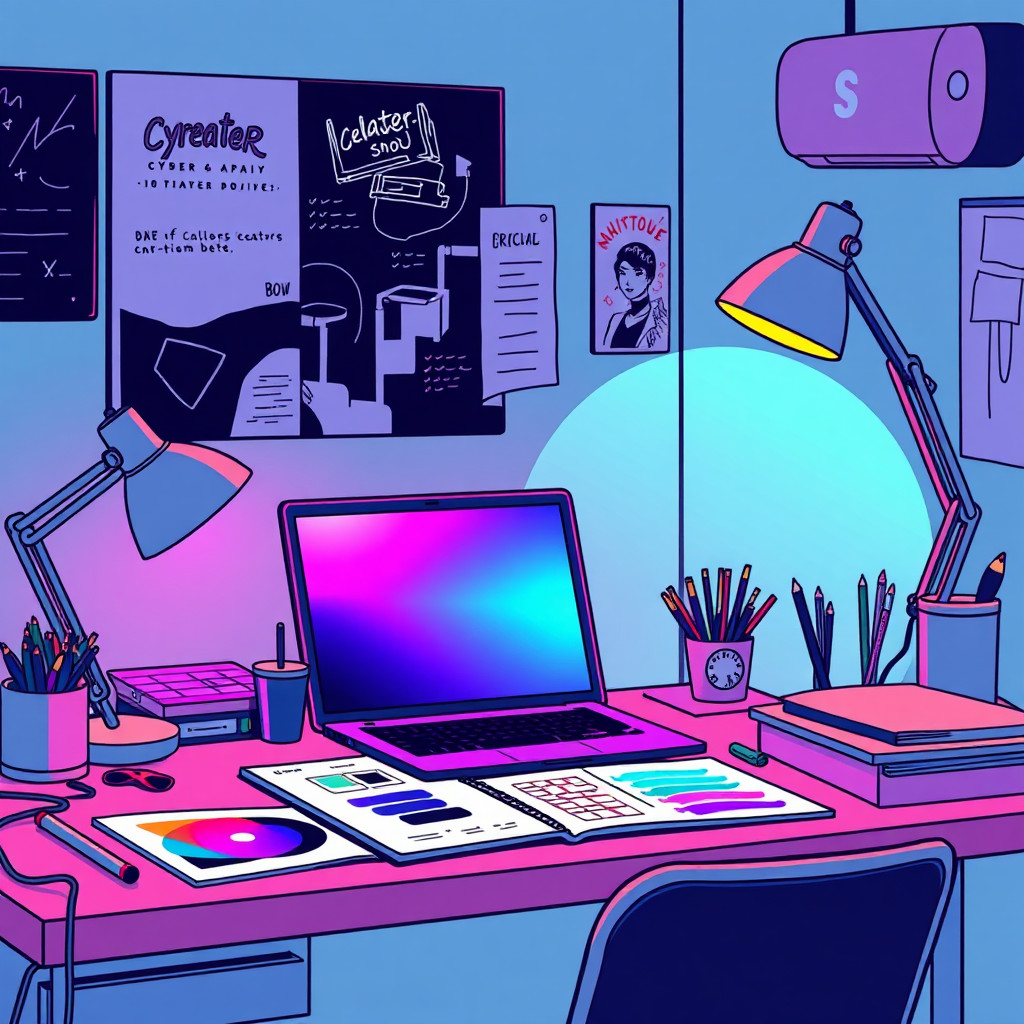
Use case
Synthwave posters, electronic music artwork, and gaming concepts.
Use case
Neon portraits, retro-computer scenes, and science-fiction city visuals.
Use case
Technology product concepts and social graphics with an analog-future mood.
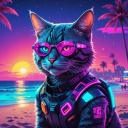
Visual direction preview
Use the style thumbnail as the creative target
The preview gives users a concrete reference for color, texture, edge detail, and mood before they open the generator. Pair it with the prompt starters below to keep the page useful instead of only decorative.
Generated examples
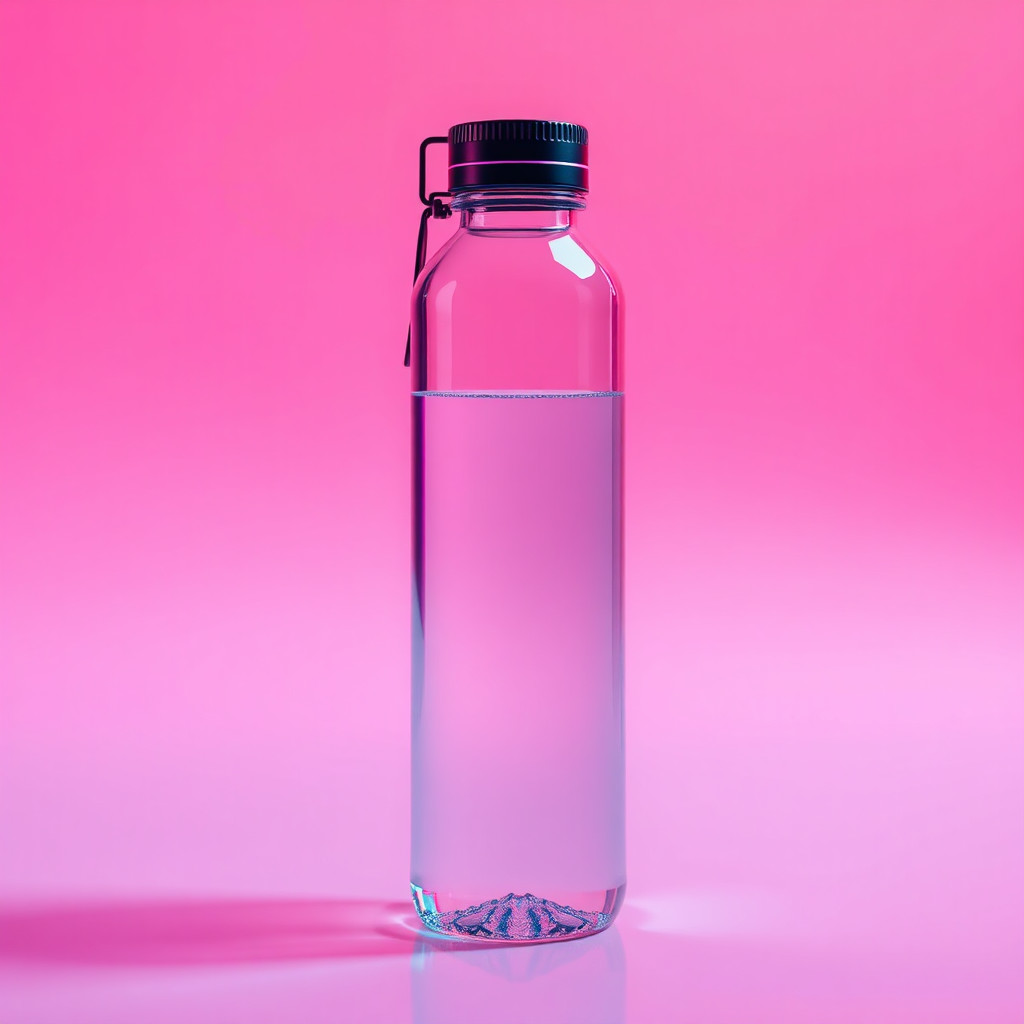
See the cyberpunk retrofuturistico style in real outputs
These examples were generated through the Magic Eraser AI Create API with the cyberpunk retrofuturistico style selected.
Prompt workflow
How to get a stronger cyberpunk retrofuturistico result
Describe one subject, the retro era, setting, neon palette, lighting, and output format.
Generate several variations and compare subject clarity, shadow detail, and background density.
Choose the strongest result, then crop, remove artifacts, and add exact text or logos separately.
Prompt starters
- “Original courier in a retro cyberpunk arcade, cyan and magenta neon, CRT screens, cinematic portrait”
- “Retro-futuristic headphones on chrome glass, amber display panels, dark product composition”
- “Futuristic 1980s city street, neon signs without text, rainy pavement, clear poster space”
Style tips
- Limit the palette to two or three neon colors so the subject remains readable.
- Name concrete retro details such as CRT screens, chrome panels, or cassette-era controls.
- Do not rely on generated images for exact text, logos, product geometry, or technical accuracy.
Output planning checklist
- Decide the final placement before prompting: square post, vertical story, product insert, poster, thumbnail, or wide banner.
- Keep one primary subject and one visual mood so the cyberpunk retrofuturistico style has a clear job.
- Describe the background as simple, detailed, bright, dark, studio, outdoor, or textured instead of leaving it open-ended.
- Generate variations first, then edit the selected image for crop, cleanup, and export size.
When to choose this style
Choose cyberpunk retrofuturistico when the image needs a clear creative direction before production: an ad concept, a social visual, a character idea, a packaging mood, or a fast design draft. Choose another style if the final asset must look like a camera photo, preserve exact product color, or include precise typography.
For commercial work, treat the generated image as a starting point. Review details, remove distracting artifacts, add exact text separately, and export the final size from the editor.
FAQ
Can I edit the generated image?
Yes. Generate the image, then continue with cleanup, crop, background, and export tools in Magic Eraser.
Should I include exact text?
Use AI Create for the visual direction. Add exact text later with editable design tools for cleaner spelling and layout.
Is this style selected automatically?
The CTA opens AI Create with the cyberpunk retrofuturistico style parameter, and the app falls back safely if the option changes.