
AI Create style
Generador de imágenes surrealistas con IA
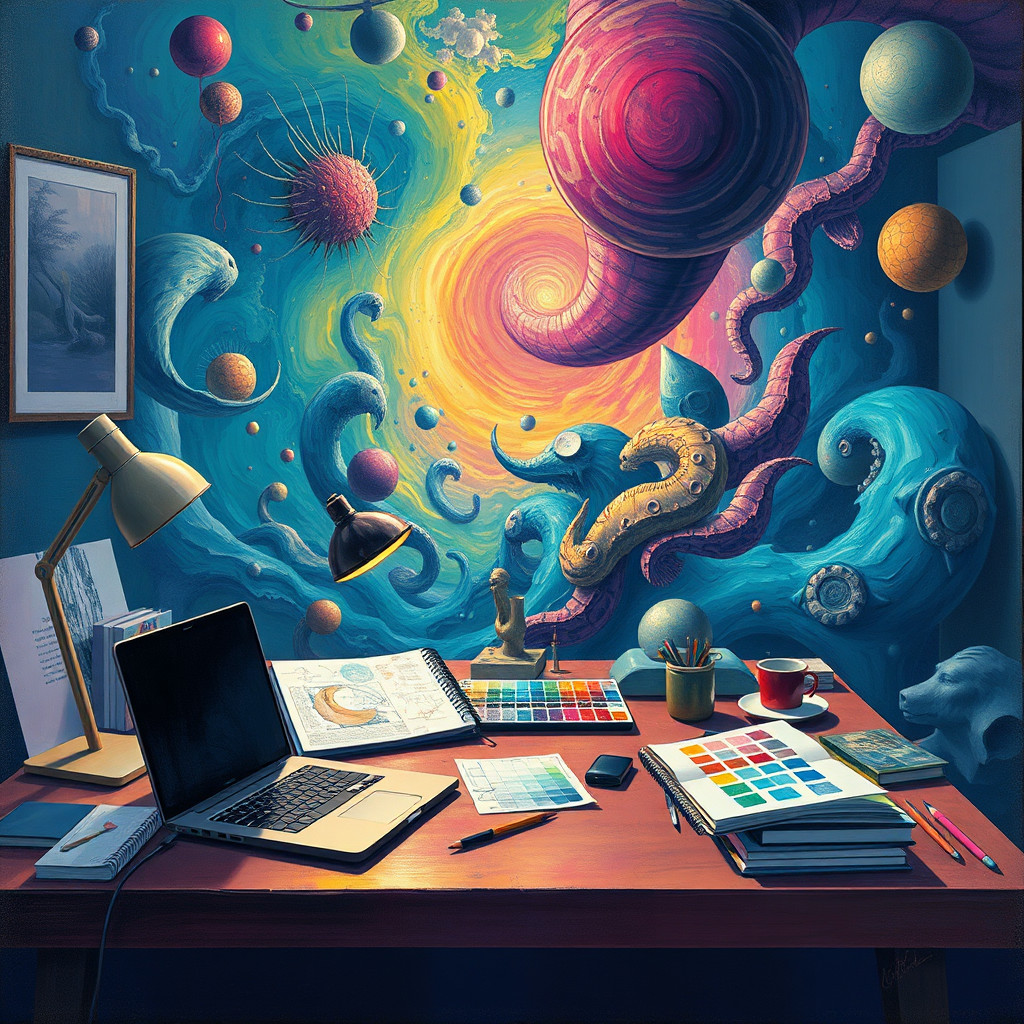
Crea pinturas surrealistas desde texto con objetos imposibles, proporciones de ensueño y espacios misteriosos. Describe sujeto, transformación, paleta, luz y textura pictórica para lograr una composición clara.
Use case
Pósteres conceptuales y portadas de álbum.
Use case
Paisajes oníricos y conceptos de personajes.
Use case
Imágenes editoriales y campañas intrigantes.
Visual direction preview
Use the style thumbnail as the creative target
The preview gives users a concrete reference for color, texture, edge detail, and mood before they open the generator. Pair it with the prompt starters below to keep the page useful instead of only decorative.
Generated examples
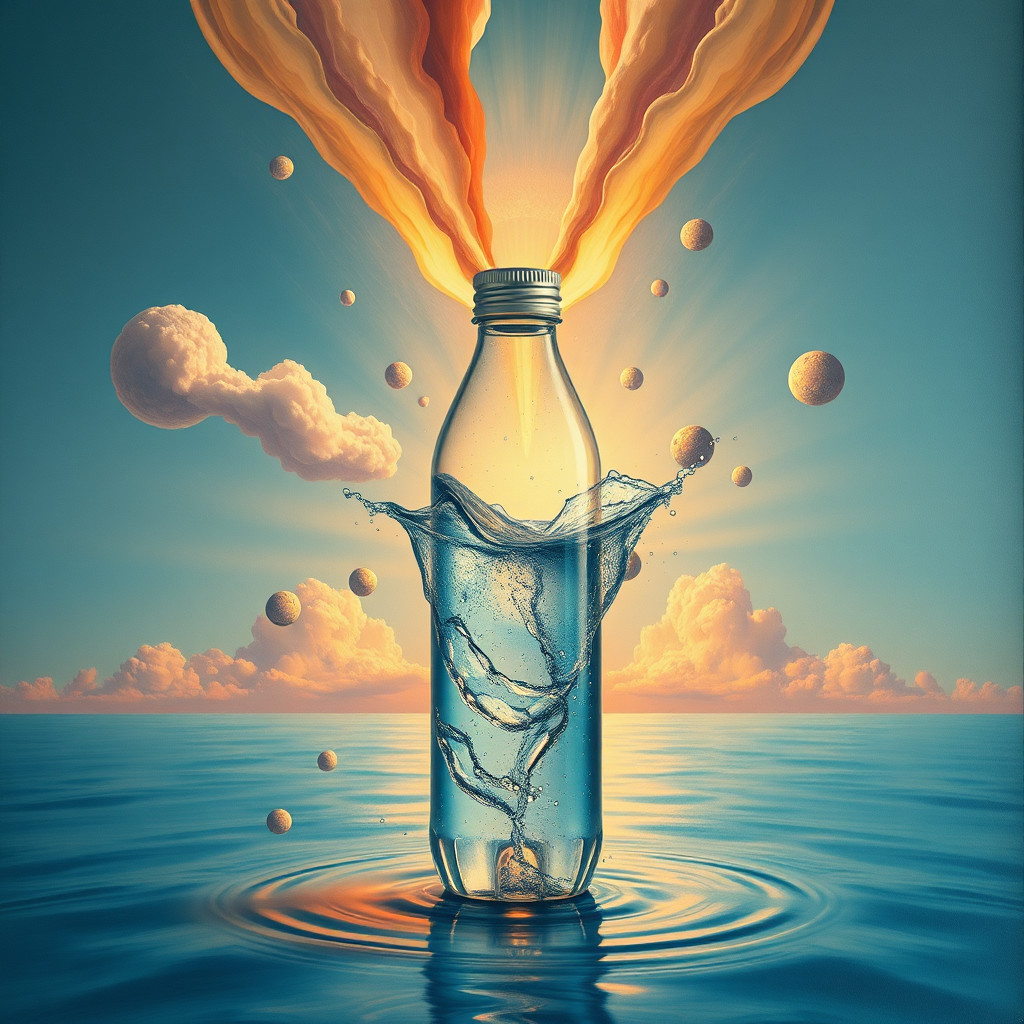
See the pintura surrealista style in real outputs
These examples were generated through the Magic Eraser AI Create API with the pintura surrealista style selected.
Prompt workflow
How to get a stronger pintura surrealista result
Elige un sujeto principal y una transformación inesperada.
Define escenario, escala, luz, paleta y técnica.
Genera variantes, revisa los detalles y edita la mejor.
Prompt starters
- “Faro flotando sobre un mar de nubes, óleo surrealista, crepúsculo violeta”
- “Puerta gigante en el desierto abierta al océano, pintura onírica”
- “Retrato botánico que se transforma en pájaros, fondo oscuro”
Style tips
- Mantén un punto focal claro.
- Describe rasgos visuales sin copiar a un artista concreto.
- Añade texto y logotipos exactos después.
Output planning checklist
- Decide the final placement before prompting: square post, vertical story, product insert, poster, thumbnail, or wide banner.
- Keep one primary subject and one visual mood so the pintura surrealista style has a clear job.
- Describe the background as simple, detailed, bright, dark, studio, outdoor, or textured instead of leaving it open-ended.
- Generate variations first, then edit the selected image for crop, cleanup, and export size.
When to choose this style
Choose pintura surrealista when the image needs a clear creative direction before production: an ad concept, a social visual, a character idea, a packaging mood, or a fast design draft. Choose another style if the final asset must look like a camera photo, preserve exact product color, or include precise typography.
For commercial work, treat the generated image as a starting point. Review details, remove distracting artifacts, add exact text separately, and export the final size from the editor.
FAQ
Can I edit the generated image?
Yes. Generate the image, then continue with cleanup, crop, background, and export tools in Magic Eraser.
Should I include exact text?
Use AI Create for the visual direction. Add exact text later with editable design tools for cleaner spelling and layout.
Is this style selected automatically?
The CTA opens AI Create with the pintura surrealista style parameter, and the app falls back safely if the option changes.