
AI Create style
Generador de imágenes de cómic con IA
Crea imágenes de estilo cómic con contornos marcados, colores intensos, poses claras y una narrativa fácil de interpretar. Úsalo para campañas, publicaciones sociales, miniaturas, personajes y escenas de producto divertidas que no necesiten parecer fotografías.
Use case
Miniaturas de YouTube, anuncios sociales y lanzamientos con un punto focal claro.
Use case
Personajes, mascotas y escenas originales para marcas o creadores.
Use case
Escenas de producto con una ilustración divertida en lugar de aspecto de catálogo.

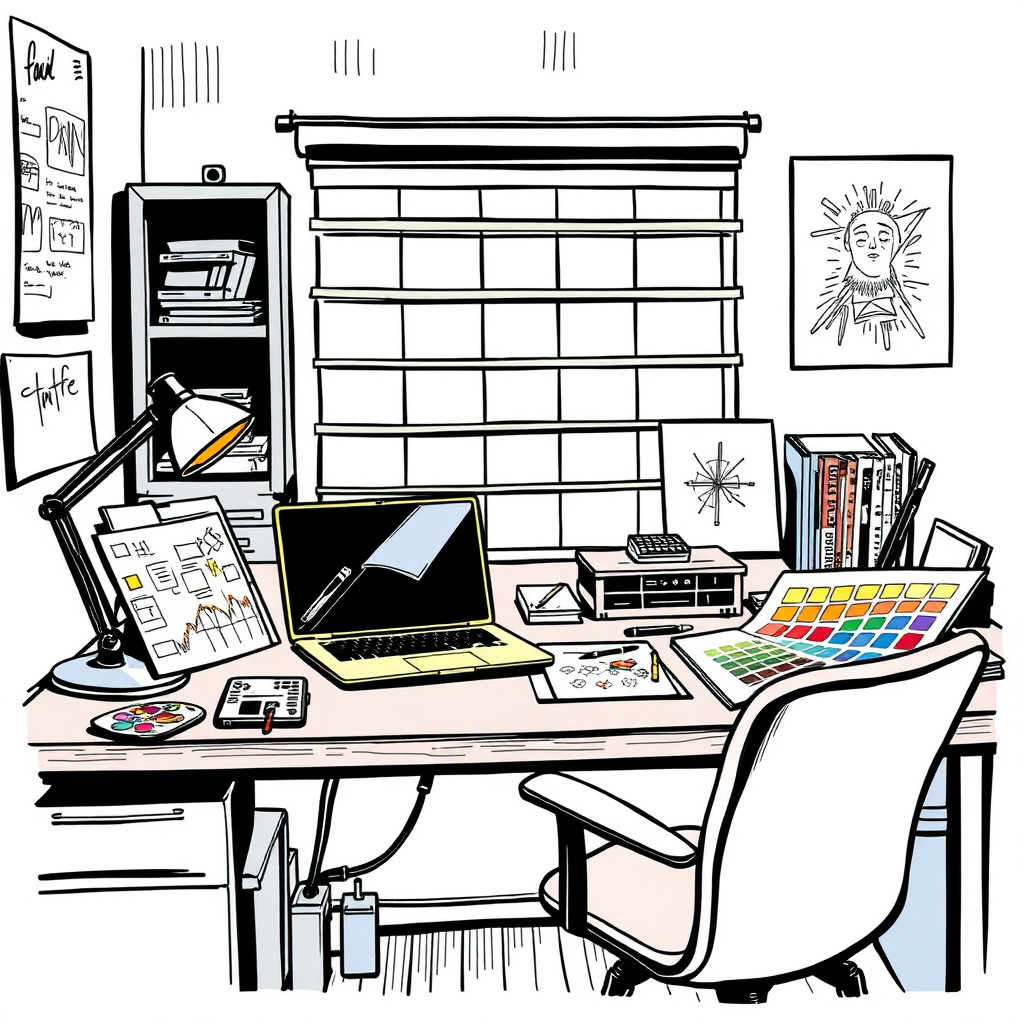
Visual direction preview
Use the style thumbnail as the creative target
The preview gives users a concrete reference for color, texture, edge detail, and mood before they open the generator. Pair it with the prompt starters below to keep the page useful instead of only decorative.
Generated examples
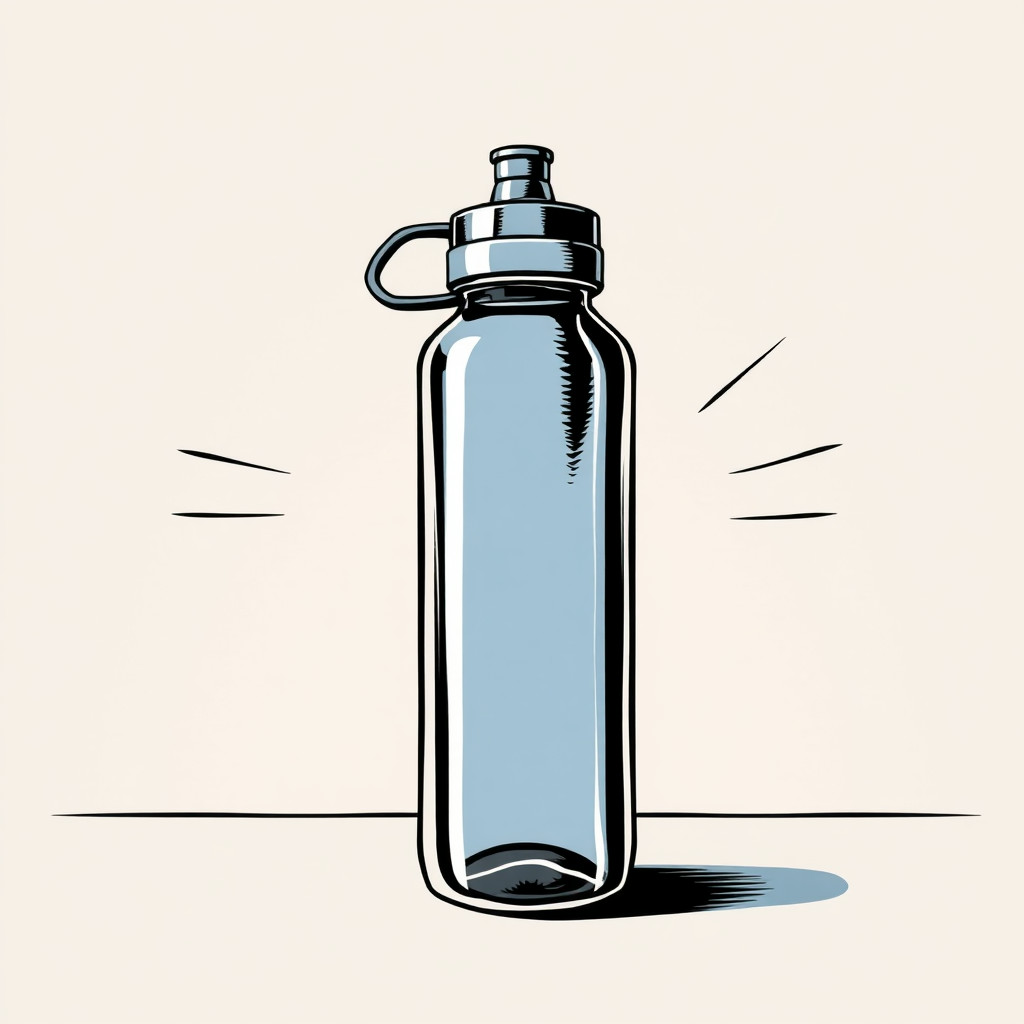
See the cómic style in real outputs
These examples were generated through the Magic Eraser AI Create API with the cómic style selected.
Prompt workflow
How to get a stronger cómic result
Describe la escena como una viñeta: sujeto, acción, entorno, emoción y ambiente de color.
Genera varias composiciones y elige la silueta y expresión más claras.
Recorta, añade el texto por separado y elimina detalles que distraigan en el editor.
Prompt starters
- “Portada de cómic con una mascota de reparto original corriendo por una ciudad de neón, contornos marcados, semitono”
- “Viñeta divertida de una taza de café superheroína sobre un escritorio, colores vivos, pose expresiva”
- “Lanzamiento de producto retro estilo cómic con una zapatilla atravesando papel, composición limpia”
Style tips
- Añade el texto después de generar la imagen para obtener un resultado más limpio.
- Usa términos como contorno marcado, color plano, semitono, viñeta dramática o portada limpia.
- Indica si el tono debe ser heroico, divertido, retro o moderno.
Output planning checklist
- Decide the final placement before prompting: square post, vertical story, product insert, poster, thumbnail, or wide banner.
- Keep one primary subject and one visual mood so the cómic style has a clear job.
- Describe the background as simple, detailed, bright, dark, studio, outdoor, or textured instead of leaving it open-ended.
- Generate variations first, then edit the selected image for crop, cleanup, and export size.
When to choose this style
Choose cómic when the image needs a clear creative direction before production: an ad concept, a social visual, a character idea, a packaging mood, or a fast design draft. Choose another style if the final asset must look like a camera photo, preserve exact product color, or include precise typography.
For commercial work, treat the generated image as a starting point. Review details, remove distracting artifacts, add exact text separately, and export the final size from the editor.
FAQ
Can I edit the generated image?
Yes. Generate the image, then continue with cleanup, crop, background, and export tools in Magic Eraser.
Should I include exact text?
Use AI Create for the visual direction. Add exact text later with editable design tools for cleaner spelling and layout.
Is this style selected automatically?
The CTA opens AI Create with the cómic style parameter, and the app falls back safely if the option changes.