
AI Create style
Kawaii adorable AI Image Generator
Crea imágenes de IA kawaii adorables desde texto para stickers, conceptos de personajes, publicaciones alegres, papelería y productos divertidos. Describe un sujeto claro, colores pastel, formas redondeadas y un fondo sencillo para obtener un resultado legible.

Use case
Mascotas y personajes originales para perfiles y proyectos creativos.
Use case
Bocetos de stickers, tarjetas, papelería y campañas sociales alegres.
Use case
Escenas divertidas para juguetes, alimentos, accesorios y empaques de regalo.

Visual direction preview
Use the style thumbnail as the creative target
The preview gives users a concrete reference for color, texture, edge detail, and mood before they open the generator. Pair it with the prompt starters below to keep the page useful instead of only decorative.
Generated examples
See the kawaii adorable style in real outputs
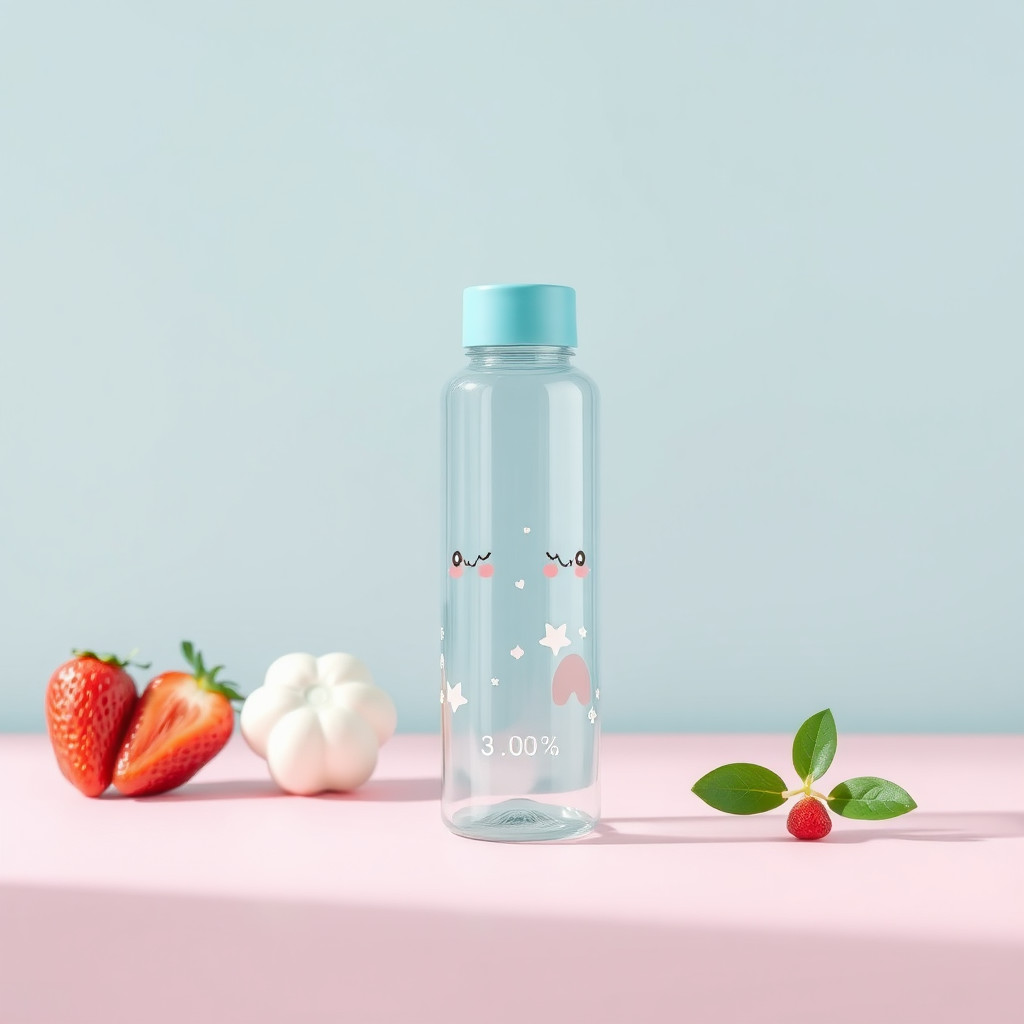
These examples were generated through the Magic Eraser AI Create API with the kawaii adorable style selected.
Prompt workflow
How to get a stronger kawaii adorable result
Describe primero el sujeto y añade expresión, pose, colores pastel, formas y fondo.
Genera varias opciones y compara rostro, silueta, color y legibilidad en tamaño pequeño.
Elige el mejor resultado, recórtalo y elimina detalles del fondo antes de exportar.
Prompt starters
- “Mascota de panda rojo kawaii adorable saludando, formas redondeadas, rosa y menta pastel, fondo limpio”
- “Pastel de fresa kawaii en una mesa pequeña de café, cara alegre, luz suave”
- “Set de papelería kawaii con nubes y estrellas sonrientes, tonos pastel, composición ordenada”
Style tips
- Mantén un sujeto principal y una escena sencilla.
- Usa personajes originales en vez de nombres o franquicias protegidas.
- Añade textos exactos y logotipos después de generar la imagen.
Output planning checklist
- Decide the final placement before prompting: square post, vertical story, product insert, poster, thumbnail, or wide banner.
- Keep one primary subject and one visual mood so the kawaii adorable style has a clear job.
- Describe the background as simple, detailed, bright, dark, studio, outdoor, or textured instead of leaving it open-ended.
- Generate variations first, then edit the selected image for crop, cleanup, and export size.
When to choose this style
Choose kawaii adorable when the image needs a clear creative direction before production: an ad concept, a social visual, a character idea, a packaging mood, or a fast design draft. Choose another style if the final asset must look like a camera photo, preserve exact product color, or include precise typography.
For commercial work, treat the generated image as a starting point. Review details, remove distracting artifacts, add exact text separately, and export the final size from the editor.
FAQ
Can I edit the generated image?
Yes. Generate the image, then continue with cleanup, crop, background, and export tools in Magic Eraser.
Should I include exact text?
Use AI Create for the visual direction. Add exact text later with editable design tools for cleaner spelling and layout.
Is this style selected automatically?
The CTA opens AI Create with the kawaii adorable style parameter, and the app falls back safely if the option changes.