
AI Filter style
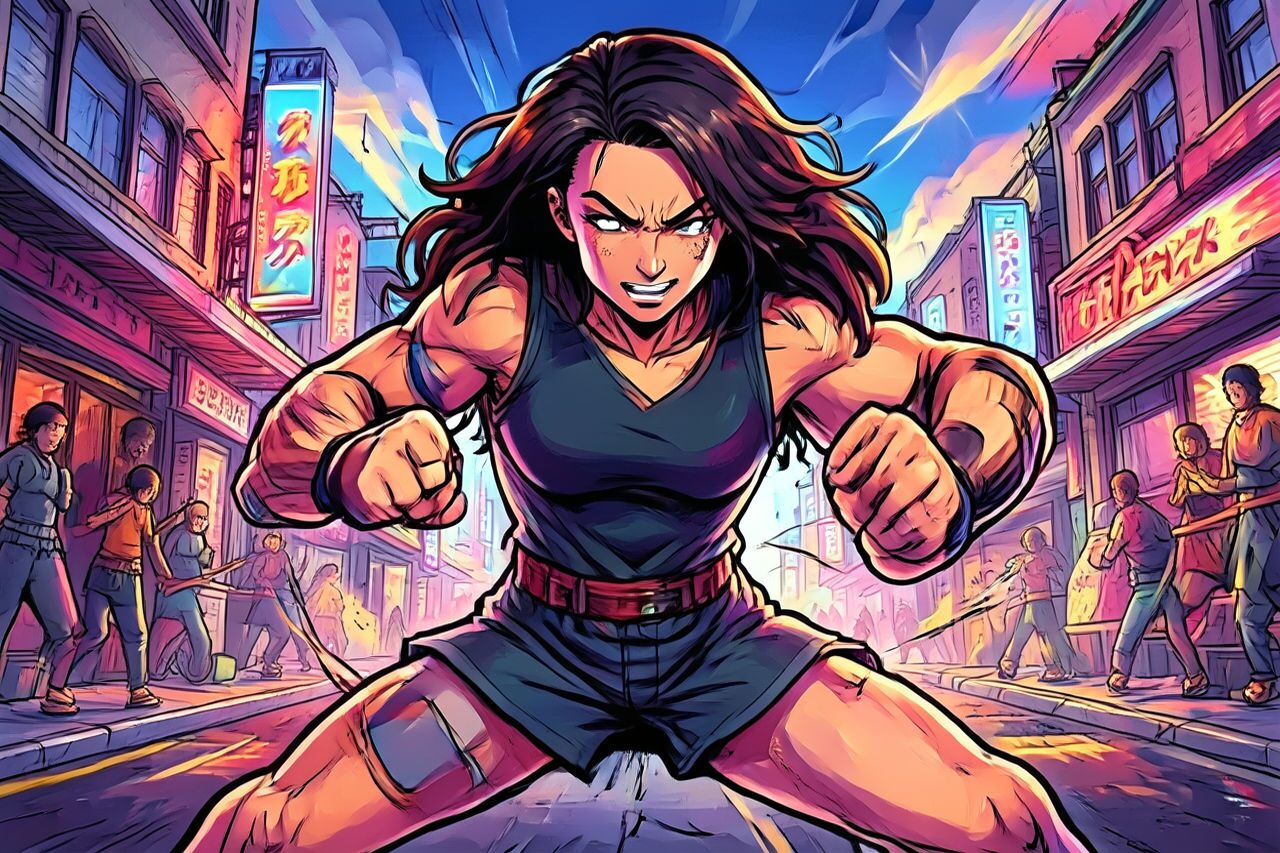
스트리트 파이터 스타일 AI 사진 필터
인물 또는 액션 사진을 극적인 조명, 굵은 윤곽과 경기장 구도의 격투 게임 캐릭터처럼 바꿔 보세요. Street Fighter 브랜드의 공식 또는 제휴 기능이 아닌 창작 효과이므로 사용 전에 얼굴, 손, 글자, 로고와 의상을 확인하세요.

Use case
격투 게임 분위기의 캐릭터 인물 사진과 프로필 이미지.
Use case
소셜 게시물, 썸네일과 포스터용 액션 콘셉트.
Use case
독창적인 의상, 대결 카드와 캐릭터 무드보드.
Filter preview
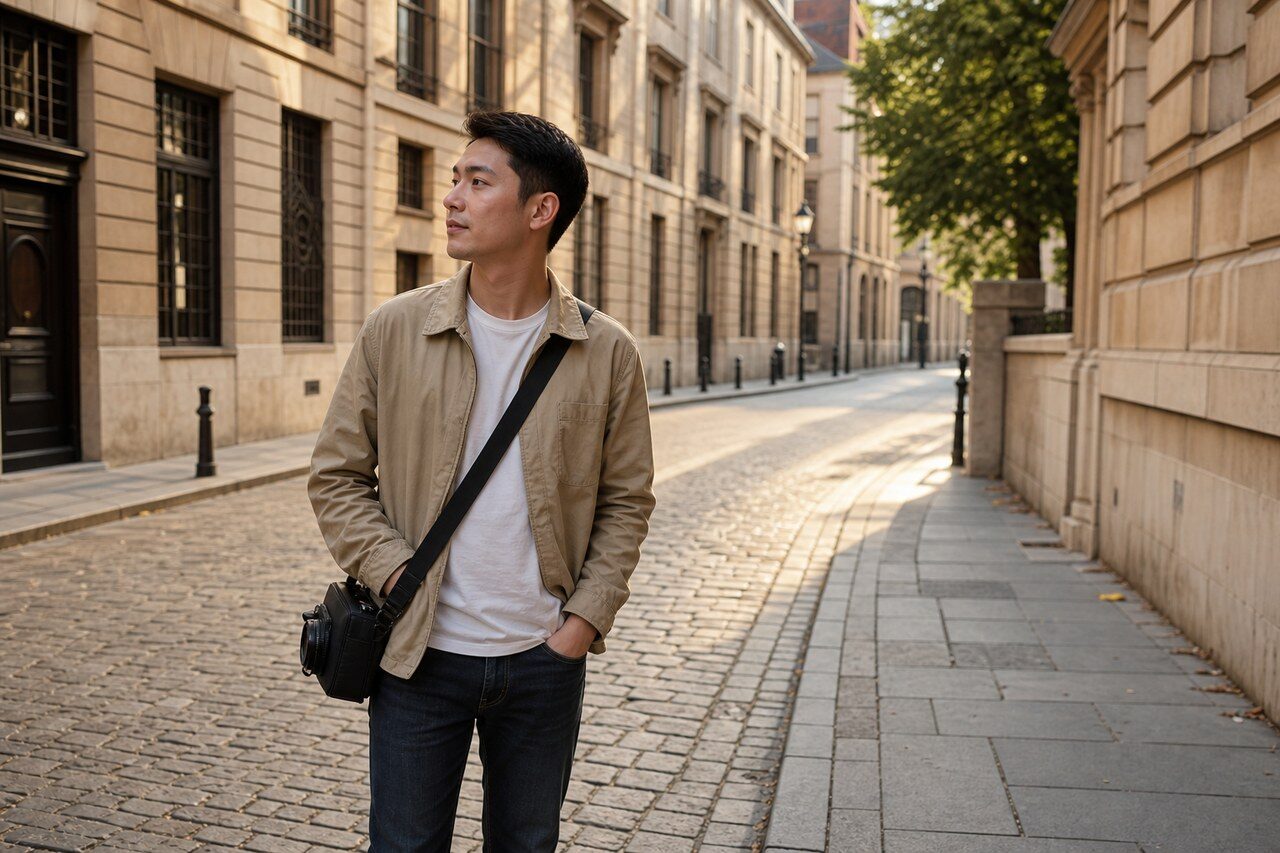
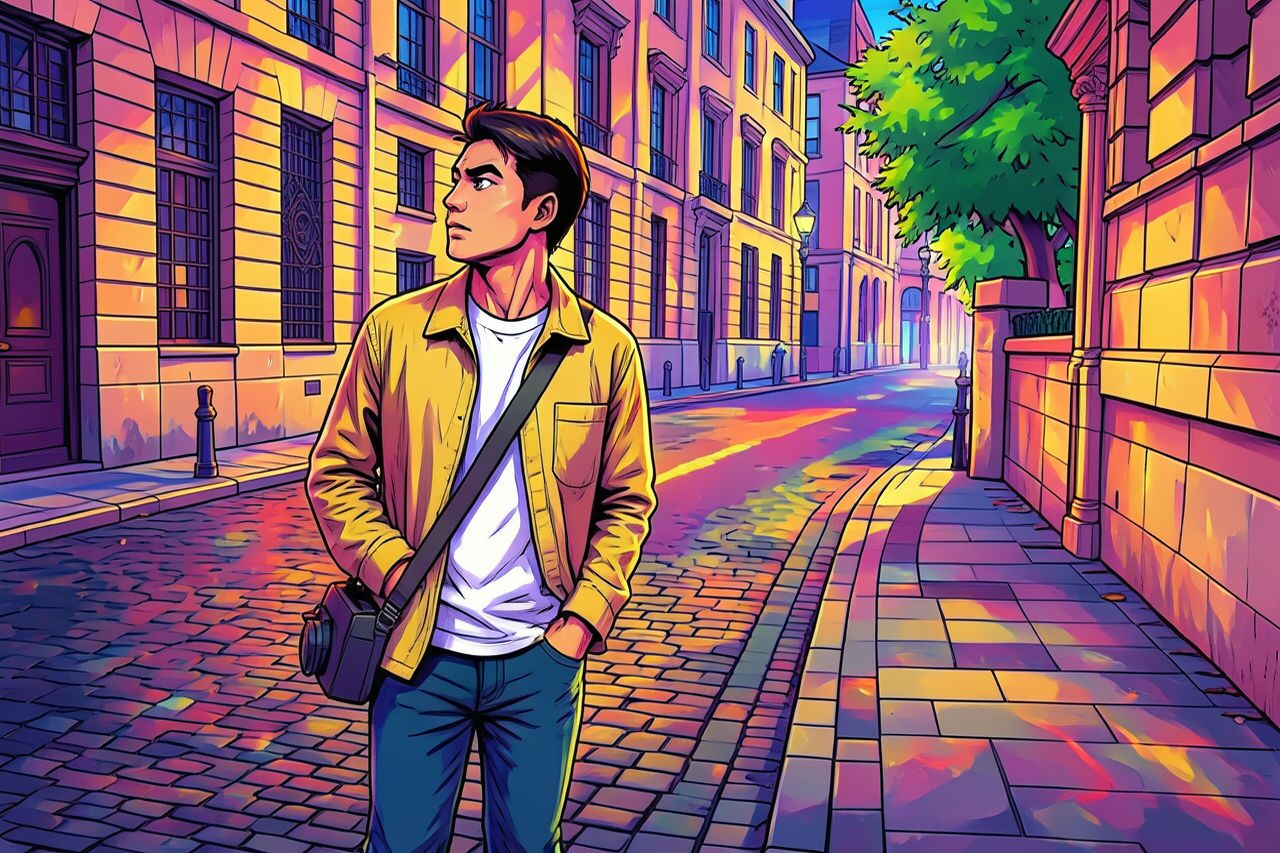
Compare the original photo with the street fighter result
The example uses a generated source photo and the same filter API path as the app, so users can judge the visual treatment before uploading their own image.
More examples
Test the street fighter filter on different photo types
Compare portrait, product, and pet examples before opening the filter. Each result uses the same filter API path as the Magic Eraser app.

Portrait
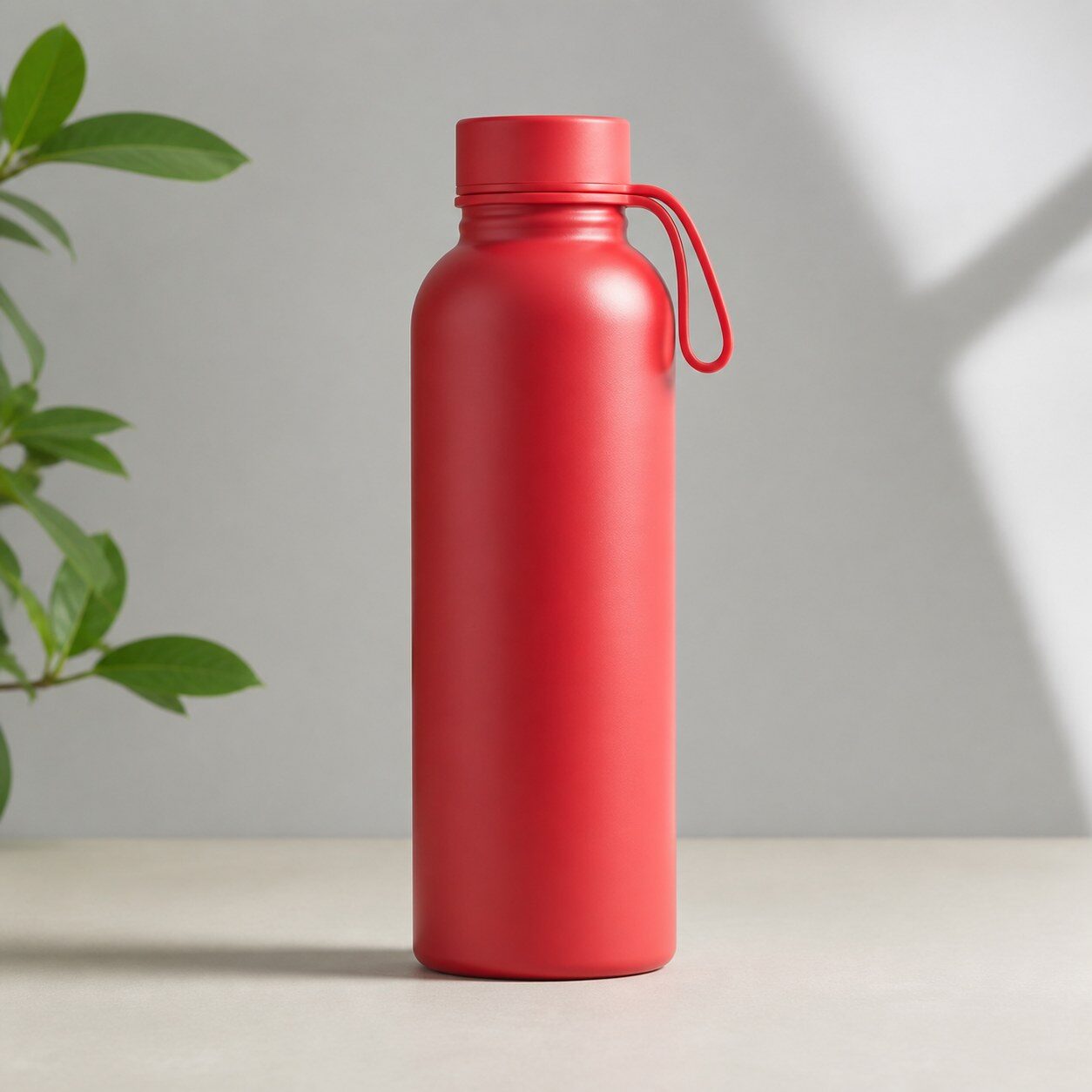
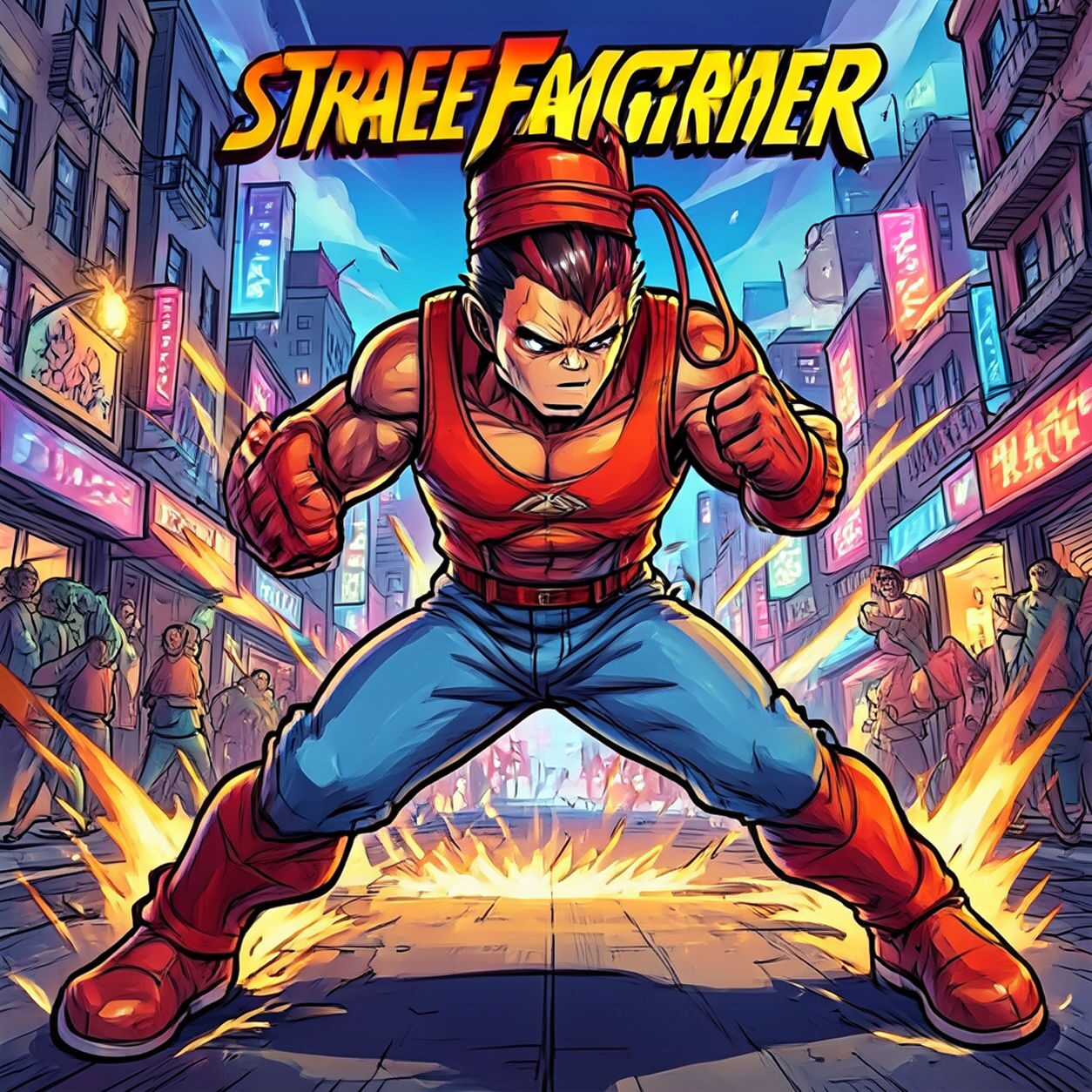
Product

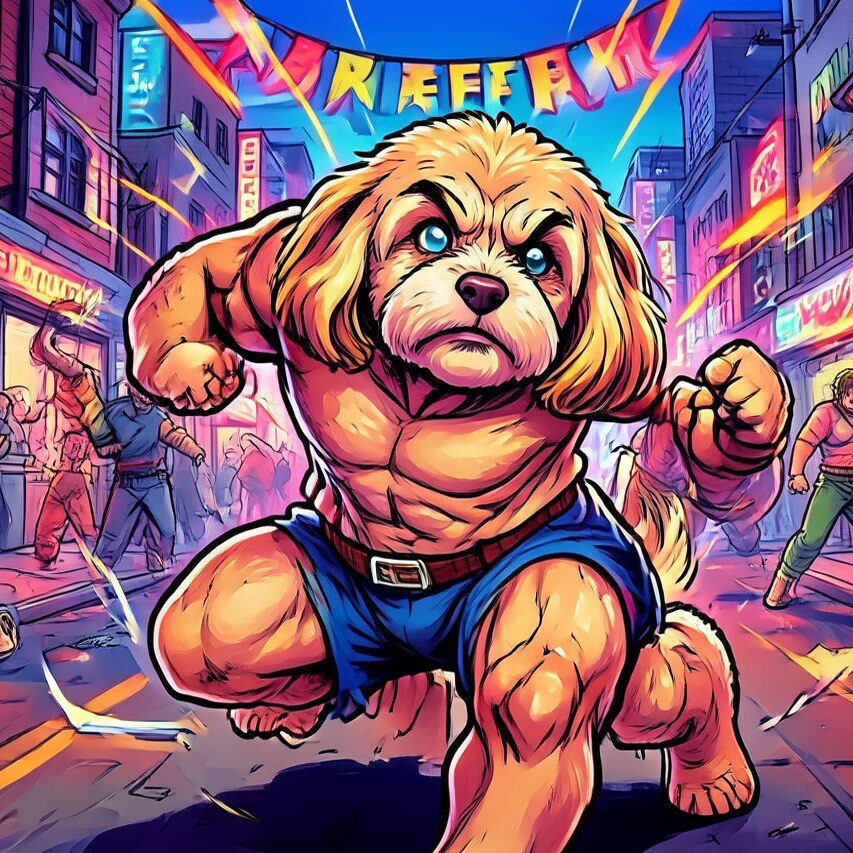
Pet
Photo workflow
How to get a cleaner street fighter filter result
한 명의 주인공과 명확한 자세가 있는 선명한 반신 또는 전신 사진을 고르세요.
필터를 열고 사진을 업로드한 뒤 얼굴, 손, 의상과 배경을 확인하세요.
용도에 맞게 자르고 오류를 지운 다음 정확한 이름이나 로고는 따로 추가하세요.
Best source photos
- 머리와 어깨 윤곽이 선명한 밝은 인물 사진.
- 반신 또는 전신 액션 포즈.
- 배경이 복잡하지 않은 스포츠나 코스프레 사진.
Filter tips
- 강한 자세와 단순한 배경이 캐릭터를 또렷하게 보여 줍니다.
- 단체 사진, 너무 작은 얼굴과 중요한 글자가 있는 원본은 피하세요.
- 생성된 유니폼, 로고나 식별 요소를 정확한 복제품으로 보지 마세요.
Before upload checklist
- Use the largest clean version of the photo, not a compressed screenshot or reposted image.
- Crop loosely before filtering so the AI has enough room around the subject.
- Remove obvious distractions first if they sit directly on the face, product, or main subject.
- Check the result at the size where it will be used: profile image, feed post, story, thumbnail, or banner.
When this filter is a good fit
Choose the street fighter filter when the original photo already has a clear subject and the goal is a recognizable stylized version, not a fully new generated scene. It is strongest for social, creator, profile, event, and campaign images where mood matters more than documentary accuracy.
Use a different workflow when the image needs exact product color, legal documentation, medical accuracy, or unmodified identity details. In those cases, use cleanup, crop, enhancement, or background tools instead of a heavy creative filter.
Free browser tools after filtering
FAQ
What should I upload?
Use a clear photo with one main subject. Strong lighting and simple backgrounds usually make the AI filter easier to control.
Can I keep editing after the filter?
Yes. After applying the filter, use Magic Eraser to crop, clean distractions, refine backgrounds, and export the final image.
Is this filter selected automatically?
The CTA opens AI Filter with the street fighter style parameter, and the app falls back safely if the filter changes.