
AI Create style
AI 반 고흐 스타일 이미지 생성기
소용돌이치는 붓질, 강렬한 색, 표현적인 빛으로 빈센트 반 고흐의 후기 인상주의 회화를 연상시키는 이미지를 만드세요. 포스터, 풍경, 인물화, 편집 콘셉트에 적합하며 스타일 이름뿐 아니라 주제, 색상, 분위기도 설명하세요.
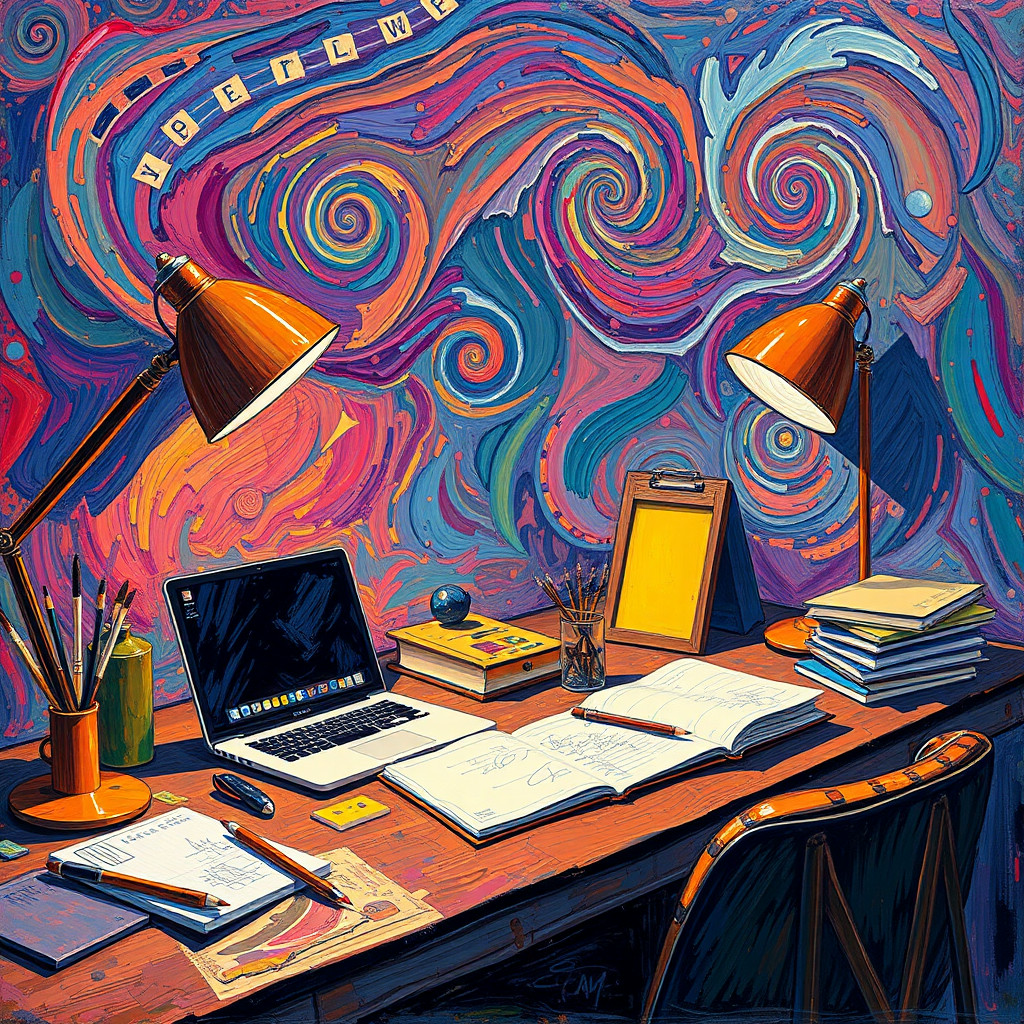
Use case
움직임이 풍부한 풍경과 야경.
Use case
표현적인 인물화, 포스터, 표지.
Use case
회화적 질감이 필요한 제품 및 편집 콘셉트.
Visual direction preview
Use the style thumbnail as the creative target
The preview gives users a concrete reference for color, texture, edge detail, and mood before they open the generator. Pair it with the prompt starters below to keep the page useful instead of only decorative.
Generated examples
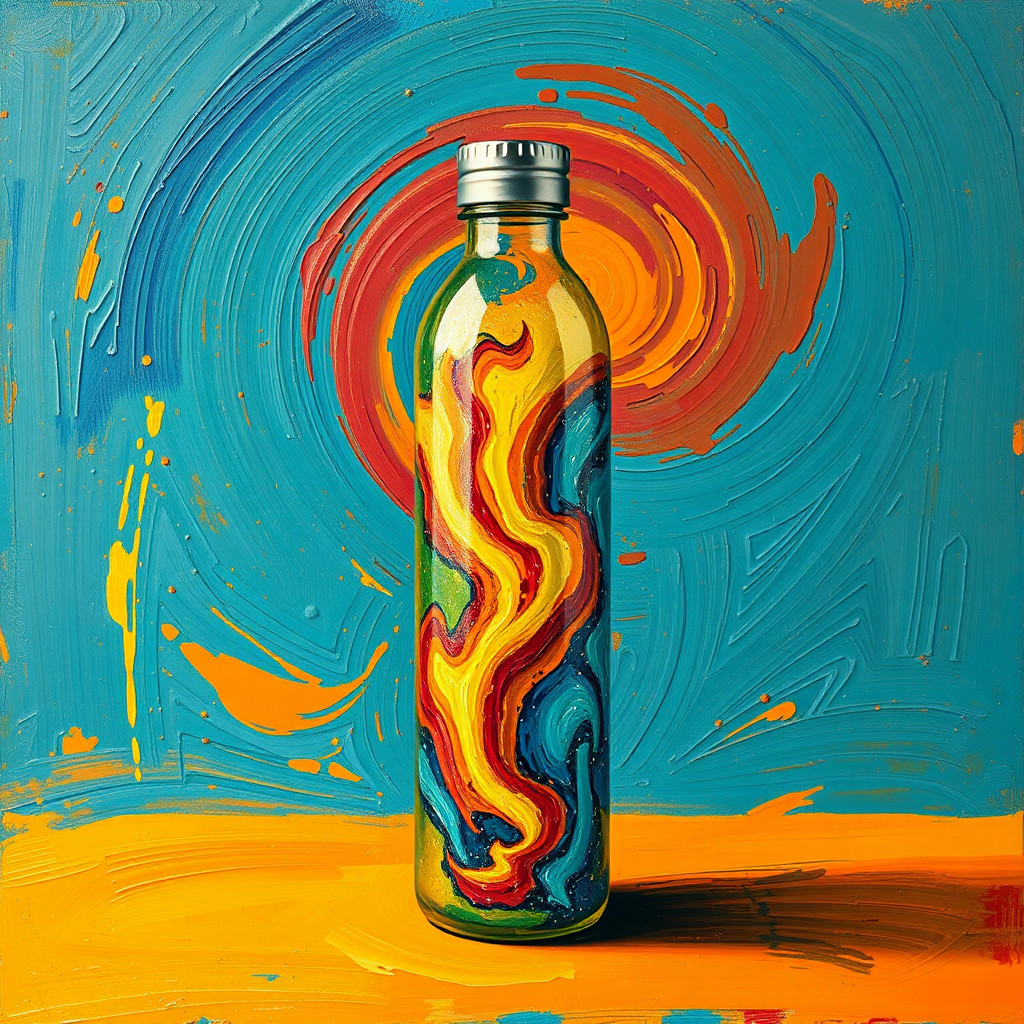
See the 반 고흐 스타일 style in real outputs
These examples were generated through the Magic Eraser AI Create API with the 반 고흐 스타일 style selected.
Prompt workflow
How to get a stronger 반 고흐 스타일 result
주제, 구도, 시간대를 설명하세요.
소용돌이 붓질, 강한 보색, 표현적인 조명을 추가하세요.
여러 버전을 만든 뒤 가장 명확한 구도를 골라 자르고 정리하세요.
Prompt starters
- “해 질 녘 해바라기 밭, 두껍고 소용돌이치는 붓질, 선명한 파랑과 노랑, 후기 인상주의 풍경”
- “밤의 도시 카페, 따뜻한 램프, 움직이는 코발트색 하늘, 표현적인 유화”
- “정원사의 독창적인 초상화, 단순한 배경, 대담한 붓질, 보색”
Style tips
- 붓질이 구도를 압도하지 않도록 주요 주제를 하나로 유지하세요.
- 색과 조명을 구체적으로 지정하세요.
- 정확한 문구와 로고는 생성 후 추가하세요.
Output planning checklist
- Decide the final placement before prompting: square post, vertical story, product insert, poster, thumbnail, or wide banner.
- Keep one primary subject and one visual mood so the 반 고흐 스타일 style has a clear job.
- Describe the background as simple, detailed, bright, dark, studio, outdoor, or textured instead of leaving it open-ended.
- Generate variations first, then edit the selected image for crop, cleanup, and export size.
When to choose this style
Choose 반 고흐 스타일 when the image needs a clear creative direction before production: an ad concept, a social visual, a character idea, a packaging mood, or a fast design draft. Choose another style if the final asset must look like a camera photo, preserve exact product color, or include precise typography.
For commercial work, treat the generated image as a starting point. Review details, remove distracting artifacts, add exact text separately, and export the final size from the editor.
FAQ
Can I edit the generated image?
Yes. Generate the image, then continue with cleanup, crop, background, and export tools in Magic Eraser.
Should I include exact text?
Use AI Create for the visual direction. Add exact text later with editable design tools for cleaner spelling and layout.
Is this style selected automatically?
The CTA opens AI Create with the 반 고흐 스타일 style parameter, and the app falls back safely if the option changes.