
AI Filter style
Filtre photo IA style RPG fantastique
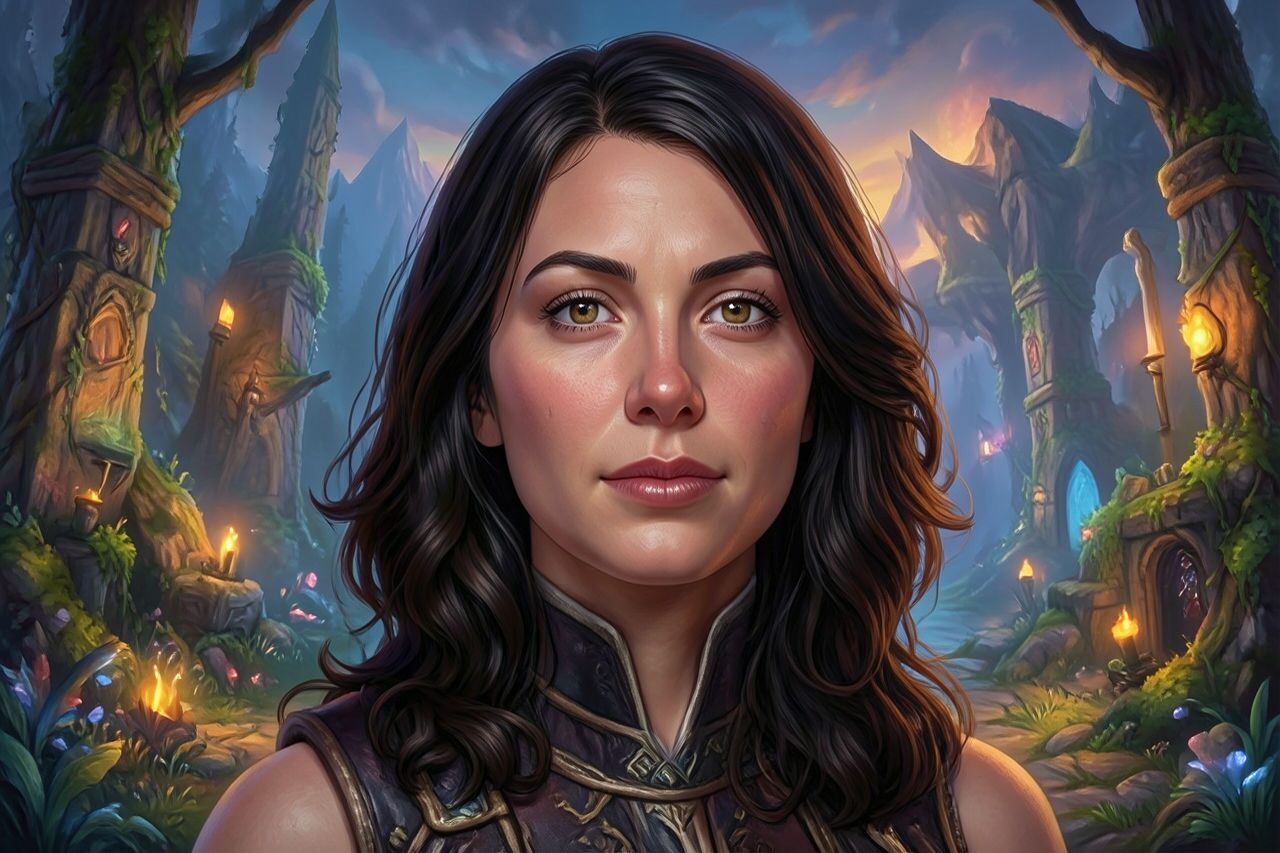
Transformez un portrait, une photo d’animal ou de cosplay en personnage original de RPG fantastique, avec lumière cinématographique, tenue ornée et décor d’aventure. Le résultat est une interprétation créative, pas un visuel de personnage prêt pour un jeu; vérifiez visages, mains, textes, logos et détails du costume.

Use case
Portraits de personnages fantastiques et images de profil.
Use case
Concepts de cosplay, campagne de jeu de rôle sur table et récit d’aventure.
Use case
Planches d’ambiance originales pour affiches, miniatures et cartes de personnage.
Filter preview
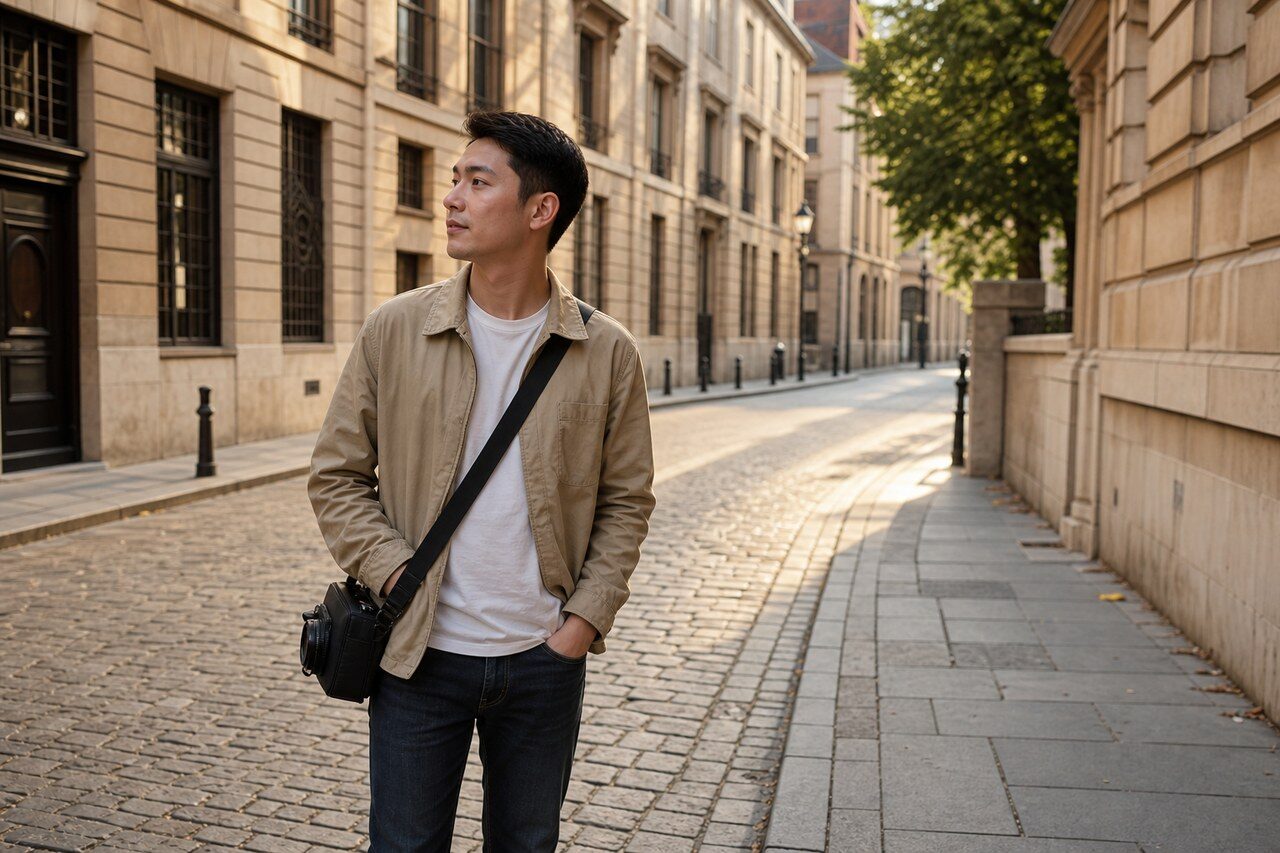
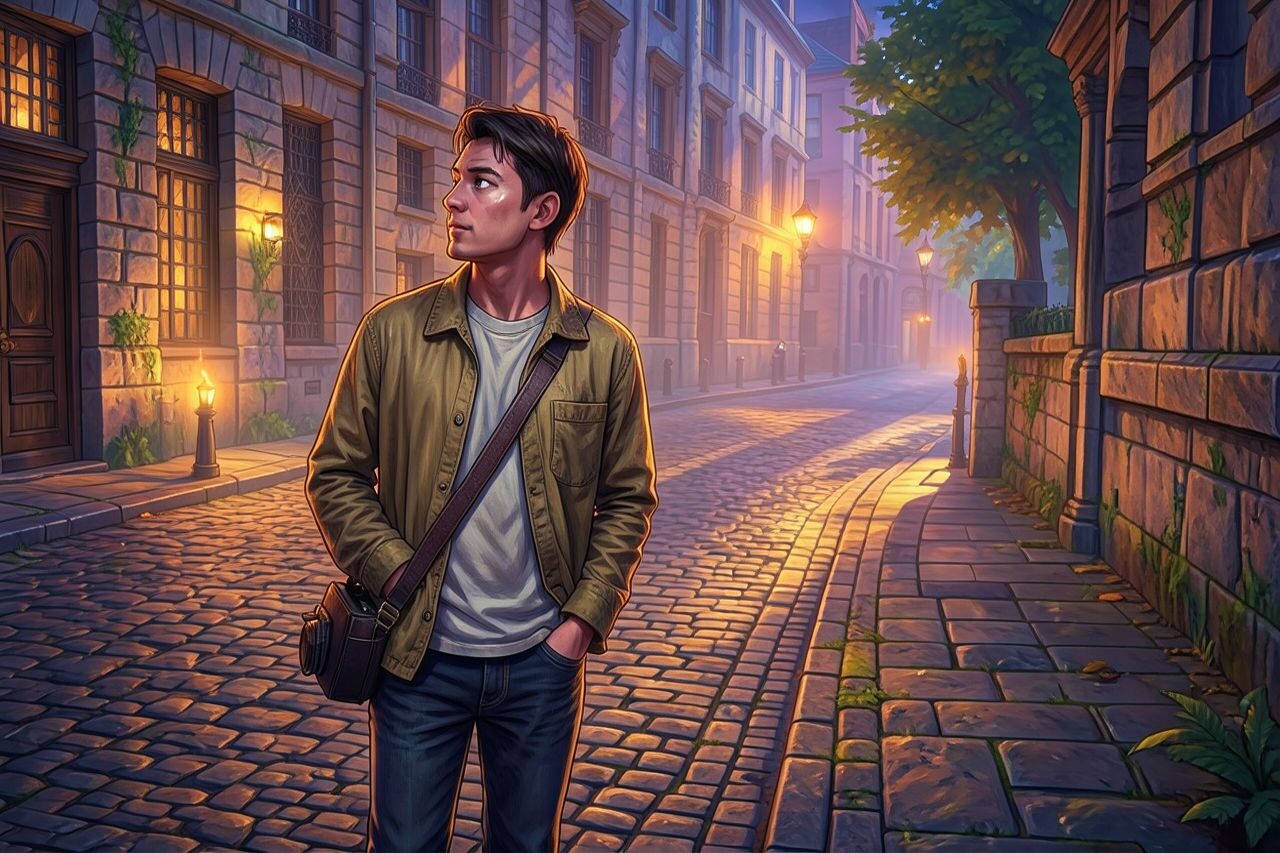
Compare the original photo with the rpg fantasy game result
The example uses a generated source photo and the same filter API path as the app, so users can judge the visual treatment before uploading their own image.
More examples
Test the rpg fantasy game filter on different photo types
Compare portrait, product, and pet examples before opening the filter. Each result uses the same filter API path as the Magic Eraser app.

Portrait
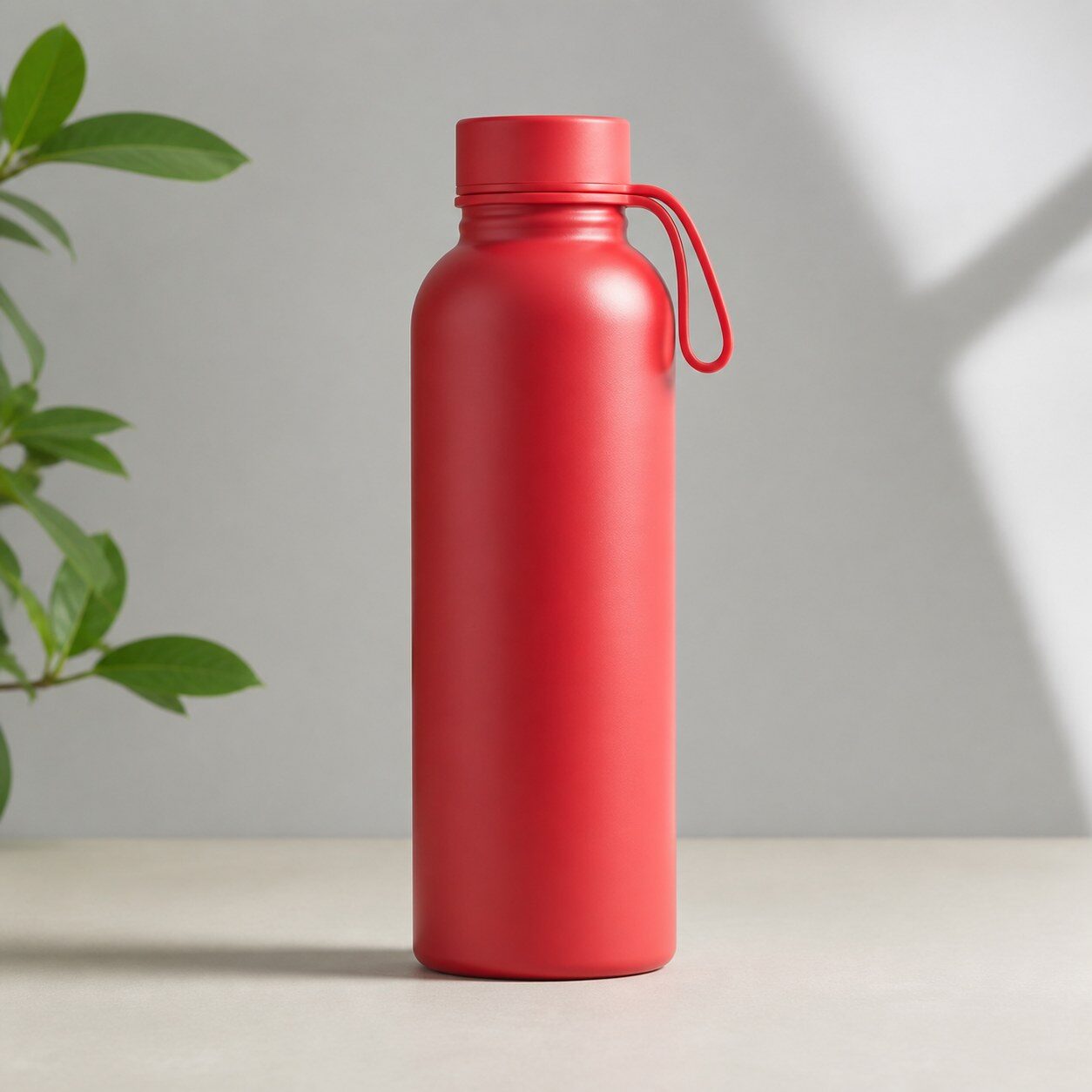
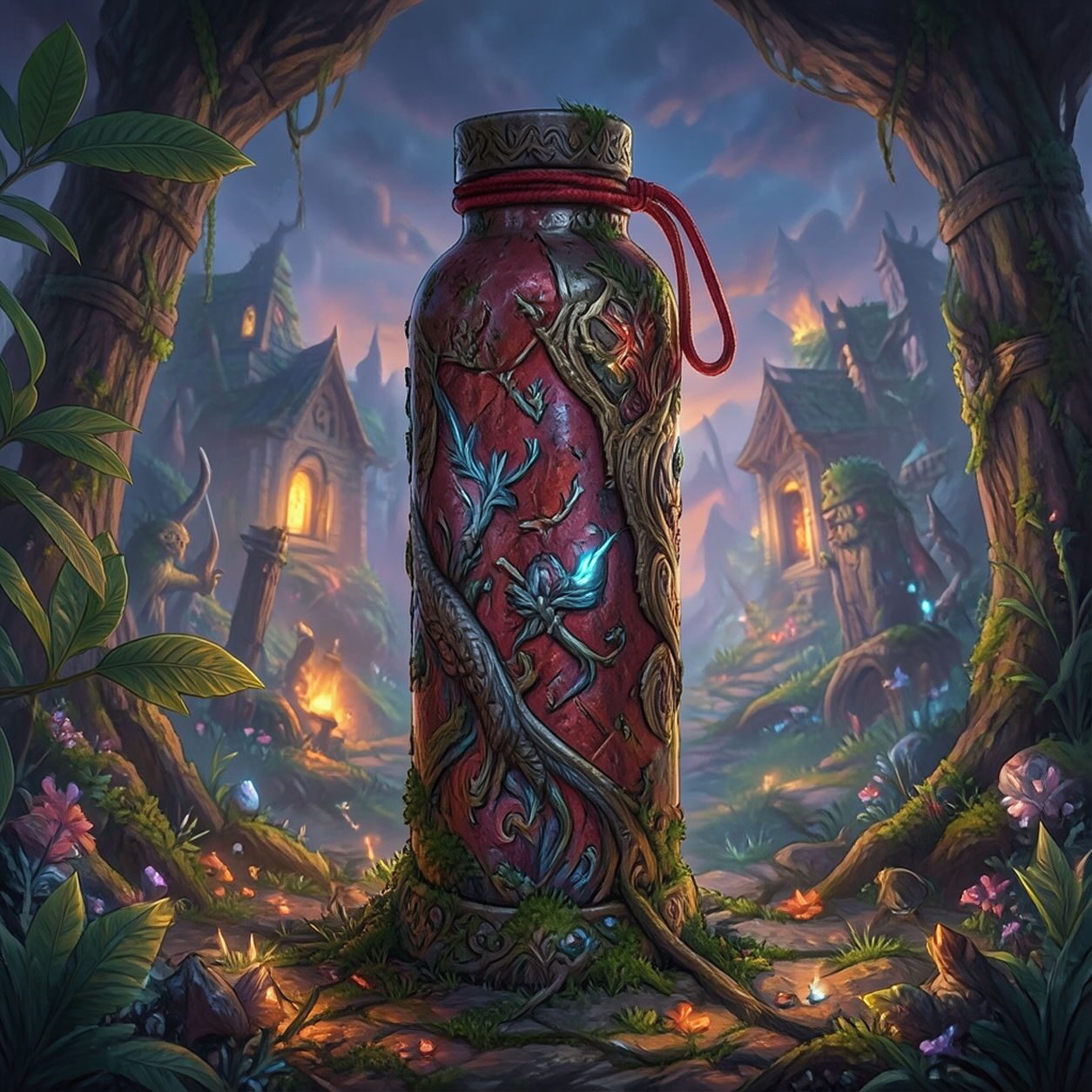
Product

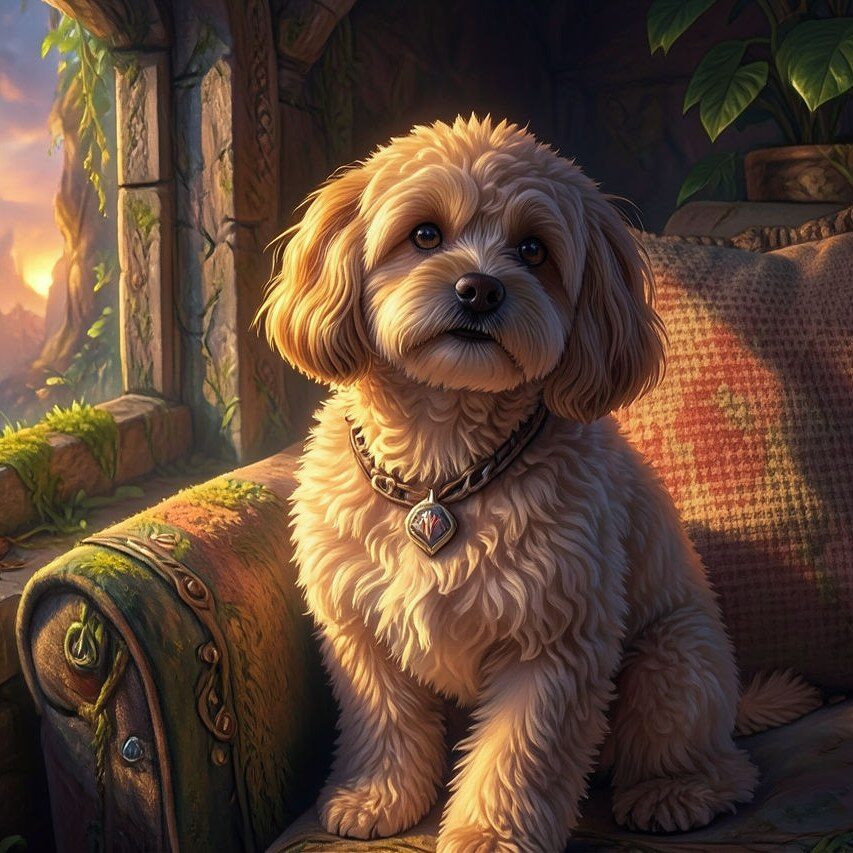
Pet
Photo workflow
How to get a cleaner rpg fantasy game filter result
Choisissez une photo nette avec un sujet principal et une silhouette lisible.
Ouvrez le filtre RPG fantastique, importez la photo et vérifiez visages, mains, vêtements et arrière-plan.
Recadrez au format final, corrigez les artefacts et ajoutez séparément les noms ou logos exacts.
Best source photos
- Portraits et photos à mi-corps bien éclairés.
- Photos de cosplay ou de costume avec une pose claire.
- Animaux et scènes extérieures avec un sujet dégagé.
Filter tips
- Un fond simple laisse davantage de place aux décors et costumes fantastiques.
- Évitez les groupes chargés et les visages très petits si l’identité doit rester reconnaissable.
- Ne comptez pas sur les textes, symboles, équipements ou détails de tenue générés pour être exacts.
Before upload checklist
- Use the largest clean version of the photo, not a compressed screenshot or reposted image.
- Crop loosely before filtering so the AI has enough room around the subject.
- Remove obvious distractions first if they sit directly on the face, product, or main subject.
- Check the result at the size where it will be used: profile image, feed post, story, thumbnail, or banner.
When this filter is a good fit
Choose the rpg fantasy game filter when the original photo already has a clear subject and the goal is a recognizable stylized version, not a fully new generated scene. It is strongest for social, creator, profile, event, and campaign images where mood matters more than documentary accuracy.
Use a different workflow when the image needs exact product color, legal documentation, medical accuracy, or unmodified identity details. In those cases, use cleanup, crop, enhancement, or background tools instead of a heavy creative filter.
Free browser tools after filtering
FAQ
What should I upload?
Use a clear photo with one main subject. Strong lighting and simple backgrounds usually make the AI filter easier to control.
Can I keep editing after the filter?
Yes. After applying the filter, use Magic Eraser to crop, clean distractions, refine backgrounds, and export the final image.
Is this filter selected automatically?
The CTA opens AI Filter with the rpg fantasy game style parameter, and the app falls back safely if the filter changes.