
AI Create style
Générateur d’images pointillistes par IA
Créez à partir d’un prompt des images inspirées du pointillisme, composées de points de couleur distincts qui se fondent à distance. Ce style convient aux portraits, paysages, affiches et concepts éditoriaux ; précisez le sujet, la palette, la densité des points et le fond.

Use case
Portraits artistiques dont les valeurs sont construites par des points colorés.
Use case
Paysages et scènes urbaines aux mélanges optiques lumineux.
Use case
Affiches, couvertures et illustrations éditoriales à la texture picturale marquée.
Visual direction preview
Use the style thumbnail as the creative target
The preview gives users a concrete reference for color, texture, edge detail, and mood before they open the generator. Pair it with the prompt starters below to keep the page useful instead of only decorative.
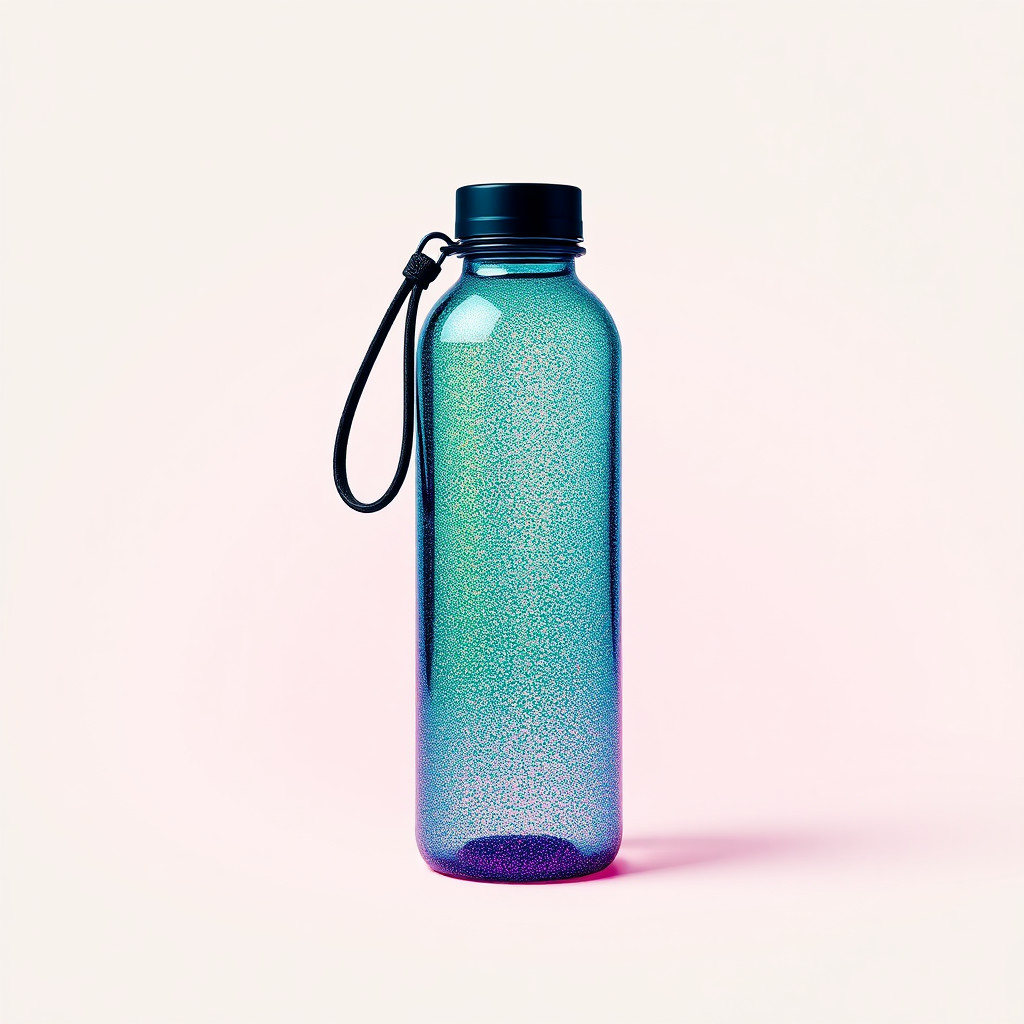
Generated examples
See the pointillisme style in real outputs
These examples were generated through the Magic Eraser AI Create API with the pointillisme style selected.
Prompt workflow
How to get a stronger pointillisme result
Choisissez un sujet principal et une composition lisible.
Indiquez deux ou trois couleurs dominantes, la taille et la densité des points, ainsi que le fond.
Générez plusieurs variantes, vérifiez-les en grand et en petit, puis nettoyez les détails gênants.
Prompt starters
- “Portrait pointilliste d’une artiste originale, points bleus et orange, fond crème”
- “Paysage côtier au coucher du soleil, pointillisme dense, couleurs complémentaires”
- “Affiche pointilliste d’un vélo rouge, grand espace négatif”
Style tips
- Privilégiez des formes nettes, car les très petits détails peuvent disparaître dans les points.
- Renforcez le contraste entre le sujet et le fond pour préserver les contours.
- Ajoutez textes exacts et logos après la génération.
Output planning checklist
- Decide the final placement before prompting: square post, vertical story, product insert, poster, thumbnail, or wide banner.
- Keep one primary subject and one visual mood so the pointillisme style has a clear job.
- Describe the background as simple, detailed, bright, dark, studio, outdoor, or textured instead of leaving it open-ended.
- Generate variations first, then edit the selected image for crop, cleanup, and export size.
When to choose this style
Choose pointillisme when the image needs a clear creative direction before production: an ad concept, a social visual, a character idea, a packaging mood, or a fast design draft. Choose another style if the final asset must look like a camera photo, preserve exact product color, or include precise typography.
For commercial work, treat the generated image as a starting point. Review details, remove distracting artifacts, add exact text separately, and export the final size from the editor.
FAQ
Can I edit the generated image?
Yes. Generate the image, then continue with cleanup, crop, background, and export tools in Magic Eraser.
Should I include exact text?
Use AI Create for the visual direction. Add exact text later with editable design tools for cleaner spelling and layout.
Is this style selected automatically?
The CTA opens AI Create with the pointillisme style parameter, and the app falls back safely if the option changes.