
AI Create style
Générateur d’images graffiti par IA
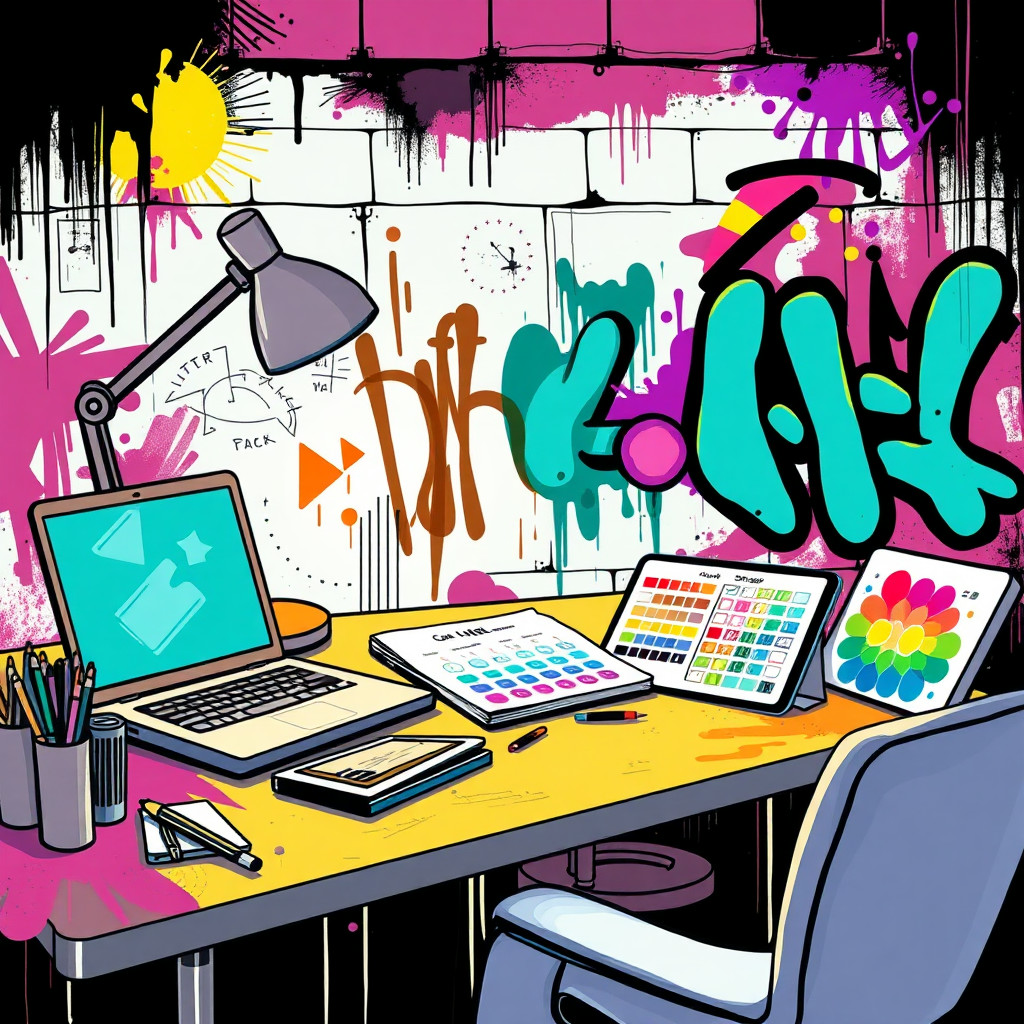
Créez des visuels inspirés du graffiti pour affiches urbaines, concepts d’albums, événements et contenus sociaux audacieux. Décrivez des formes de lettres originales, le mur, les projections, la palette et l’ambiance plutôt que de copier un artiste réel ou un logo protégé.
Use case
Concepts de campagnes pour la musique, le streetwear, le sport et la culture jeune.
Use case
Fonds urbains, affiches événementielles et visuels sociaux à l’énergie aérosol.
Use case
Mascottes ou objets originaux intégrés à une scène murale urbaine.
Visual direction preview
Use the style thumbnail as the creative target
The preview gives users a concrete reference for color, texture, edge detail, and mood before they open the generator. Pair it with the prompt starters below to keep the page useful instead of only decorative.
Generated examples
See the graffiti style in real outputs
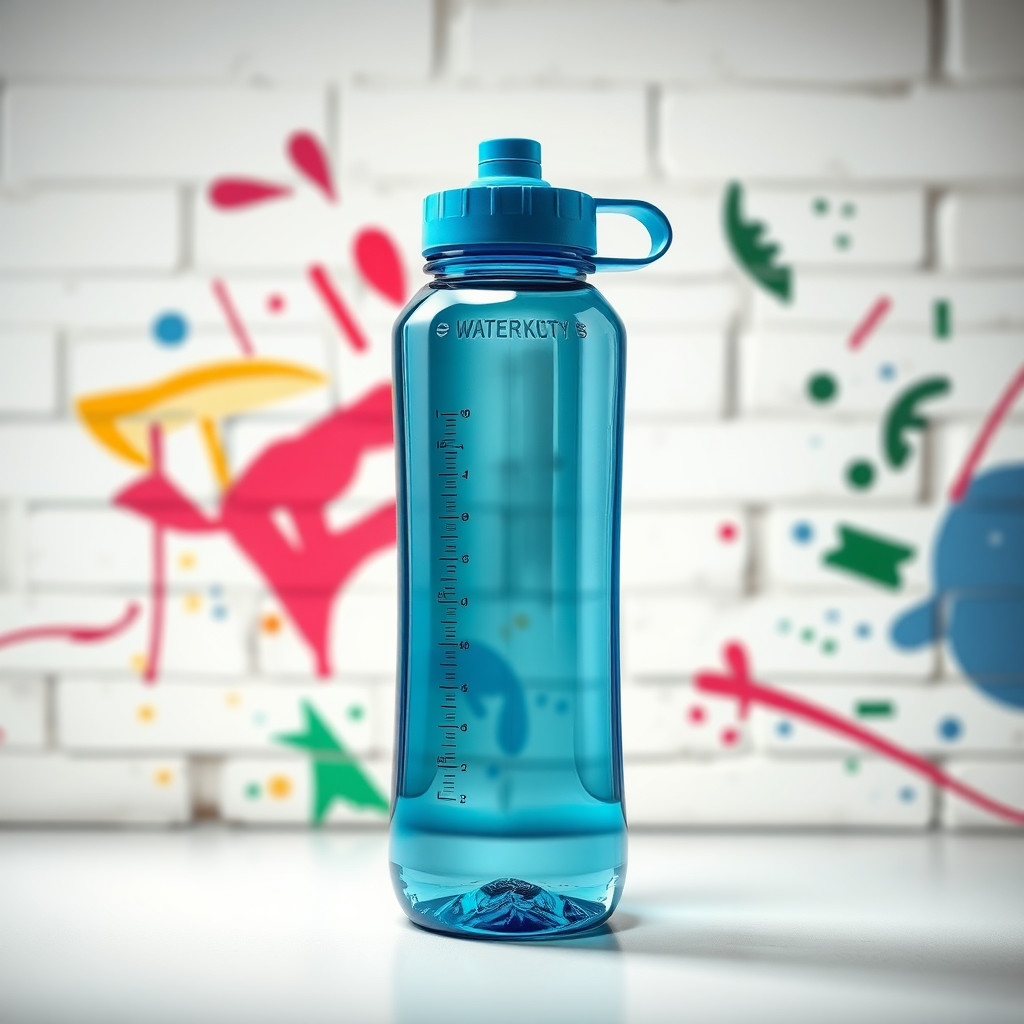
These examples were generated through the Magic Eraser AI Create API with the graffiti style selected.
Prompt workflow
How to get a stronger graffiti result
Définissez le mur, la texture de peinture, la palette et le sujet avant le mouvement ou l’éclairage.
Générez plusieurs versions, car les lettres et la densité du fond peuvent beaucoup varier.
Effacez les marques confuses ou recadrez sur la meilleure zone peinte.
Prompt starters
- “Fond d’affiche graffiti original sur mur de briques, aérosol rouge et cyan, espace central libre pour un produit”
- “Concept de campagne sneaker inspiré du graffiti, éclaboussures, éclairage urbain nocturne, silhouette forte”
- “Fresque street art d’un robot photographe original, peinture colorée, mur brut”
Style tips
- Employez des mots originaux, ou aucun texte si le lettrage doit être exact.
- Évitez les logos protégés et les noms d’artistes réels.
- Demandez une composition lisible pour une publicité ou une affiche.
Output planning checklist
- Decide the final placement before prompting: square post, vertical story, product insert, poster, thumbnail, or wide banner.
- Keep one primary subject and one visual mood so the graffiti style has a clear job.
- Describe the background as simple, detailed, bright, dark, studio, outdoor, or textured instead of leaving it open-ended.
- Generate variations first, then edit the selected image for crop, cleanup, and export size.
When to choose this style
Choose graffiti when the image needs a clear creative direction before production: an ad concept, a social visual, a character idea, a packaging mood, or a fast design draft. Choose another style if the final asset must look like a camera photo, preserve exact product color, or include precise typography.
For commercial work, treat the generated image as a starting point. Review details, remove distracting artifacts, add exact text separately, and export the final size from the editor.
FAQ
Can I edit the generated image?
Yes. Generate the image, then continue with cleanup, crop, background, and export tools in Magic Eraser.
Should I include exact text?
Use AI Create for the visual direction. Add exact text later with editable design tools for cleaner spelling and layout.
Is this style selected automatically?
The CTA opens AI Create with the graffiti style parameter, and the app falls back safely if the option changes.