
Metin, katman, arka plan ve yeniden boyutlandırma araçlarına sahip çevrimiçi editörle görselleri daha hızlı tasarlayın
Tek bir çevrimiçi tuvalde sosyal medya gönderileri, küçük resimler, afişler, posterler, ürün görselleri ve pazarlama varlıklarını daha hızlı oluşturmak için Magic Eraser'ün Tasarım düzenleyicisini kullanın.
Magic Eraser Design, sosyal medya gönderileri, banner'lar, küçük resimler ve pazarlama varlıkları oluşturmaya yönelik çevrimiçi bir tuval düzenleyicisidir. Metinleri, şekilleri, görüntüleri ve katmanlı kompozisyonu birden çok platform için tek tıklamayla yeniden boyutlandırmayla birleştirir; genellikle özel tasarım yazılımı olmadan hızlı görsel düzenlere ihtiyaç duyan pazarlamacılar, satıcılar ve içerik oluşturucular tarafından kullanılır.
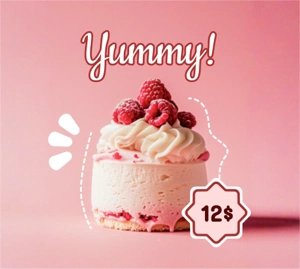
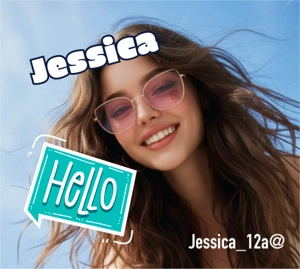
Tek bir çevrimiçi tuvalden kampanyaya hazır görseller oluşturun
Varlığı ayrı araçlarda yeniden oluşturmanıza gerek kalmadan görüntüleri, metinleri, şekilleri ve arka plan stilini birleştirmek için Tasarım düzenleyiciyi kullanın. Hızlı tanıtım düzenleri, e-ticaret içeriği ve günlük sosyal tasarım çalışmaları için iyi çalışır.
Ücretsiz denemenizi başlatın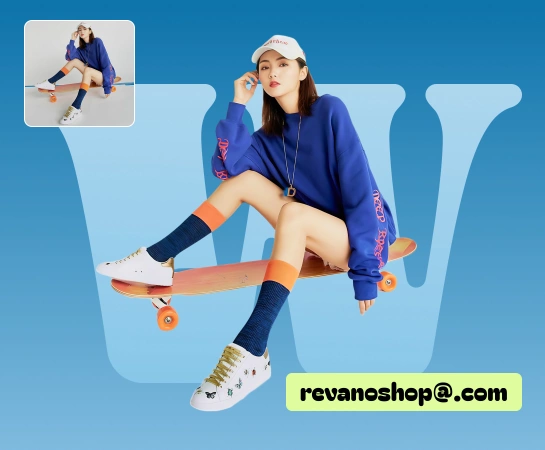
Birden fazla araç arasında geçiş yapmadan kaynak görüntüden bitmiş varlığa geçin
Ekiplerin başlık eklemesi, arka planları değiştirmesi, katmanları düzenlemesi, düzenleri yeniden boyutlandırması veya kampanya varyasyonları hazırlaması gerektiğinde, Tasarım düzenleyici her şeyi tek bir yerde tutar ve araç değiştirmeyi azaltır.
Ücretsiz denemenizi başlatın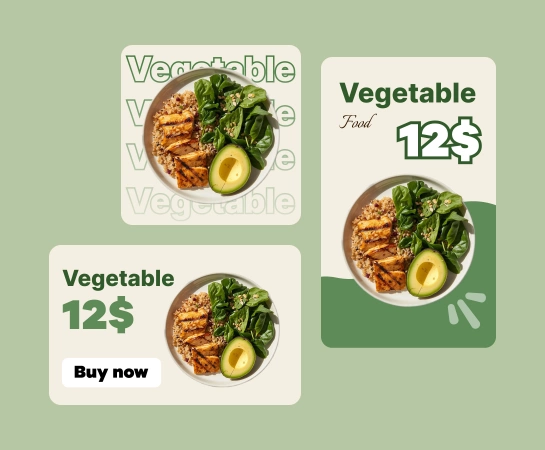
Sosyal medya gönderileri, reklamlar, küçük resimler, banner'lar ve ürün içeriği için Tasarım'ı kullanın
Tasarım düzenleyici, ürün resimlerinden sosyal paylaşımlara, kahraman banner'larından kampanya görsellerine kadar metinler, şekiller, resimler, arka planlar ve yeniden boyutlandırma hazır ayarlarıyla mizanpajları daha hızlı oluşturmanıza yardımcı olur.
Ücretsiz denemenizi başlatın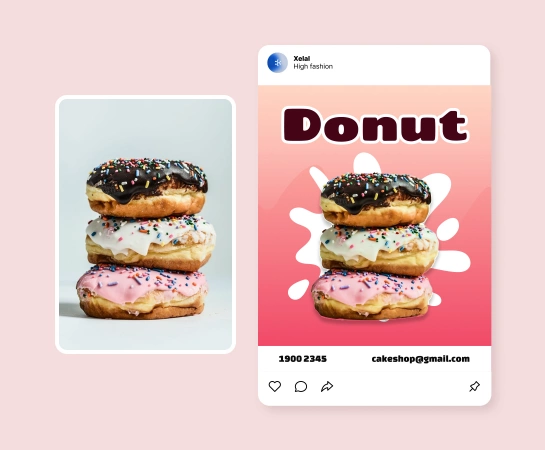
Tasarım çalışmasını Magic Eraser AI araç setinin geri kalanıyla birleştirin
Görüntü düzenleyicinin içine girdikten sonra varlığı tek bir bağlı yığında tamamlamak için arka planı kaldırma, nesne temizleme, geliştirme, genişletme veya yapay zeka tarafından oluşturulan görsellerle devam edebilirsiniz.
Ücretsiz denemenizi başlatın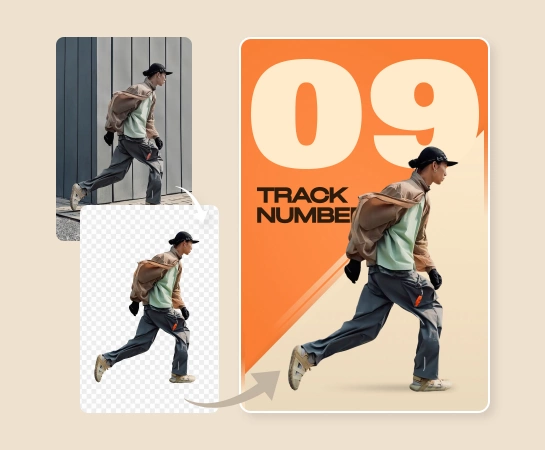
Magic Eraser içindeki görseller nasıl tasarlanır?
Bir resim veya boş tuvalle başlayın
Bir kaynak görsel yükleyin veya düzenleyiciyi açın ve düzeni temiz bir tuvalden oluşturmaya başlayın.
Metin, şekiller ve tasarım öğeleri ekleme
Kompozisyonu katmanlar, metin stili, şekiller, arka plan seçenekleri ve görsel ayarlamalarla oluşturun.
Düzeni yeniden boyutlandırın ve iyileştirin
Tasarımı ihtiyacınız olan formata uyarlayın, aralıklara ince ayar yapın ve farklı kanallar için birden fazla varyasyon hazırlayın.
AI araçlarını indirin veya düzenlemeye devam edin
Nihai varlığı dışa aktarın veya Arka Planı Kaldır, AI Enhance, AI Filtresi veya AI Create gibi AI iş akışlarına geçin.
İhtiyacınız olan tüm AI görüntü düzenleme araçları
Temizleme ve geliştirmeden oluşturma ve tasarıma kadar Magic Eraser Web'de şu anda mevcut olan ana düzenleme yeteneklerini keşfedin.

Tasarım editörü
Tek bir tarayıcı tabanlı düzenleyicide metin, şekil, görüntü, katman ve arka planlarla gösterişli düzenler oluşturun.

Ön ayarları yeniden boyutlandır
Sosyal gönderiler, reklamlar, banner'lar ve daha fazlası için sürümlere ihtiyaç duyduğunuzda yaygın çıktı biçimleri arasında daha hızlı geçiş yapın.

Metin ve şekiller
Tuvalden ayrılmadan başlıklar, destekleyici metinler, rozetler ve basit grafik öğeleri ekleyin.

Görüntü ayarlamaları
Nihai varlığı dışa aktarmadan önce görüntülerin mizanpajın içinde nasıl duracağına ince ayar yapın.

Arka Planı Kaldır
Kompozisyonun daha net bir konuya veya şeffaf varlığa ihtiyacı olduğunda kesme iş akışlarına geçin.

Yapay Zeka Oluştur
Daha hızlı yaratıcı keşif için yeni görseller oluşturun ve bunları doğrudan tasarım iş akışına çekin.

Yapay Zeka Filtresi
Kompozisyonun içine yerleştirmeden önce veya sonra görüntülere stilistik görünümler uygulayın.

Yapay Zeka Genişlet
Geçerli çerçeve düzen için çok dar olduğunda görüntünün etrafında daha fazla tuval alanı oluşturun.
Sık sorulan sorular
Tasarım düzenleyici, sosyal medya gönderileri, reklam öğeleri, küçük resimler, afişler, posterler, ürün görselleri ve düzen kontrolü gerektiren diğer günlük pazarlama veya yaratıcı varlıklar için kullanışlıdır.
Evet. Düzenleyici, metin, şekil, görüntü ve arka plan ekleyebileceğiniz, ardından bunları tek bir iş akışı içinde düzenleyip iyileştirebileceğiniz katmanlı bir tuval etrafında oluşturulmuştur.
Evet. Yeniden boyutlandırma araçları ve düzen kontrolleri, aynı görsel fikri çeşitli formatlara uyarlamanıza yardımcı olur; bu, sosyal paylaşımlar, reklamlar, pazar yeri grafikleri ve afişler için kullanışlıdır.
Evet. Tasarım düzenleyici, varlığın neye ihtiyacı olduğuna bağlı olarak Arka Planı Kaldır, AI Enhance, AI Oluştur, AI Filtresi, AI Genişletme ve diğer araçları içerebilen daha büyük bir iş akışına uyar.
Yaygın bir akış, bir görüntü veya boş tuvalle başlamak, kompozisyonu metin ve görsel öğelerle oluşturmak, hedef format için yeniden boyutlandırmak, ardından dışa aktarmak veya yapay zeka tabanlı düzenleme araçlarıyla devam etmektir.