
AI Filter style
Yapay zekâ retro cyberpunk fotoğraf filtresi
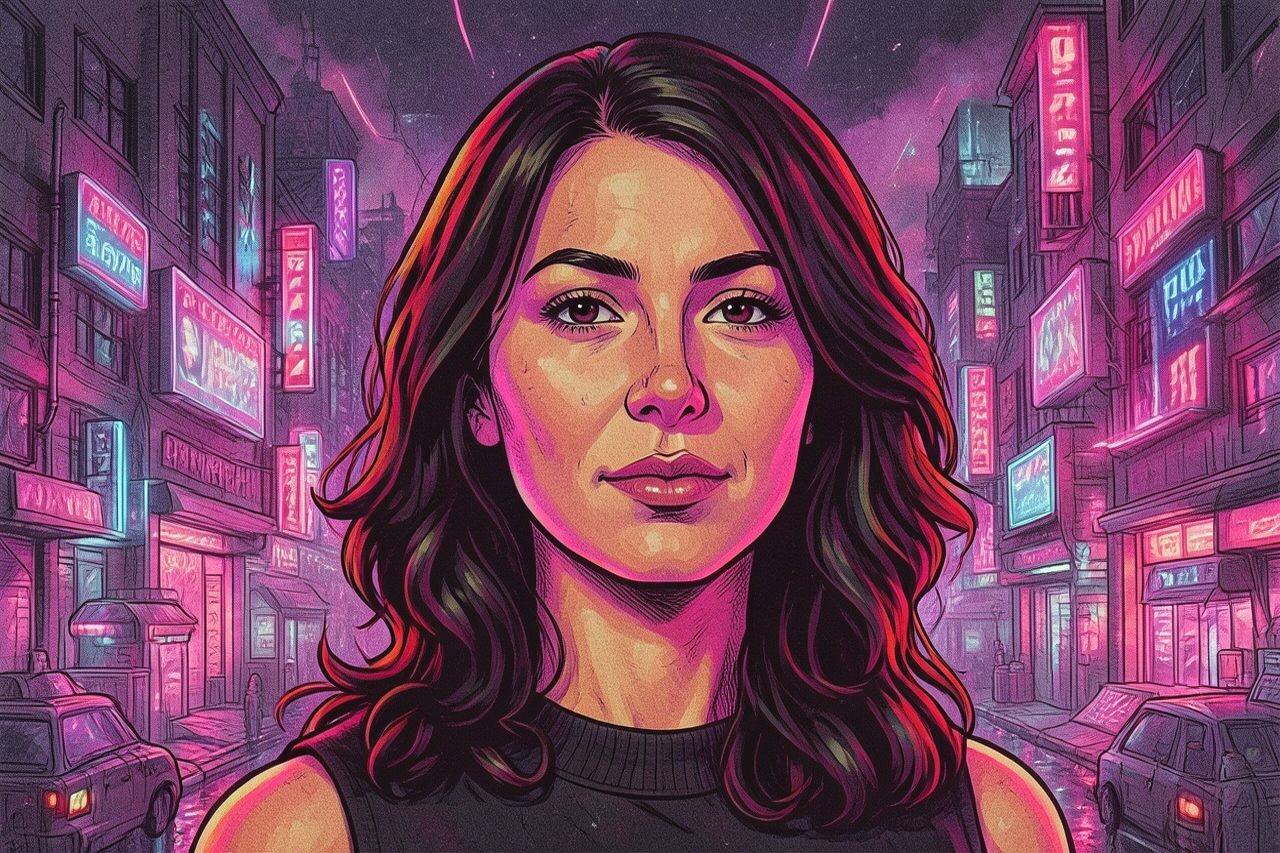
Neon renkler, analog doku ve sentetik atmosferle fotoğraflara nostaljik bir gelecek görünümü verin. Müzik kapakları, posterler, profil görselleri, gece sahneleri ve vintage bilim kurgu havası isteyen yaratıcı kampanyalar için uygundur.

Use case
Synthwave esintili sosyal paylaşımlar, etkinlik grafikleri ve müzik görselleri.
Use case
Retro-fütüristik portreler ve ürün fikirleri.
Use case
Gece şehirleri, otomobiller, sokak modası ve içerik üreticisi görselleri.
Filter preview
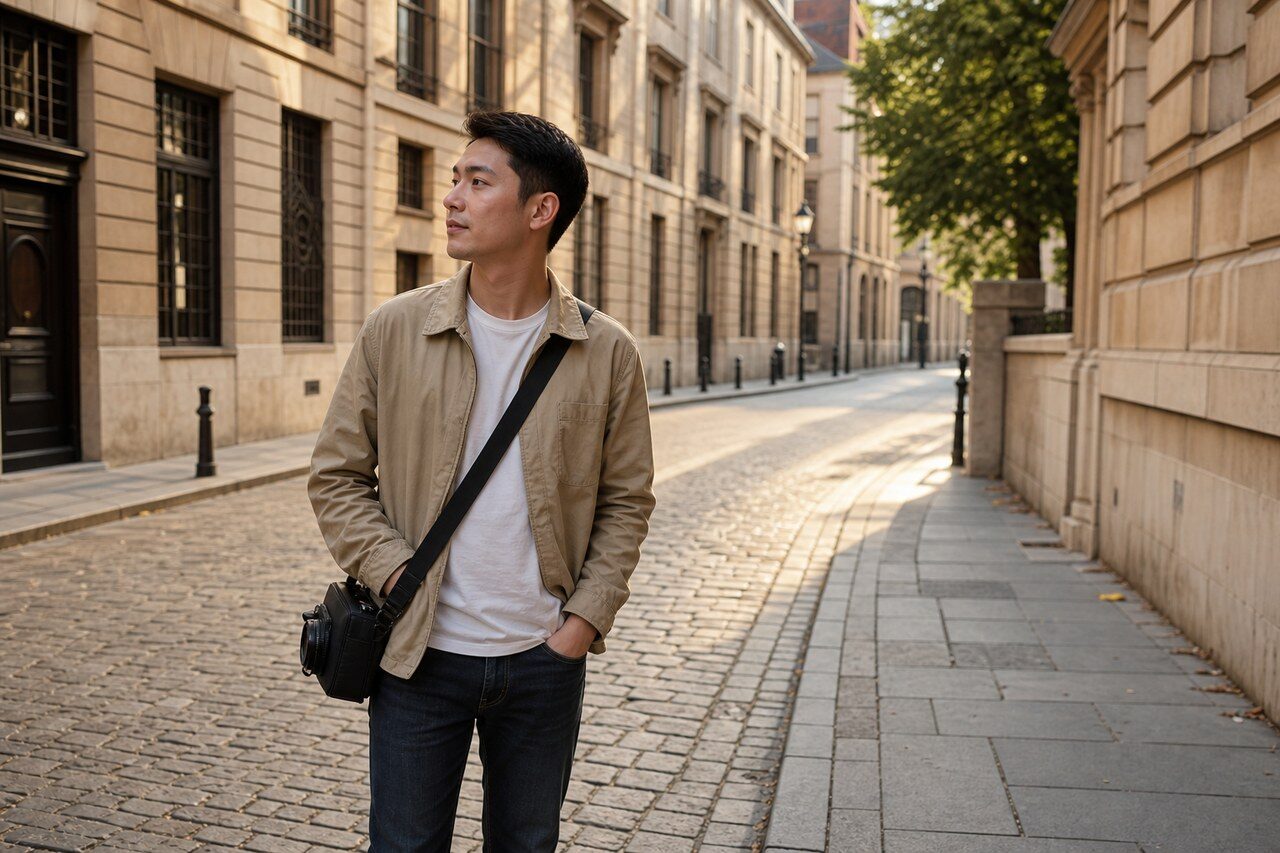
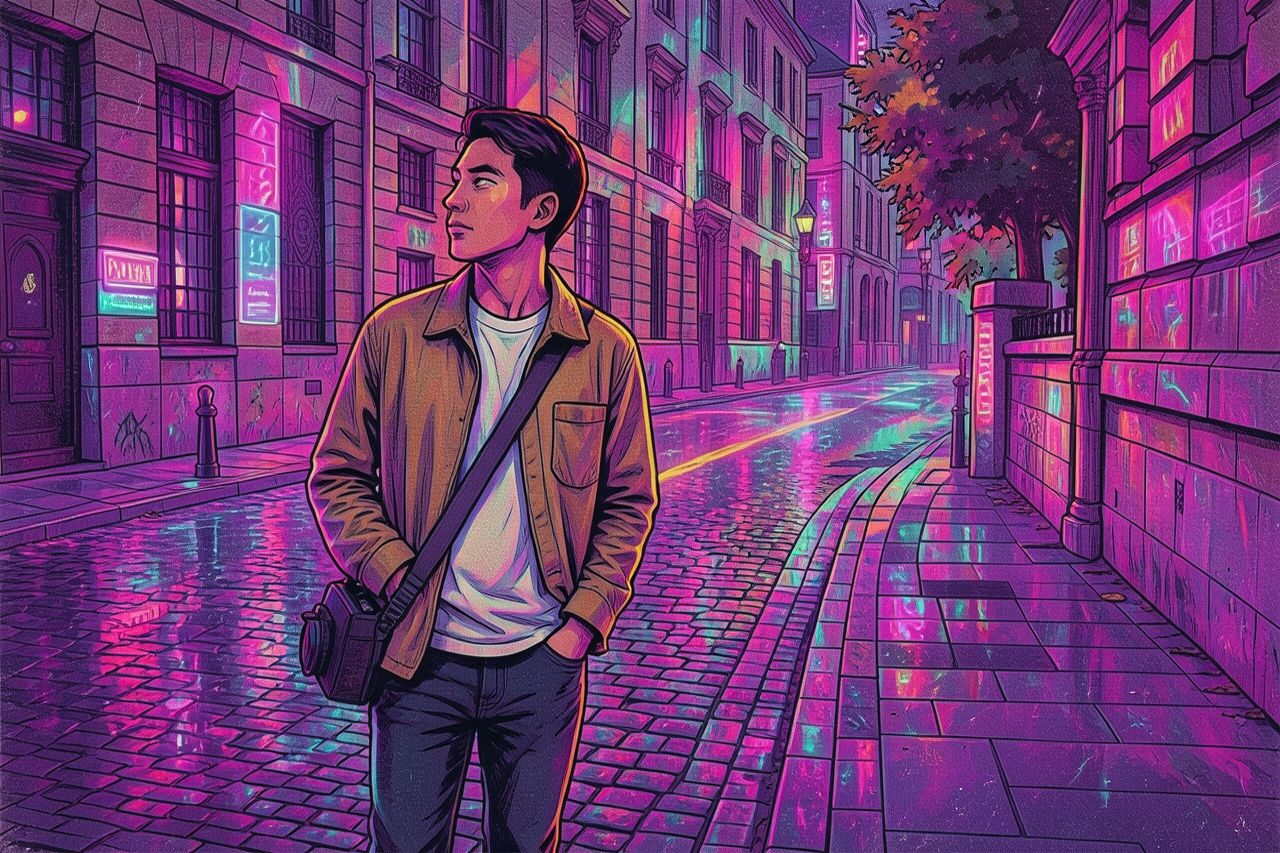
Compare the original photo with the retro cyberpunk result
The example uses a generated source photo and the same filter API path as the app, so users can judge the visual treatment before uploading their own image.
More examples
Test the retro cyberpunk filter on different photo types
Compare portrait, product, and pet examples before opening the filter. Each result uses the same filter API path as the Magic Eraser app.

Portrait
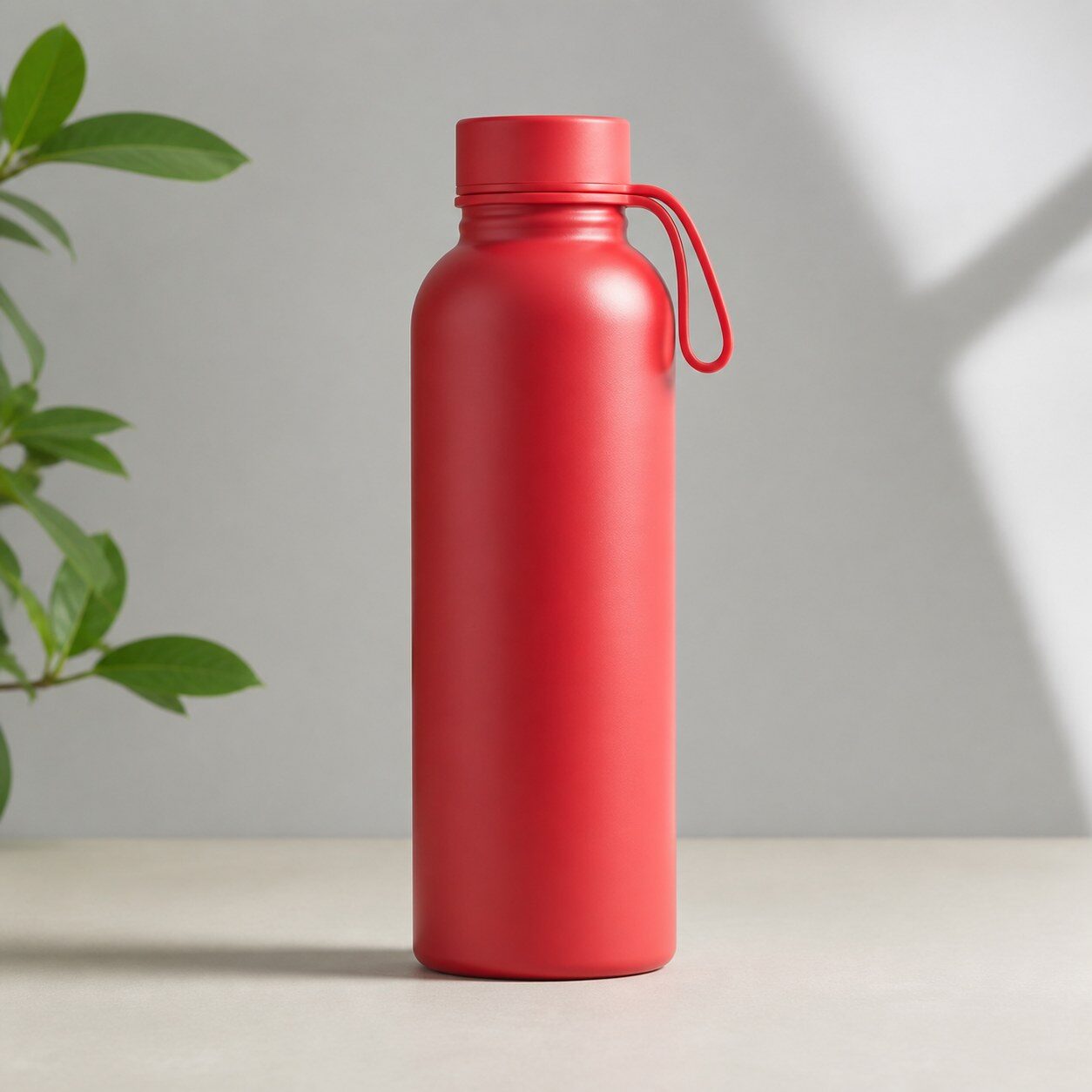
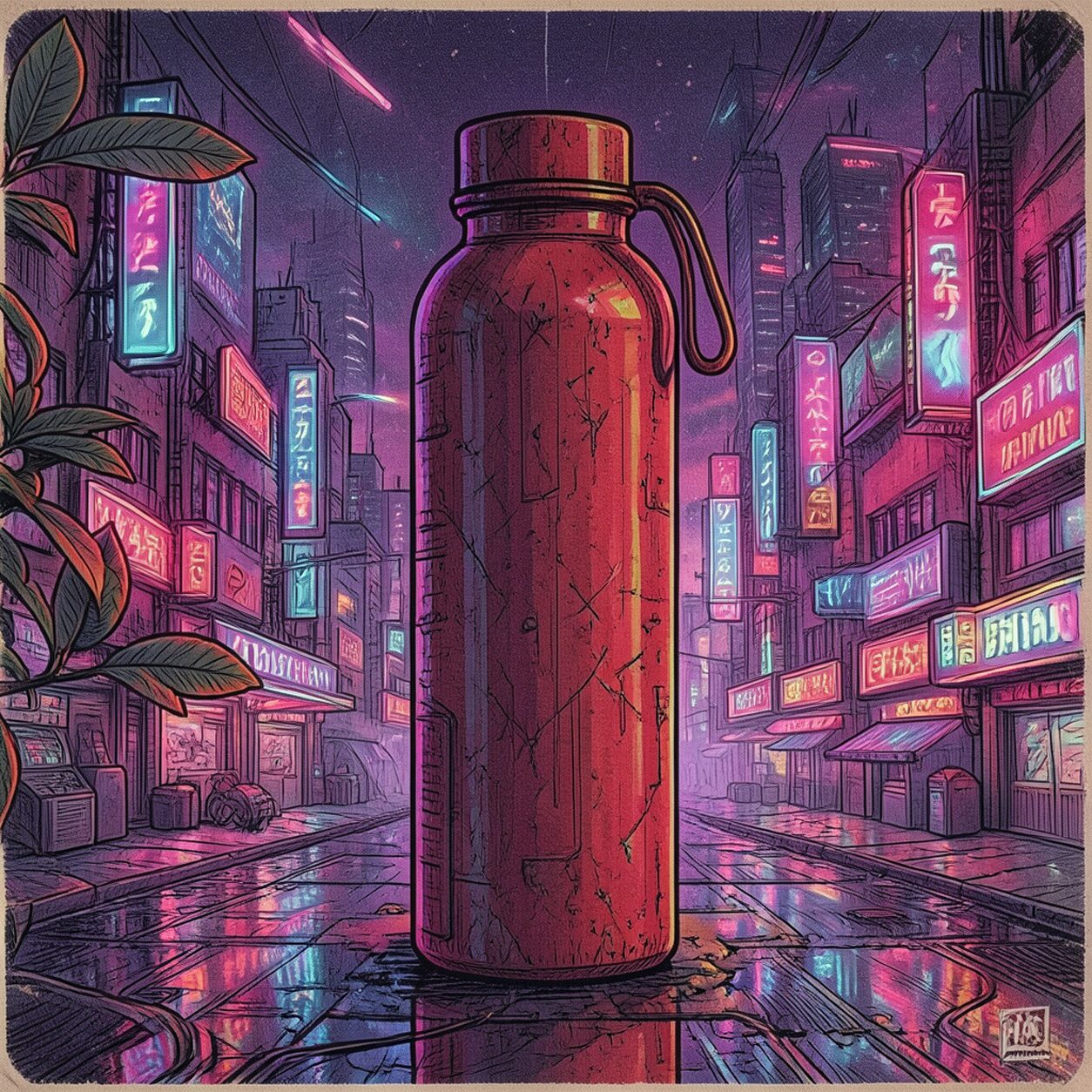
Product

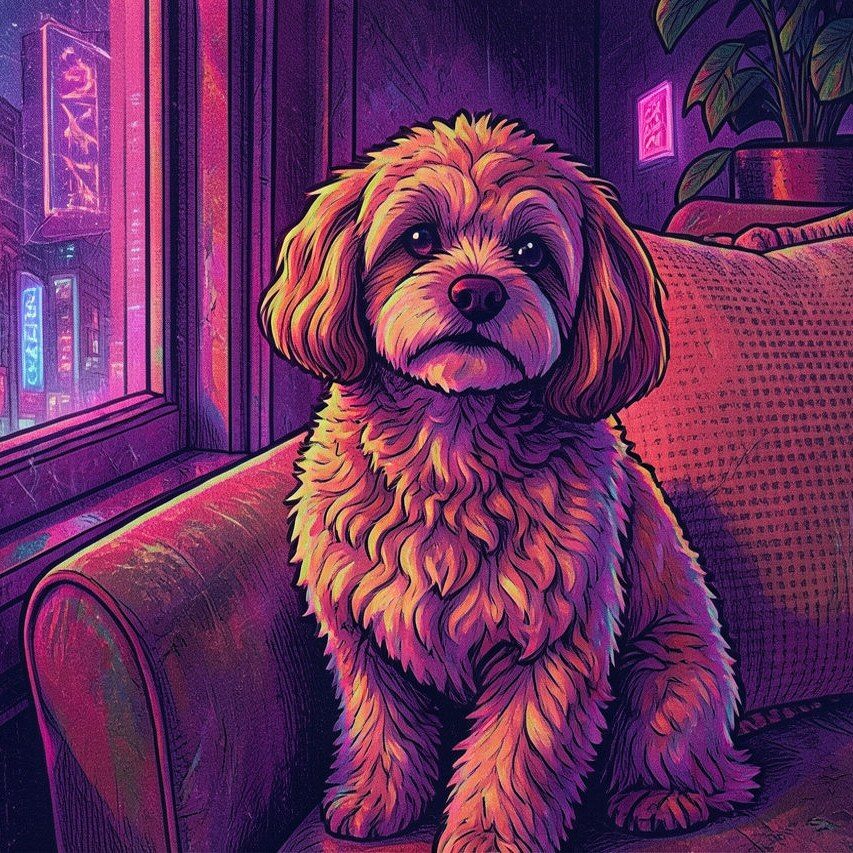
Pet
Photo workflow
How to get a cleaner retro cyberpunk filter result
Belirgin biçim, poz veya ışığa sahip bir fotoğraf seçin.
Filtreyi uygulayıp renk dengesini ve konunun netliğini inceleyin.
Yüz veya ürün ayrıntılarındaki gürültüyü temizleyin ve dışa aktarmadan önce kırpın.
Best source photos
- Portreler, sokak modası, otomobiller, gece sahneleri ve ürün ana görselleri.
- Koyu arka planlı veya parıltı efektlerine yer bırakan fotoğraflar.
- Poster veya kapaklar için tek konulu görseller.
Filter tips
- Mor, pembe, mavi ve turuncu ışıklar bu stile genellikle uyar.
- Sade kompozisyonlar retro görünümü kalabalık sahnelerden daha iyi korur.
- Kesin metin ve logoları filtrelemeden sonra ekleyin.
Before upload checklist
- Use the largest clean version of the photo, not a compressed screenshot or reposted image.
- Crop loosely before filtering so the AI has enough room around the subject.
- Remove obvious distractions first if they sit directly on the face, product, or main subject.
- Check the result at the size where it will be used: profile image, feed post, story, thumbnail, or banner.
When this filter is a good fit
Choose the retro cyberpunk filter when the original photo already has a clear subject and the goal is a recognizable stylized version, not a fully new generated scene. It is strongest for social, creator, profile, event, and campaign images where mood matters more than documentary accuracy.
Use a different workflow when the image needs exact product color, legal documentation, medical accuracy, or unmodified identity details. In those cases, use cleanup, crop, enhancement, or background tools instead of a heavy creative filter.
Free browser tools after filtering
FAQ
What should I upload?
Use a clear photo with one main subject. Strong lighting and simple backgrounds usually make the AI filter easier to control.
Can I keep editing after the filter?
Yes. After applying the filter, use Magic Eraser to crop, clean distractions, refine backgrounds, and export the final image.
Is this filter selected automatically?
The CTA opens AI Filter with the retro cyberpunk style parameter, and the app falls back safely if the filter changes.