
AI Filter style
Yapay zekâ sibernetik fotoğraf filtresi
Fotoğrafı mekanik ayrıntılar, metal yüzeyler ve yüksek teknoloji ışıkları içeren bir bilim kurgu görseline dönüştürün. Portre, cosplay, oyun ve teknoloji içeriklerine uygundur; sonuç sanatsal bir yorum olduğundan yüzleri, elleri, metinleri ve logoları kontrol edin.


Use case
Bilim kurgu portreleri ve profil görselleri.
Use case
Cosplay, oyun ve teknoloji üreticisi görselleri.
Use case
Fütüristik poster veya kampanya fikirleri.
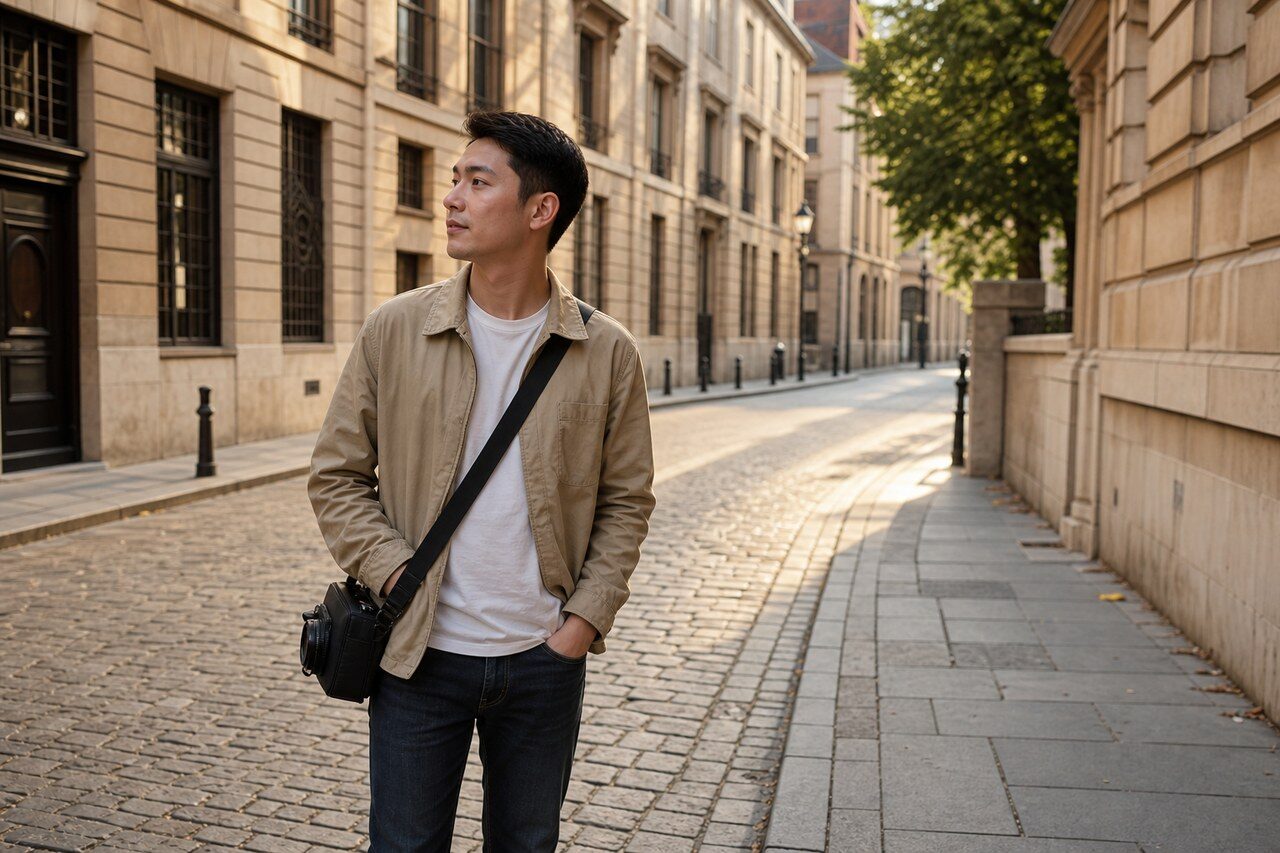
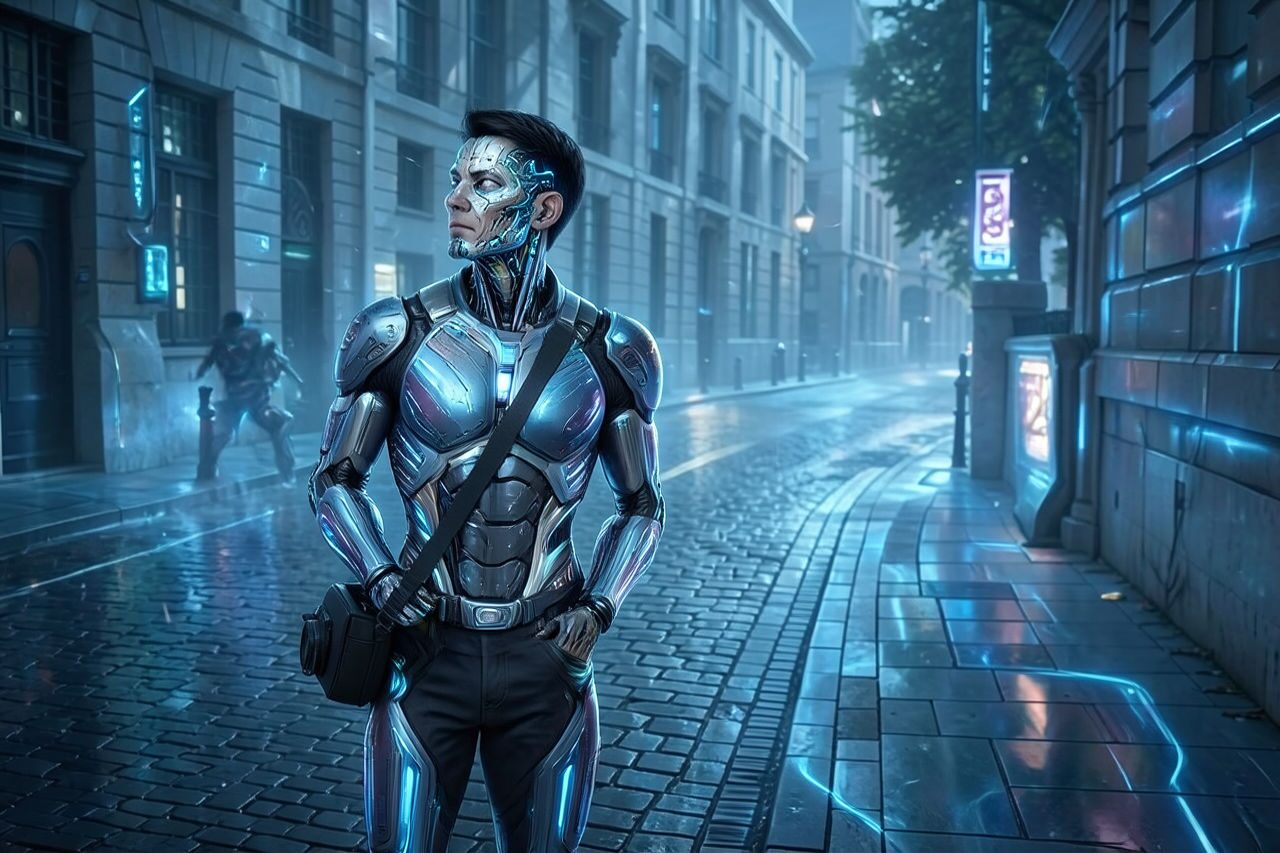
Filter preview
Compare the original photo with the cybernetic result
The example uses a generated source photo and the same filter API path as the app, so users can judge the visual treatment before uploading their own image.
More examples
Test the cybernetic filter on different photo types
Compare portrait, product, and pet examples before opening the filter. Each result uses the same filter API path as the Magic Eraser app.


Portrait
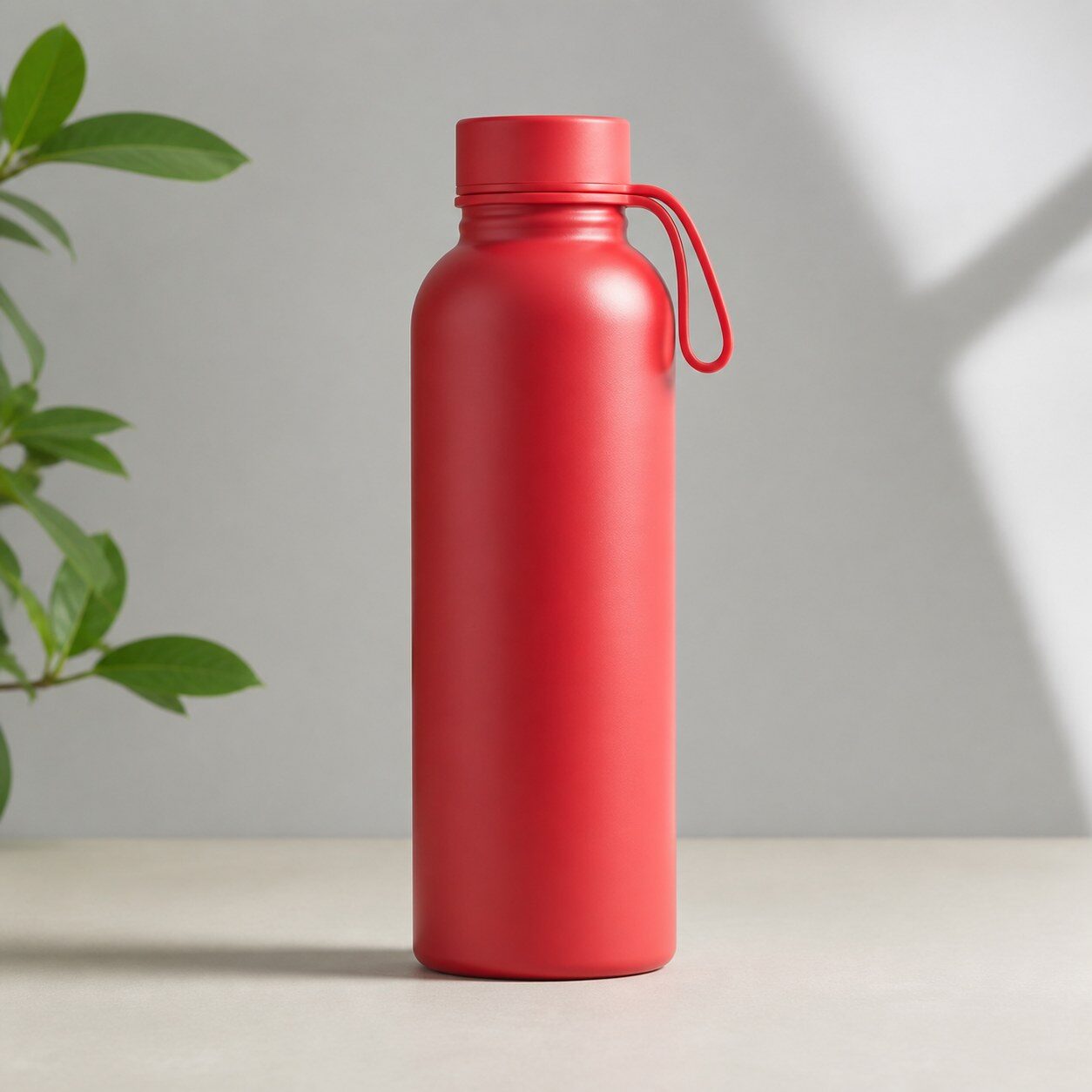
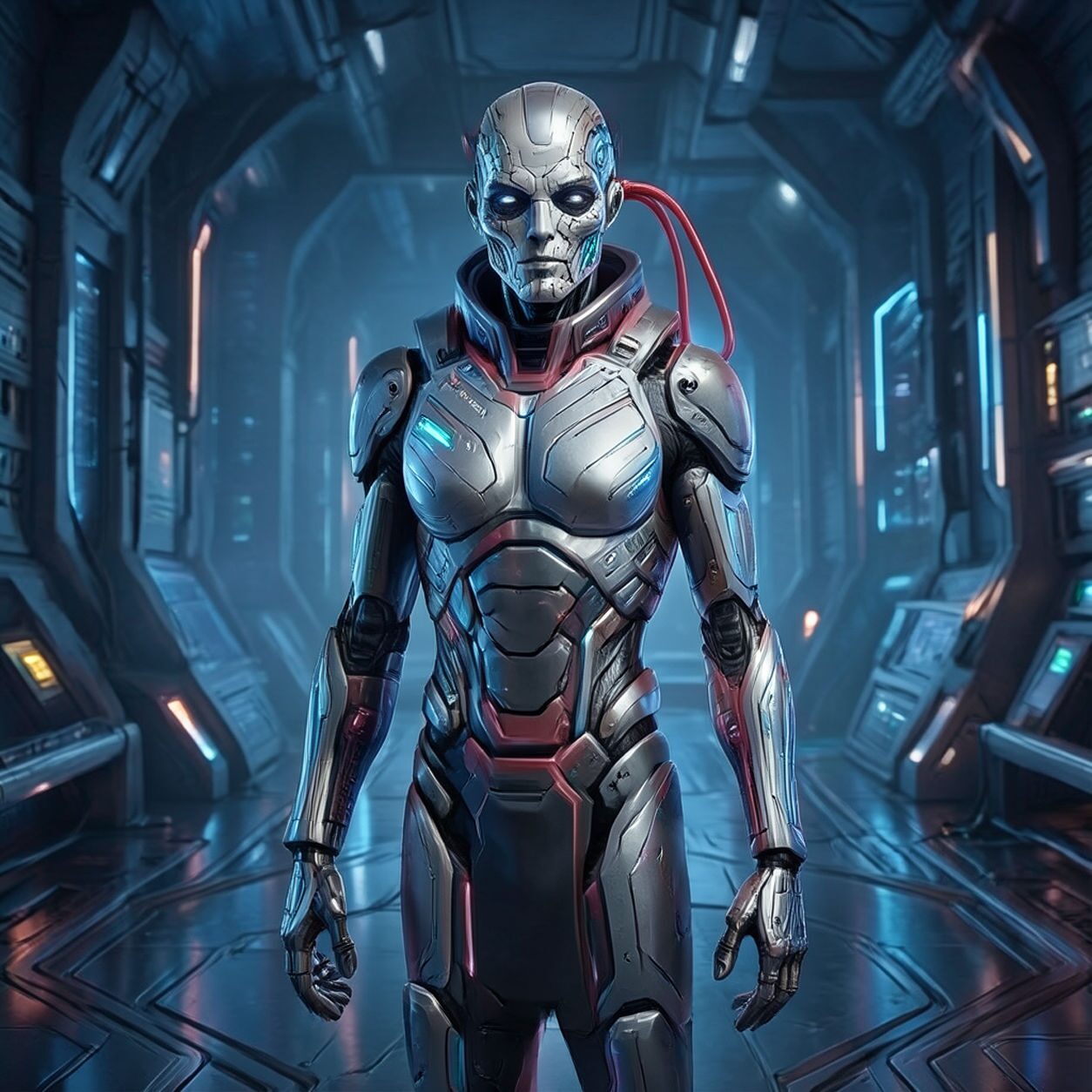
Product


Pet
Photo workflow
How to get a cleaner cybernetic filter result
Tek ana konulu, keskin ve iyi aydınlatılmış bir fotoğraf seçin.
Sibernetik filtreyi açın, fotoğrafı yükleyin; yüzü, elleri ve kenarları inceleyin.
Dışa aktarmadan önce kırpın ve dikkat dağıtan mekanik ayrıntıları silin.
Best source photos
- Keskin portreler ve yarım boy fotoğraflar.
- Net siluetli cosplay ve moda fotoğrafları.
- Basit kompozisyonlu ürün veya teknoloji fotoğrafları.
Filter tips
- Sade arka plan mekanik ayrıntıları daha okunur kılar.
- Kalabalık gruplardan ve çok küçük yüzlerden kaçının.
- Kimlik, metin veya logonun kesin kalması gereken yerlerde sonucu kullanmayın.
Before upload checklist
- Use the largest clean version of the photo, not a compressed screenshot or reposted image.
- Crop loosely before filtering so the AI has enough room around the subject.
- Remove obvious distractions first if they sit directly on the face, product, or main subject.
- Check the result at the size where it will be used: profile image, feed post, story, thumbnail, or banner.
When this filter is a good fit
Choose the cybernetic filter when the original photo already has a clear subject and the goal is a recognizable stylized version, not a fully new generated scene. It is strongest for social, creator, profile, event, and campaign images where mood matters more than documentary accuracy.
Use a different workflow when the image needs exact product color, legal documentation, medical accuracy, or unmodified identity details. In those cases, use cleanup, crop, enhancement, or background tools instead of a heavy creative filter.
Free browser tools after filtering
FAQ
What should I upload?
Use a clear photo with one main subject. Strong lighting and simple backgrounds usually make the AI filter easier to control.
Can I keep editing after the filter?
Yes. After applying the filter, use Magic Eraser to crop, clean distractions, refine backgrounds, and export the final image.
Is this filter selected automatically?
The CTA opens AI Filter with the cybernetic style parameter, and the app falls back safely if the filter changes.