
AI Create style
Yapay zekâ kâğıt kirigami görsel oluşturucu
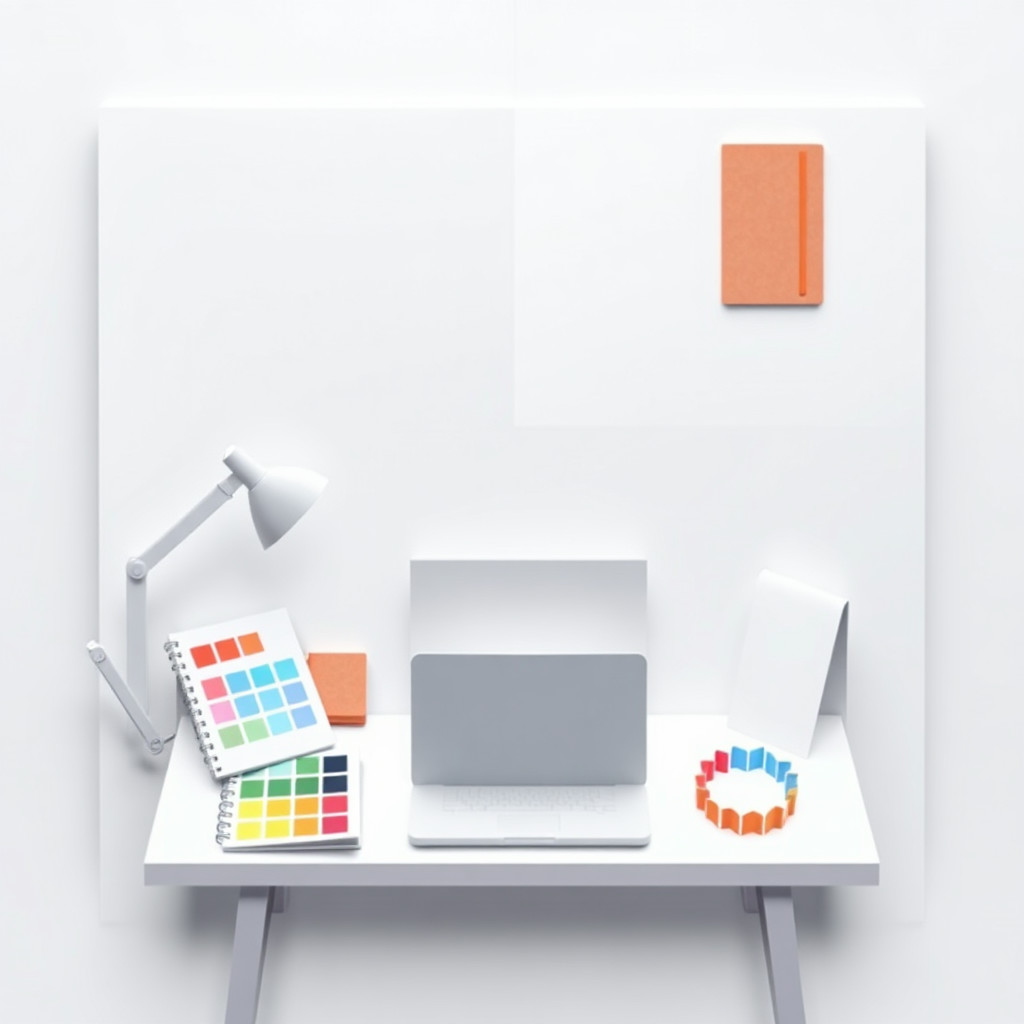
Metin istemlerinden katmanlı kâğıt, keskin kesim kenarları, katlanmış biçimler ve boyutlu gölgelerle kirigami tarzı görseller oluşturun. Poster, kart, editoryal illüstrasyon ve el işi fikirleri için uygundur; konuyu, kâğıt renklerini, katmanları ve ışığı açıklayın.
Use case
Katmanlı kâğıt posterler, davetiyeler, tebrik kartları ve kapaklar.
Use case
Kesilmiş kâğıt dokulu editoryal illüstrasyonlar ve sosyal medya görselleri.
Use case
El işi, vitrin, ambalaj ve dekorasyon konseptleri.
Visual direction preview
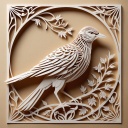
Use the style thumbnail as the creative target
The preview gives users a concrete reference for color, texture, edge detail, and mood before they open the generator. Pair it with the prompt starters below to keep the page useful instead of only decorative.
Generated examples
See the kâğıt kirigami style in real outputs
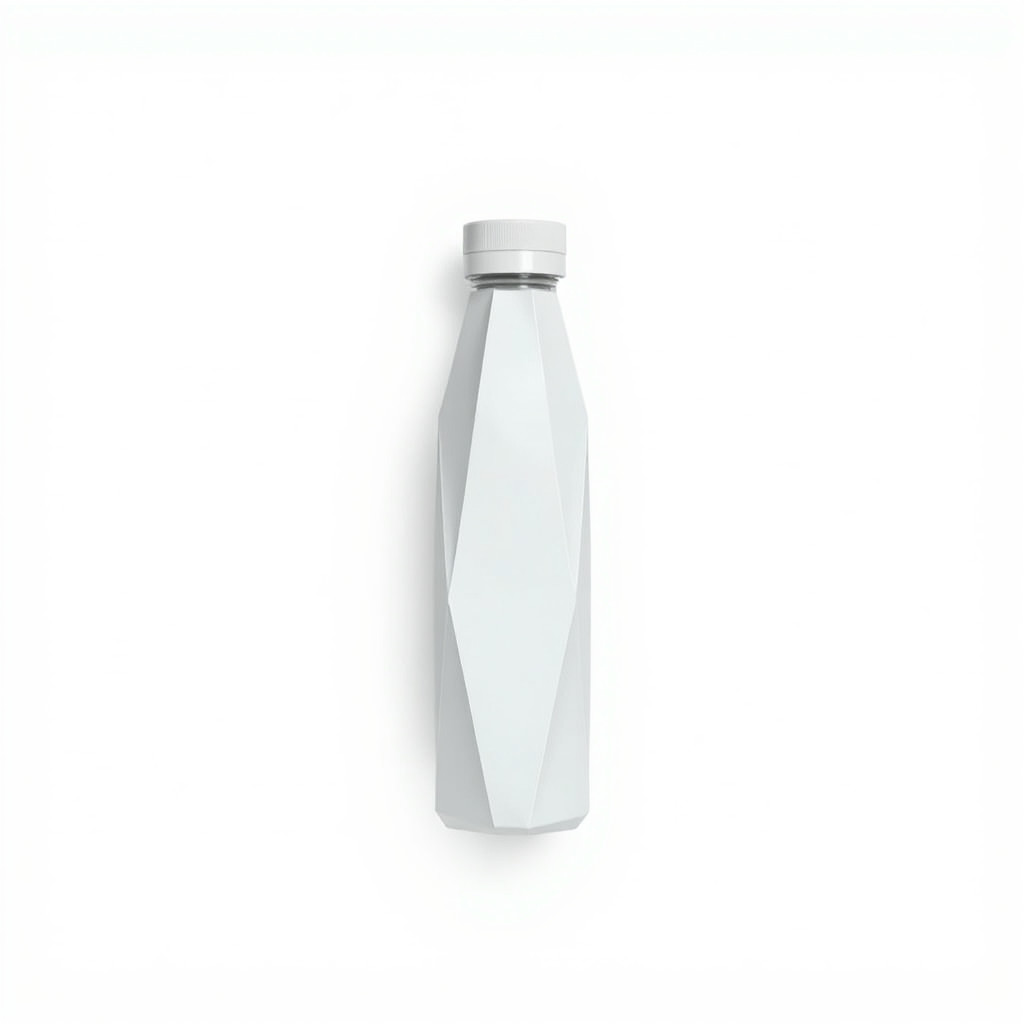
These examples were generated through the Magic Eraser AI Create API with the kâğıt kirigami style selected.
Prompt workflow
How to get a stronger kâğıt kirigami result
Tek bir ana konu ve hedef kompozisyon ya da formatı açıklayın.
Kesilmiş ve katlanmış kâğıt, katmanlı karton, net kenarlar ve yönlü gölgeler ekleyin.
Varyasyonlar üretin, en net silueti seçin, ardından kırpıp gereksiz parçaları kaldırın.
Prompt starters
- “Uçan kirigami turnası, katmanlı beyaz ve çivit kâğıt, keskin kenarlar, yumuşak yönlü gölgeler”
- “Botanik kirigami tebrik kartı, katlanmış yaprak ve çiçekler, mercan ve krem karton”
- “Katmanlı kâğıt şehir silüeti posteri, hassas pencereler, lacivert ve altın, yandan ışık”
Style tips
- Kesim katmanları ve katlar okunaklı kalsın diye kompozisyonu sade tutun.
- Yalnızca stil adı yerine kâğıt renklerini, derinliği ve ışık yönünü belirtin.
- Kesin metni, logoları ve basılabilir kesim çizgilerini üretimden sonra ekleyin.
Output planning checklist
- Decide the final placement before prompting: square post, vertical story, product insert, poster, thumbnail, or wide banner.
- Keep one primary subject and one visual mood so the kâğıt kirigami style has a clear job.
- Describe the background as simple, detailed, bright, dark, studio, outdoor, or textured instead of leaving it open-ended.
- Generate variations first, then edit the selected image for crop, cleanup, and export size.
When to choose this style
Choose kâğıt kirigami when the image needs a clear creative direction before production: an ad concept, a social visual, a character idea, a packaging mood, or a fast design draft. Choose another style if the final asset must look like a camera photo, preserve exact product color, or include precise typography.
For commercial work, treat the generated image as a starting point. Review details, remove distracting artifacts, add exact text separately, and export the final size from the editor.
FAQ
Can I edit the generated image?
Yes. Generate the image, then continue with cleanup, crop, background, and export tools in Magic Eraser.
Should I include exact text?
Use AI Create for the visual direction. Add exact text later with editable design tools for cleaner spelling and layout.
Is this style selected automatically?
The CTA opens AI Create with the kâğıt kirigami style parameter, and the app falls back safely if the option changes.